

NAMO 2.0.1
Screenshots
Click to enlarge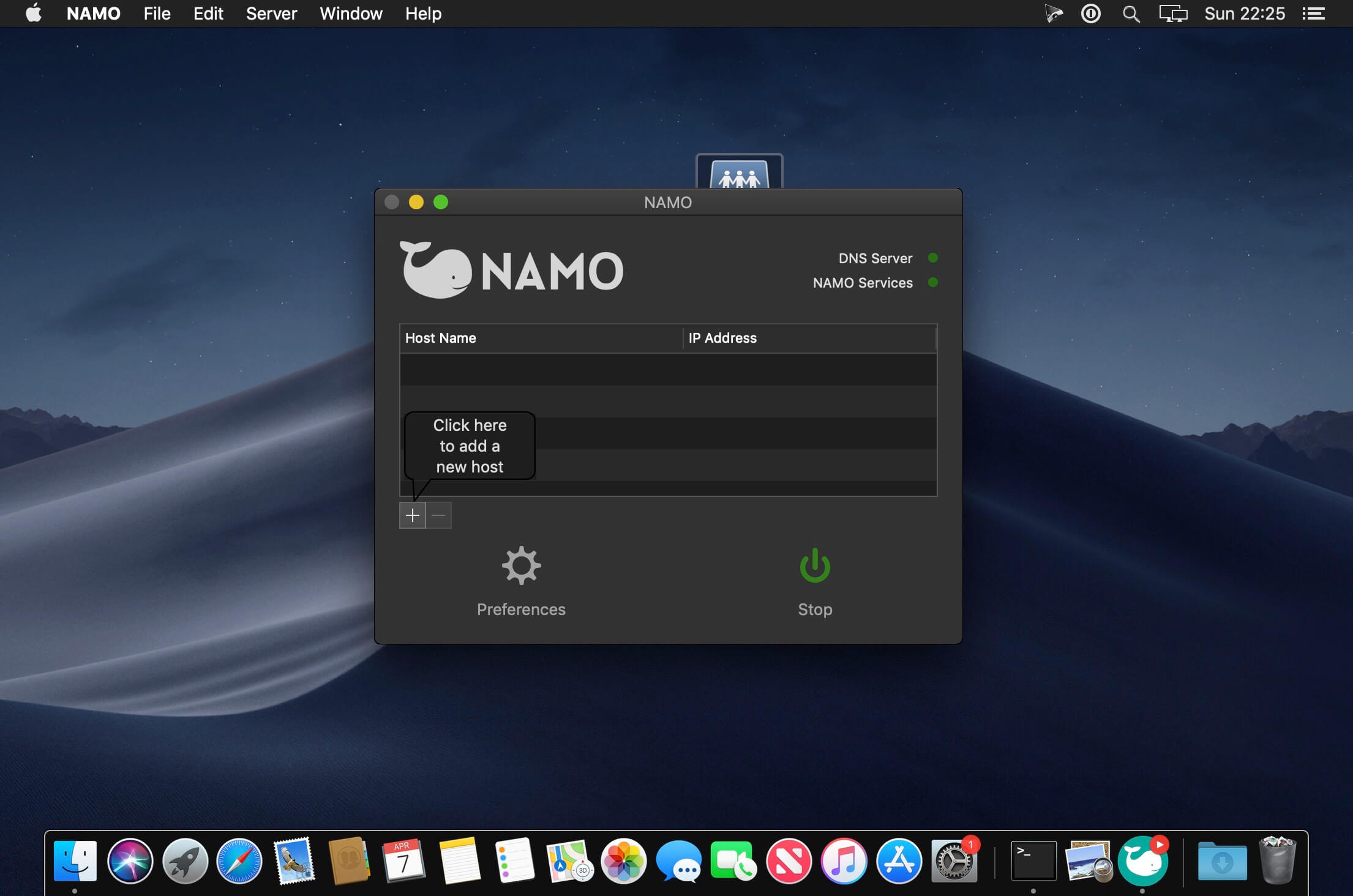
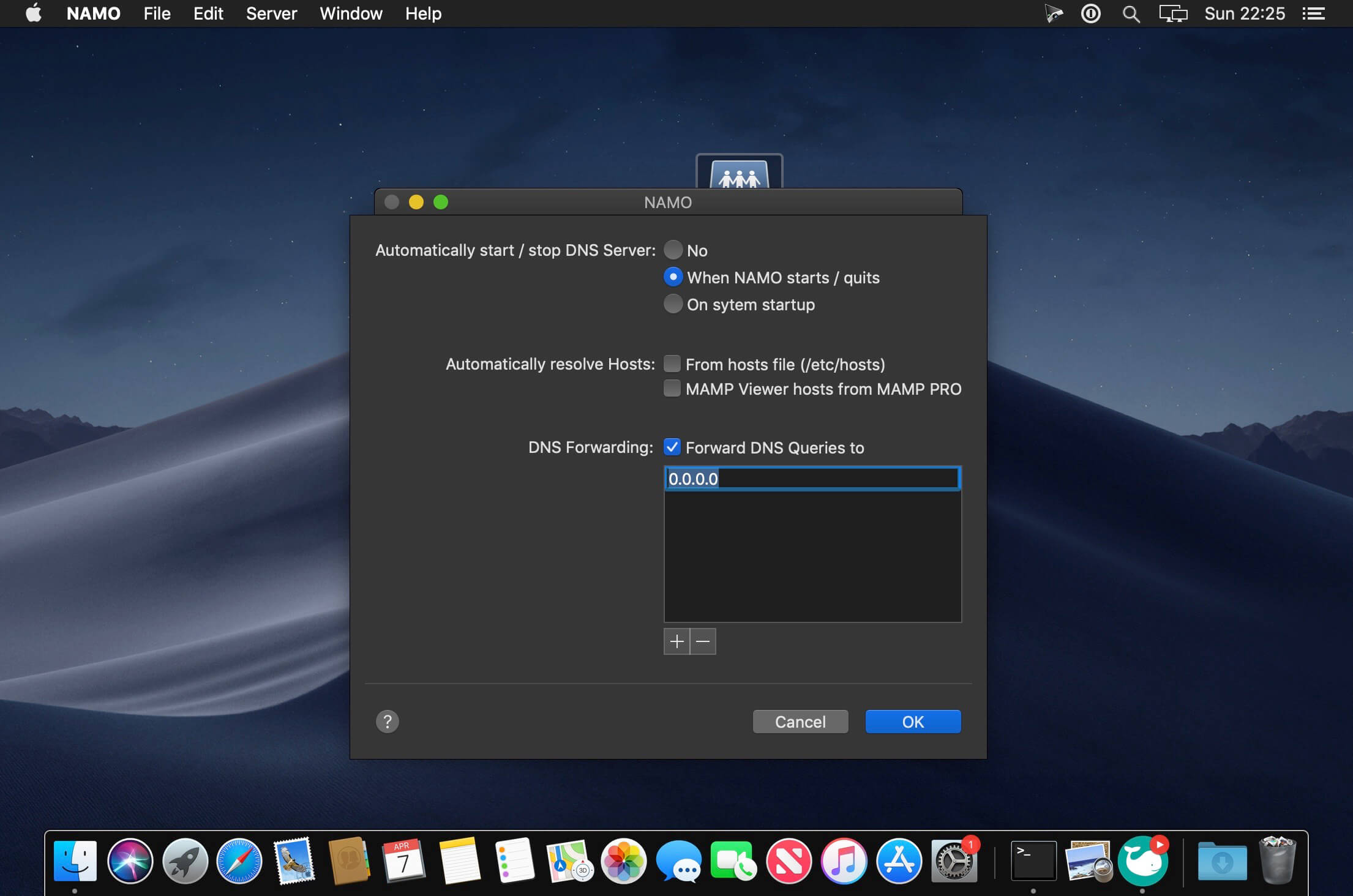
NAMO is an application that helps you run a local DNS server on your Mac. You don't have to be a network professional: the simple user interface makes it possible for anyone to install and set up a name server under macOS within a few minutes. Simplify local website testing and streamline access to webbased apps in your LAN like Wiki, CRM, Calendar, Bugtracker, etc. Testing websites on the local network with fixed domain names instead of changing IP addresses - NAMO is ideal for simplified testing on mobile devices. Comfortable hosting of server based applications in the LAN. Provide easy access to your company's internal services like wikis, CRMs, image databases, calendars, bug trackers, etc.
Version 2.0:
- Release notes were unavailable when this listing was updated.
Comments
No comments yet. Be the first.
Information
Visitors in the group Guests cannot leave comments on this publication.