
macOS Monterey 12.5 (21G72) Hackintosh

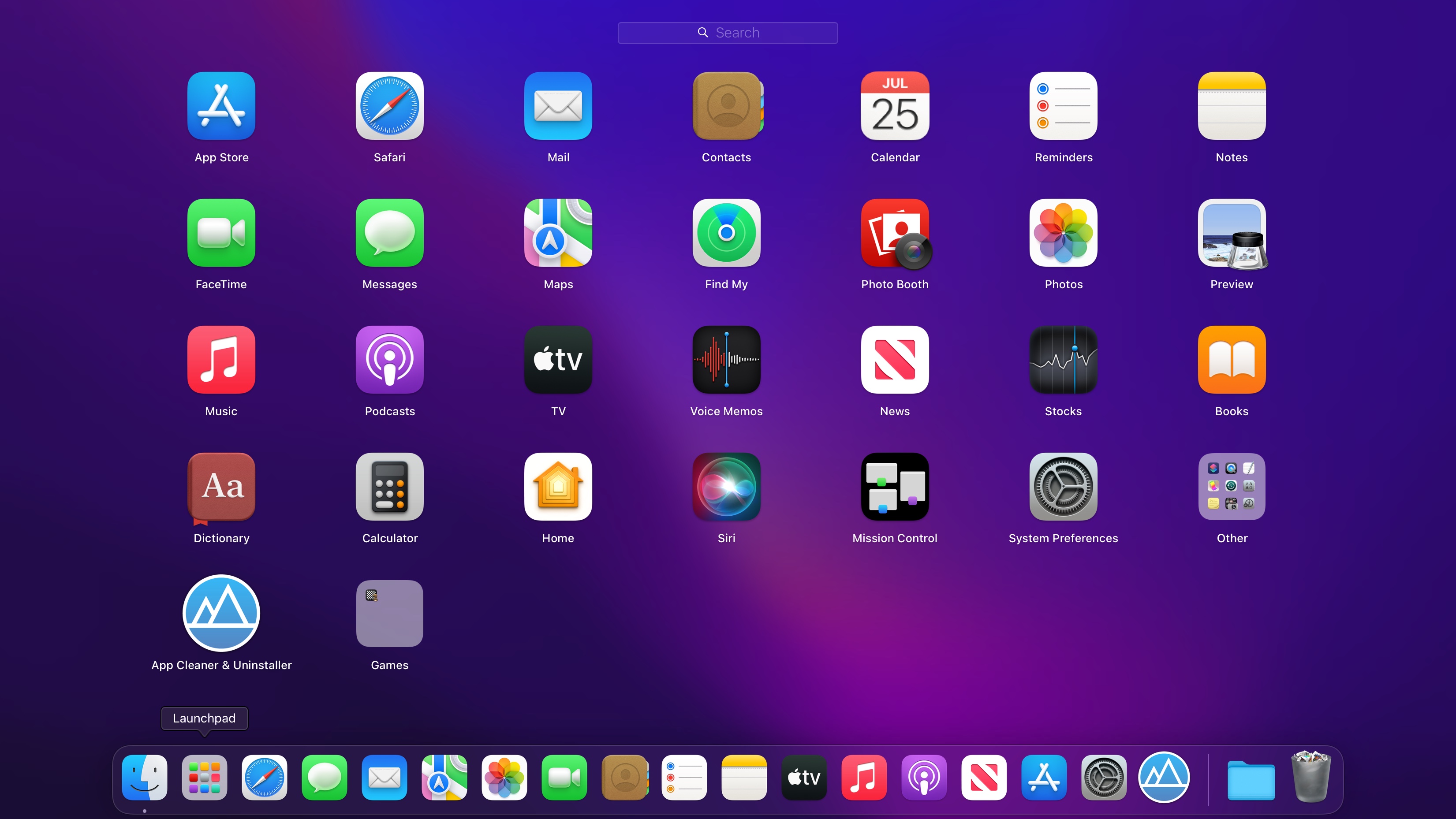
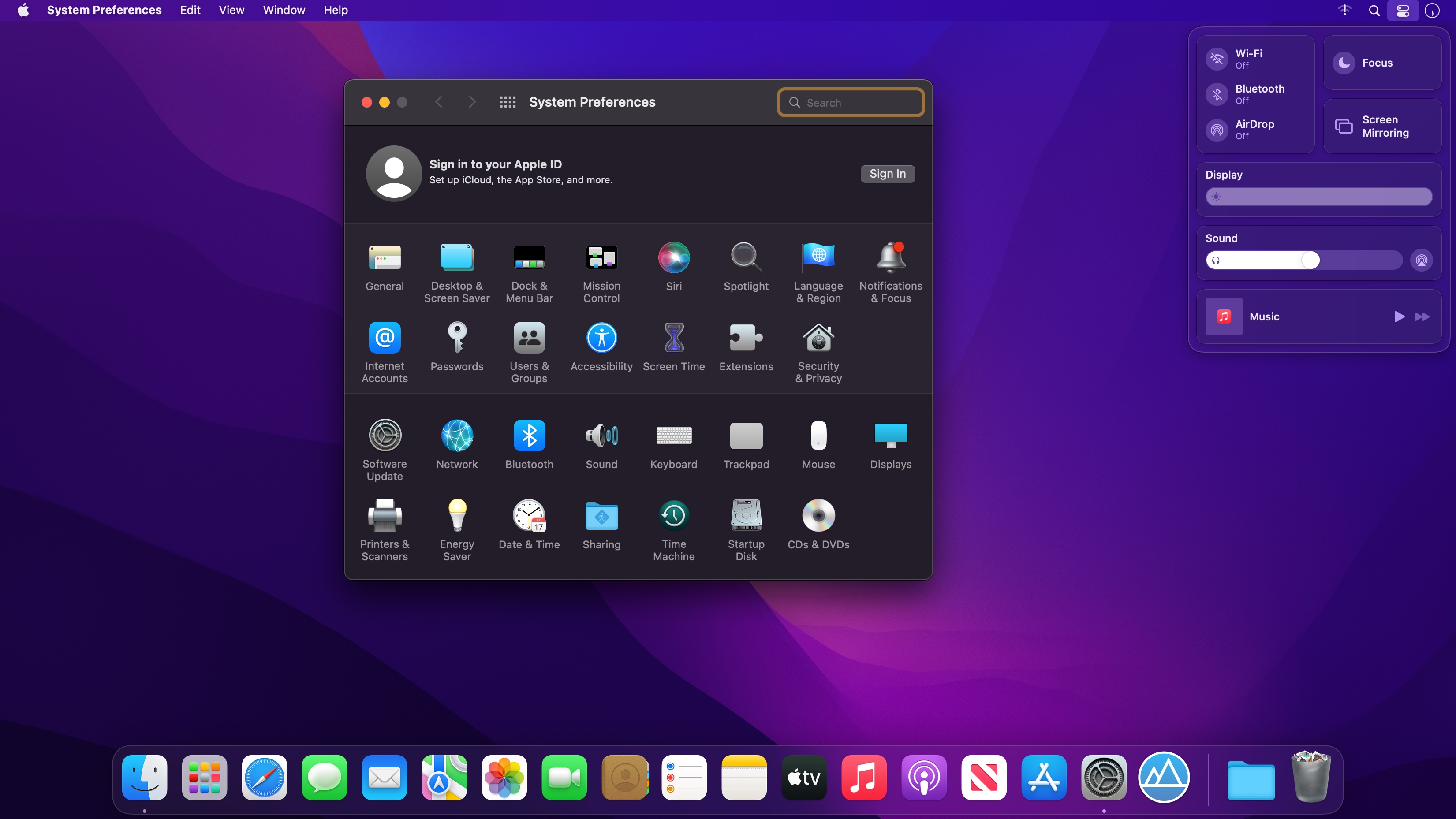
Hackintosh is not assemblies, it is any non-Apple computer running macOS. The system can be a “native store” (Retail), tied to a line of computers (disks included with the computer), a modified assembly or an image of the installed system mutatis mutandis. This does not change the essence of the matter, all the hardware that is not produced by Apple is “Hackintosh”. Better, worse, the same is unimportant.
macOS Monterey lets you connect, share, and create like never before. Enjoy new FaceTime audio and video enhancements, including spatial audio and Portrait mode. Get more done with powerful productivity tools like Focus, Quick Note, and Tab Groups in Safari. Work fluidly across your devices with AirPlay to Mac.
Compatibility:
- Only processors with SSE4.2 are supported
- Video cards supporting Metal (Intel HD4400 and above, AMD GCN-based).
Version 12.5
macOS Monterey 12.5 includes enhancements, bug fixes and security updates.
- TV app adds the option to restart a live sports game already in-progress and pause, rewind, or fast-forward
- Fixes an issue in Safari where a tab may revert back to a previous page
Frequently asked questions
How do I install the app?
Mount the image, drag the app into the "Applications" folder and launch it. If the system blocks the launch, allow it in "System Settings → Privacy & Security".
The app is damaged or won't launch
Reinstalling from a fresh image usually helps. Make sure your macOS version matches the one listed in the compatibility specs.
How do I update?
Download the new version from the site and install it over the current one — your settings will be preserved.
The download link doesn't work
Try a mirror or a download manager. For large files the browser often drops the connection.
How do I completely remove the app?
Use an uninstaller utility — it cleans up the service files that remain after moving the app to the trash.





Choose a download source
macOS Monterey 12.5 (21G72) Hackintosh · 12.36 GB