
TextMan 1.9
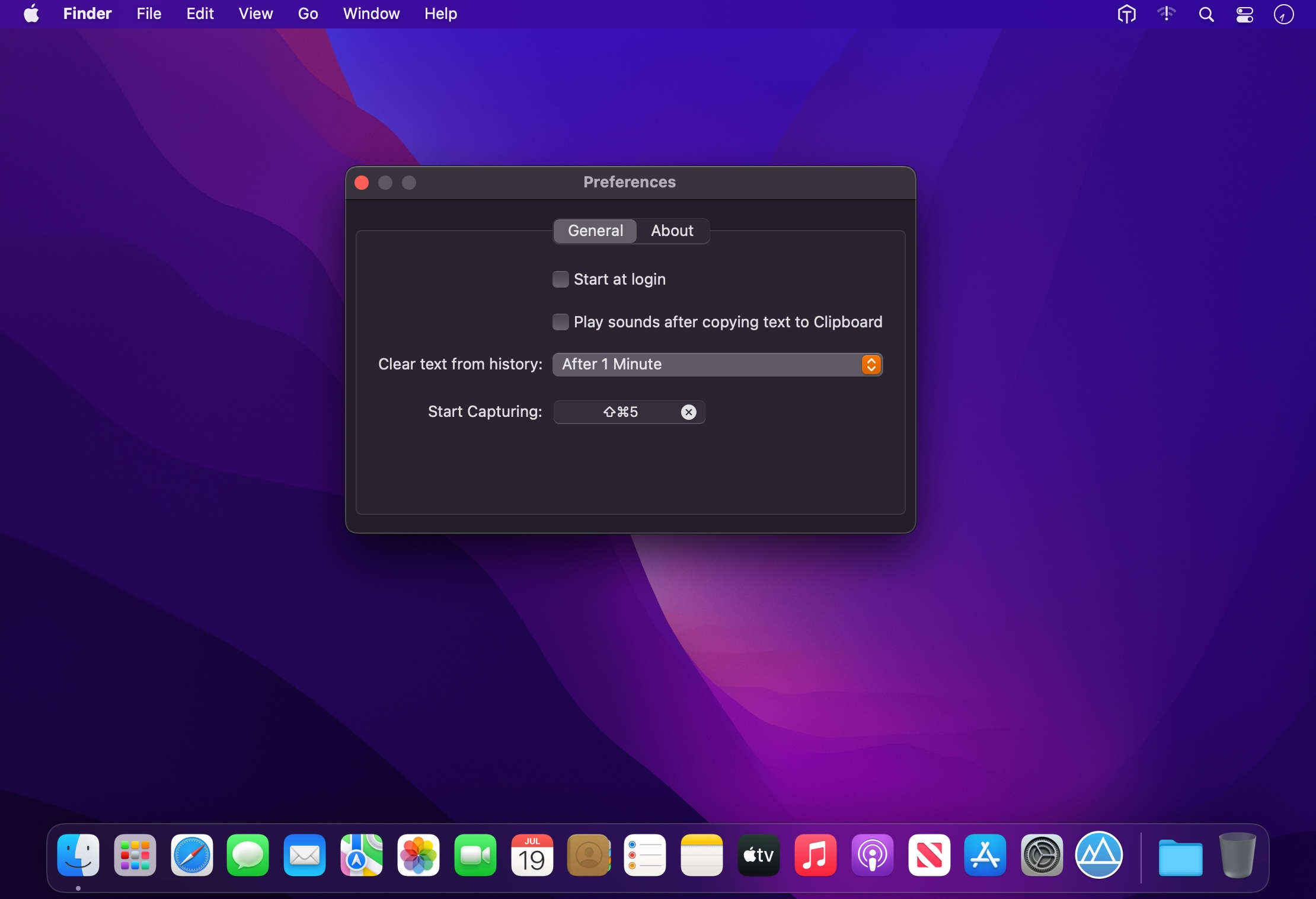

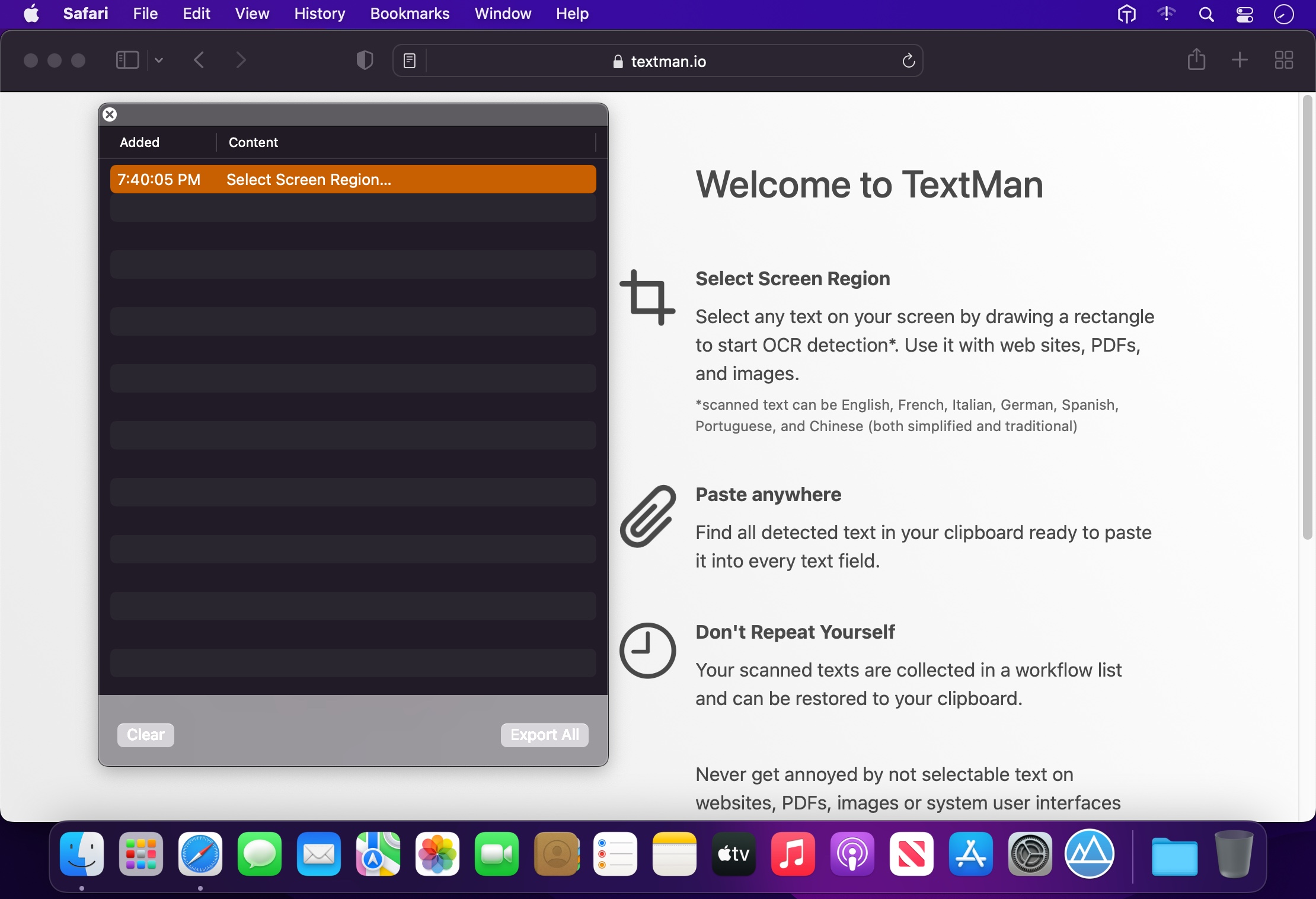
Never get annoyed by unselectable text on websites, PDFs, images or system user interfaces again. Just select the region of your screen in the same manner as you would take a screenshot and find all recognized text in your clipboard ready to get pasted anywhere.
Select Screen Region
Select any text on your screen by drawing a rectangle to start OCR detection*. Use it with web sites, PDFs, and images.
*scanned text can be English, French, Italian, German, Spanish, Portuguese, and Chinese (both simplified and traditional)
Paste anywhere
Find all detected text in your clipboard ready to paste it into every text field.
Don't Repeat Yourself
Your scanned texts are collected in a workflow list and can be restored to your clipboard.
Version 1.8
- Added German localization
Frequently asked questions
How do I install the app?
Mount the image, drag the app into the "Applications" folder and launch it. If the system blocks the launch, allow it in "System Settings → Privacy & Security".
The app is damaged or won't launch
Reinstalling from a fresh image usually helps. Make sure your macOS version matches the one listed in the compatibility specs.
How do I update?
Download the new version from the site and install it over the current one — your settings will be preserved.
The download link doesn't work
Try a mirror or a download manager. For large files the browser often drops the connection.
How do I completely remove the app?
Use an uninstaller utility — it cleans up the service files that remain after moving the app to the trash.




Choose a download source
TextMan 1.9 · 6.69 MB
Previous versions
TextMan 1.9
Previous versions are available to registered users.