Photo Sketch 1.8.1
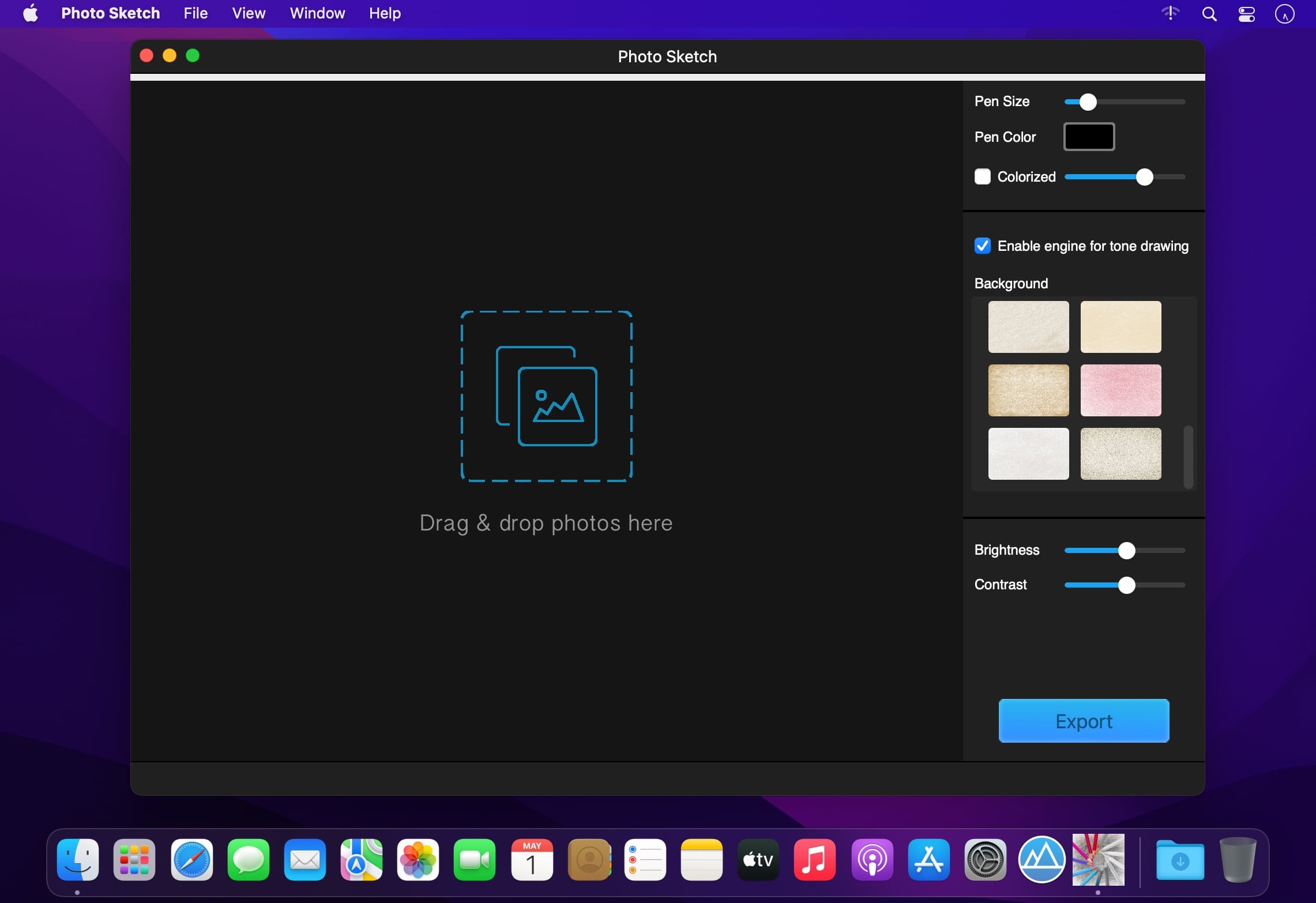
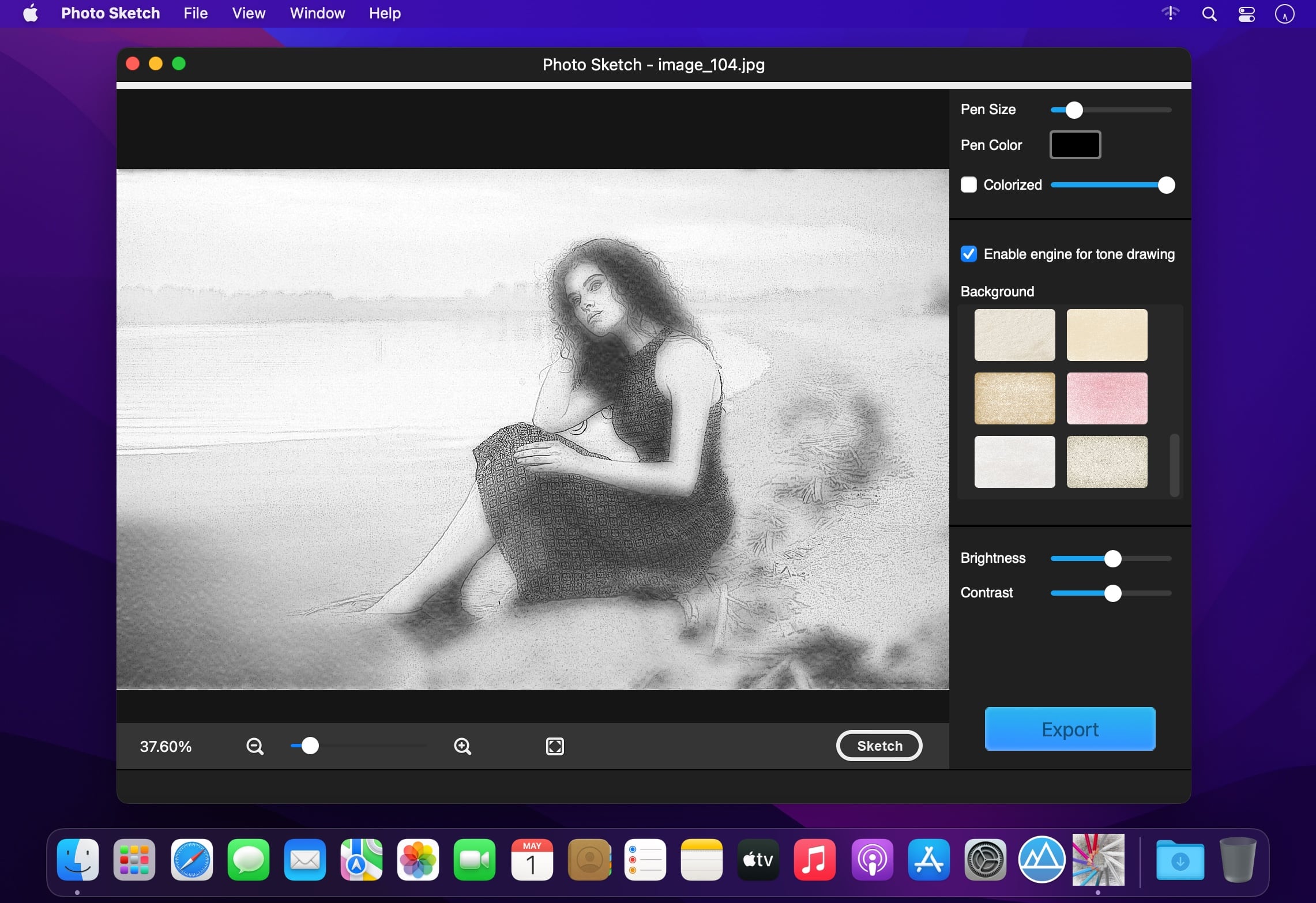
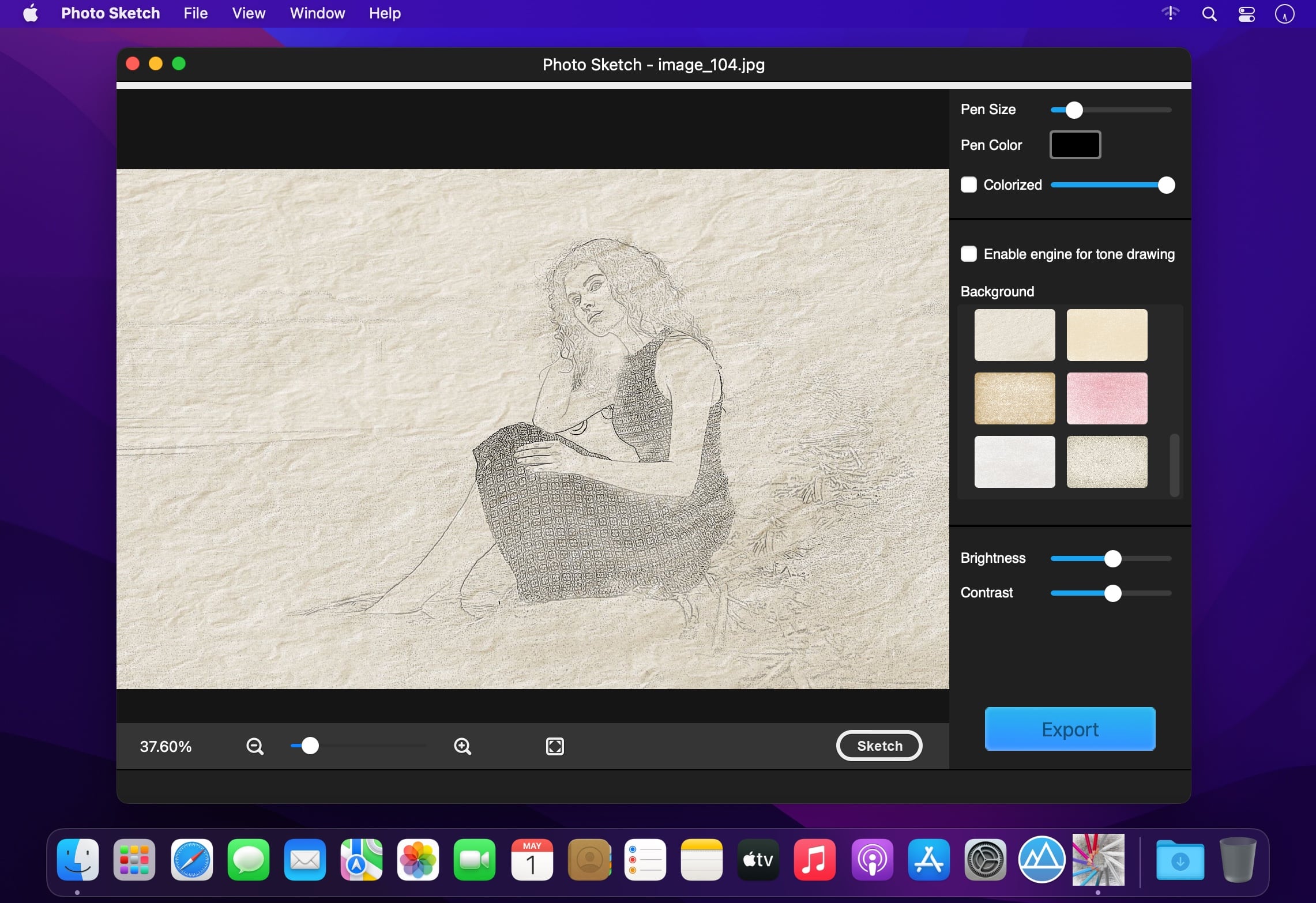
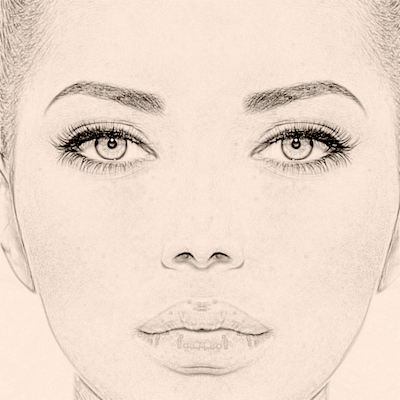
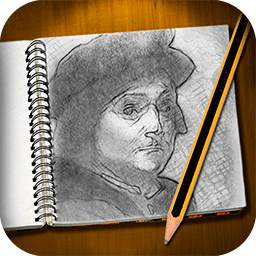
Photo sketch is a professional software that uses state-of-the-art algorithms to turn your photos into high-quality pencil sketches, it can also generate pencil strokes with transparent backgrounds for further free creation based on your ideas.
Easy:
- To sketch a photo, you just need drag and drop your photo into Photo Sketch window.
Key features:
- Enable the engine for tone drawing;
- Fast,Displays results in real time;
- Save sketches in original size;
- Colorize with original colors;
- Set pen color;
- Set pen size;
- Set background color;
- Generate pencil strokes with transparent background for further free creation after saving;
- More than 20 different paper backgrounds provided;
- Adjust brightness and contrast;
- Compare instantly the Original/Sketch;
- Photo Sketch supports many photo image formats:JPG, TIFF, PNG, BMP, GIF, JPF…
Version 1.8.1
- Optimize sketch effects
Frequently asked questions
How do I install the app?
Mount the image, drag the app into the "Applications" folder and launch it. If the system blocks the launch, allow it in "System Settings → Privacy & Security".
The app is damaged or won't launch
Reinstalling from a fresh image usually helps. Make sure your macOS version matches the one listed in the compatibility specs.
How do I update?
Download the new version from the site and install it over the current one — your settings will be preserved.
The download link doesn't work
Try a mirror or a download manager. For large files the browser often drops the connection.
How do I completely remove the app?
Use an uninstaller utility — it cleans up the service files that remain after moving the app to the trash.

Choose a download source
Photo Sketch 1.8.1 · 17.87 MB