JixiPix PhotoArtista - Sketch 2.7
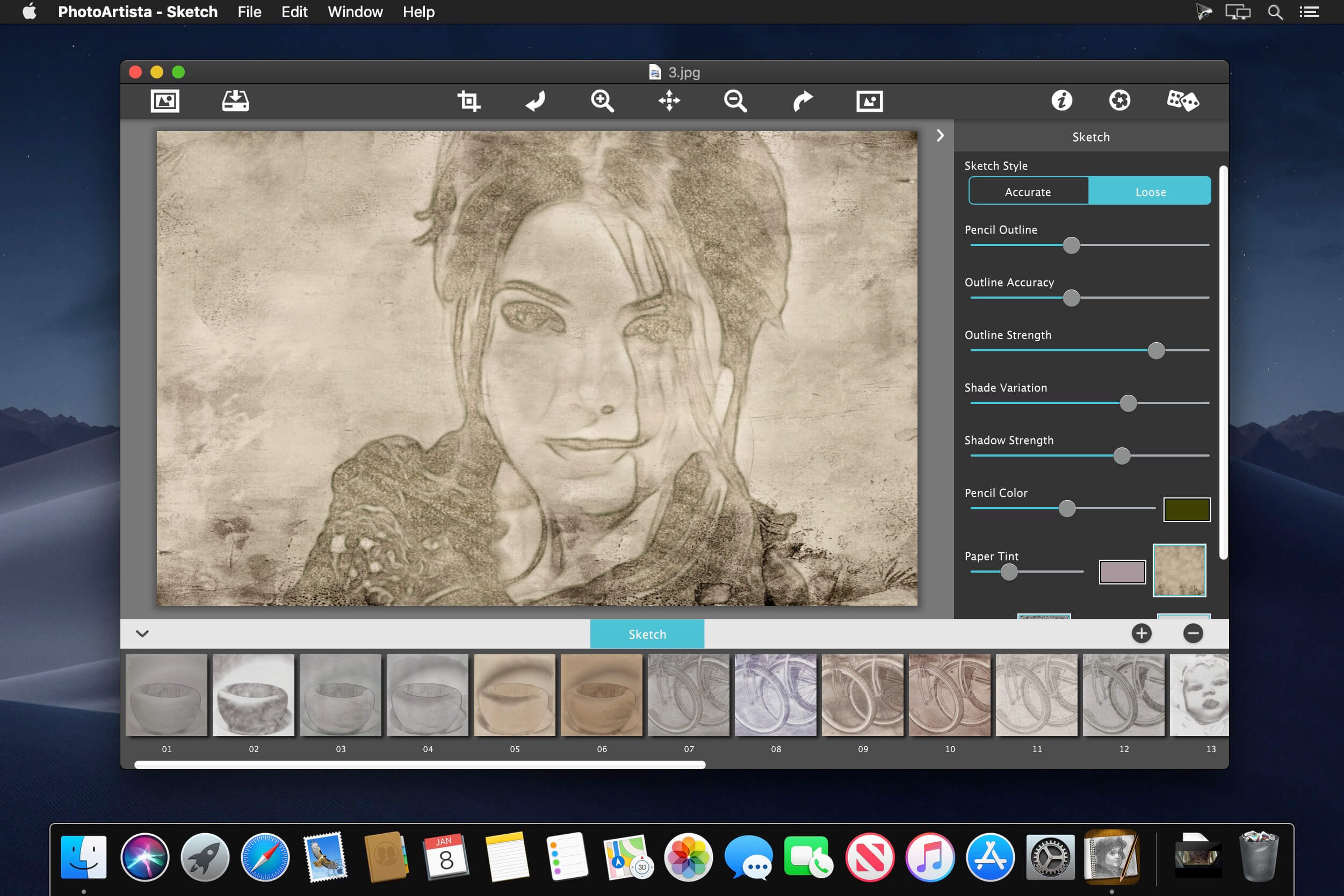
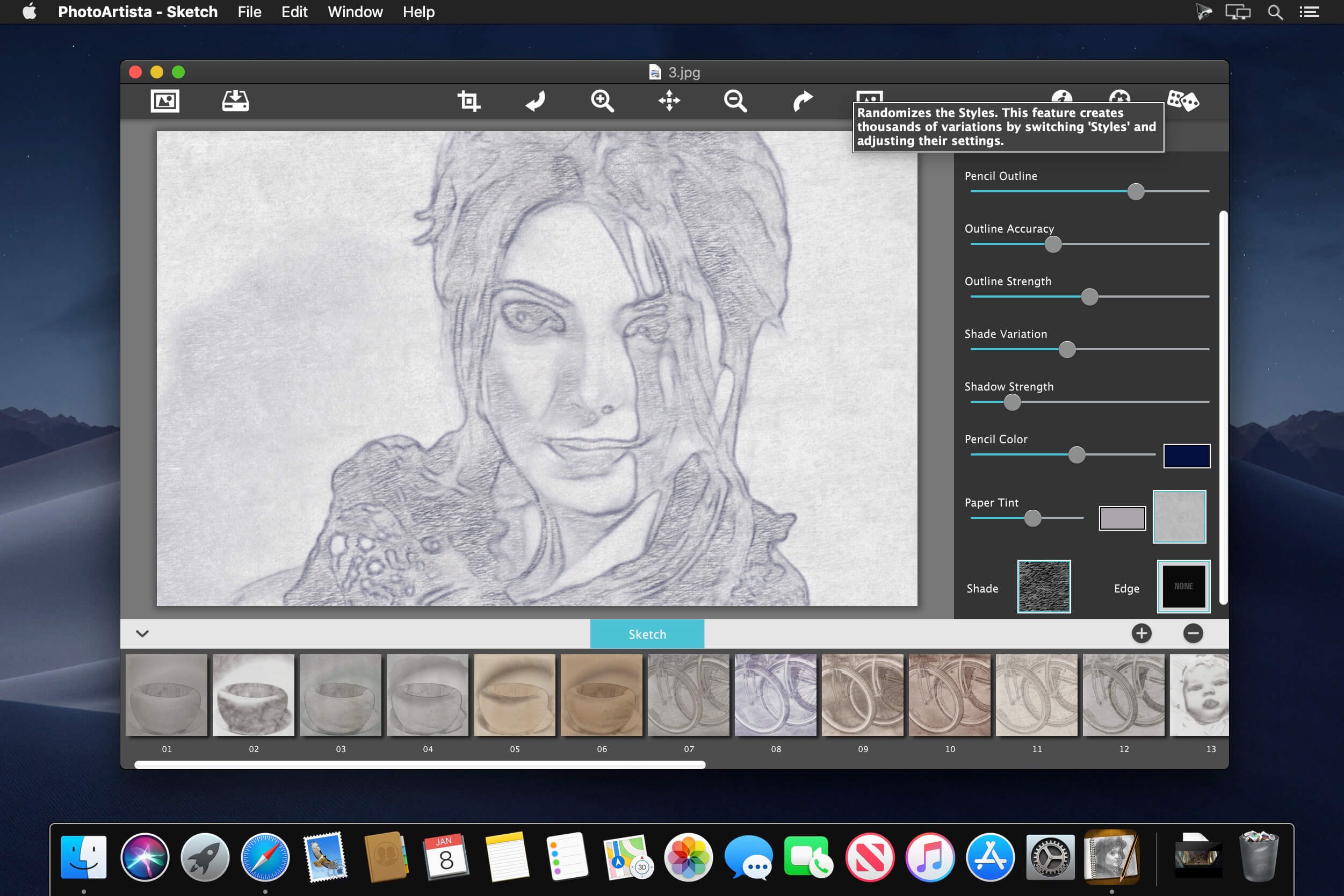
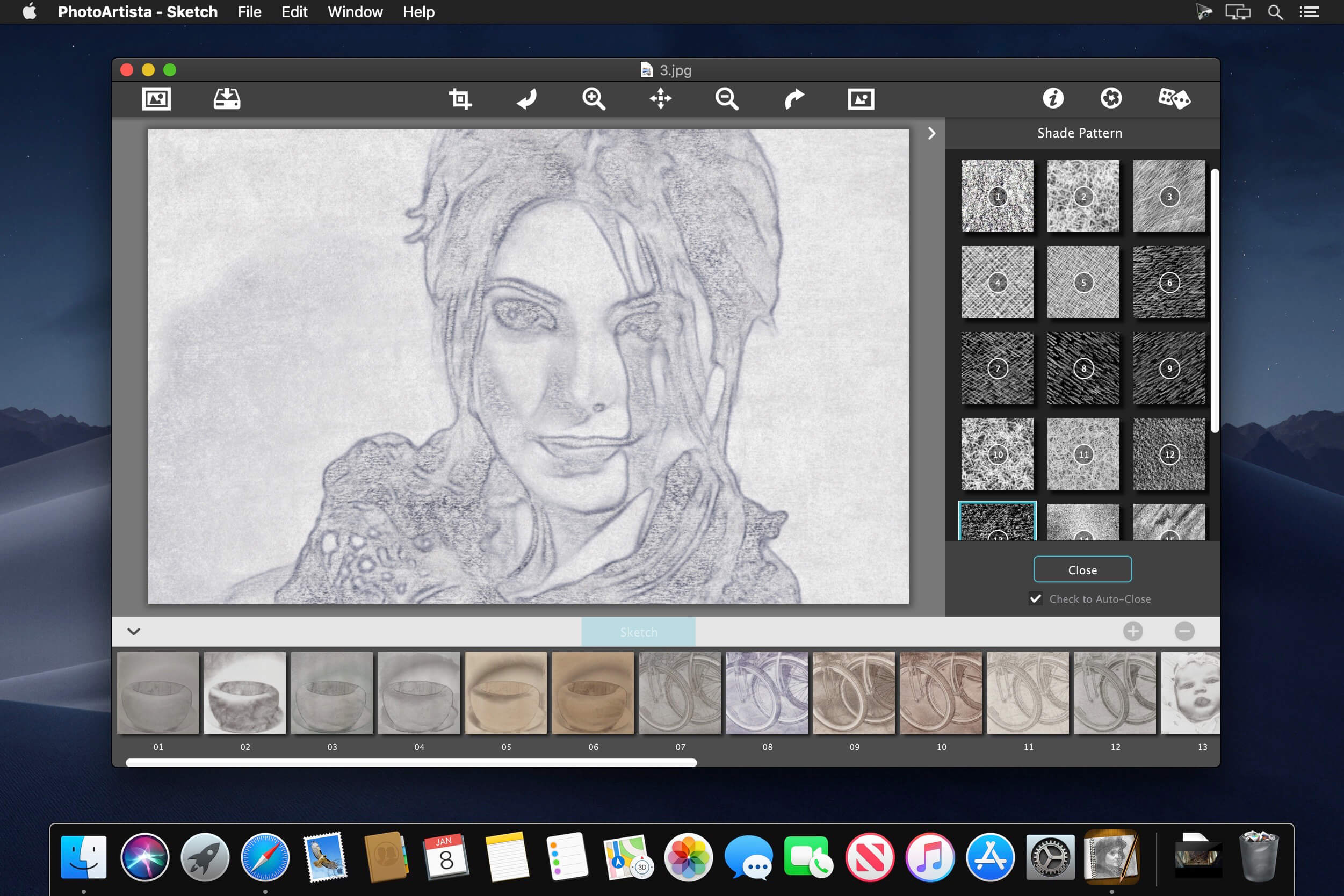
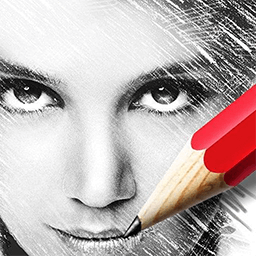
Photo Artista Sketch converts your photo into a sketch with wispy lines and delicate shading to achieve a lightly sketched rendered drawing. In contrast to most digital art media, Artista Sketch comes very close to hand-drawn artwork seen only before in sketches created by human artists.
PENCIL STYLE
Sketch – toggles between two stroke styles: 1 has more accurate pencil detail and 2 has looser outlines with more shaded areas.
FEATURES
Fully adjustable control on all aspects of the process: Pencil Outline, Outline Accuracy, Outline Strength, Shade Variation, Shadow Strength, Stroke Texture and Pencil Color
INCLUDES
Artistic Edges and a Variety of Papers
UNIVERSAL FEATURES
All JixiPix Apps come with: Superior Customer Service, Support for High-Resolution Images & Output, Undo/Redo, Randomize Button, Quick Presets, the ability to create Custom Presets and Quick Preview. Our mobile version can Email, Print, and post directly to Facebook, Instagram, Twitter, and Tumblr.
Version 2.7:
- Release notes were unavailable when this listing was updated.
Frequently asked questions
How do I install the app?
Mount the image, drag the app into the "Applications" folder and launch it. If the system blocks the launch, allow it in "System Settings → Privacy & Security".
The app is damaged or won't launch
Reinstalling from a fresh image usually helps. Make sure your macOS version matches the one listed in the compatibility specs.
How do I update?
Download the new version from the site and install it over the current one — your settings will be preserved.
The download link doesn't work
Try a mirror or a download manager. For large files the browser often drops the connection.
How do I completely remove the app?
Use an uninstaller utility — it cleans up the service files that remain after moving the app to the trash.
VersionJixiPix PhotoArtista - Sketch 2.7
DeveloperJixiPix Software
CompatibilityOS X 10.9 or later, 64-bit processor
LanguageEnglish
IncludesK'ed by TNT

Information
Visitors in the group Guests cannot leave comments on this publication.
Choose a download source
JixiPix PhotoArtista - Sketch 2.7 · 54.08 MB