
PreviewCode 1.2.7
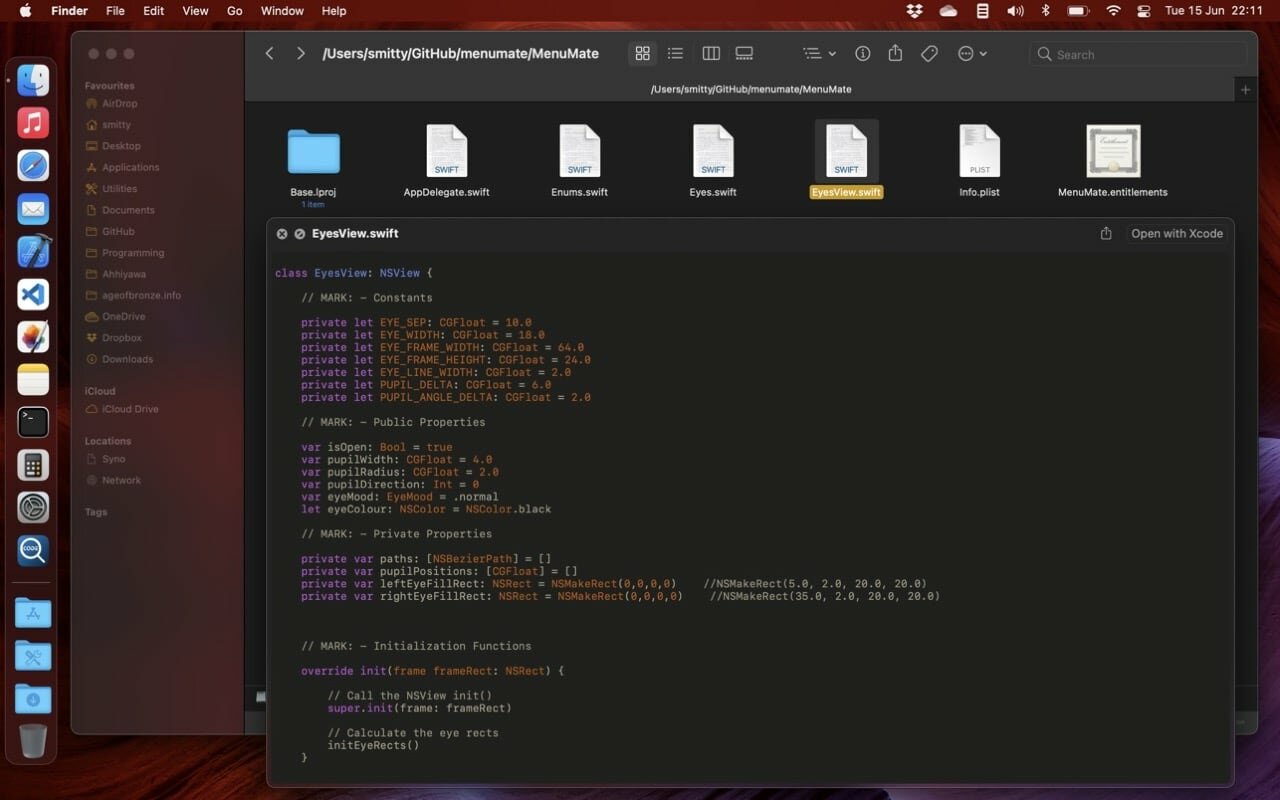
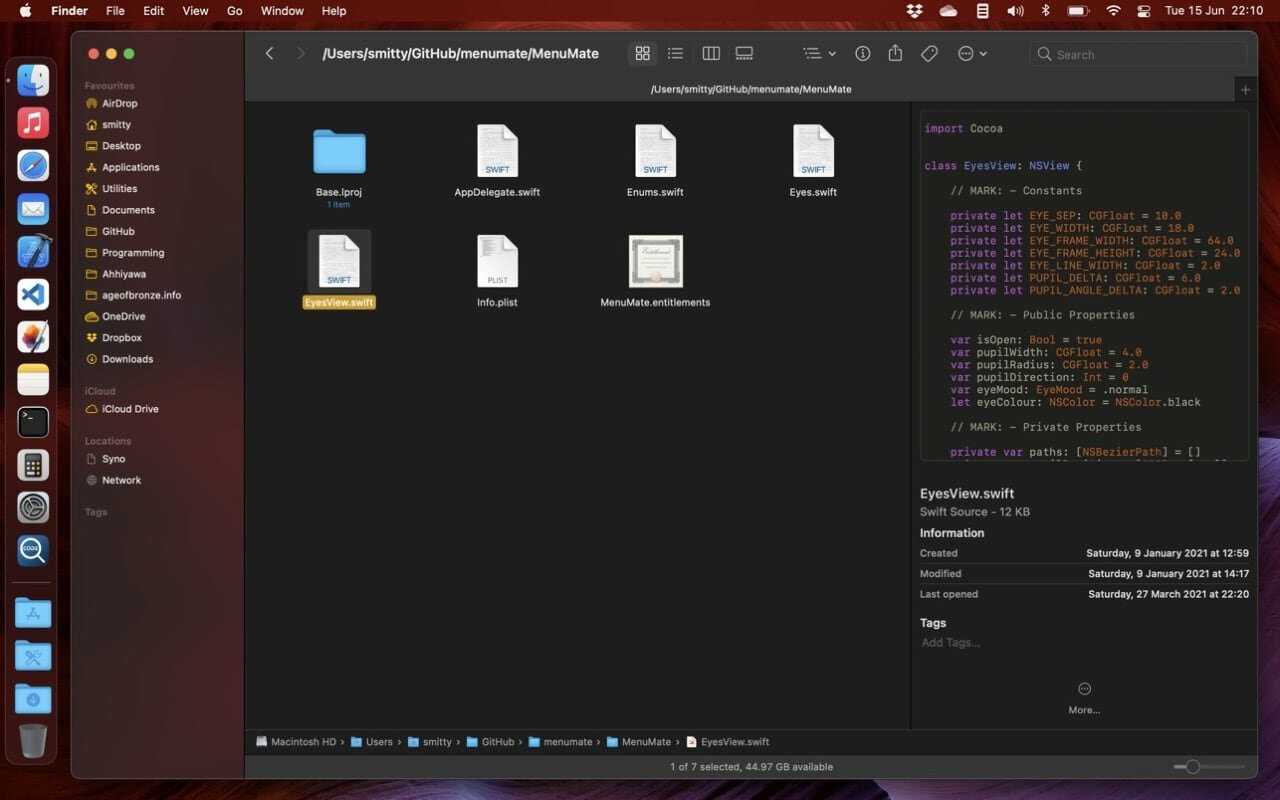
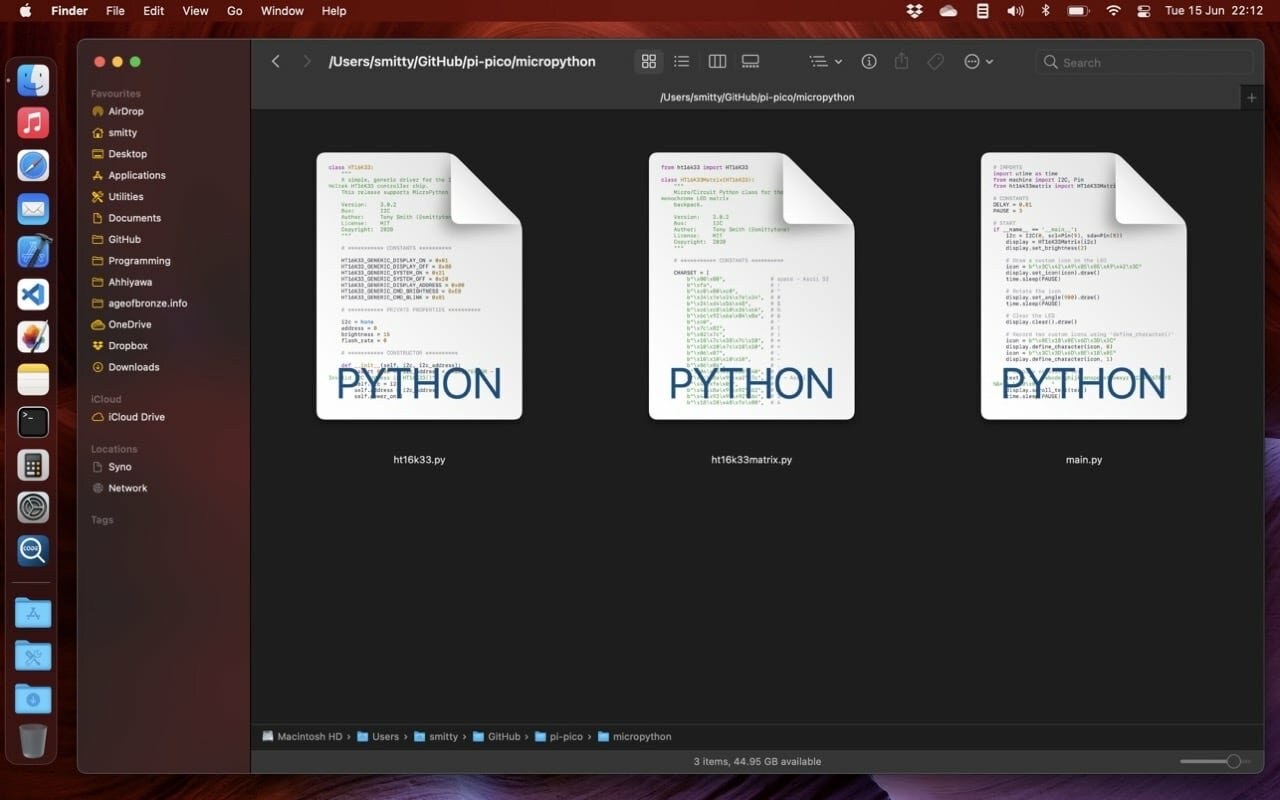
Easy source code QuickLook previews and icon thumbnails.
PreviewCode provides QuickLook file previews and Finder file icon thumbnails for source code documents and data files for a wide variety of programming languages.
The app provides two app extensions: Code Previewer and Code Thumbnailer, which can be viewed and managed in macOS’ System Preferences > Extensions. The app itself is a container for these extensions.
You must run the app first to gain these benefits.
PreviewCode supports the following languages features:
- ActionScript
- Ada
- AppleScript
- Arduino
- Basic
- Brainfuck
- C
- C++
- C#
- Clojure
- CoffeeScript
- Dart
- Elixir
- Erlang
- Fortran
- F#
- Go
- Haskell
- Java
- jаvascript
- Julia
- Kotlin
- Lisp
- Lua
- Objective-C
- Pascal
- Perl
- PHP
- Python
- Ruby
- Rust
- Swift
- TypeScript
- Visual Basic Script
Shell Scripting
- Bash
- C Shell
- Korn Shell
- TCSH
- Z Shell
Assembly
- ARM Assembler
- x86-64 Assembler
Others
- CSS
- LaTex
- Protobuf
- SASS/SCSS
- SQL script
- Twig
- Terraform source and vars files
- .cmake files
- .env files
- Config files
- Asciidoc
Version 1.2.7
- Support Elm .elm files.
- Stop attempting to preview .scpt binary AppleScript files.
- Under-the-hood improvements.
Frequently asked questions
How do I install the app?
Mount the image, drag the app into the "Applications" folder and launch it. If the system blocks the launch, allow it in "System Settings → Privacy & Security".
The app is damaged or won't launch
Reinstalling from a fresh image usually helps. Make sure your macOS version matches the one listed in the compatibility specs.
How do I update?
Download the new version from the site and install it over the current one — your settings will be preserved.
The download link doesn't work
Try a mirror or a download manager. For large files the browser often drops the connection.
How do I completely remove the app?
Use an uninstaller utility — it cleans up the service files that remain after moving the app to the trash.




Choose a download source
PreviewCode 1.2.7 · 10.19 MB
Previous versions
PreviewCode 1.2.7
Previous versions are available to registered users.