
SparkFX 1.3.0
Screenshots
Click to enlarge
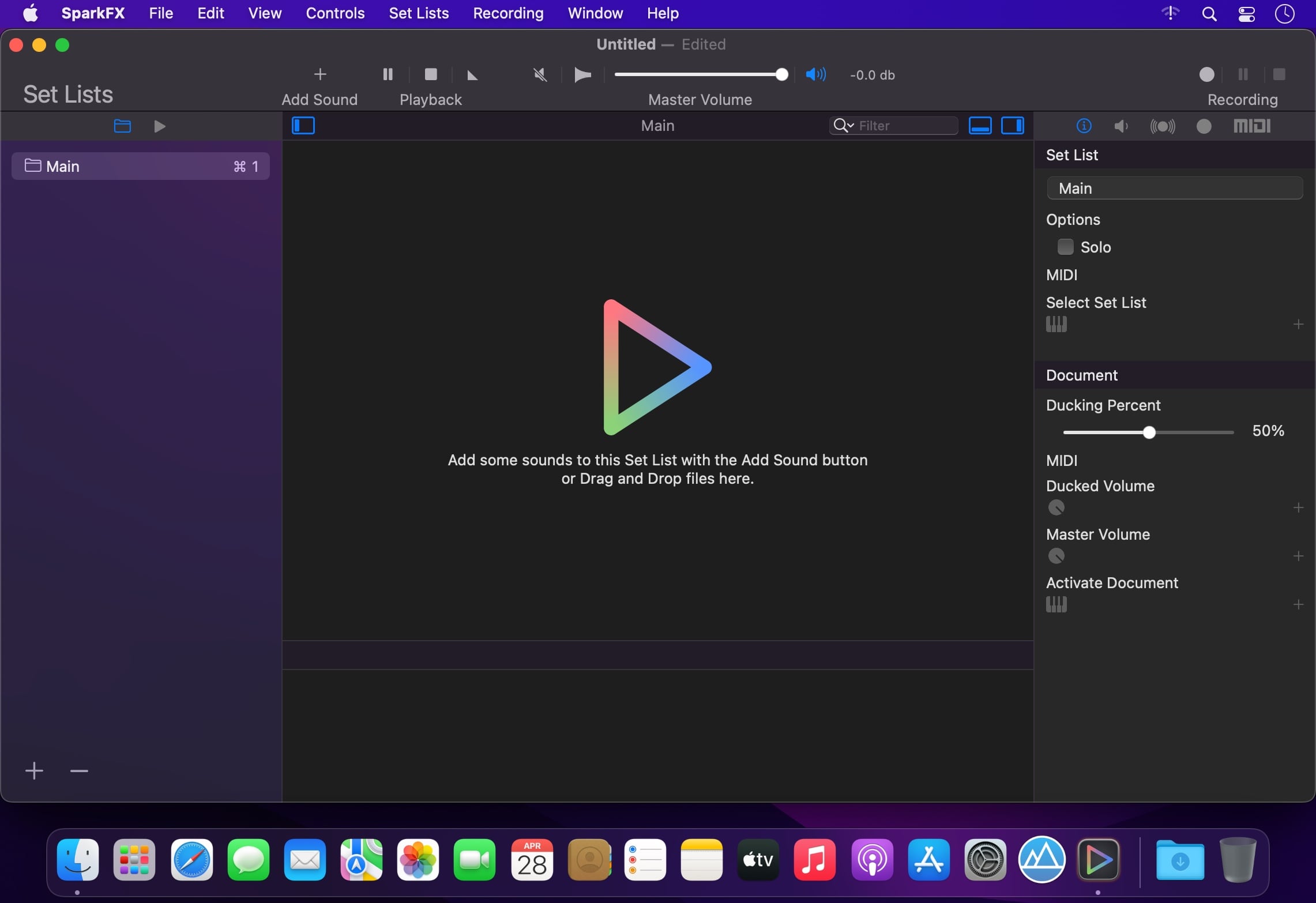
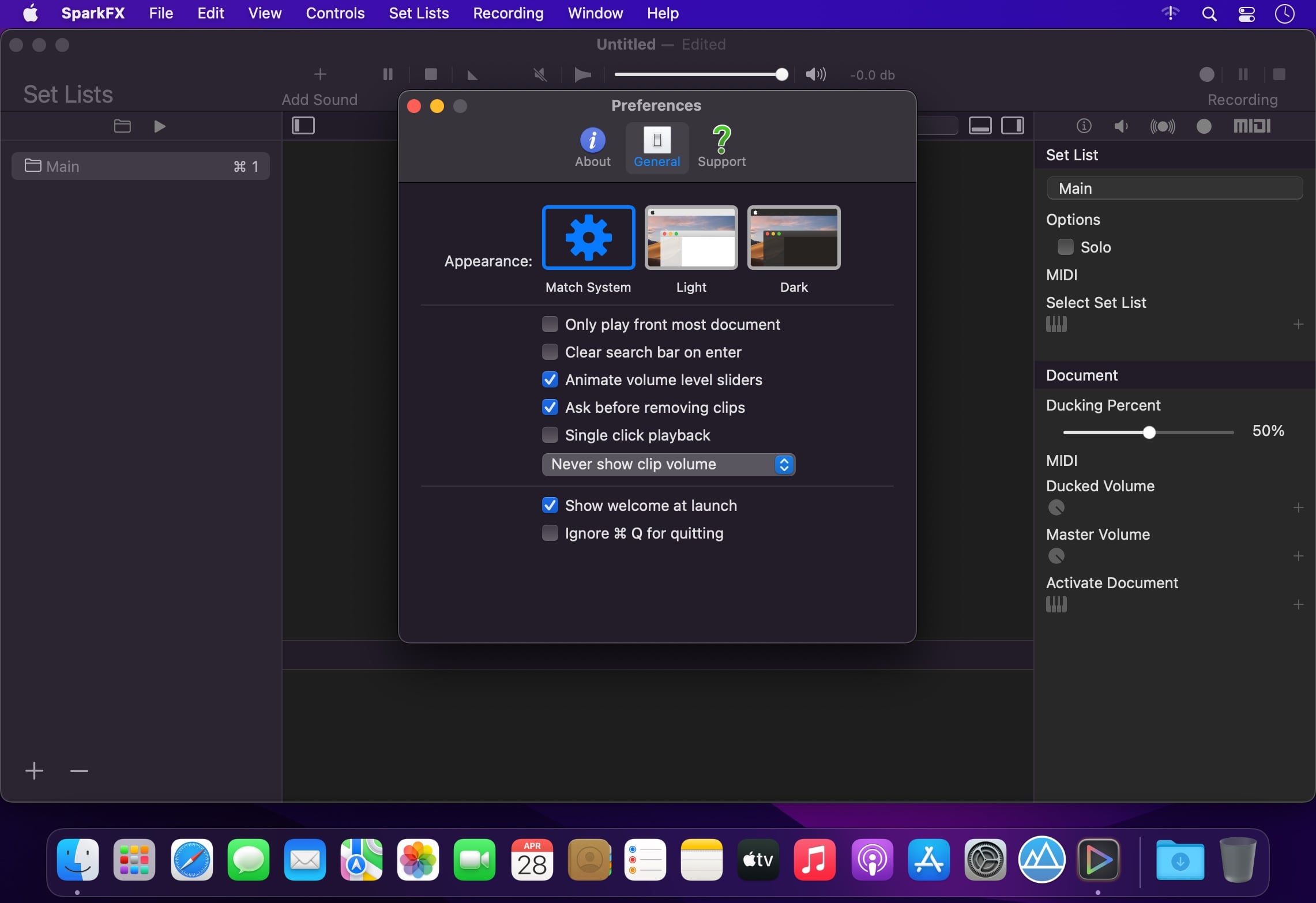
SparkFX is a powerful soundboard application designed to make simple and complicated tasks easy. Use it to add some sound effects to a podcast or any other live performance. It is document based so you're no longer stuck with a single shoebox full of all of your sounds.
Organize your sounds into as many different documents a you like. Further organize your sounds with Set Lists and color to make them really stand out.
SparkFX has many different options that can be tweaked for each sound, such as multiple volumes, trigger behavior and looping. In addition to the basics that you expect, SparkFX also has some advanced features. Sequences et you link sounds together and play them in order or randomly.
Full MIDI control lets you use your favorite MIDI control to trigger and control SparkFX. Also included are powerful audio output and mixing options. Each sound can play to multiple audio output simultaneously with full level control and channel mapping.
Version 1.3.0
- Release notes were unavailable when this listing was updated.
Comments
No comments yet. Be the first.