
SILKYPIX JPEG Photography 11.2.17.0
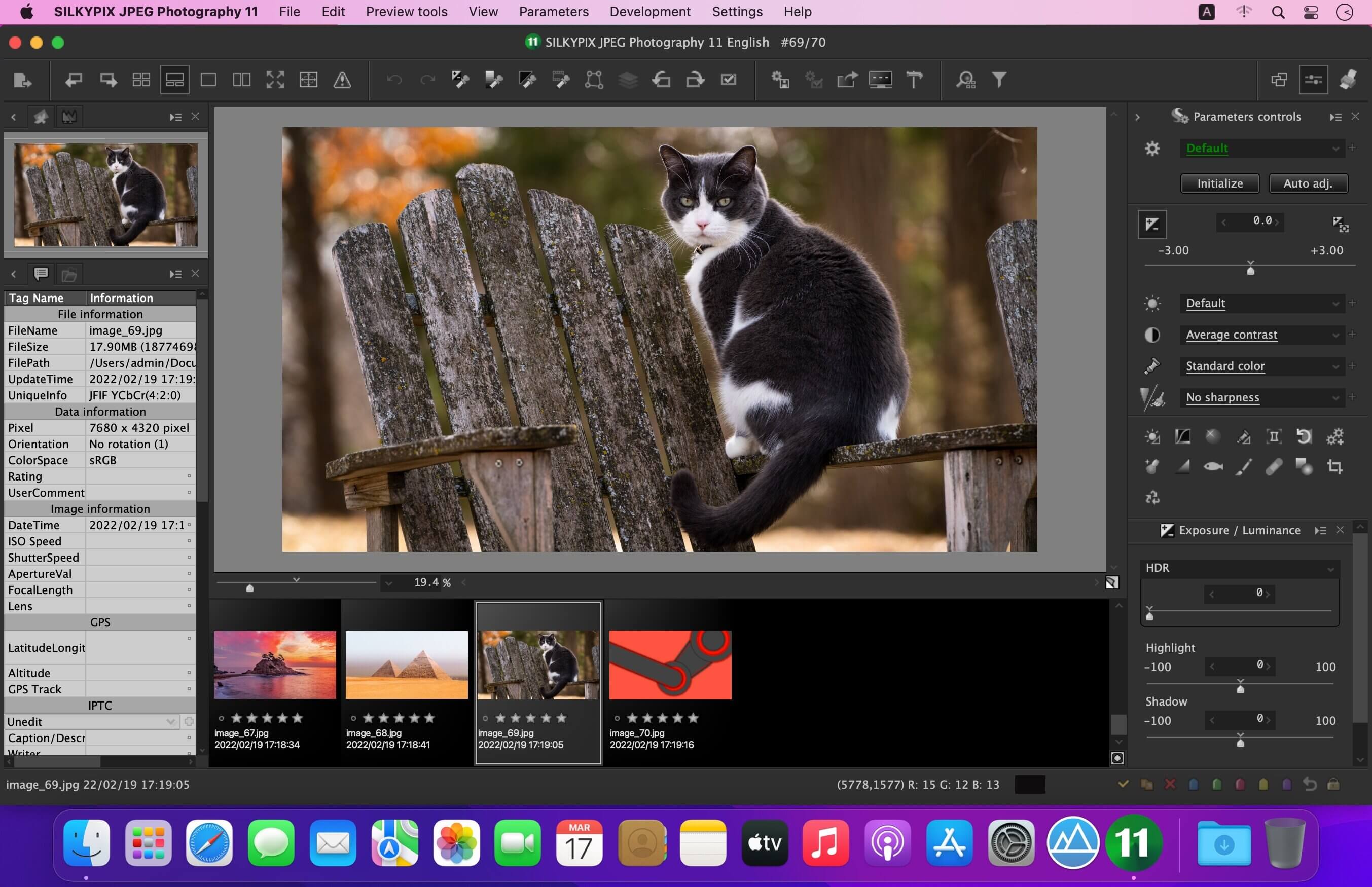

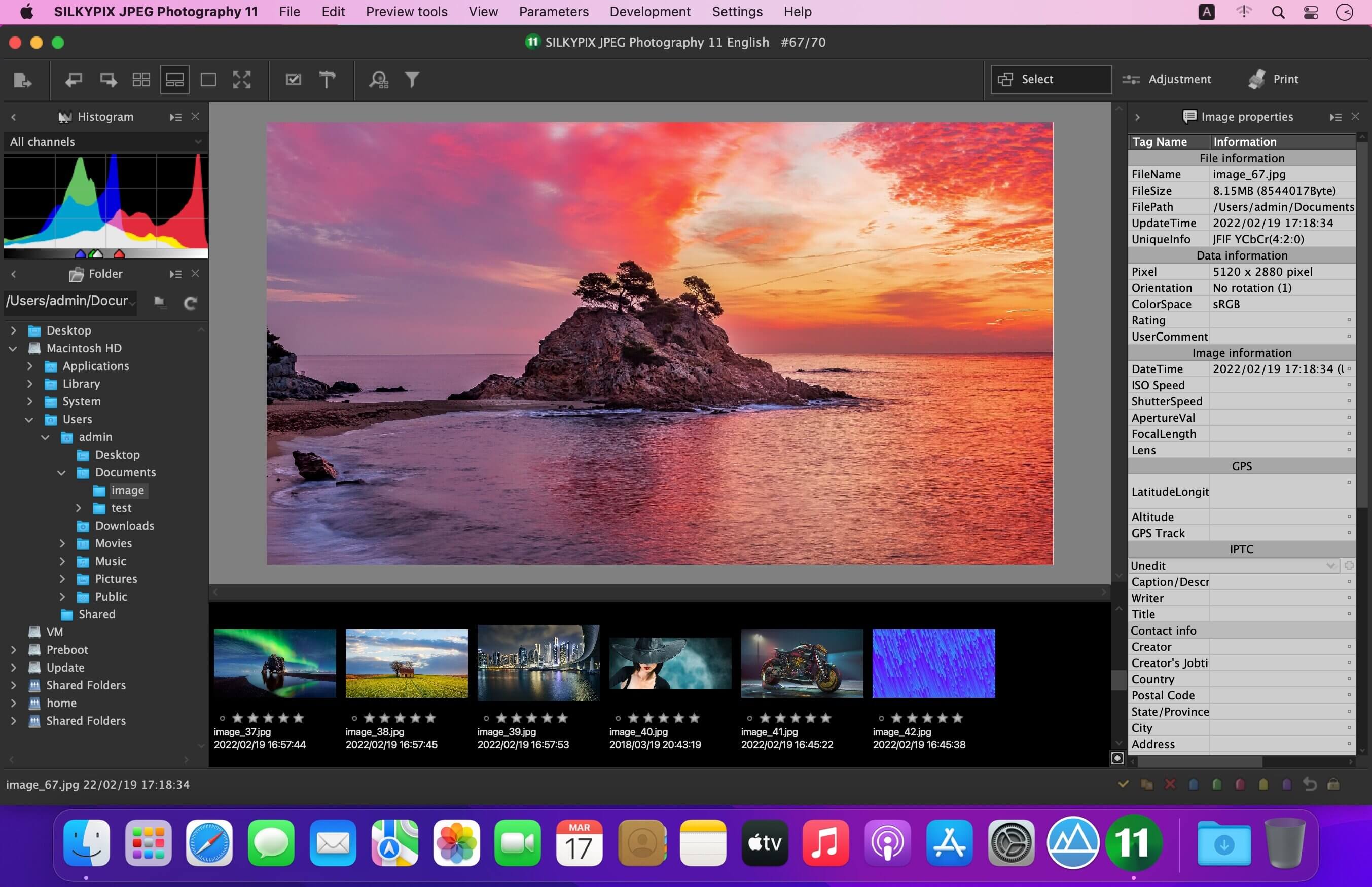
With SILKYPIX JPEG Photography, you can release your creativity! Improve your JPEG photos taken with digital cameras, smart phones, and other devices. Use clarity tools to adjust sharpness, the freehand selection brush and other tools. Produce the high quality photo you imagined when you took your picture.
Although JPEG data uses 8 bit (256 gradations) gradation, it is automatically expanded to 16 bit (65,536 gradations) using SILKYPIX RAW Bridge. By treating JPEG data in a similar way to RAW data, high gradation rich image quality adjustment is possible.
SILKYPIX JPEG Photography includes "tastes", a kind of preset that incorporates useful styles and forms. Choose a taste such as "Landscape" or "Portrait" to make a finished photograph easily that fits your image. In addition, you can save all of your custom, adjusted parameters as a taste preset. Parameters are very useful functions, and you can easily recreate themes and styles across any number of photographs you take.
Remove unwanted objects using the Spotting Tool, such as dust that may appear due to contamination of your camera sensor. You can also adjust and apply rotation and cropping as you wish.
f you work with multiple images at the same time (such as images shot with continuous shooting), and adjust the taste and parameters, you can make corrections for all selected images at once.
For example, even if you darken the exposure setting of the camera, if you select that picture and make correction, you can correct all the selected images at once.
Version 11.2.8.1:
- Fixed minor problems.
Frequently asked questions
How do I install the app?
Mount the image, drag the app into the "Applications" folder and launch it. If the system blocks the launch, allow it in "System Settings → Privacy & Security".
The app is damaged or won't launch
Reinstalling from a fresh image usually helps. Make sure your macOS version matches the one listed in the compatibility specs.
How do I update?
Download the new version from the site and install it over the current one — your settings will be preserved.
The download link doesn't work
Try a mirror or a download manager. For large files the browser often drops the connection.
How do I completely remove the app?
Use an uninstaller utility — it cleans up the service files that remain after moving the app to the trash.
Related posts
-
 SILKYPIX JPEG Photography 10E 10.2.20.0
Photography89.71 MB
SILKYPIX JPEG Photography 10E 10.2.20.0
Photography89.71 MB
-
 SILKYPIX Developer Studio 8E 8.1.27
Developer Tools366.72 MB
SILKYPIX Developer Studio 8E 8.1.27
Developer Tools366.72 MB
-
 SILKYPIX Developer Studio Pro 8E 8.0.27
Graphic Design367.03 MB
SILKYPIX Developer Studio Pro 8E 8.0.27
Graphic Design367.03 MB
-
 SILKYPIX Developer Studio 11.1.12.1
Photography855.62 MB
SILKYPIX Developer Studio 11.1.12.1
Photography855.62 MB
-
 SILKYPIX Developer Studio Pro 9E 9.0.16.0
Photography392.57 MB
SILKYPIX Developer Studio Pro 9E 9.0.16.0
Photography392.57 MB
Choose a download source
SILKYPIX JPEG Photography 11.2.17.0 · 106.74 MB
Previous versions
SILKYPIX JPEG Photography 11.2.17.0
Previous versions are available to registered users.