
SILKYPIX Developer Studio Pro 9E 9.0.16.0
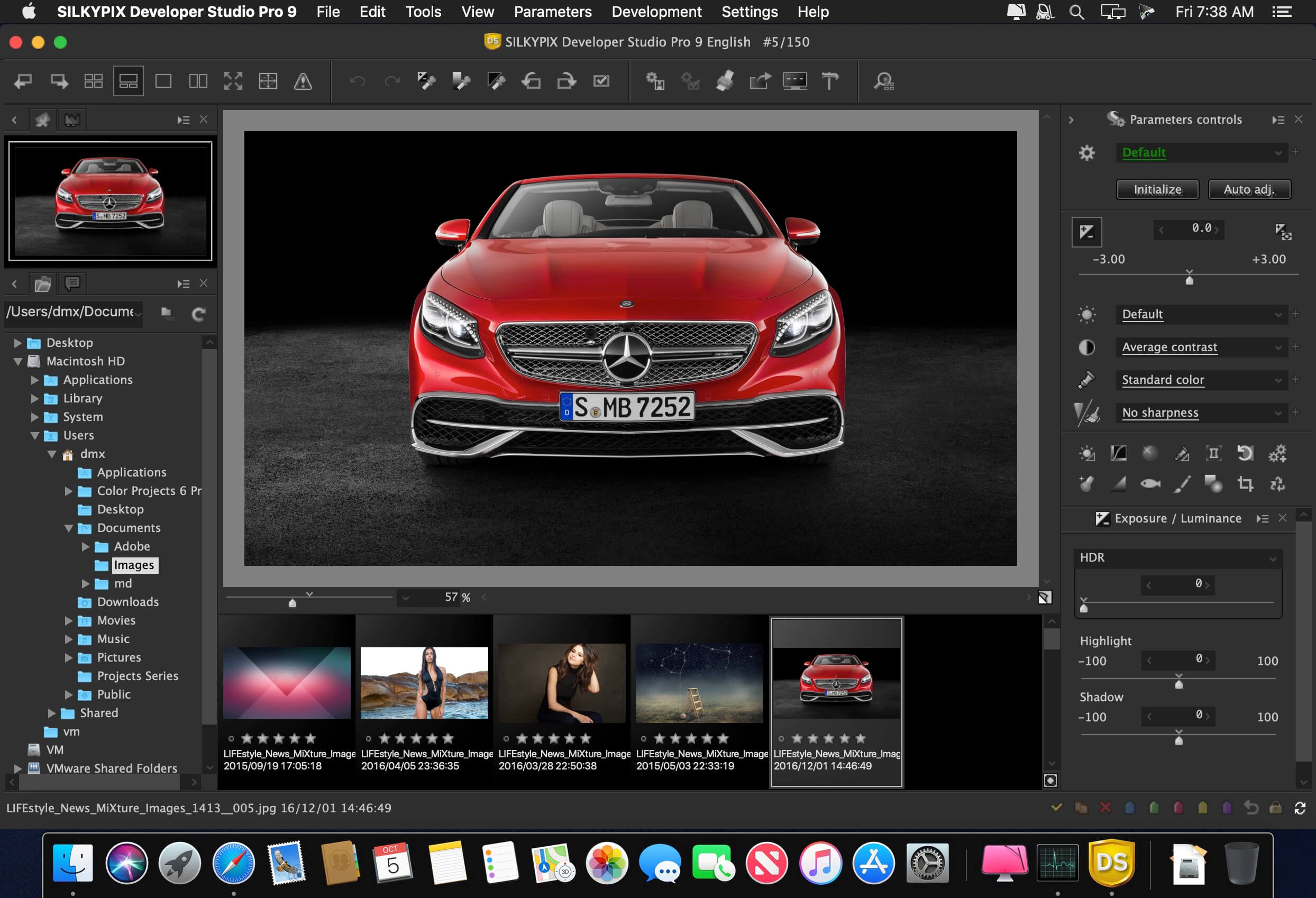
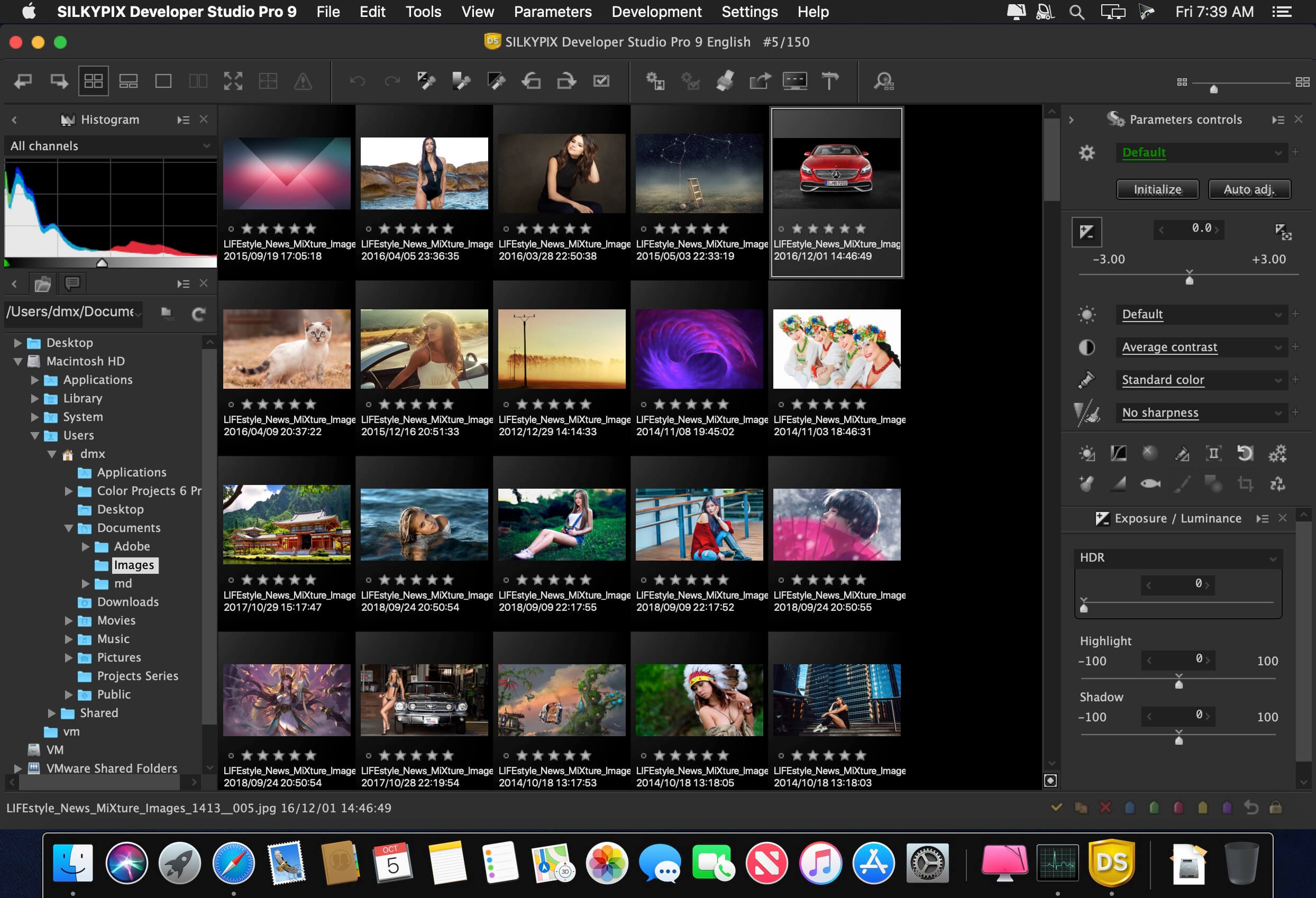

SILKYPIX Developer Studio Pro 9 adds new functions that were highly desired in addition to the rich features of SILKYPIX so far. Main new functions are "Dehaze function", "individual adjustment of Highlight / Shadow", "lens profile function" and so on. Extending and improving existing functions further improved operability and convenience. This product is RAW development software for professional.
SILKYPIX Developer Studio Pro9 adds new functions that were highly desired
in addition to the rich features of SILKYPIX so far.
New function / Improvement list
- Tone- Dehaze Slider
- Exposure bias-Highlight / Shadow slider
- Lens aberration correction - Distortion correction function by lens profile
- Lens aberration correction - Distortion correction function
- Effect - Blurred / Sharp periphery
- Partial correction tool - Curve / Polygon area selection / Select color
- Automatic adjustment button
- Noise Reduction - Level of shadow noise reduction
- Search in the thumbnail
- Independent arrangement of initialization button
- Add user mark color
- Open in another application
- Control Palette
- Customize toolbar
- Show / hide information box
Version 9E 9.0.16.0:
- Release notes were unavailable when this listing was updated.
Frequently asked questions
How do I install the app?
Mount the image, drag the app into the "Applications" folder and launch it. If the system blocks the launch, allow it in "System Settings → Privacy & Security".
The app is damaged or won't launch
Reinstalling from a fresh image usually helps. Make sure your macOS version matches the one listed in the compatibility specs.
How do I update?
Download the new version from the site and install it over the current one — your settings will be preserved.
The download link doesn't work
Try a mirror or a download manager. For large files the browser often drops the connection.
How do I completely remove the app?
Use an uninstaller utility — it cleans up the service files that remain after moving the app to the trash.
VersionSILKYPIX Developer Studio Pro 9E 9.0.16.0
DeveloperIchikawa Soft Laboratory Co.,Ltd.
CompatibilityOS X 10.9 or later, 64-bit processor
LanguageEnglish
IncludesK'ed by TNT
Related posts





Information
Visitors in the group Guests cannot leave comments on this publication.
Choose a download source
SILKYPIX Developer Studio Pro 9E 9.0.16.0 · 392.57 MB
Previous versions
SILKYPIX Developer Studio Pro 9E 9.0.16.0
Previous versions are available to registered users.