
quickWallpaper 2.53
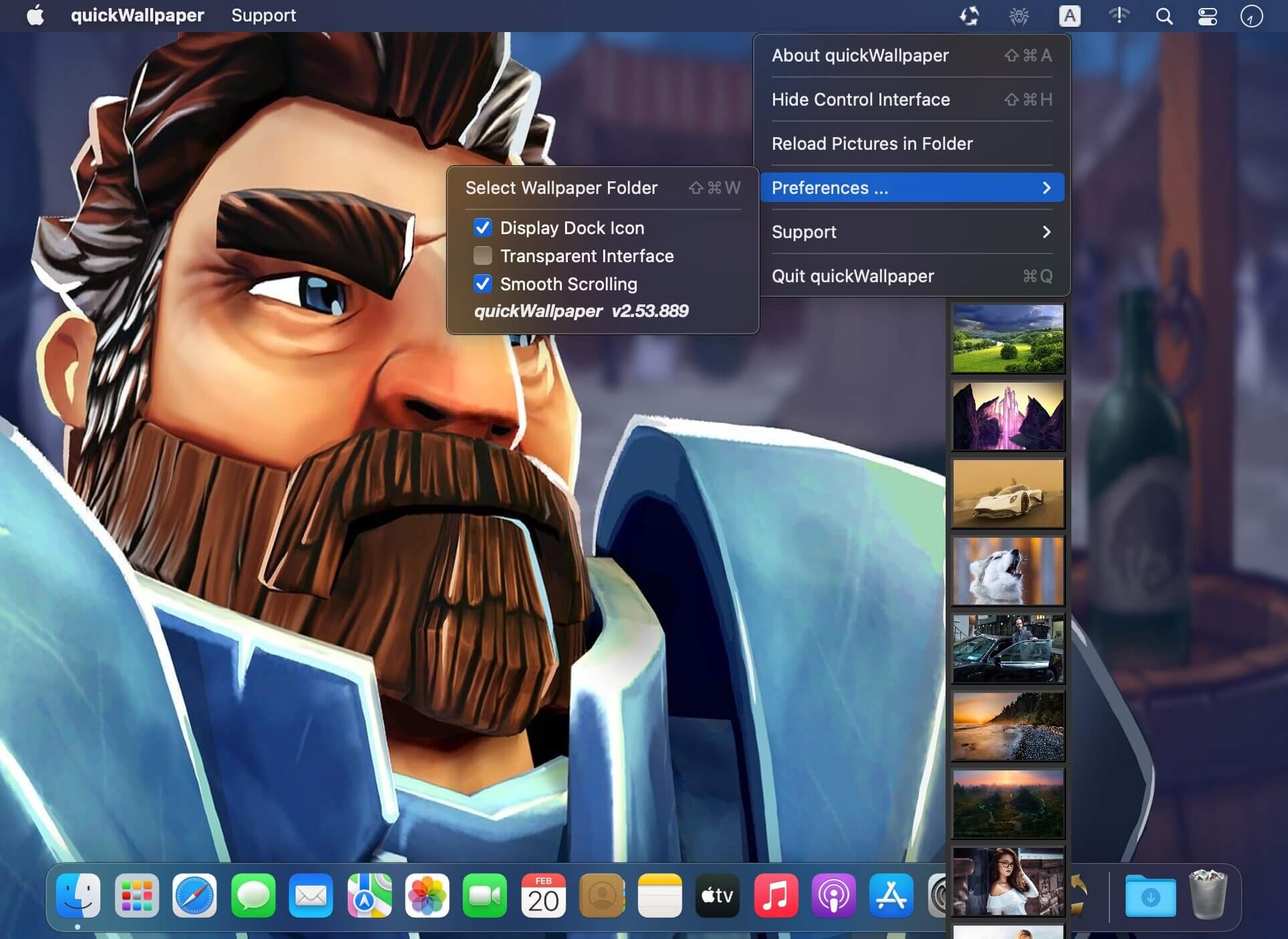
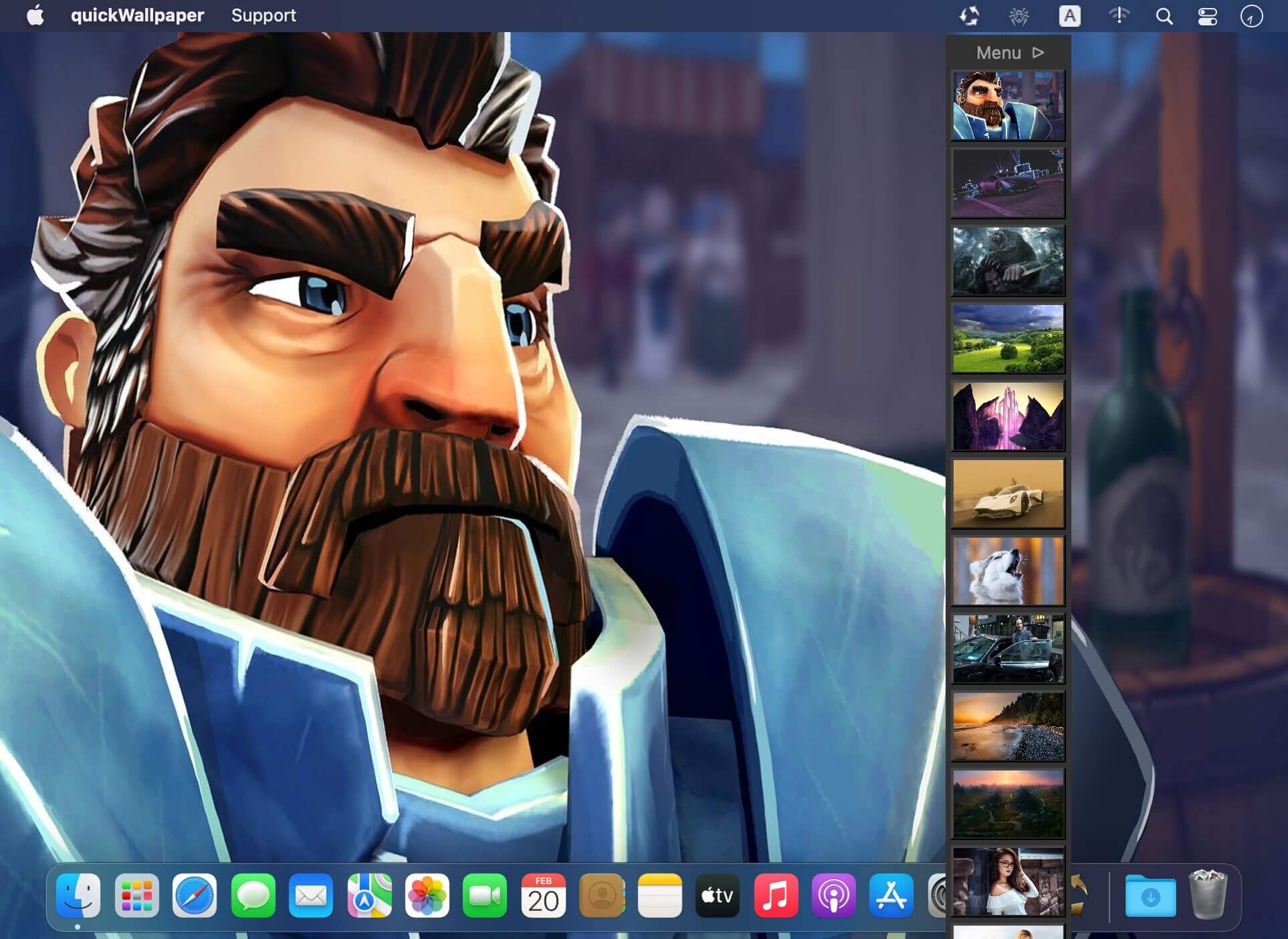
quickWallpaper is Desktop Picture Switcher. Choose and set your wallpaper from your collection of thousands of favorites in less than a second! All you need is a simple scroll on your touchpad.
Features
- Your choice: transparent or traditional interface. Switch between them instantaneously.
- Tremendously fast scrolling preview that allows quick browsing through hundreds of your pictures.
- Supports both the system default wallpaper folder as well as picture folders of your choice.
- A simple process for adding picture folders - browsable instantly.
- One simple click switches between up to 12 desktops.
- Set a different wallpaper for each desktop.
- Exists and display in front of other apps in every desktop space.
- Support all picture format and even PDF as wallpaper
- Support drag and move pictures from picture preview (hold down option key for drag and copy)
Version v2.53
- option added: display in all spaces
- make the interface topmost
- bug fixed: save the status of dock icon upon closing
Frequently asked questions
How do I install the app?
Mount the image, drag the app into the "Applications" folder and launch it. If the system blocks the launch, allow it in "System Settings → Privacy & Security".
The app is damaged or won't launch
Reinstalling from a fresh image usually helps. Make sure your macOS version matches the one listed in the compatibility specs.
How do I update?
Download the new version from the site and install it over the current one — your settings will be preserved.
The download link doesn't work
Try a mirror or a download manager. For large files the browser often drops the connection.
How do I completely remove the app?
Use an uninstaller utility — it cleans up the service files that remain after moving the app to the trash.


Choose a download source
quickWallpaper 2.53 · 5.13 MB