
FontDoctor 10.9
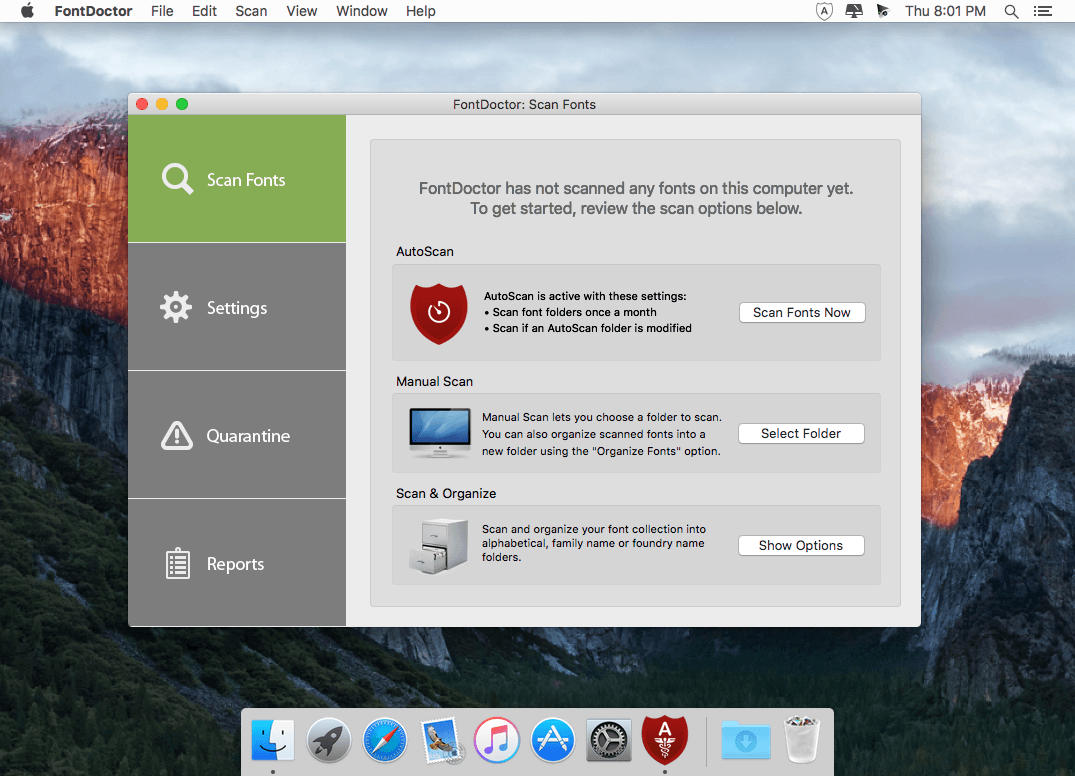
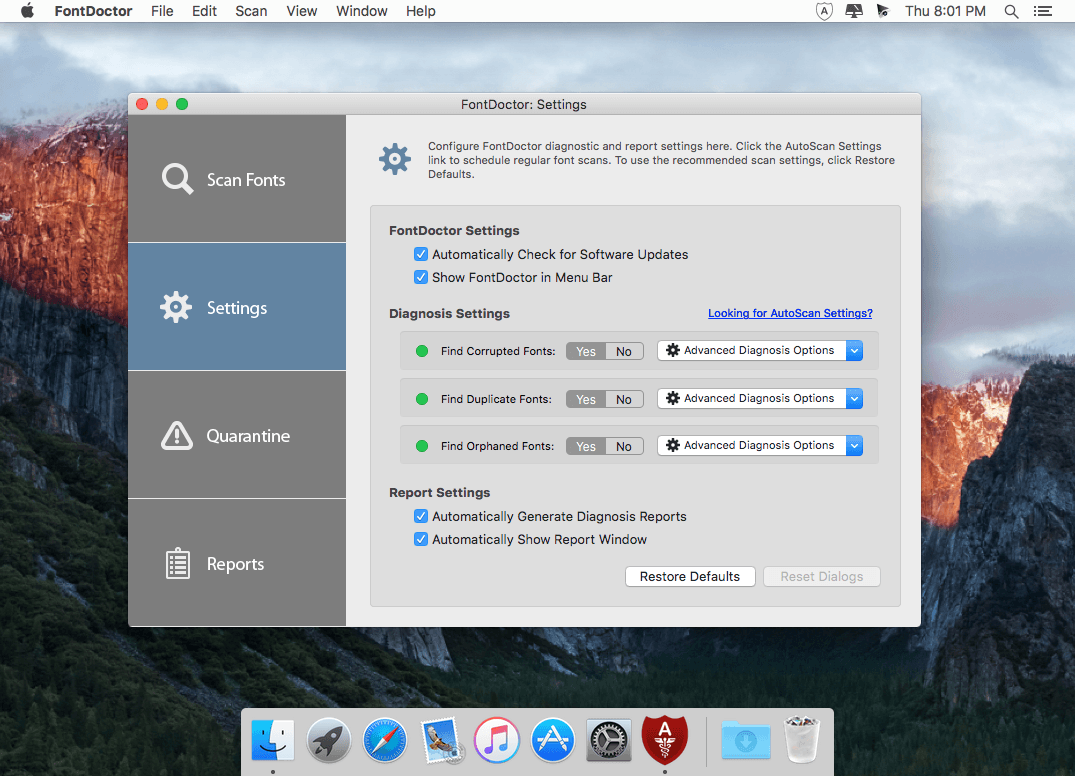
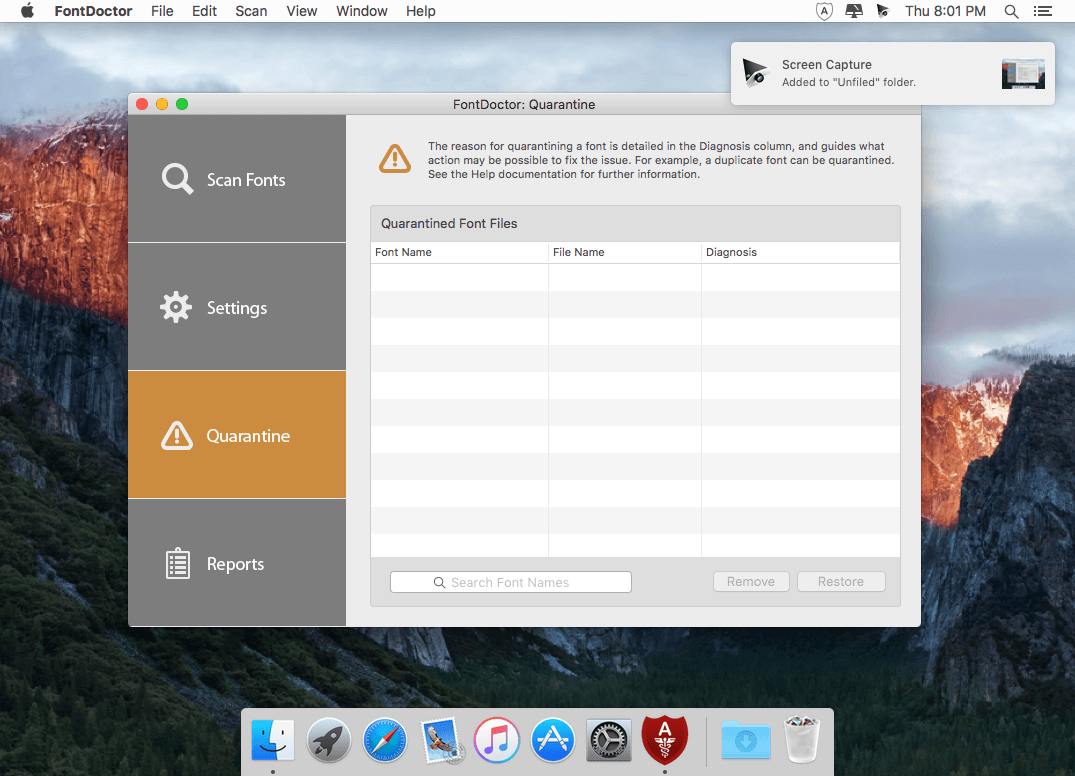
FontDoctor : Automated Font Diagnosis and Repair. Eliminate Font Problems. Easily locate and eliminate hard-to-find font problems that wreak havoc on computer performance and applications.
Eliminate Font Problems
FontDoctor will scan font folders to locate and repair common font illnesses, including missing Postscript fonts, missing bitmaps, corrupt/damaged fonts, duplicates, and lots more.
Main Features:
- Automated font monitoring
- Quarantine problem fonts
- AutoScan at regular intervals
How It Works:
- FontDoctor’s diagnosis process has two purposes: to identify font and repair problems, and to clean up your font library.
- FontDoctor can do everything from examine a single font file to finding and examining all the fonts on an entire volume.
- Once FontDoctor has reviewed all the font files, you can decide how to handle any potential problems.
AutoScan
- New AutoScan feature automatically provides hands-free protection of your font libraries
Constant Monitoring
Constant font monitoring with automatic font problem detection alerts you when a monitored font folder needs attention
Uninterrupted Workflow
AutoScan works silently in the background and will alert you only when a font problem is found
Easy Scheduling
Configure AutoScan to run at regular intervals - Daily, Weekly, or Monthly
Version 10.9:
- Release notes were unavailable when this listing was updated.
Frequently asked questions
How do I install the app?
Mount the image, drag the app into the "Applications" folder and launch it. If the system blocks the launch, allow it in "System Settings → Privacy & Security".
The app is damaged or won't launch
Reinstalling from a fresh image usually helps. Make sure your macOS version matches the one listed in the compatibility specs.
How do I update?
Download the new version from the site and install it over the current one — your settings will be preserved.
The download link doesn't work
Try a mirror or a download manager. For large files the browser often drops the connection.
How do I completely remove the app?
Use an uninstaller utility — it cleans up the service files that remain after moving the app to the trash.




Choose a download source
FontDoctor 10.9 · 8.43 MB
Previous versions
FontDoctor 10.9
Previous versions are available to registered users.
Comments 1