
Msg Viewer Pro 2.5.2
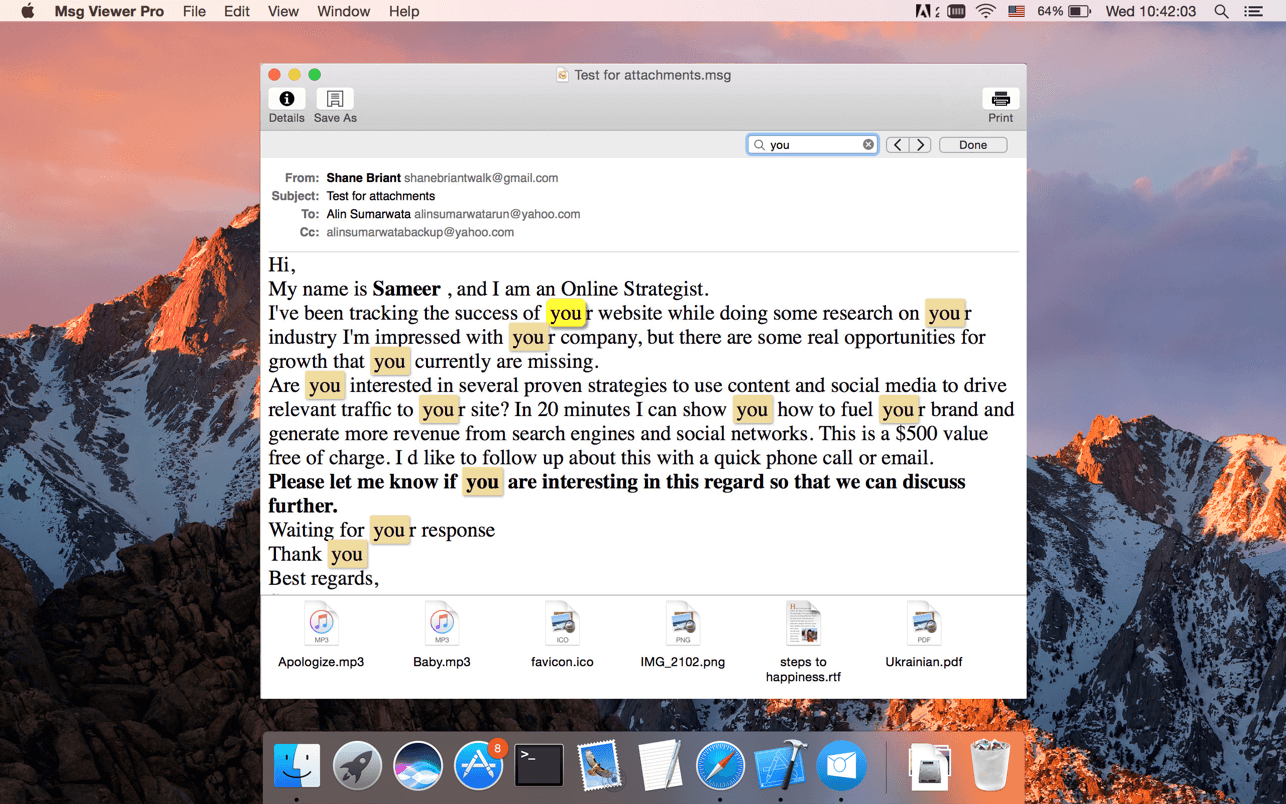
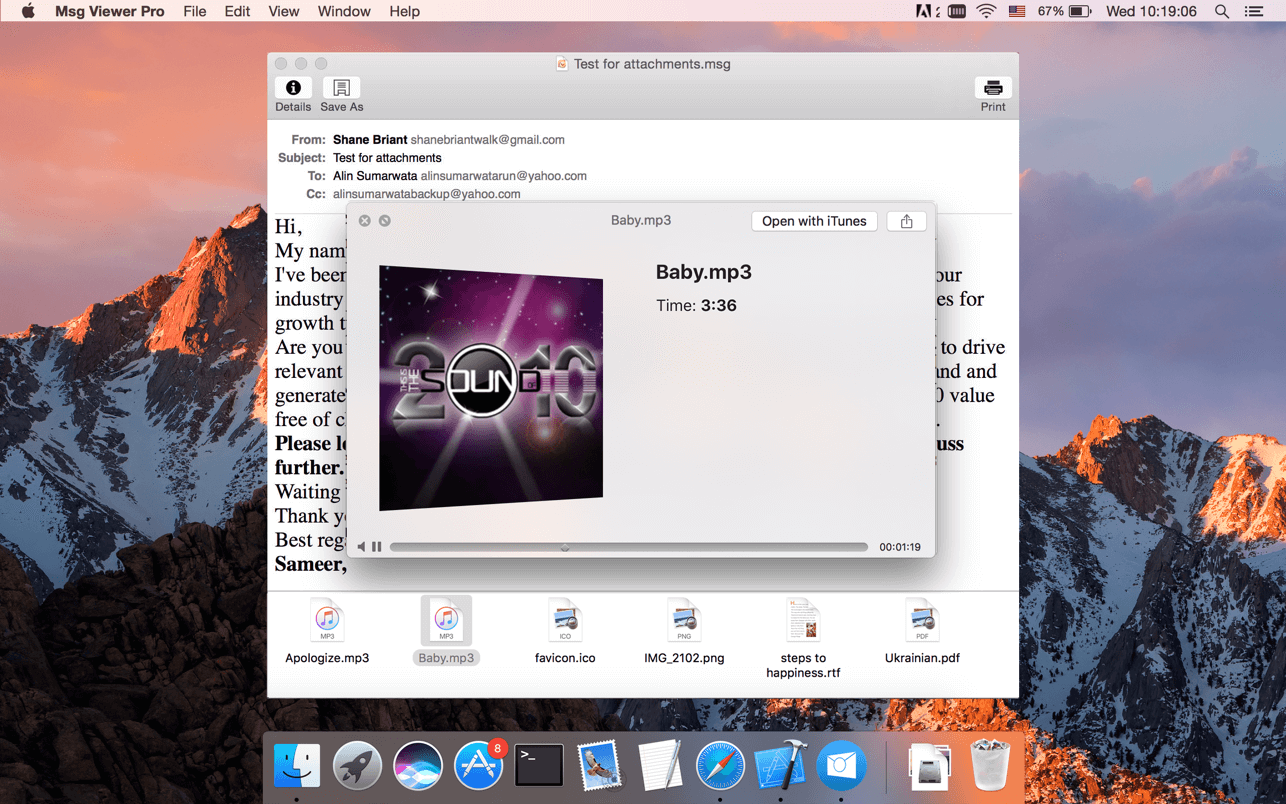
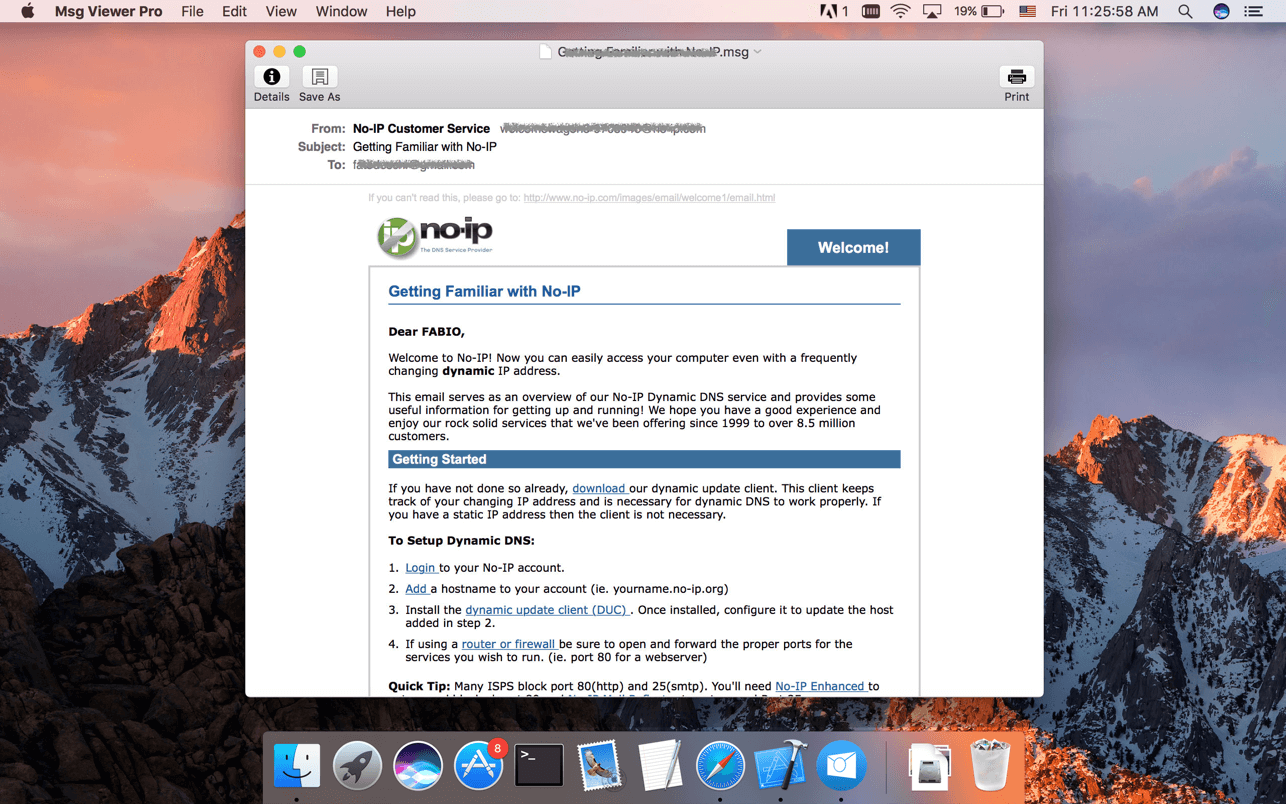
Msg Viewer Pro is the best, easiest, fastest, and reliable way to view Microsoft Outlook *.msg, *.oft, *.mbox (mailbox), winmail.dat (Microsoft TNEF), *.eml and *.mht files.
KEY FEATURES
- Easy to use, just double-click the msg file to view the contents quickly.
- Reply or Forward email.
- View detail information, such as message header, txt body, rtf code body, html code body.
- Search given content within document.
- Printing.
- Export MSG format to EML, VCF, PDF, HTML, RTF, or TXT.
- Export EML format to PDF, HTML, RTF, or TXT.
- Export MHT format to PDF, HTML.
- Press Space key to quick look the attachment, or double-click to open the attachment in external applications.
- Save attachments to Downloads folder or selected folder.
- Quick Look for *.msg files.
- Spotlight search.
- Dark mode support.
Version 2.5.2
- Bug fixes and stability improvements
Frequently asked questions
How do I install the app?
Mount the image, drag the app into the "Applications" folder and launch it. If the system blocks the launch, allow it in "System Settings → Privacy & Security".
The app is damaged or won't launch
Reinstalling from a fresh image usually helps. Make sure your macOS version matches the one listed in the compatibility specs.
How do I update?
Download the new version from the site and install it over the current one — your settings will be preserved.
The download link doesn't work
Try a mirror or a download manager. For large files the browser often drops the connection.
How do I completely remove the app?
Use an uninstaller utility — it cleans up the service files that remain after moving the app to the trash.





Choose a download source
Msg Viewer Pro 2.5.2 · 5.36 MB