
News Headlines: App for Google 4.4
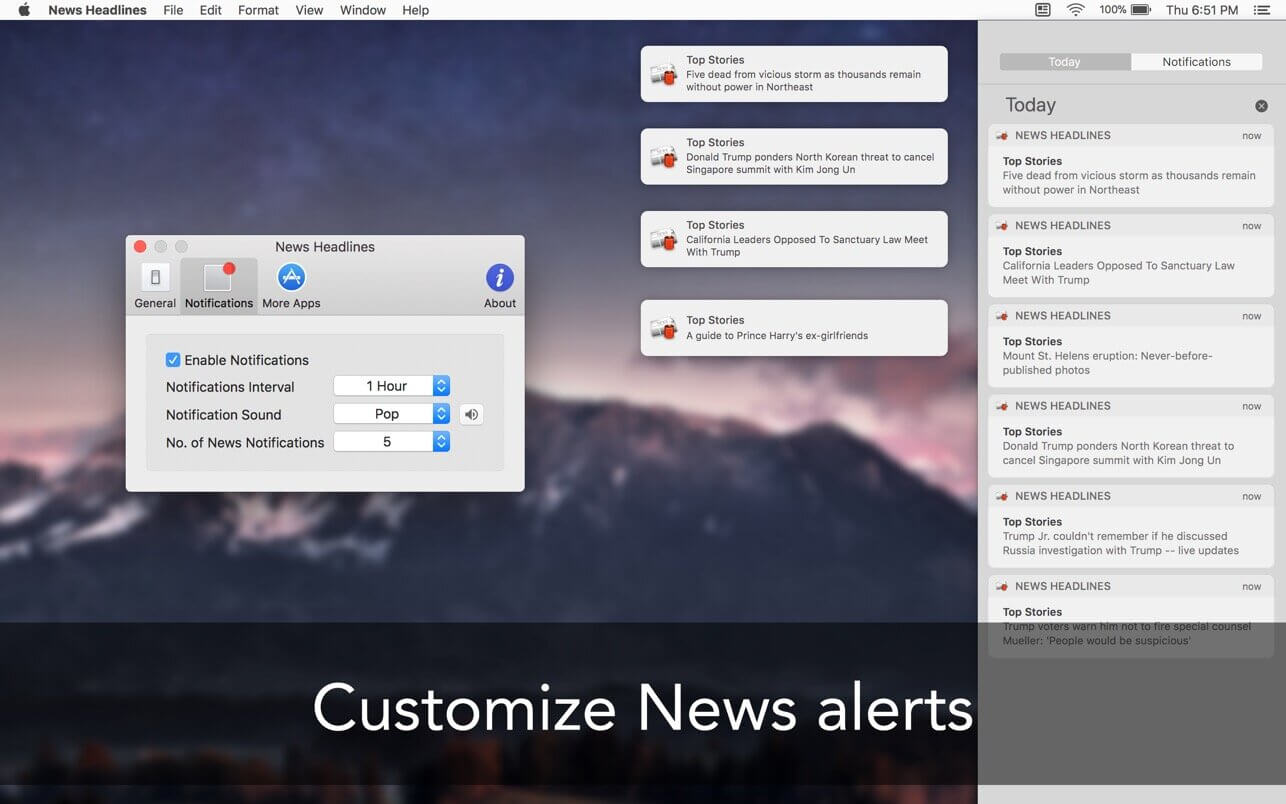
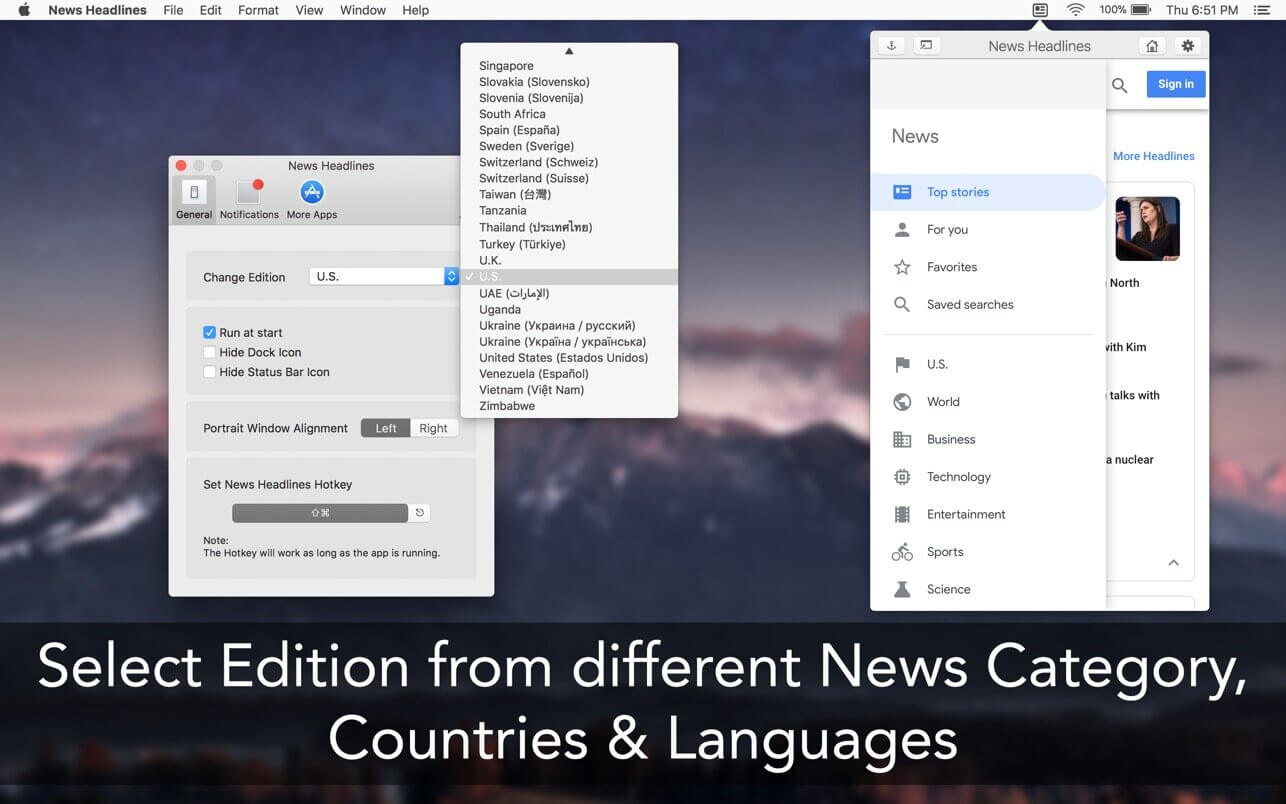

News Headlines never miss the latest News from the Menu Bar.
- Get alerts for Latest News Stories.
- Set preferred language with the location.
To be up-to-date with news around the world, News Headlines brings the latest Google News in short, under 30 words to get a quick glance of news right in the MenuBar of your Mac.
Just click the beautiful icon in MenuBar to access world news happening at that time.
Other features:
- Get notified of the latest news right at the moment
- Chose from different categories of news as per your interest
- Set the auto-refresh interval to get notified on the latest Google news
- Log in with your current Google account to get preferred news
- Access to past articles in the Notification Centre
- Set your preferred language as per interest
- Search for news you want to read
- News from 51+ different countries
- Supports 70+ different languages
- Ready for macOS Sierra
Button functions:
- Home for the front page
- Search for quick news
- Menu to select a different category
- Refresh to reload the news
- The setting for preference, run at startup support, app support
Enjoy reading article in browser with just a click on interesting news.
Version 4.4
- Fixed news notifications.
- Fixed full-screen window.
- Improved performance.
- Fixed bugs.
Frequently asked questions
How do I install the app?
Mount the image, drag the app into the "Applications" folder and launch it. If the system blocks the launch, allow it in "System Settings → Privacy & Security".
The app is damaged or won't launch
Reinstalling from a fresh image usually helps. Make sure your macOS version matches the one listed in the compatibility specs.
How do I update?
Download the new version from the site and install it over the current one — your settings will be preserved.
The download link doesn't work
Try a mirror or a download manager. For large files the browser often drops the connection.
How do I completely remove the app?
Use an uninstaller utility — it cleans up the service files that remain after moving the app to the trash.




Choose a download source
News Headlines: App for Google 4.4 · 10.05 MB