
DiskSight 3.0
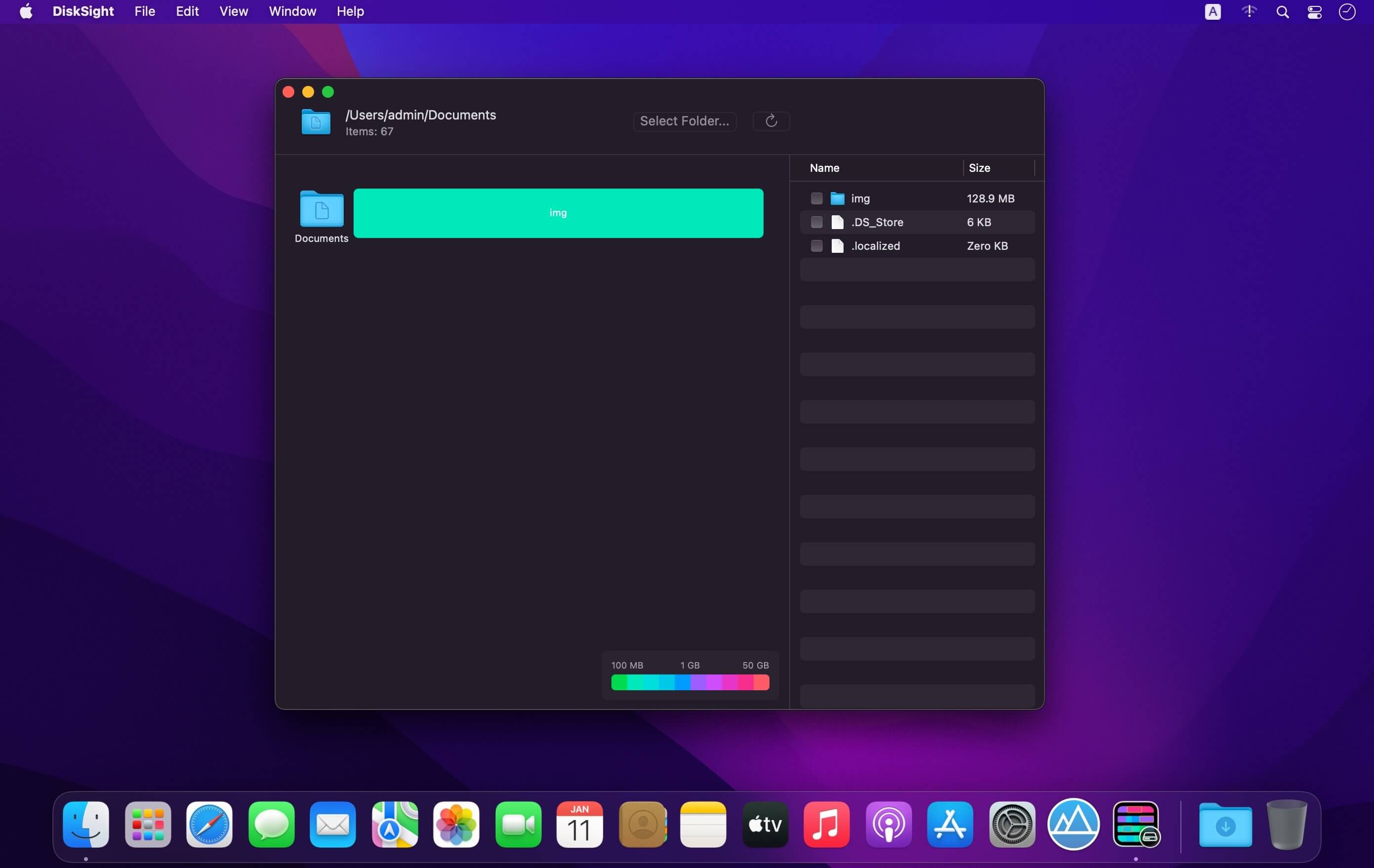
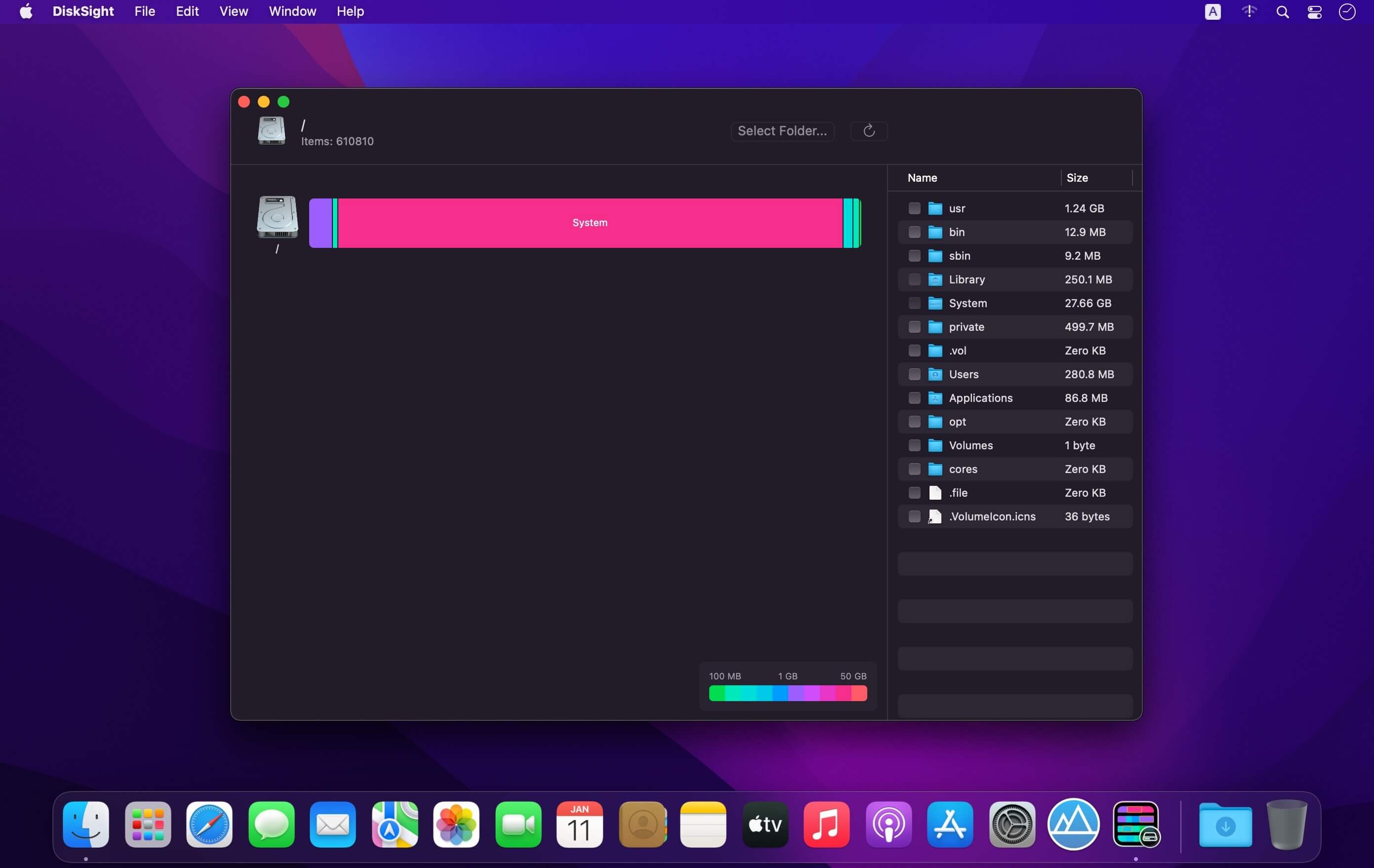
Easily find and remove unneeded files you may have forgotten about.
We download dozens of files every day, but never delete them. Lots of different folders on your Desktop, in Documents or in Downloads may be consuming tens of Gigabytes. These folders may be completely forgotten and never needed anymore, but they still waste precious hard disk space.
DiskSight can visualize your disk, so you can easily spot large folders and files that might be not needed anymore.
Version 3.0
- Updated look and feel
- Bug Fixes and imporvements
Frequently asked questions
How do I install the app?
Mount the image, drag the app into the "Applications" folder and launch it. If the system blocks the launch, allow it in "System Settings → Privacy & Security".
The app is damaged or won't launch
Reinstalling from a fresh image usually helps. Make sure your macOS version matches the one listed in the compatibility specs.
How do I update?
Download the new version from the site and install it over the current one — your settings will be preserved.
The download link doesn't work
Try a mirror or a download manager. For large files the browser often drops the connection.
How do I completely remove the app?
Use an uninstaller utility — it cleans up the service files that remain after moving the app to the trash.

Choose a download source
DiskSight 3.0 · 3.19 MB