
Apeaksoft iPhone Data Recovery 1.2.66
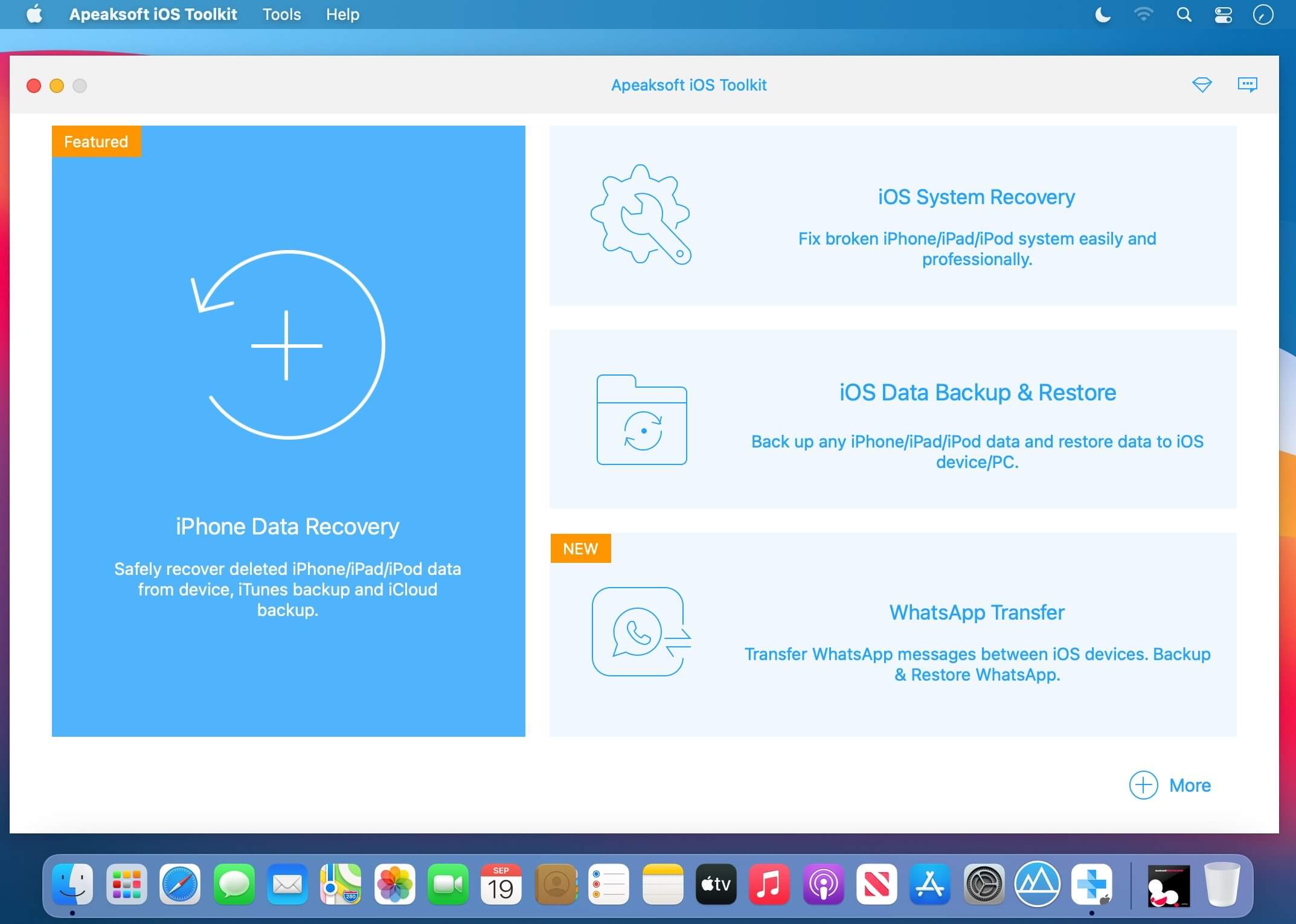
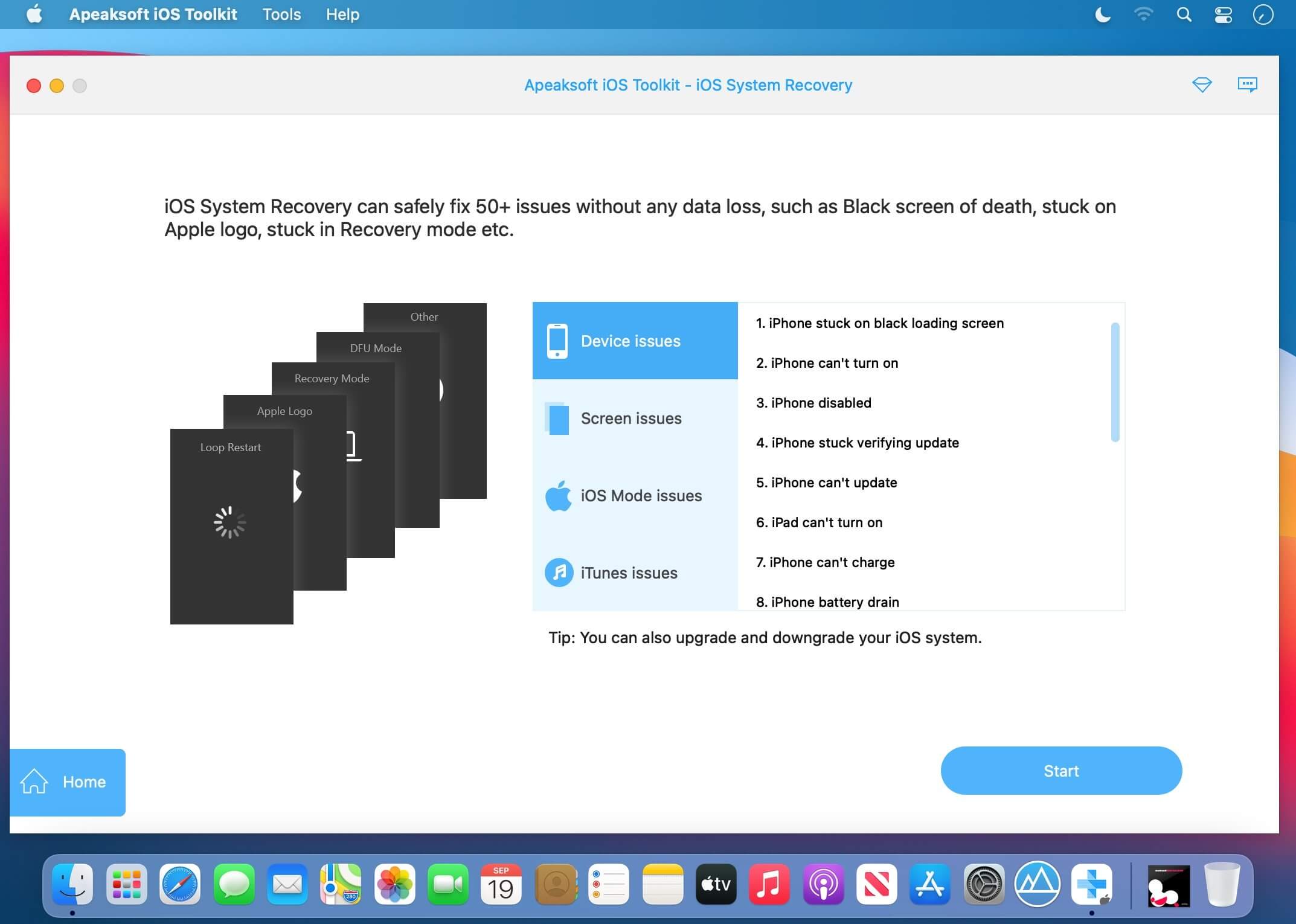
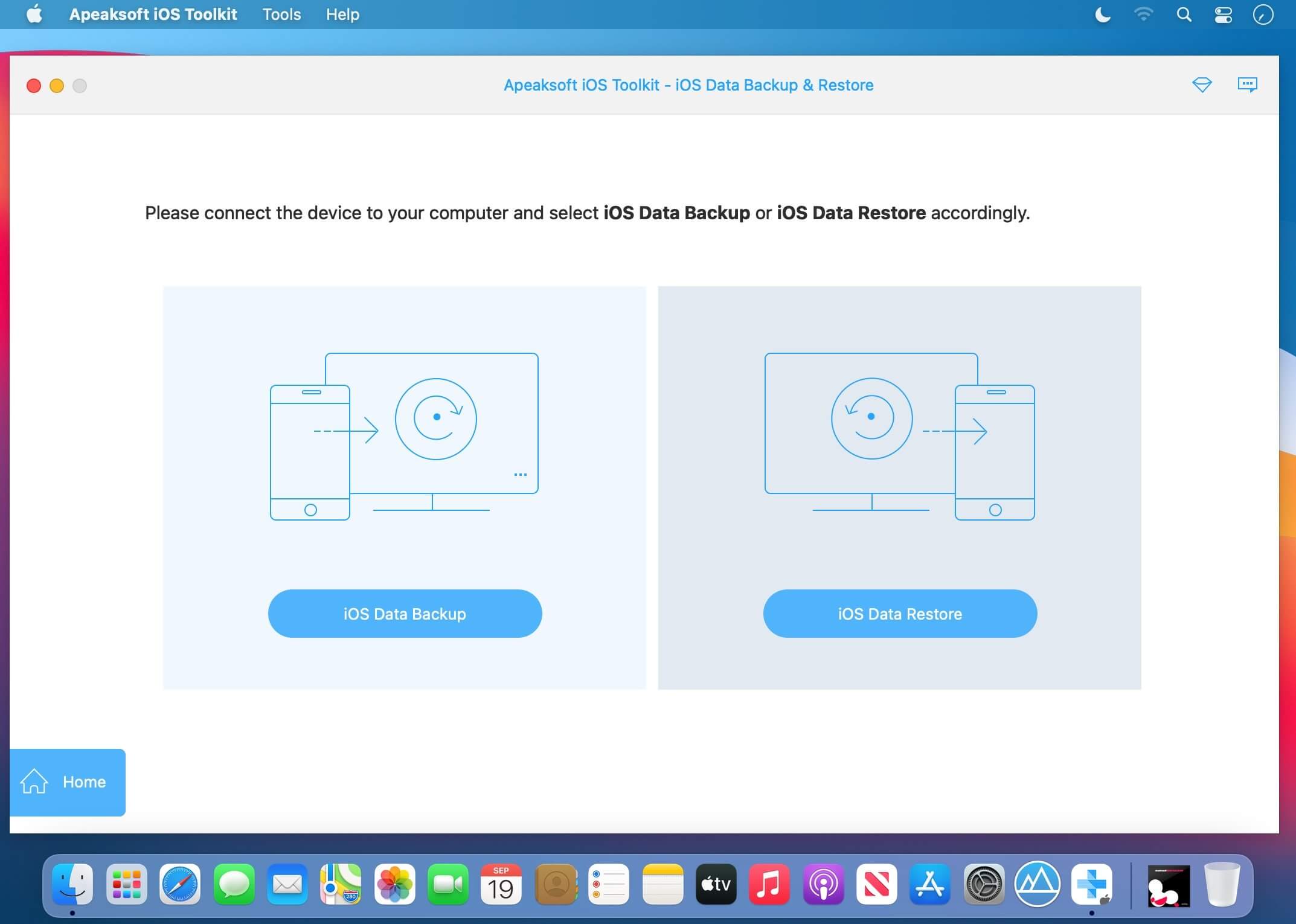
Apeaksoft iPhone Data Recovery offers versatile solutions to retrieve lost data from iPhone, iPad, and iPod devices, including those running the latest iOS. It can restore files lost due to system crashes, factory resets, device loss/theft, and other causes, and its high recovery rate—around 80%—sets it apart from many competitors.
The software can recover a wide range of iOS dаta: photos, messages, contacts, notes, call histories, videos, calendars, and more. It also restores app-specific chat histories—including individual emojis—in apps like WhatsApp, Facebook, and Kik.
- Recover deleted or lost data from iOS devices and iTunes/iCloud backup.
- Recover any iOS data like photos, contacts, WhatsApp, notes, call history, videos, apps, etc.
- Save data lost by factory resetting, accidental deletion, etc.
- Preview detailed iOS files (both deleted and existing files) before recovery.
Version 1.2.66:
- Release notes were unavailable when this listing was updated.
Frequently asked questions
How do I install the app?
Mount the image, drag the app into the "Applications" folder and launch it. If the system blocks the launch, allow it in "System Settings → Privacy & Security".
The app is damaged or won't launch
Reinstalling from a fresh image usually helps. Make sure your macOS version matches the one listed in the compatibility specs.
How do I update?
Download the new version from the site and install it over the current one — your settings will be preserved.
The download link doesn't work
Try a mirror or a download manager. For large files the browser often drops the connection.
How do I completely remove the app?
Use an uninstaller utility — it cleans up the service files that remain after moving the app to the trash.





Choose a download source
Apeaksoft iPhone Data Recovery 1.2.66 · 74.92 MB