AnyMP4 DVD Creator for Mac 6.2.38
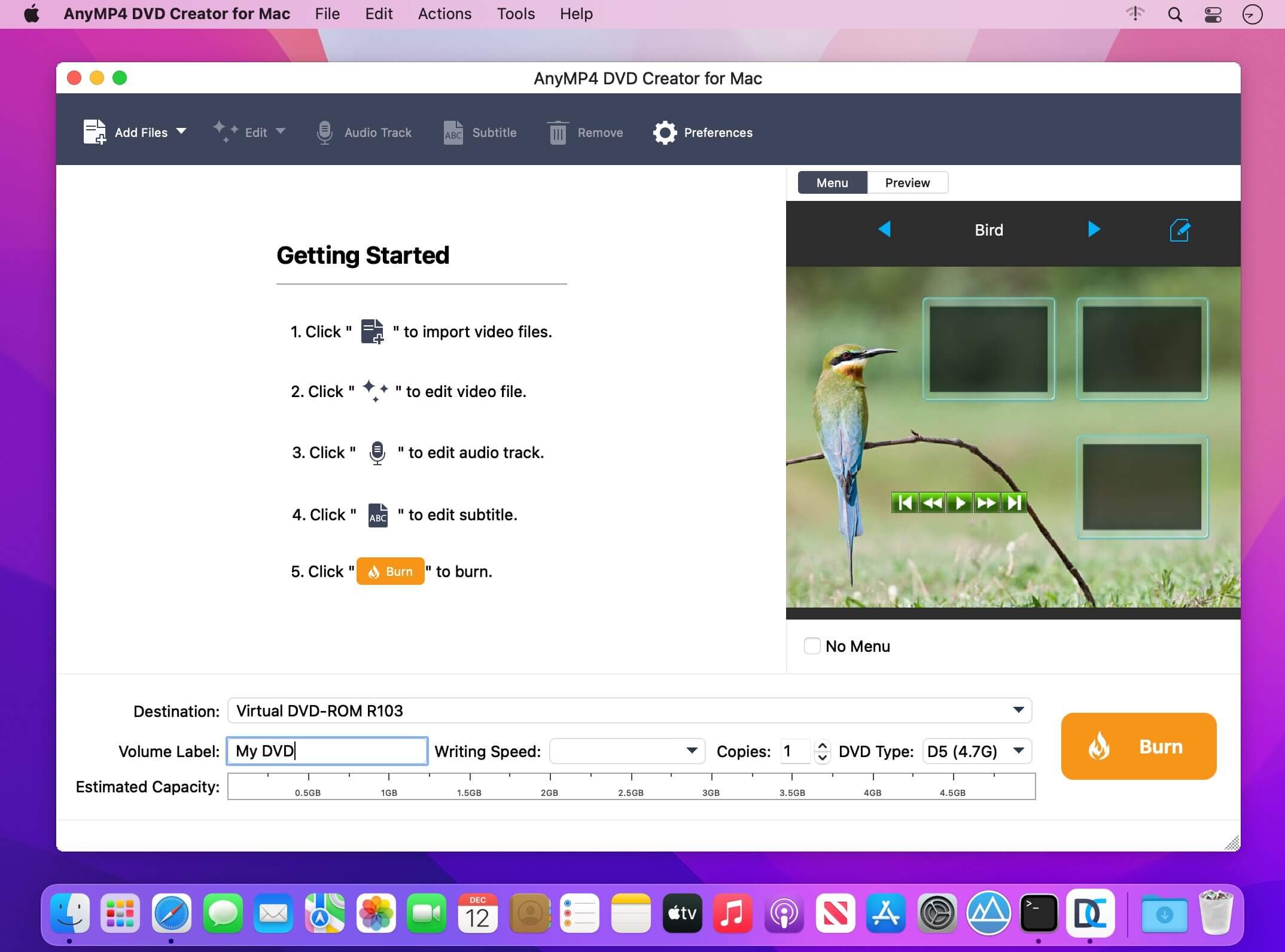
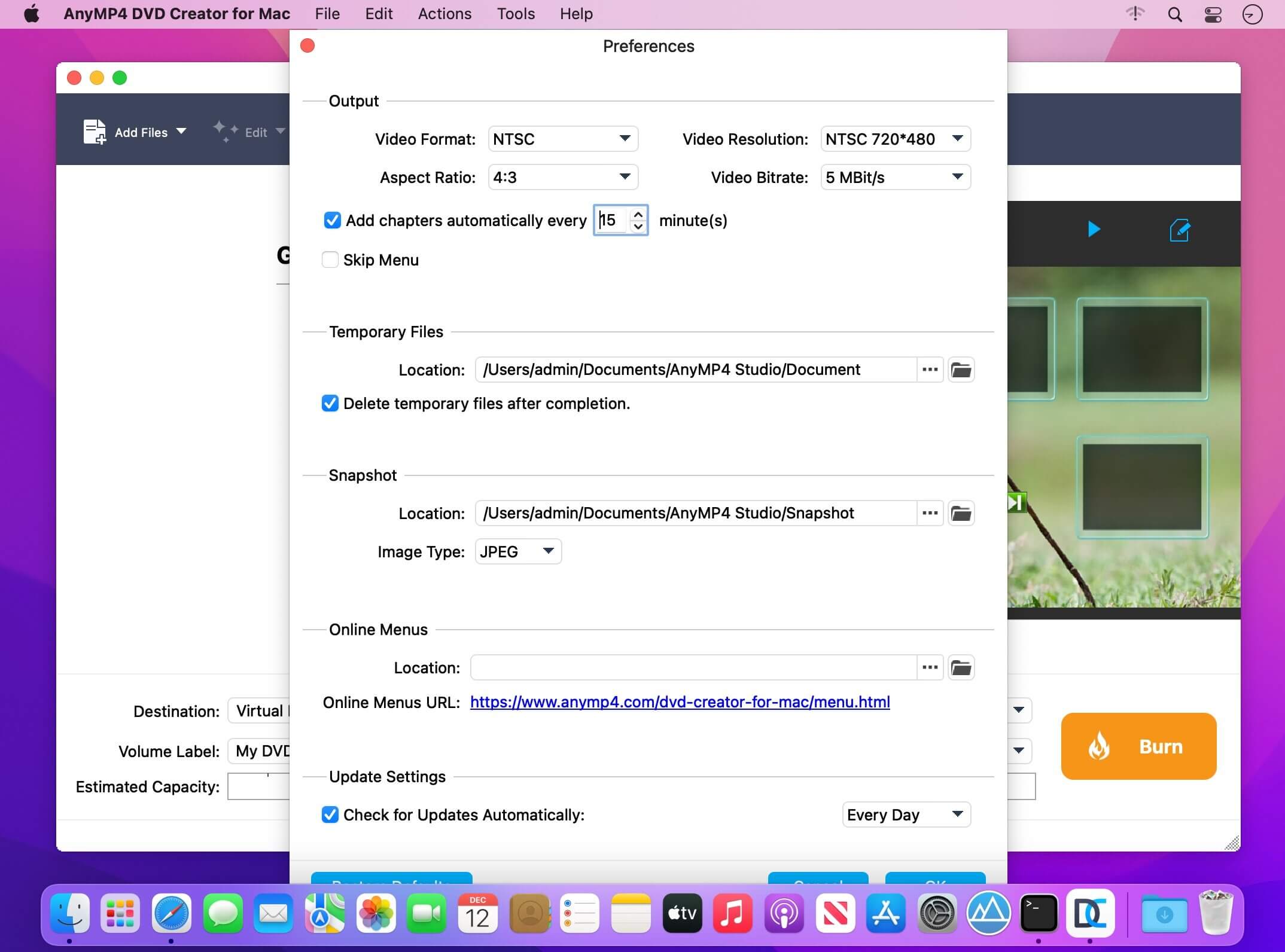
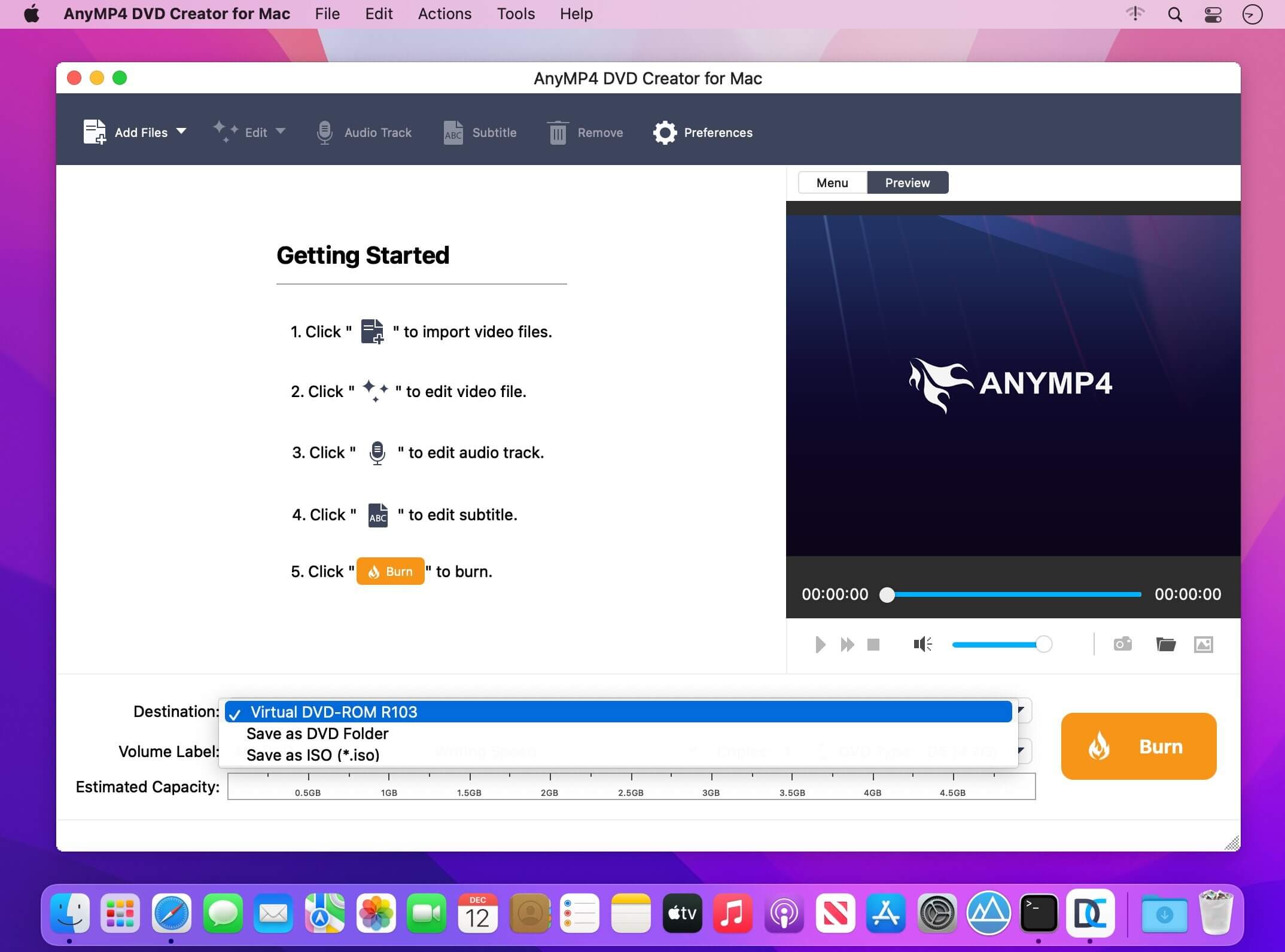
Create personalized DVD with popular videos on Mac. When you use this Mac DVD Creator to burn videos to a DVD disc, you can create your own custom menu. Here you can select and set the ideal menu frame, key and desired menu template from the menu window. In addition, this Mac DVD Burner also allows you to add background music or image from the local hard drive and make opening movie for your own DVD. In this respect,
AnyMP4 DVD Creator for Mac is user-friendly and professional burning software.
- Convert general video and HD video to DVD disc on Mac
- Make DVD folder and DVD ISO image file with MP4, AVI, MKV, M4V, WMV, M2TS, MOV video, and more
- Customize the DVD video like defining DVD menu template
- Add background music/picture, put opening film, and edit audio track/subtitle
Version 6.2.36:
- Fixed some minor bugs
Frequently asked questions
How do I install the app?
Mount the image, drag the app into the "Applications" folder and launch it. If the system blocks the launch, allow it in "System Settings → Privacy & Security".
The app is damaged or won't launch
Reinstalling from a fresh image usually helps. Make sure your macOS version matches the one listed in the compatibility specs.
How do I update?
Download the new version from the site and install it over the current one — your settings will be preserved.
The download link doesn't work
Try a mirror or a download manager. For large files the browser often drops the connection.
How do I completely remove the app?
Use an uninstaller utility — it cleans up the service files that remain after moving the app to the trash.




Choose a download source
AnyMP4 DVD Creator for Mac 6.2.38 · 43.06 MB
Previous versions
AnyMP4 DVD Creator for Mac 6.2.38
Previous versions are available to registered users.