
Lunar 6.9.5
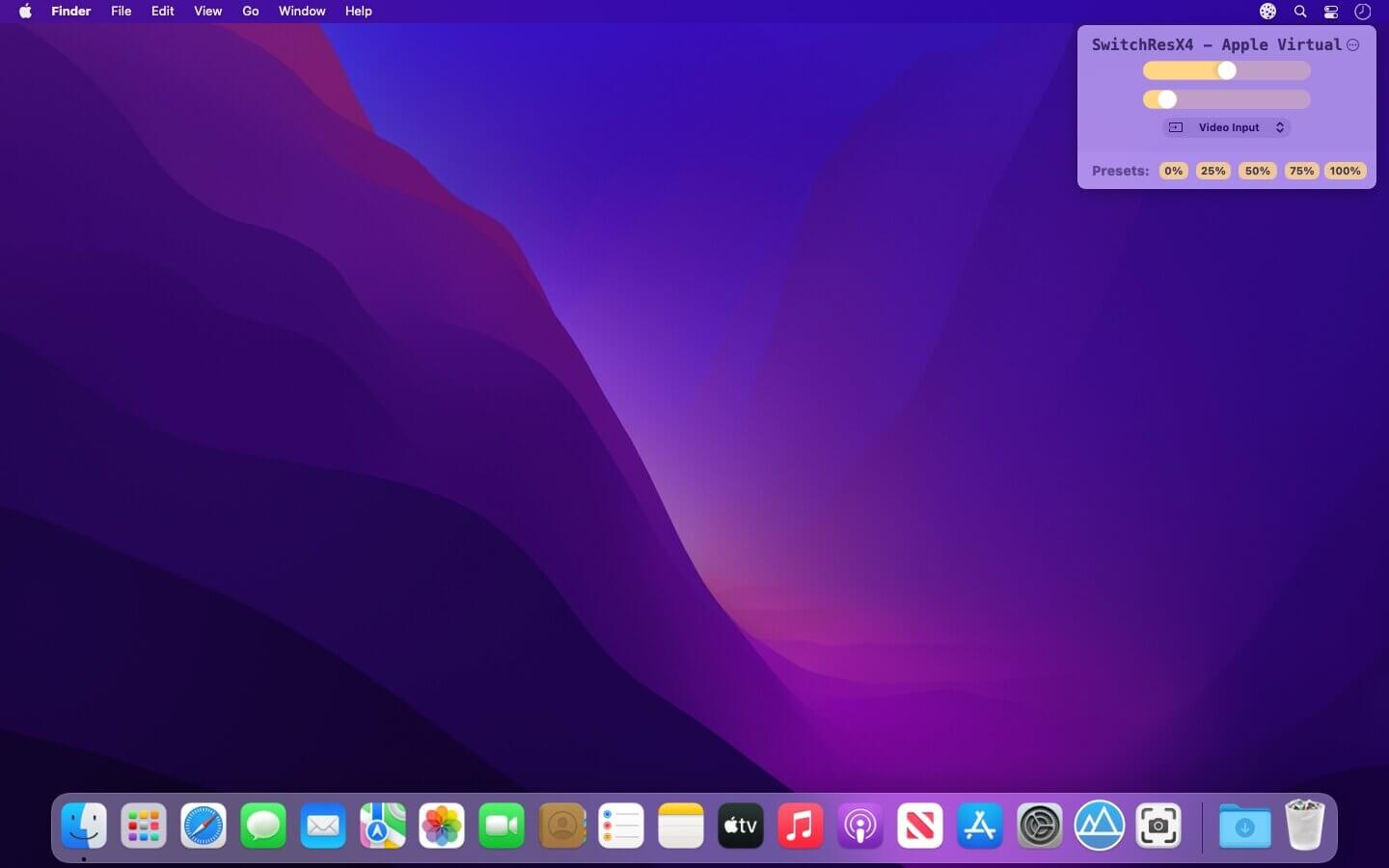
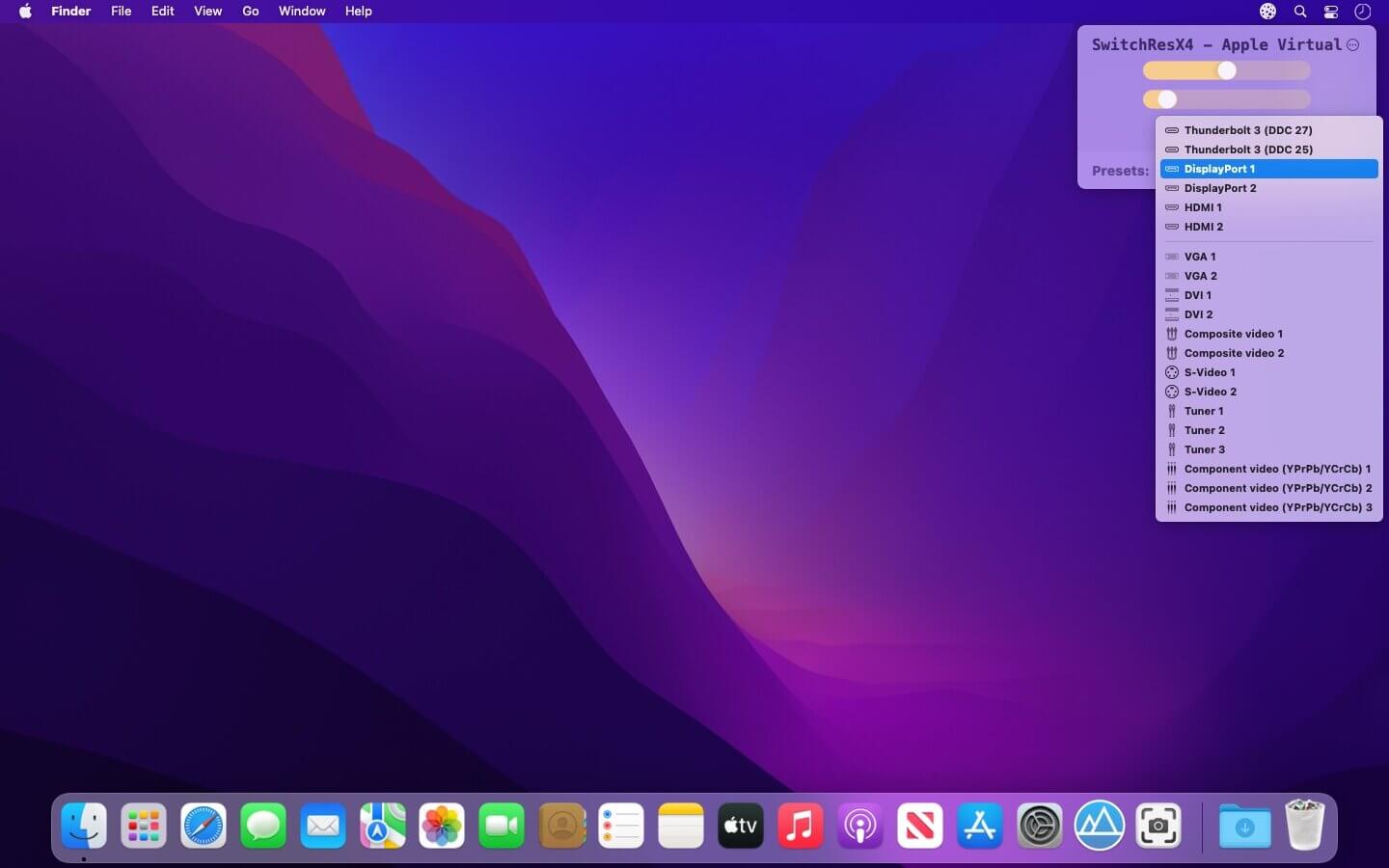
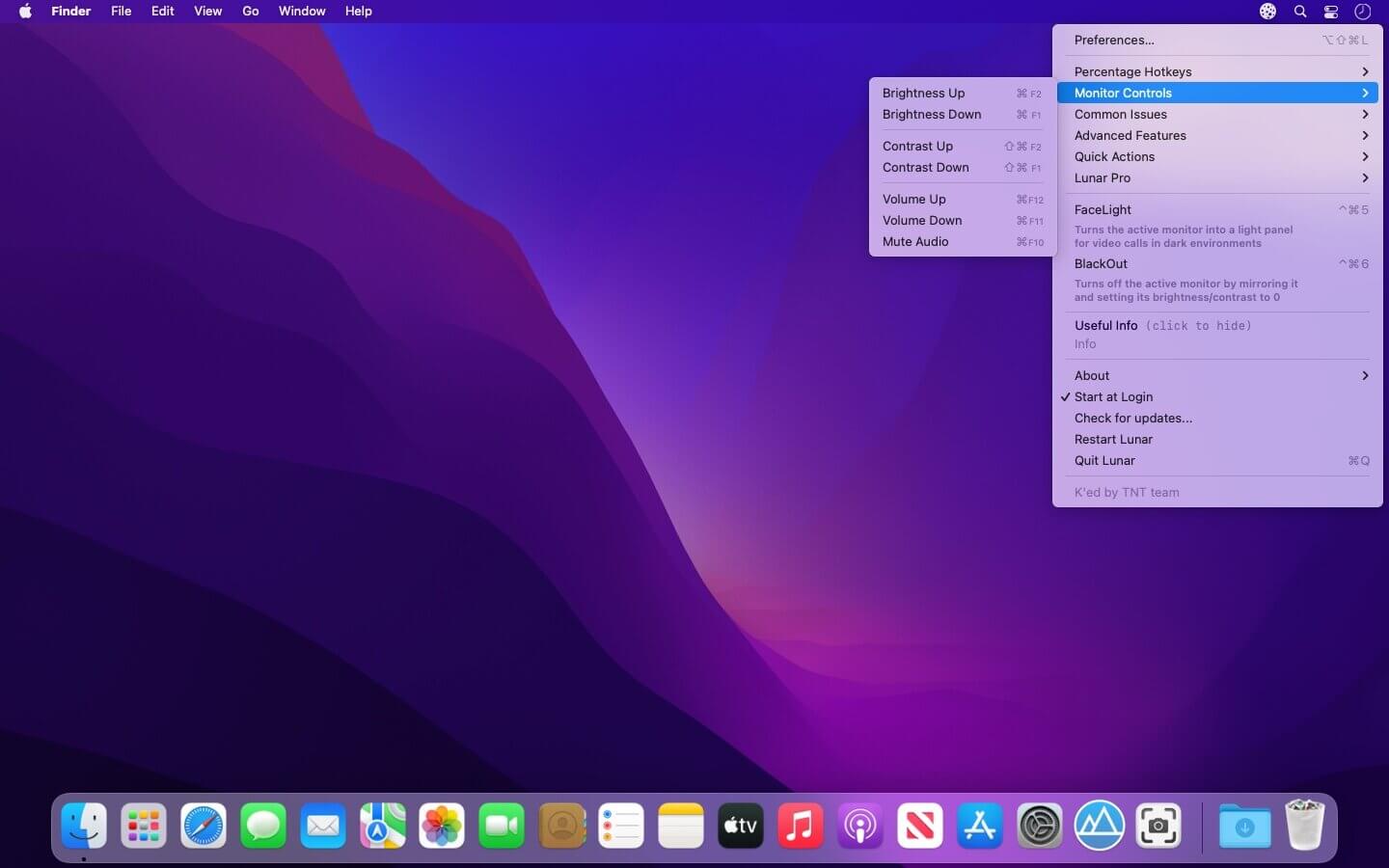
Intelligent adaptive brightness for your external display.. Lunar controls the same brightness that you can change by using the monitor's physical buttons.
- Sensor-based Adaptive Brightness (and contrast) based on an external light sensor
- Sync-based Adaptive Brightness (and contrast) based on the built-in light sensor of the Macbook or iMac
- Location-based Adaptive Brightness (and contrast) based on the sunrise/sunset times in your location
- App Exception list if you need more brightness for specific activities (watching movies, design work)
Individual settings per display
- Manual controls and hotkeys for setting brightness and contrast that respect the min/max values per monitor
- It doesn't interfere at all with the native adaptive brightness that macOS implements for the built-in display
- It works well along Night Shift and True Tone (and f.lux if Gamma/Software controls are not used)
If the first launch falls - run again
Version 6.9.5
Fixes:
- Work around macOS issue where the license code text field is not visible until clicked
Improvements:
- Allow pausing/unpausing adaptive brightness via a new adaptivePaused property using the CLI or Shortcuts
Frequently asked questions
How do I install the app?
Mount the image, drag the app into the "Applications" folder and launch it. If the system blocks the launch, allow it in "System Settings → Privacy & Security".
The app is damaged or won't launch
Reinstalling from a fresh image usually helps. Make sure your macOS version matches the one listed in the compatibility specs.
How do I update?
Download the new version from the site and install it over the current one — your settings will be preserved.
The download link doesn't work
Try a mirror or a download manager. For large files the browser often drops the connection.
How do I completely remove the app?
Use an uninstaller utility — it cleans up the service files that remain after moving the app to the trash.




Choose a download source
Lunar 6.9.5 · 16.45 MB
Previous versions
Lunar 6.9.5
Previous versions are available to registered users.