XCap 1.2.4
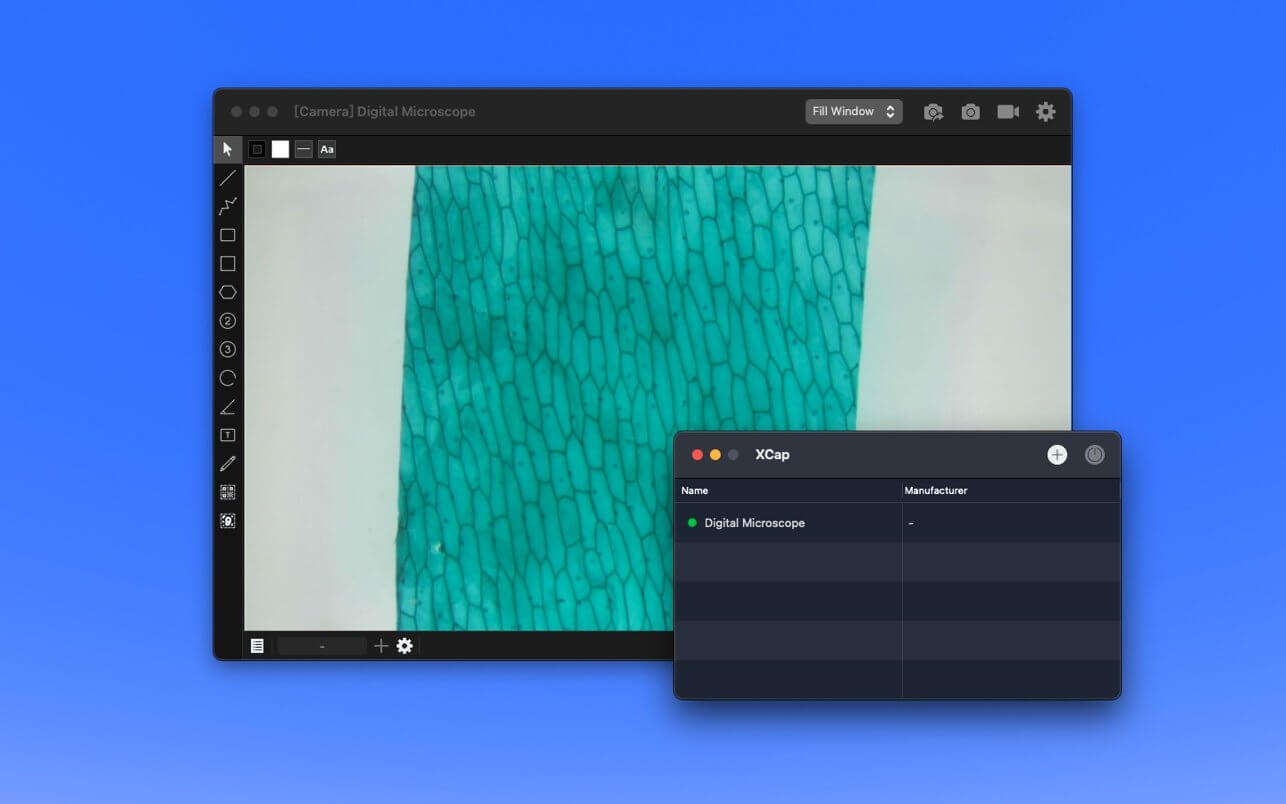
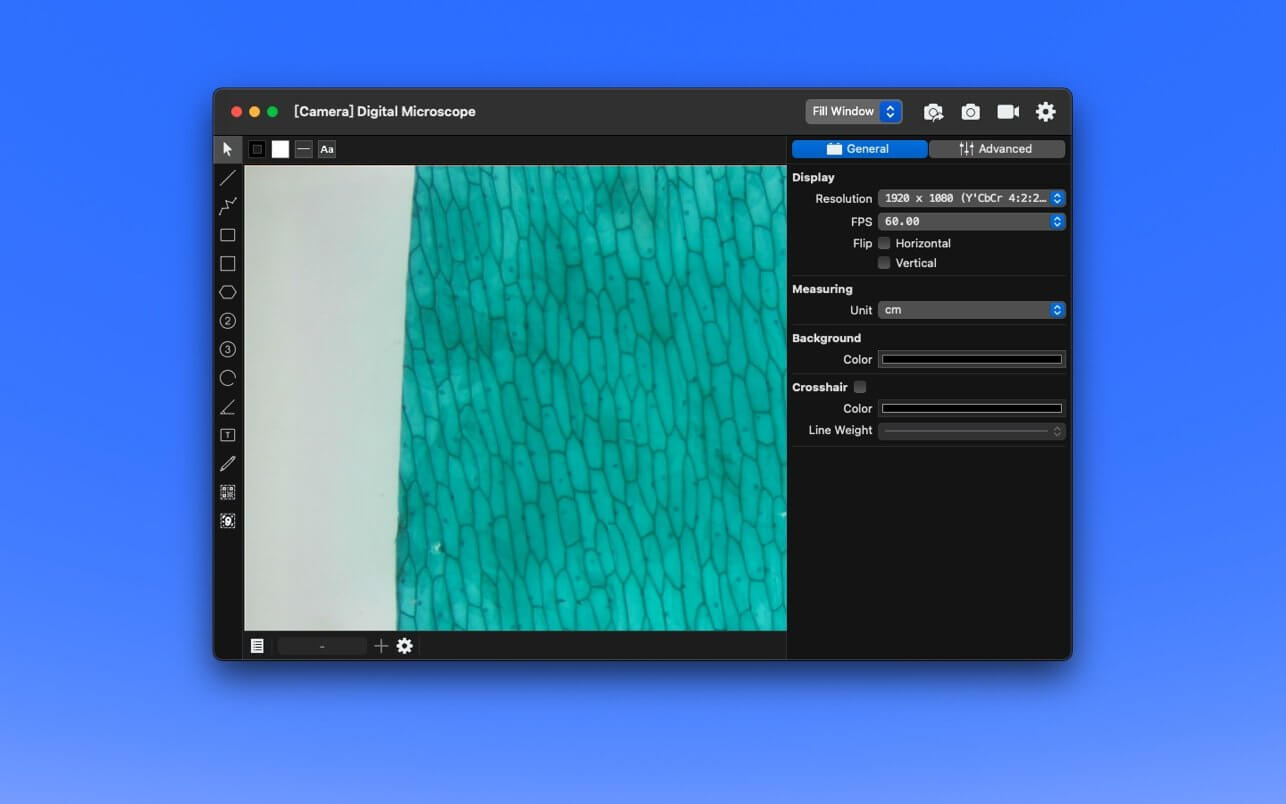
XCap - Built for Digital Microscopes
Source
- USB Camera
- FaceTime Camera
- Image File
Capture
- Snapshot(PNG、JPEG、TIFF)
- Recording(MOV)
Vision Tools
- Object Tracking
- Barcode Reader(QR Code, Data Matrix)
Measuring
Measurement Report:
- CSV
Measurement Tools:
- Line Segment
- Polyline
- Parallel Ruler
- Polygon
- Rectangle
- Square
- Circle
- Arc
- Angle
Calibration:
- Using Line Segment or Circle
Marking Tools:
- Textbox
- Pencil
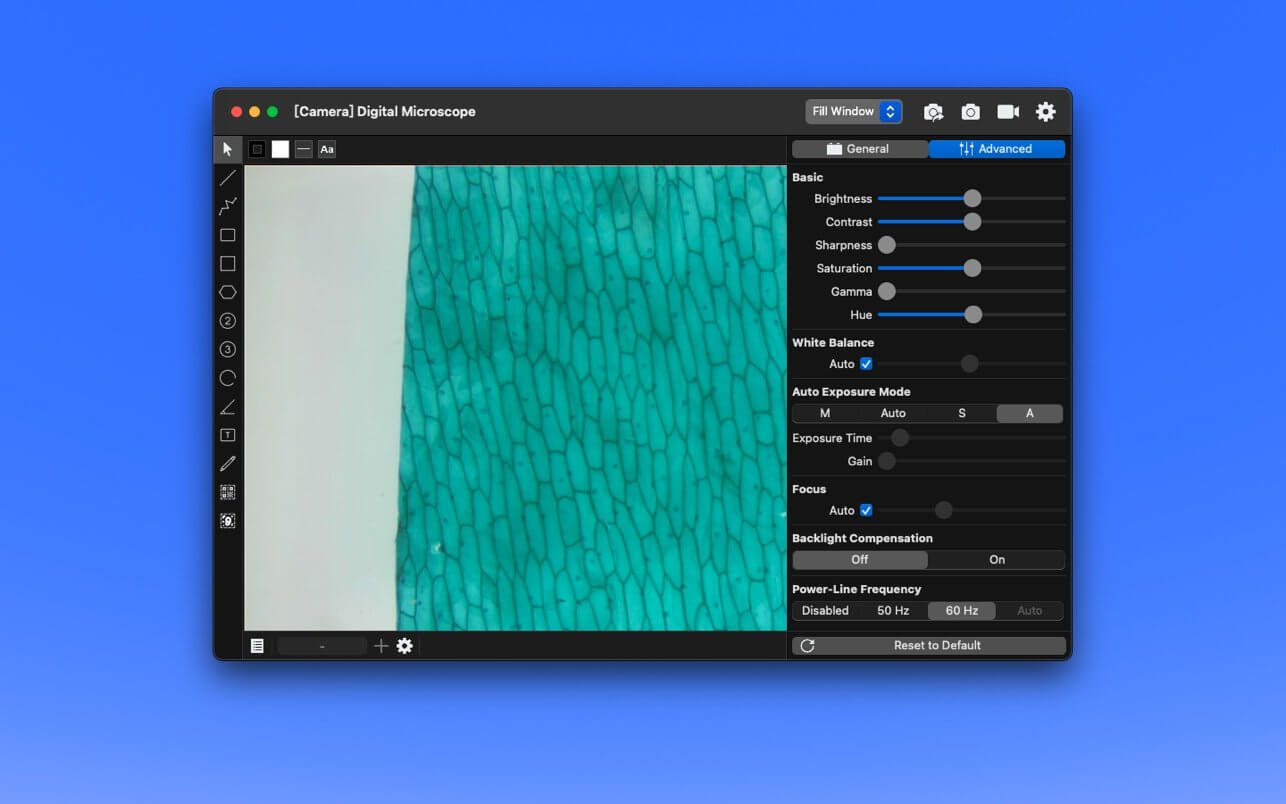
Advanced Video Settings(If supported by camera):
- Advanced Video Settings support UVC(USB Video Class) cameras only.
- Brightness
- Contrast
- Sharpness
- Saturation
- Gamma
- Hue
- White Balance
- Auto-Exposure Mode
- Exposure Time
- Gain
- Focus
- Backlight Compensation
- Power-Line Frequency
Version 1.2.4
- Preprocess for the next major update
Frequently asked questions
How do I install the app?
Mount the image, drag the app into the "Applications" folder and launch it. If the system blocks the launch, allow it in "System Settings → Privacy & Security".
The app is damaged or won't launch
Reinstalling from a fresh image usually helps. Make sure your macOS version matches the one listed in the compatibility specs.
How do I update?
Download the new version from the site and install it over the current one — your settings will be preserved.
The download link doesn't work
Try a mirror or a download manager. For large files the browser often drops the connection.
How do I completely remove the app?
Use an uninstaller utility — it cleans up the service files that remain after moving the app to the trash.

Choose a download source
XCap 1.2.4 · 5.1 MB