
AVItools 3.7
Screenshots
Click to enlarge
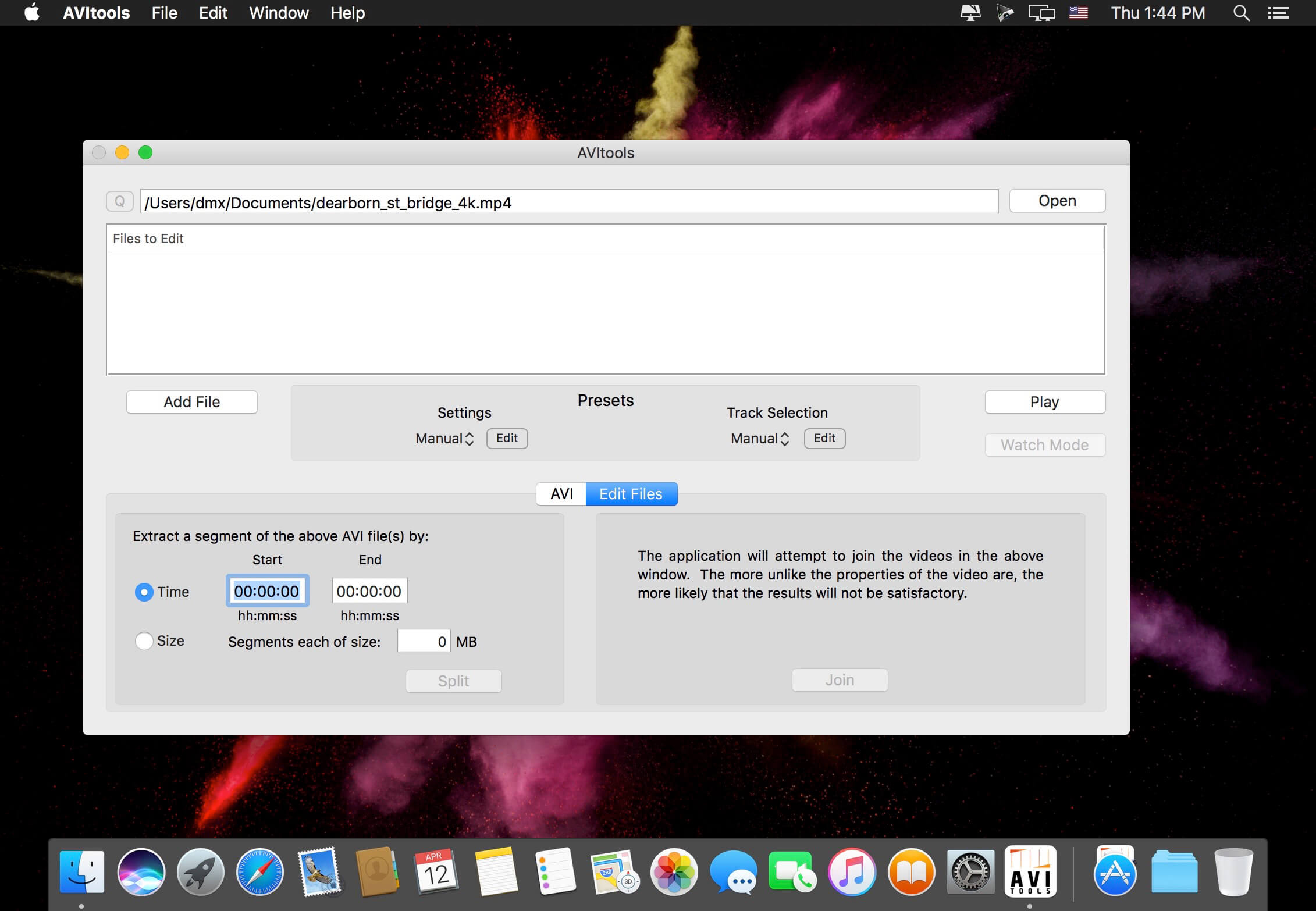
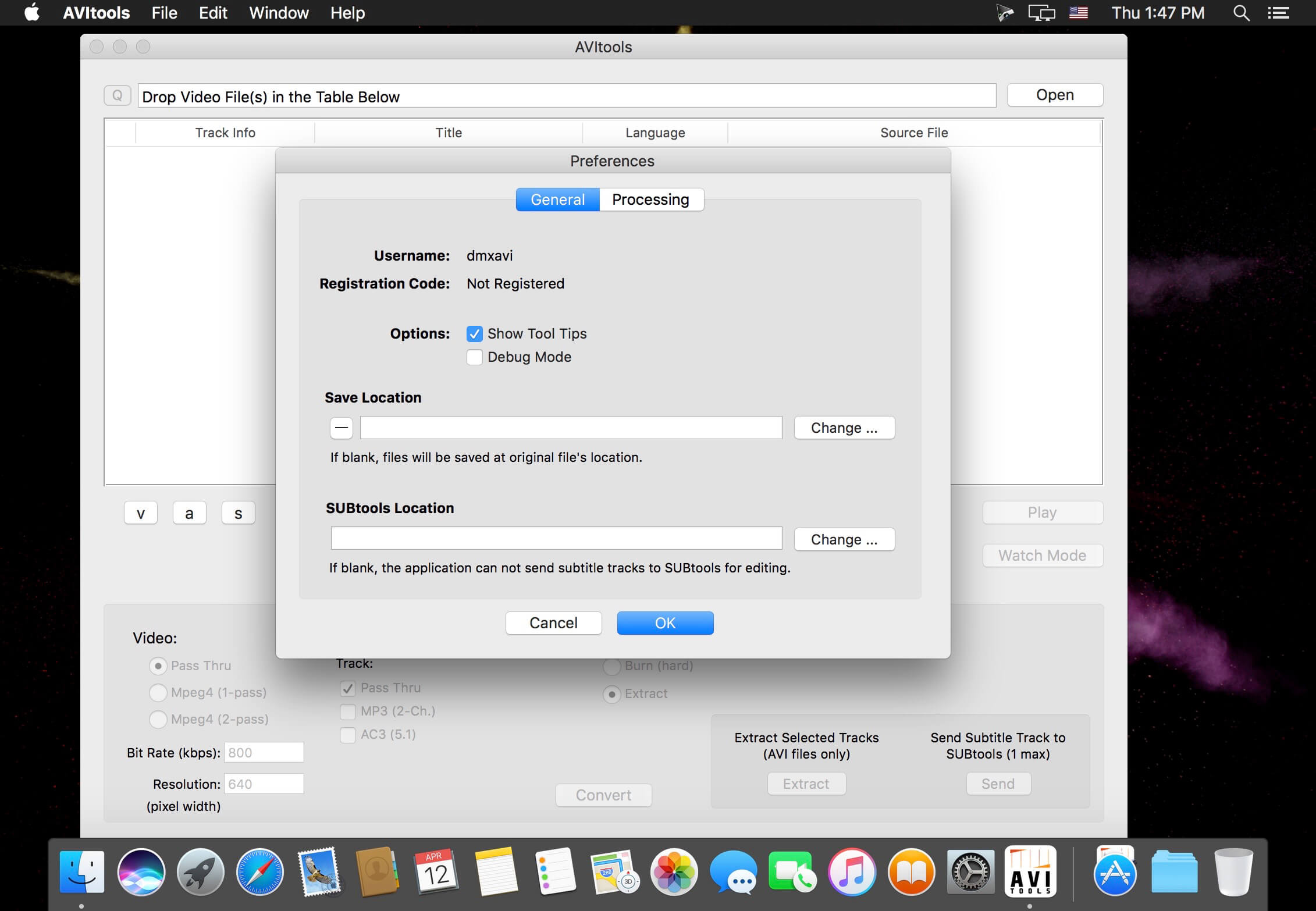
AVItools is the part of the VIDEOtoolbox Suite of Applications used for the creation and editing of AVI videos. It was primarily designed for processing videos files for use in DivX enabled DVD players, though the AVI videos it creates are also playable on hardware like the PS3 and Xbox 360. As the name might imply, AVItools is a graphical interface for a variety of tools useful for processing video files.
Features:
- Simplified and intuitive user interface that simplifies the processing of AVI videos.
- Convert from a variety of video file formats like MKV, MP4, OGM and AVI into AVI videos.
- Ability to convert various surround sound audio to 5.1 AC3.
- Intuitively select desired video, audio and/or subtitle tracks to process, with the ability to verify the selections using video preview.
- Define presets for one step automated encoding and track selections settings for playback on common hardware.
- Burn (i.e., hard code) subtitle tracks into the video from internal tracks or from external subtitle files commonly found on the internet.
- Control the font, size and positioning of the embedded subtitles.
- Split AVI videos into segments of a specified file size or by start/end time.
- Join AVI videos.
- Extract the selected tracks from AVI videos as individual video and/or audio files.
- Add jobs to a queue either individually or in batches via drag and drop so you can process multiple files overnight (registered copies only).
- Apply one setting to a group of files for easy batch creations (registered copies only).
- Enter a "Watch Mode" for which AVItools will process all videos place in a defined folder (registered copies only).
Version 3.7:
- Release notes were unavailable when this listing was updated.
Comments
No comments yet. Be the first.
Information
Visitors in the group Guests cannot leave comments on this publication.