CODIJY Recoloring 4.2.0
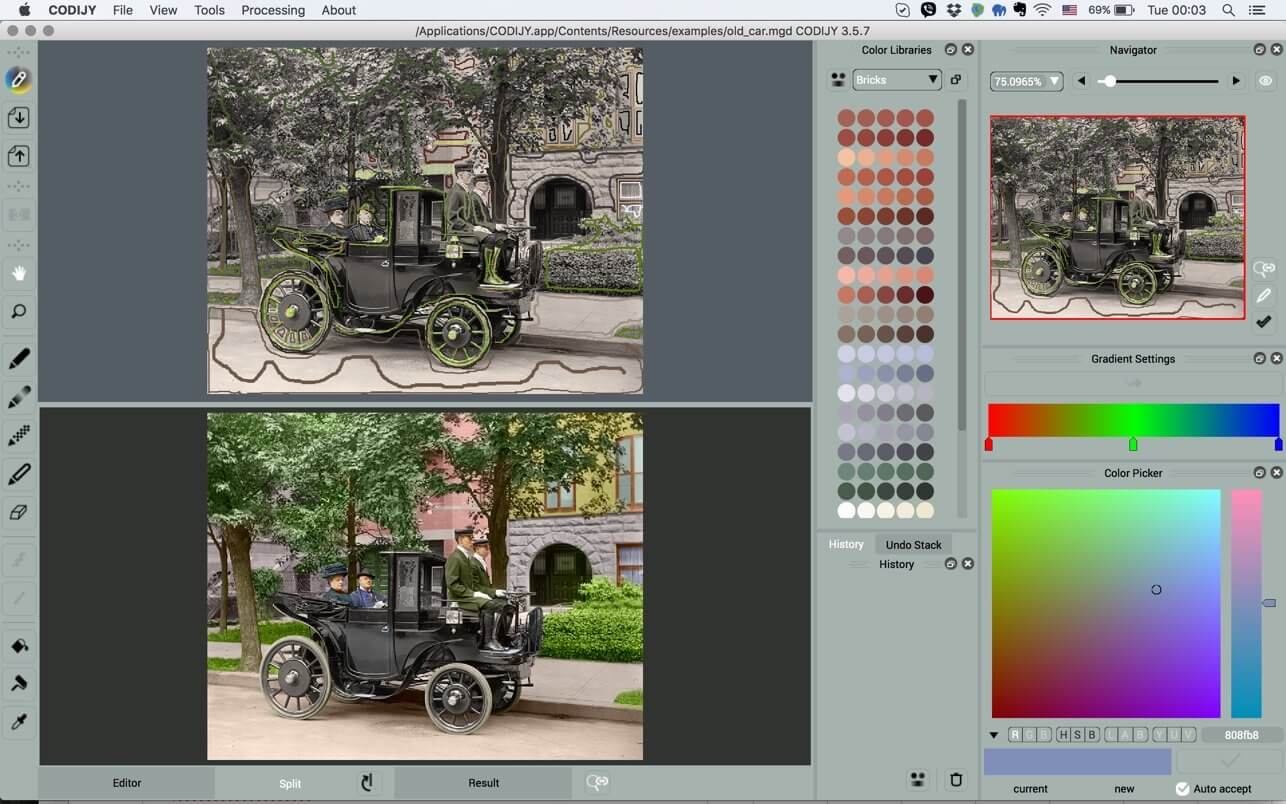
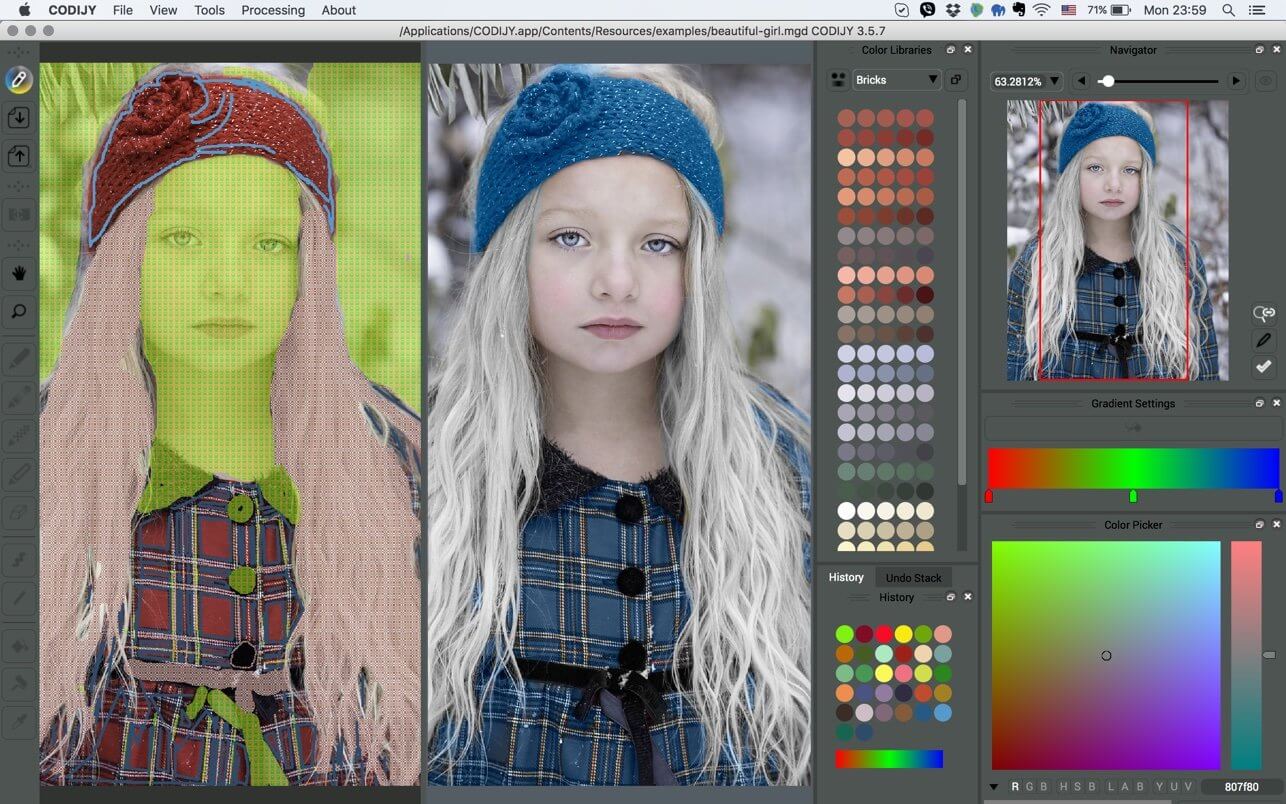
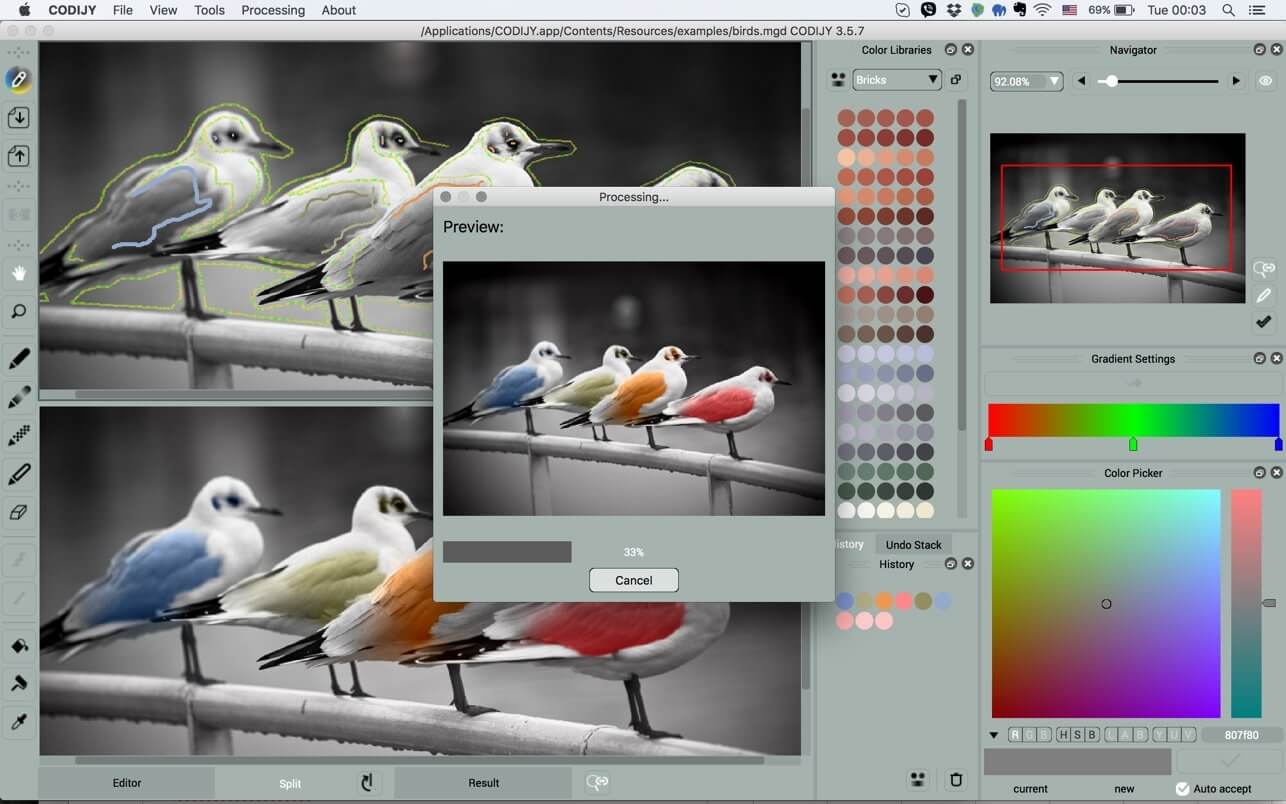
Recolor your most-admired B&W photos with surprising ease. Draw smile strokes and contours to add, protect and remove photo colors! Master your skills with guides, tutorials, lessons and examples.
“For those looking to join the world of black and white colorists with minimal knowledge, this is the software for you. Within a few days of practicing and following the tutorials, you'll be coloring with the pros. I highly recommend this product.” - Tim Wager, CODIJY User, the author of several Recolored History books.
CODIJY enables 130 000 hobbyists and pros to professionally recolor:
- Family portraits
- Iconic historical scenes & personalities
- Local history images
- Frames from the black and white movies
CODIJY Recoloring gives you the power to recolor photos of any complexity on the high professional level with:
- Industry-leading colorization algorithms
- Automatic border detection
- 28 Color Libraries that let you pick colors for people, materials and landscape features
- Advanced tools for picking tones and drawing color masks
- Instant Hue, Saturation and Brightness adjustment of the colors
- The Instant reference of the previously used colors
- Easy protection of the areas from recoloring
- Quick conversion of the photo areas to grayscale
Enjoy distraction-free creative process with
- One-click Preview Generation
- Processing of the individual photo areas
- Uncluttered, elegant interface
- Split View for previewing result Result side by side with the Editor
- Handy Image Navigator
- Undo Stack for quick access of the history of changes
- Smart Project Explorer
Supported formats
- Cross-platform MGD documents are to store your project with the Color History
- Open and export the recolored result to all major image formats including TIFF, JPEG, PNG
Quick learning curve
- Guides with video instructions
- Start-to-finish lessons
- Thematic tutorials
- Online and Printed User Manual
- Complete Reference on all available Materials
- Facebook and on-site colorization groups
Version 4.2.0
- NEW: Group Repaint Color Picker lets you repaint multiple strokes of the same color at once.
- NEW: Add Watermarks
- Support for Alfa Channel
- Lock the Angle shortcut
- Fixes known issues
Frequently asked questions
How do I install the app?
Mount the image, drag the app into the "Applications" folder and launch it. If the system blocks the launch, allow it in "System Settings → Privacy & Security".
The app is damaged or won't launch
Reinstalling from a fresh image usually helps. Make sure your macOS version matches the one listed in the compatibility specs.
How do I update?
Download the new version from the site and install it over the current one — your settings will be preserved.
The download link doesn't work
Try a mirror or a download manager. For large files the browser often drops the connection.
How do I completely remove the app?
Use an uninstaller utility — it cleans up the service files that remain after moving the app to the trash.


Choose a download source
CODIJY Recoloring 4.2.0 · 48.68 MB