
PhotosRevive 2.2.0
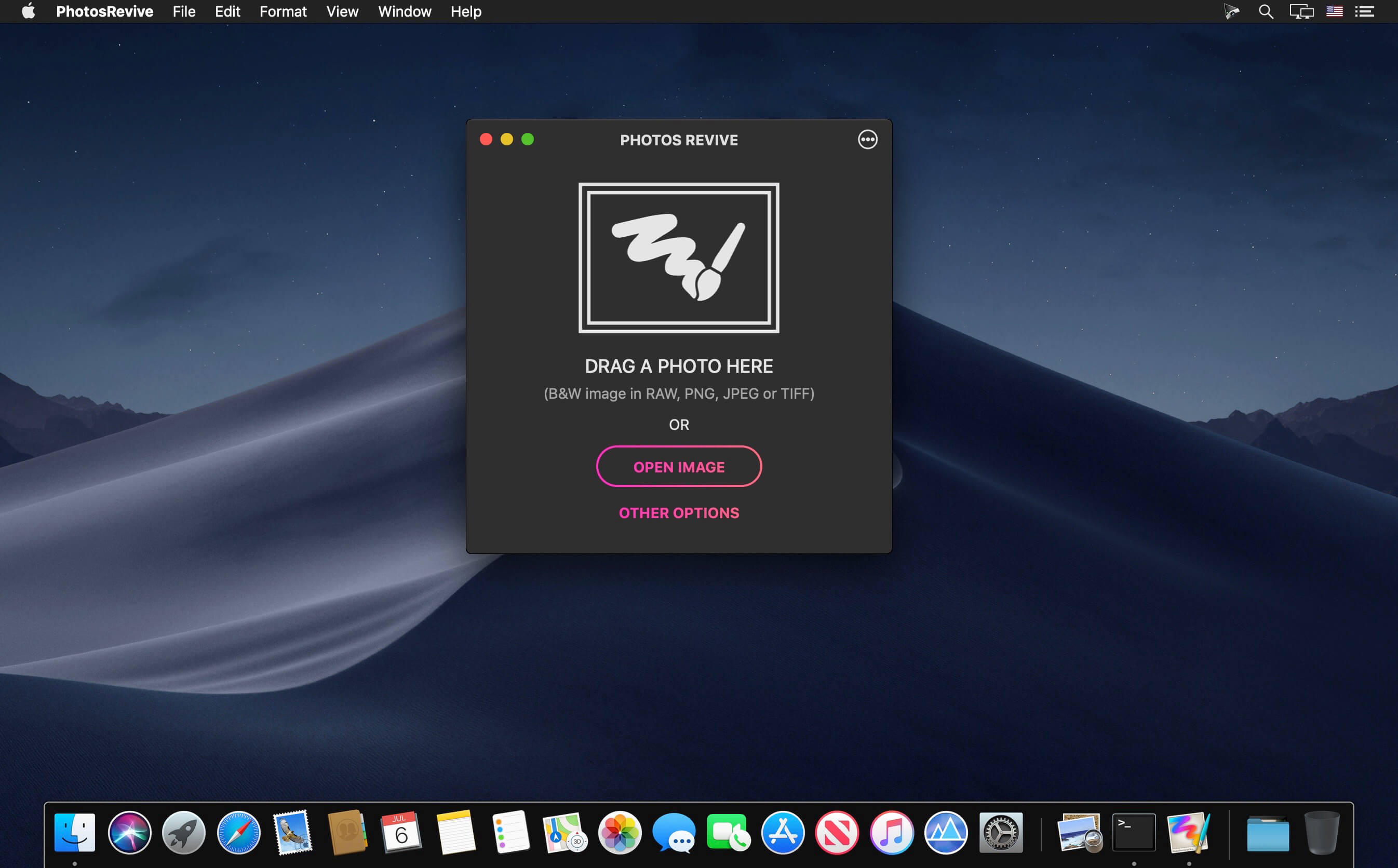
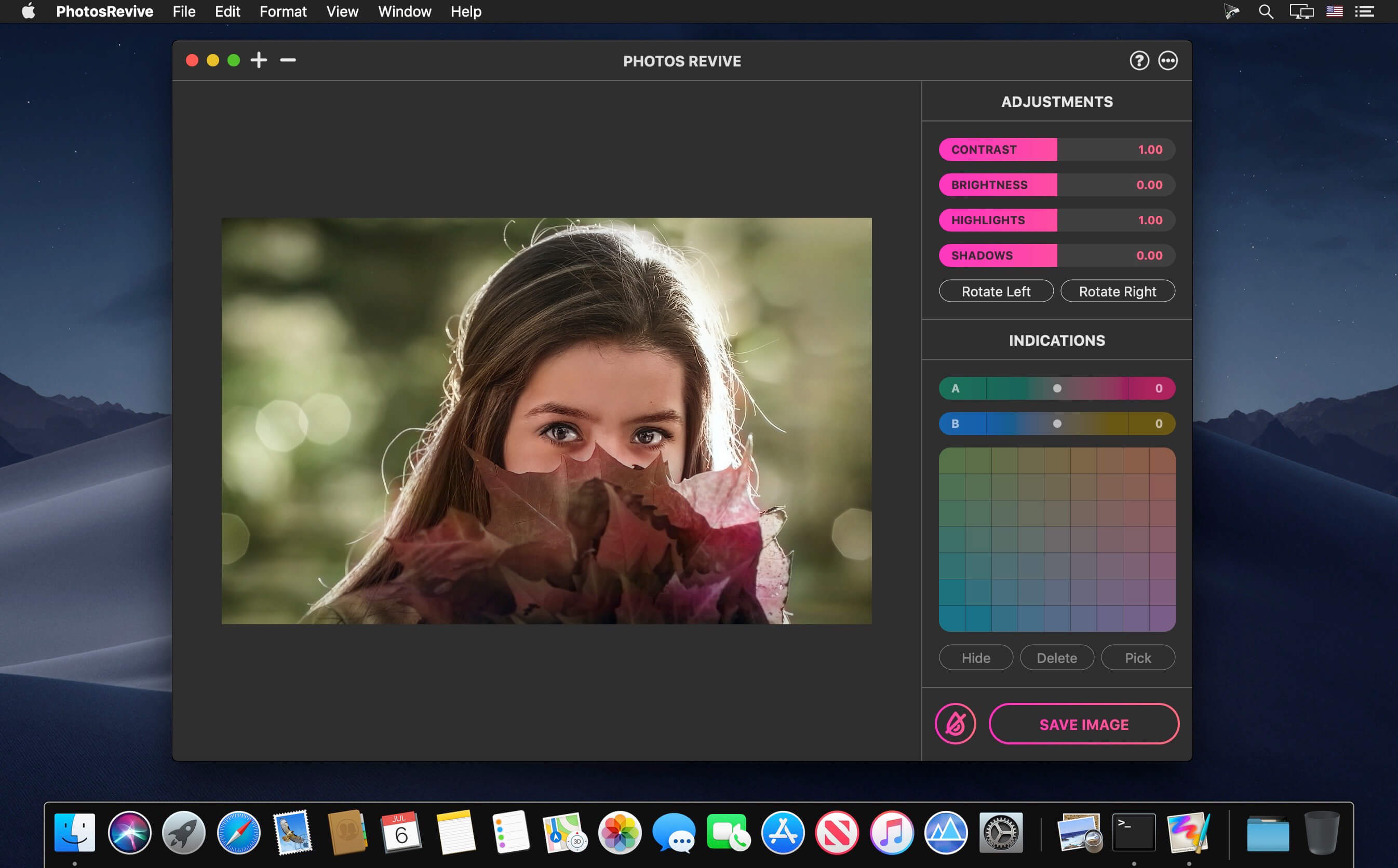
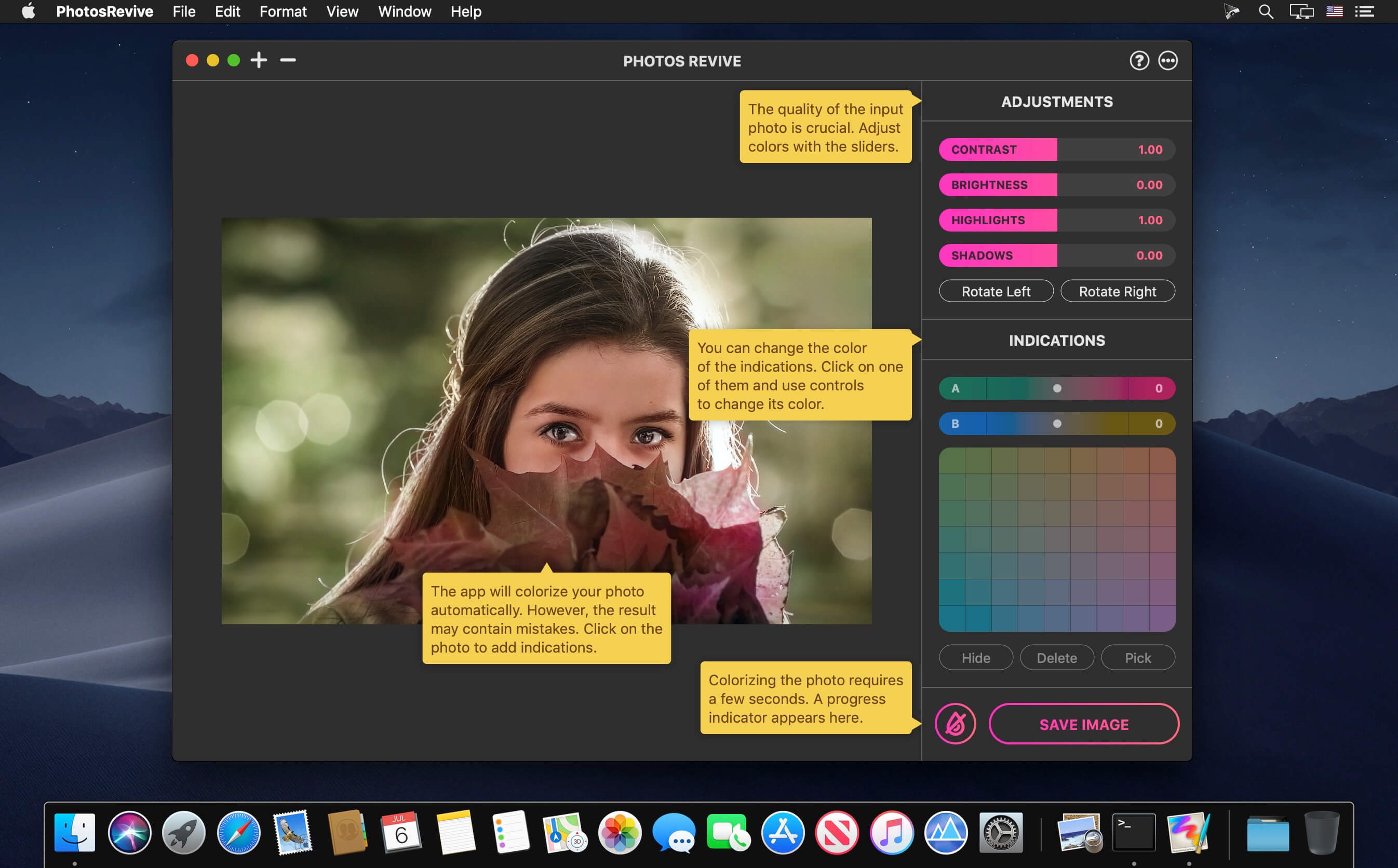
PhotosRevive automatically colorizes your old black and white photos. The application uses a revolutionary artificial intelligence that will add colors in an ultra-realistic way. The application is super simple to use. Scan or import your photo and that's it. The application will color it without any effort on your part.
We know that the colors chosen by the engine may differ from those of your memories. That's why the app lets you add indications of colors. So you can help the artificial intelligence and change the rendering as you please. PhotosRevive is the first app that will perfectly adjust the rendering to your memories.
FEATURES:
- Automatically recolor photos.
- Scan photos from your camera.
- Adjust black and white tint.
- Add indications to improve rendering.
- Save and share the result.
Version 2.1.8
- Fixed compatibility issues with future macOS versions.
- Minor bug fixes and improvements.
Frequently asked questions
How do I install the app?
Mount the image, drag the app into the "Applications" folder and launch it. If the system blocks the launch, allow it in "System Settings → Privacy & Security".
The app is damaged or won't launch
Reinstalling from a fresh image usually helps. Make sure your macOS version matches the one listed in the compatibility specs.
How do I update?
Download the new version from the site and install it over the current one — your settings will be preserved.
The download link doesn't work
Try a mirror or a download manager. For large files the browser often drops the connection.
How do I completely remove the app?
Use an uninstaller utility — it cleans up the service files that remain after moving the app to the trash.


Choose a download source
PhotosRevive 2.2.0 · 475.86 MB
Previous versions
PhotosRevive 2.2.0
Previous versions are available to registered users.