
Type Fu 4.8.0
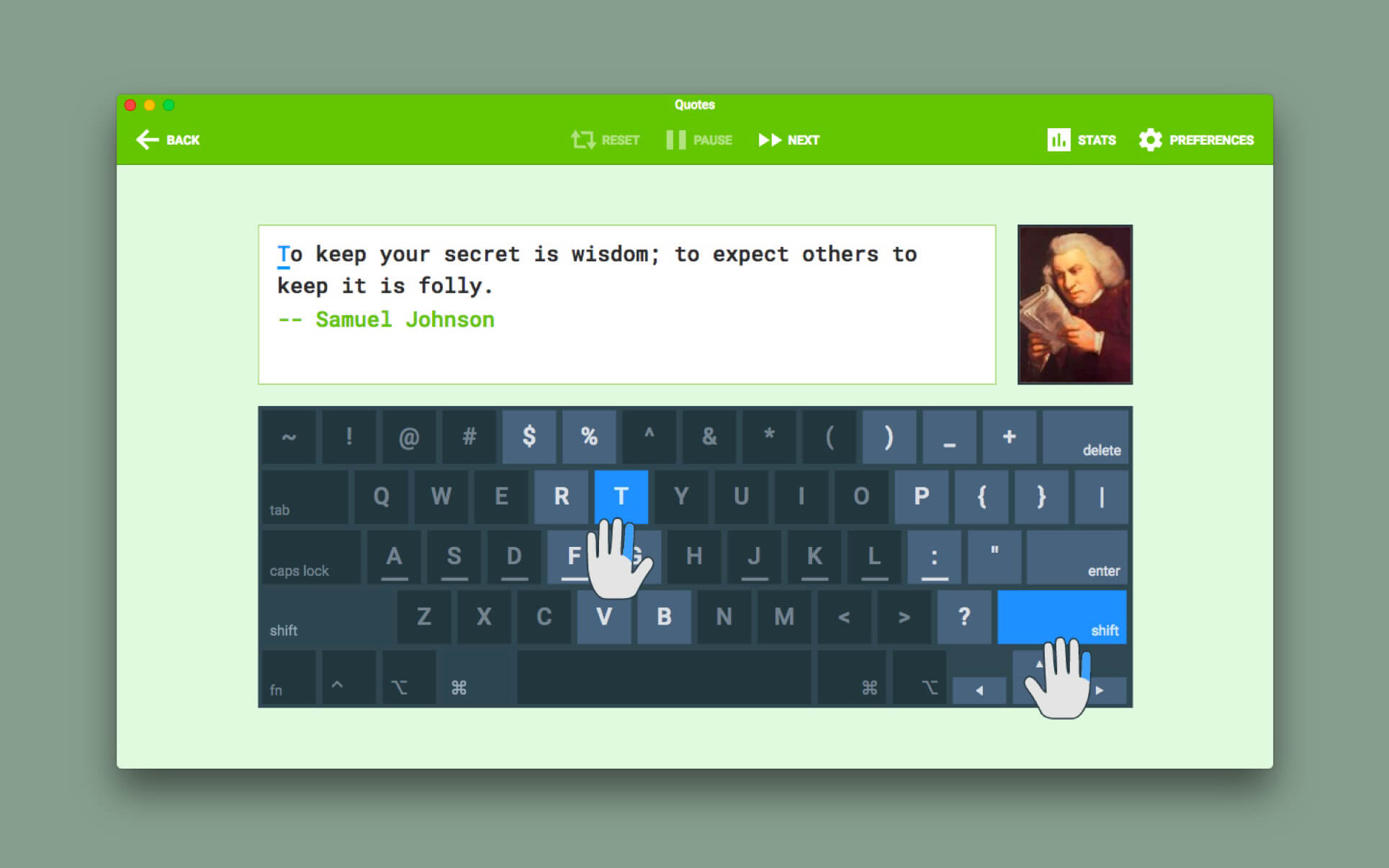
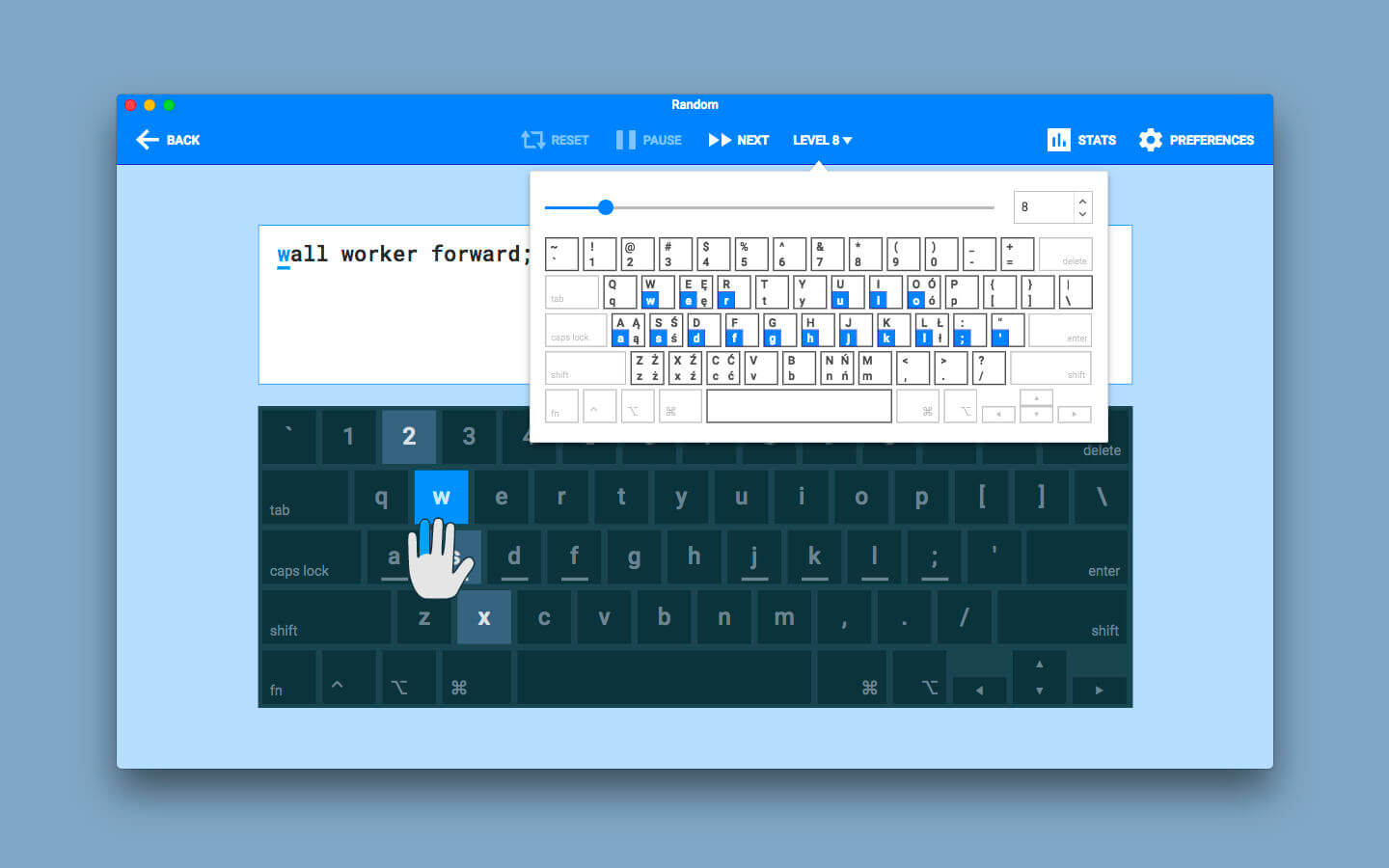
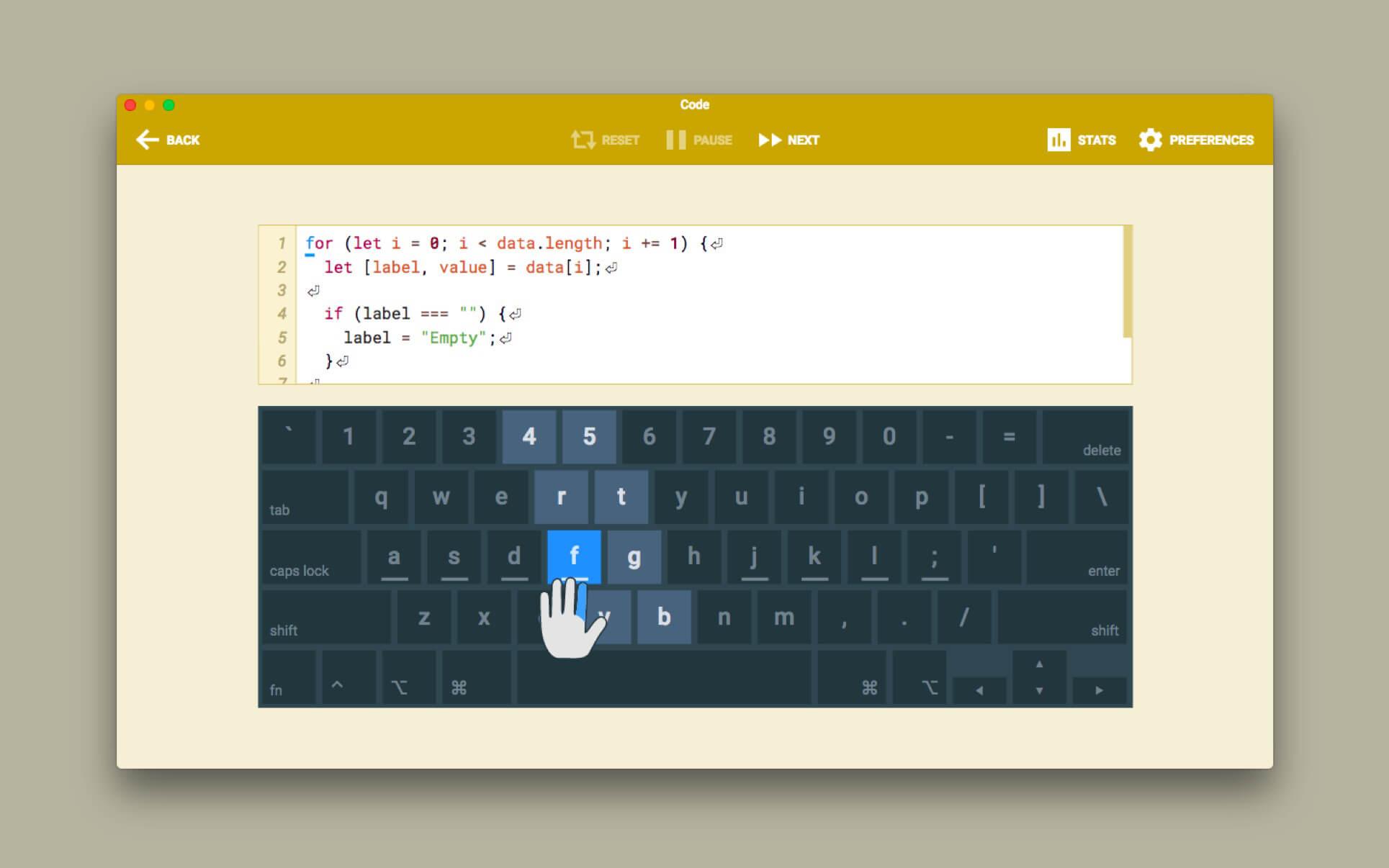
Type Fu teaches you how to type faster without looking at the keyboard, letting you hone your touch-typing skills.
TYPE FU FEATURES
- UNIVERSAL. The app is suitable for all age groups and skill levels. You can be a beginner, intermediate or advanced typist. Even if you took typing classes before, but it never sank in, Type Fu will help you refresh your skills and take them to the next stage instantly.
- PACKED WITH ENGAGING EXERCISES. Type Fu is fun to use! Lessons vary from simple letters, numbers and words to proverbs and quotes of great thinkers of the past. Basic lessons (letters, numbers, words) are generated programatically so that you will never see the same exercise twice.
- MULTIPLE LEVELS OF DIFFICULTY. Should you start from the very beginning, or do you want to just polish your type-fu a tad? Figure out your initial skill level and start practicing right away, until your fingers are a blur!
- MULTIPLE KEYBOARD LAYOUTS. English language users can choose between following layouts: Qwerty, Dvorak, Colemak, Workman, Norman, Qwertz, Azerty. German language users can choose between: German Qwertz and Swiss Qwertz layouts.
- ADAPTIVE. Type Fu is smart: when you are making an outstanding progress, it can automatically increase the level of difficulty to keep you on your toes while improving the skill.
- VISUAL AND AUDIO HINTS. Type Fu assists in a non-obtrusive way. Various indications of hitting or missing the right keys are helpful, pertinent, don't get in the way and can be disabled.
- EASY PROGRESS TRACKING. Type Fu helps you perfecting the skill of touch typing by visualizing your progress. You will be able to easily tell from the pretty charts exactly how much better your typing speed and accuracy become, and which keys your miss most.
- FULLY INTEGRATED WITH YOUR MAC. Get the top-notch user experience offered by Mac computers. Type Fu supports Retina displays, process sandboxing, automatic updates via Mac App Store and full-screen mode.
Version 4.8.0
- Option to export stats from the desktop app to the new web app
- "Qwerty Norwegian (Mac)" layout (submitted by Jørgen)
Frequently asked questions
How do I install the app?
Mount the image, drag the app into the "Applications" folder and launch it. If the system blocks the launch, allow it in "System Settings → Privacy & Security".
The app is damaged or won't launch
Reinstalling from a fresh image usually helps. Make sure your macOS version matches the one listed in the compatibility specs.
How do I update?
Download the new version from the site and install it over the current one — your settings will be preserved.
The download link doesn't work
Try a mirror or a download manager. For large files the browser often drops the connection.
How do I completely remove the app?
Use an uninstaller utility — it cleans up the service files that remain after moving the app to the trash.
VersionType Fu 4.8.0
DeveloperJaroslaw Foksa
CompatibilityOS X 10.10 or later, 64-bit processor
LanguageEnglish, German
IncludesK'ed by TNT




Information
Visitors in the group Guests cannot leave comments on this publication.
Choose a download source
Type Fu 4.8.0 · 64.2 MB