
Master of Typing - Tutor 1.9.15
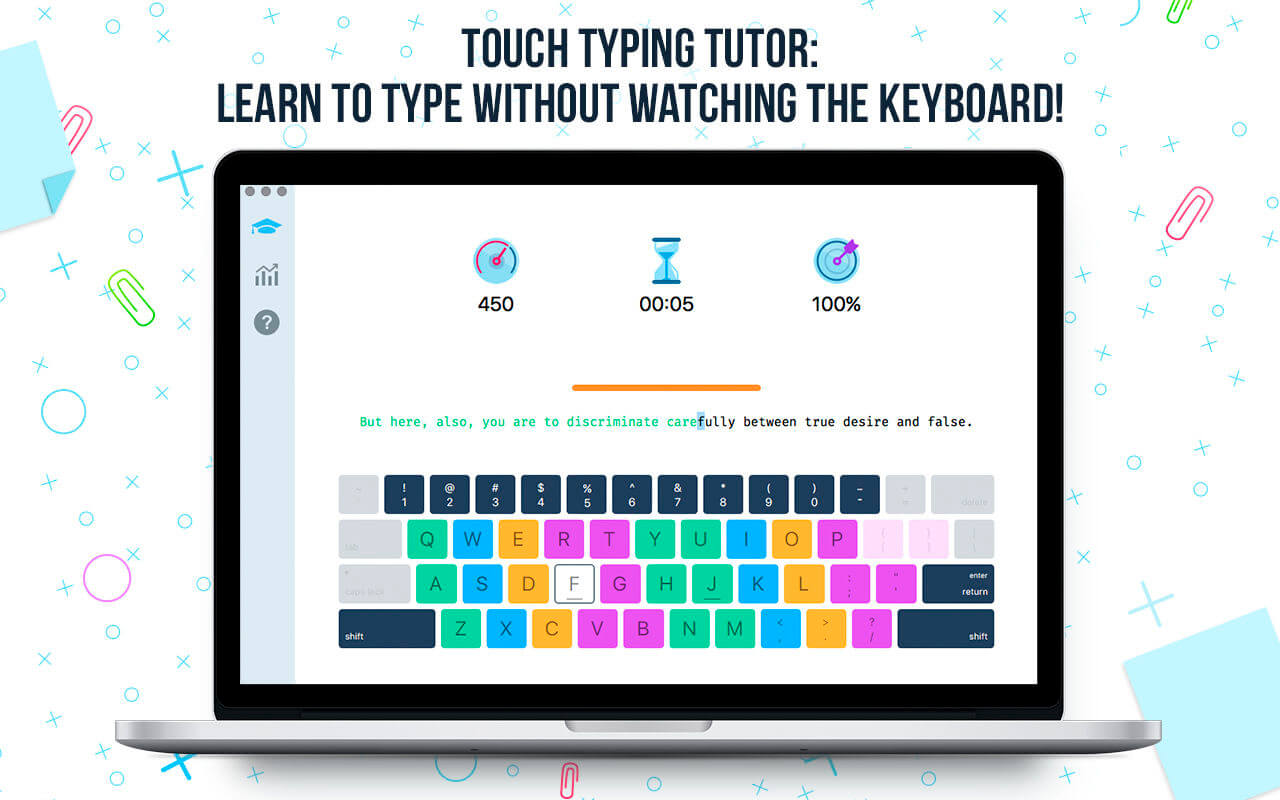
Master of Typing is a TOUCH TYPING tutor that helps you learn to type using all your 10 FINGERS without watching the keyboard.
Touch typing ALLOWS you:
- to SAVE time when typing texts of various difficulty;
- to REDUCE switching of attention;
- to INCREASE your efficiency at work.
MASTER OF TYPING - EXCESSIVELY ELABORATED SYSTEM OF TRAINING AND PRACTICE
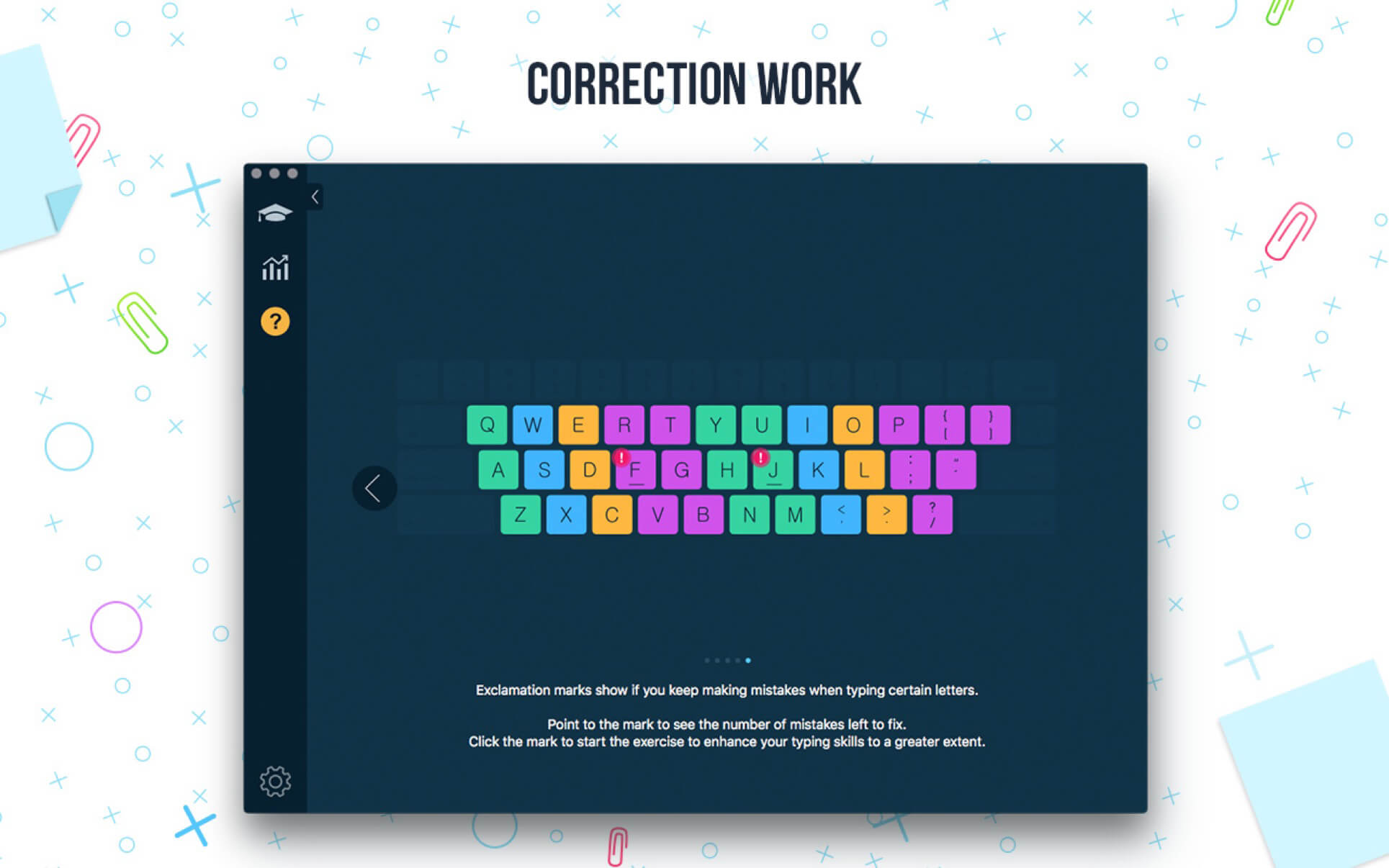
- Variety of exercises: letters, special characters, and words;
- Colored keyboard's scheme to memorize finger positions;
- Difficulty settings: you can select lessons according to your skills;
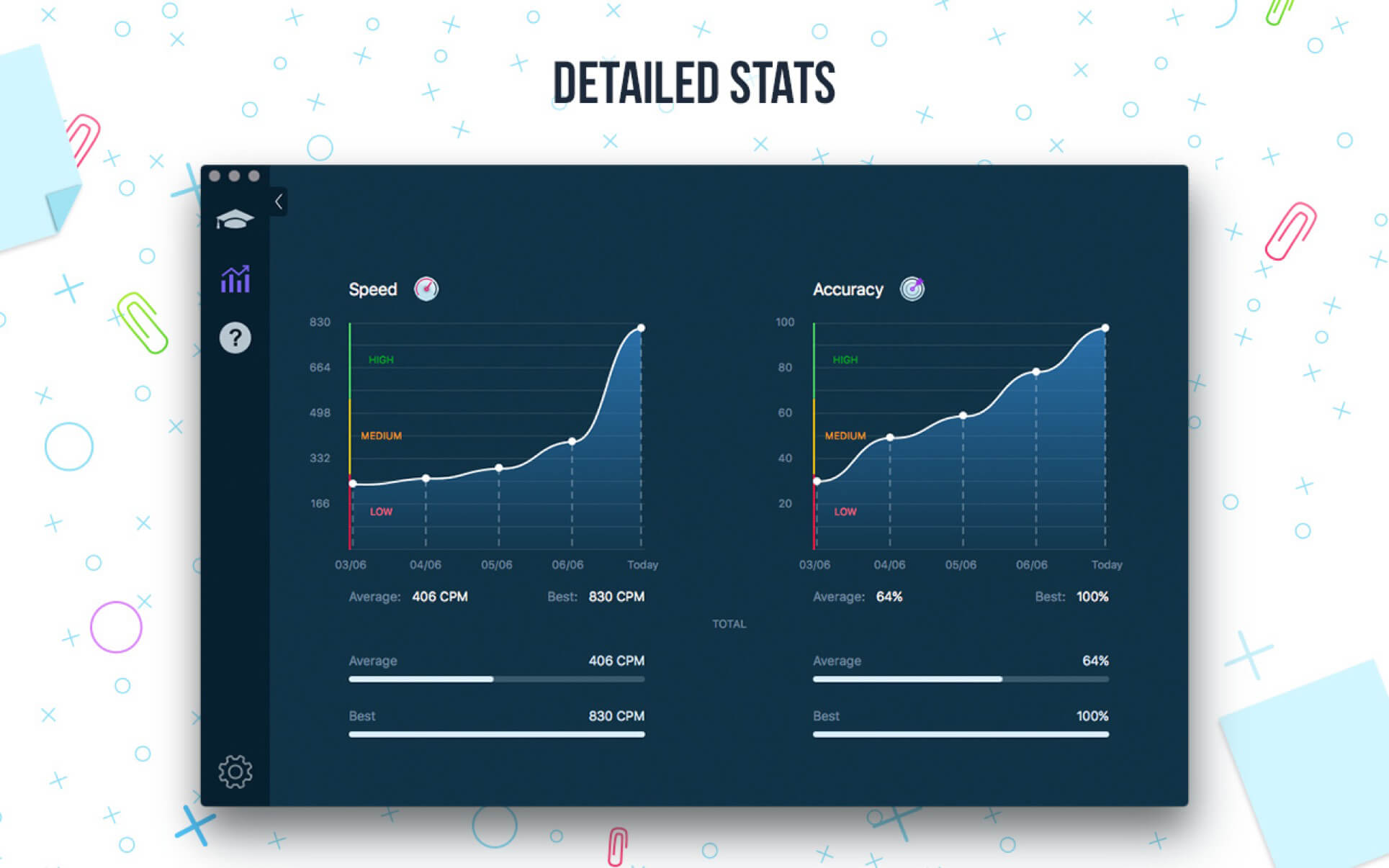
- Accurate statistics results: speed & accuracy statistics (best, average);
- A quick test at the beginning helps to check your current typing skills;
- Opportunity to type texts.
Master of Typing BENEFITS:
- Smart statistics;
- 2 themes: Light and Dark;
- Available languages: English;
- Swipe and hotkeys for quickly switching between windows.
FULL VERSION BENEFITS:
- All levels and sub-levels unlocked
- Extra level with Sentences
- No advertising!
Version 1.9.15
- We've managed to fix a couple more bugs to make this app version more stable and user-friendly.
Frequently asked questions
How do I install the app?
Mount the image, drag the app into the "Applications" folder and launch it. If the system blocks the launch, allow it in "System Settings → Privacy & Security".
The app is damaged or won't launch
Reinstalling from a fresh image usually helps. Make sure your macOS version matches the one listed in the compatibility specs.
How do I update?
Download the new version from the site and install it over the current one — your settings will be preserved.
The download link doesn't work
Try a mirror or a download manager. For large files the browser often drops the connection.
How do I completely remove the app?
Use an uninstaller utility — it cleans up the service files that remain after moving the app to the trash.




Choose a download source
Master of Typing - Tutor 1.9.15 · 20.99 MB
Previous versions
Master of Typing - Tutor 1.9.15
Previous versions are available to registered users.