
Sound Grinder 4.6
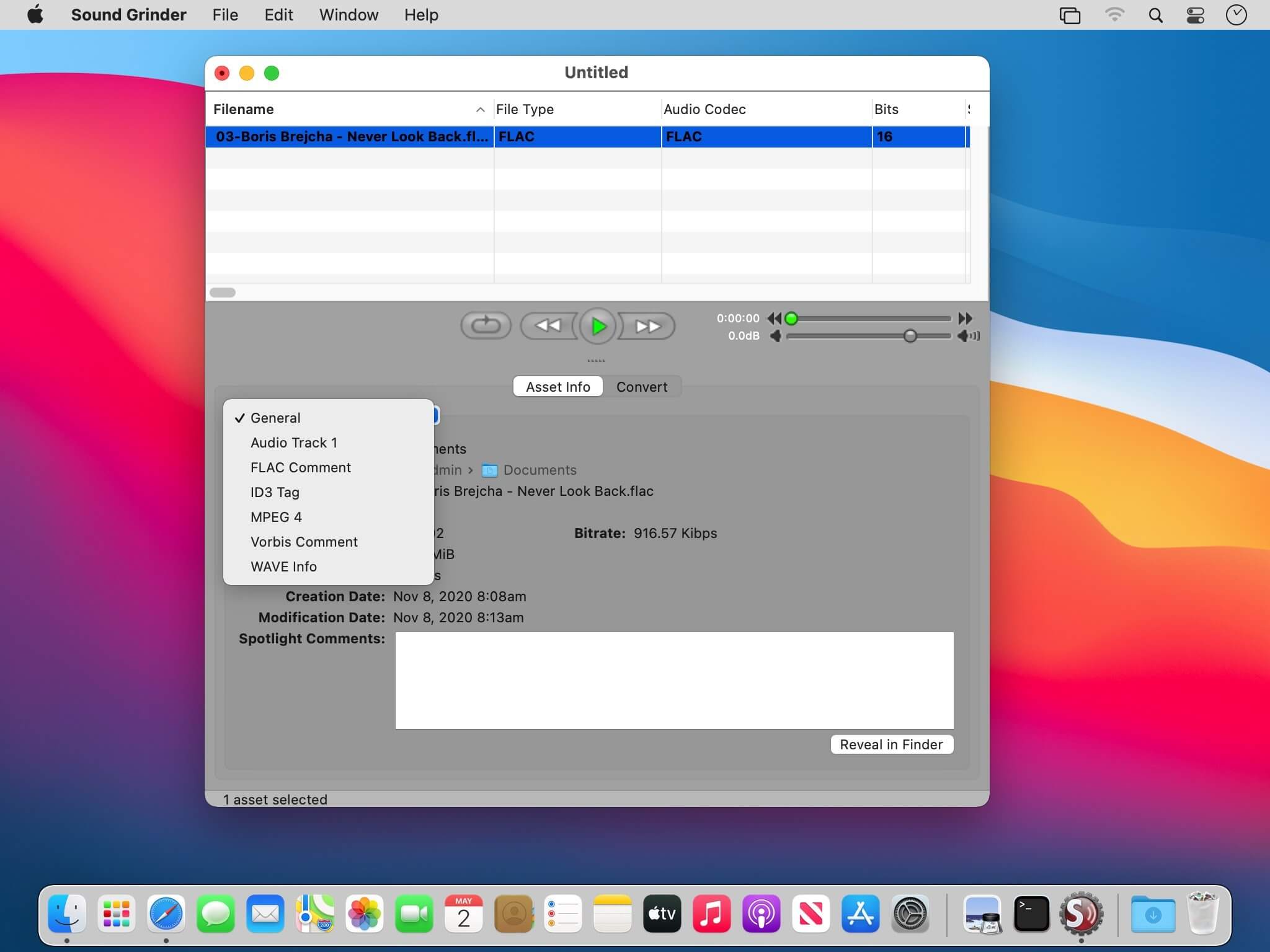
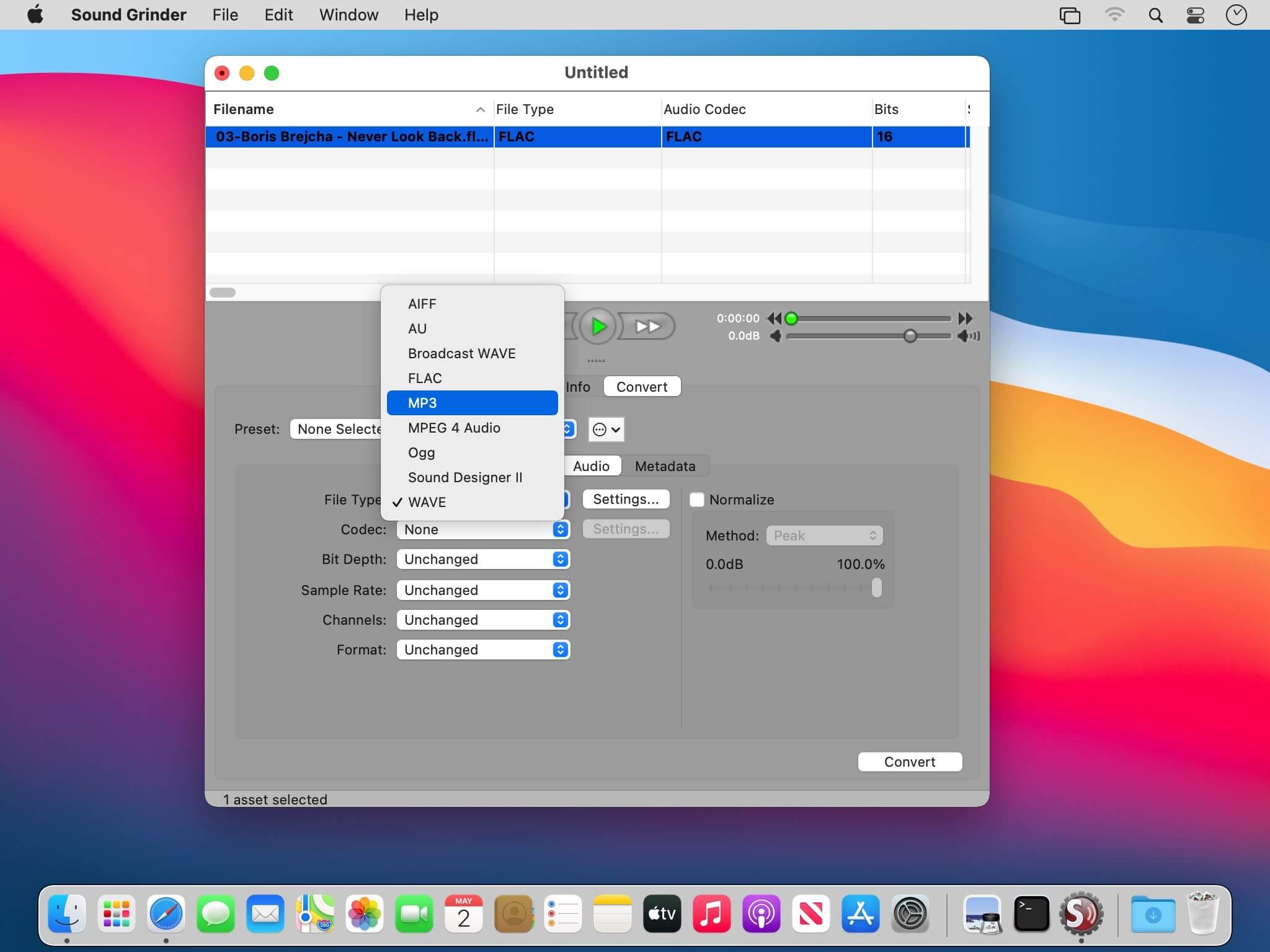
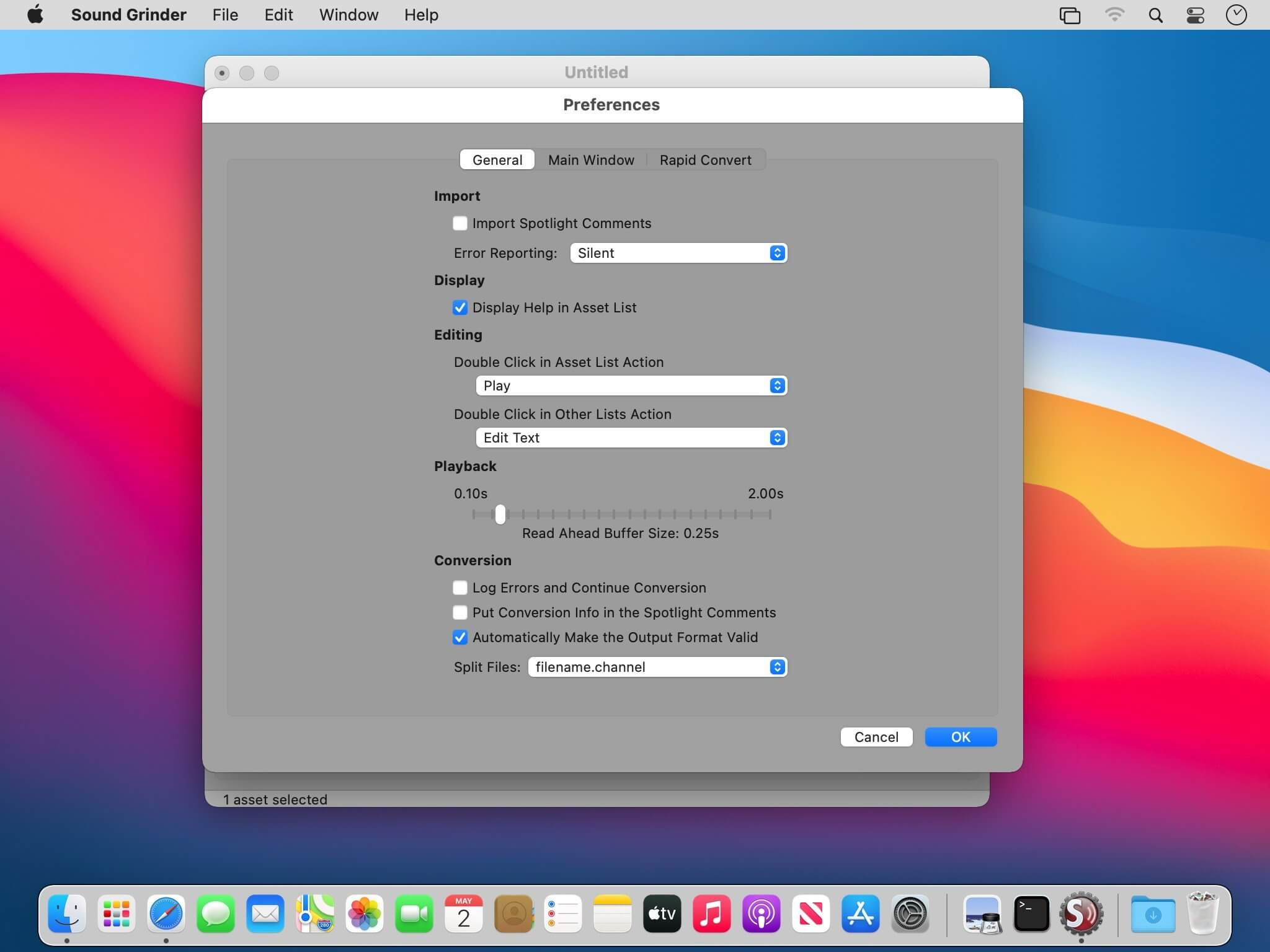
Sound Grinder™ will make batch processing in macOS your new favorite activity. Feature-rich, flexible, and a heck-of-a good time, Sound Grinder lets you batch process thousands of files at once without losing time or your metadata. A "must-have" Monkey at a "can't-resist" price.
Fast, Efficient and Rock-Solid. Sound Grinder provides many features that help relieve the frustrations of processing audio assets. With advanced programming and well thought through processing, we are confident that you will find Sound Grinder to be the fastest, most efficient, and rock solid conversion utility you have ever used.
Power
- Full 64-bit processing support
- Sophisticated processing engine for speed and stability
- Droplets, providing quick drag-n-drop access to file conversion
- Rapid Convert, providing in-Finder file conversion
- One window design
- Support for multiple sessions
- Customizable list view
- Multiple error logging levels
Conversion
- Comprehensive conversion engine
- Metadata batch-processing
- RMS and Peak normalizing
- User presets
- Full interleaved/split-stereo handling
- "Retain Folder Structure" option
- Naming options for Pro Tools™ compatibility with split audio files
- Pull-up/pull-down sample rates
- Custom sample rates
- 31 character name limit support
Metadata
- Support for ID3 tags, Vorbis Comments, FLAC Comments, and MPEG 4 User Data
- Support for importing and viewing MPEG 4 and ID3 Artwork
- Support for retaining Broadcast Extension (BEXT) metadata
- Support for Pro Tools™ file comments and timecode stamps
- Support for Finder/Spotlight comments
- All metadata viewable in the list view.
- Comprehensive metadata editing for export.
Playback
- Preview conversion settings
- Full playback control including scrubbing
- Playback slider with scrubbing
- Volume control slider with mute
- Loop playback
Version 4 now includes:
- Apple Silicon
- Support for 64-bit
- Compatibility with MacOS 10.10 or greater
- Additional performance and stability enhancements
Frequently asked questions
How do I install the app?
Mount the image, drag the app into the "Applications" folder and launch it. If the system blocks the launch, allow it in "System Settings → Privacy & Security".
The app is damaged or won't launch
Reinstalling from a fresh image usually helps. Make sure your macOS version matches the one listed in the compatibility specs.
How do I update?
Download the new version from the site and install it over the current one — your settings will be preserved.
The download link doesn't work
Try a mirror or a download manager. For large files the browser often drops the connection.
How do I completely remove the app?
Use an uninstaller utility — it cleans up the service files that remain after moving the app to the trash.




Choose a download source
Sound Grinder 4.6 · 15.06 MB