
VideoSolo DVD Copy 1.0.18
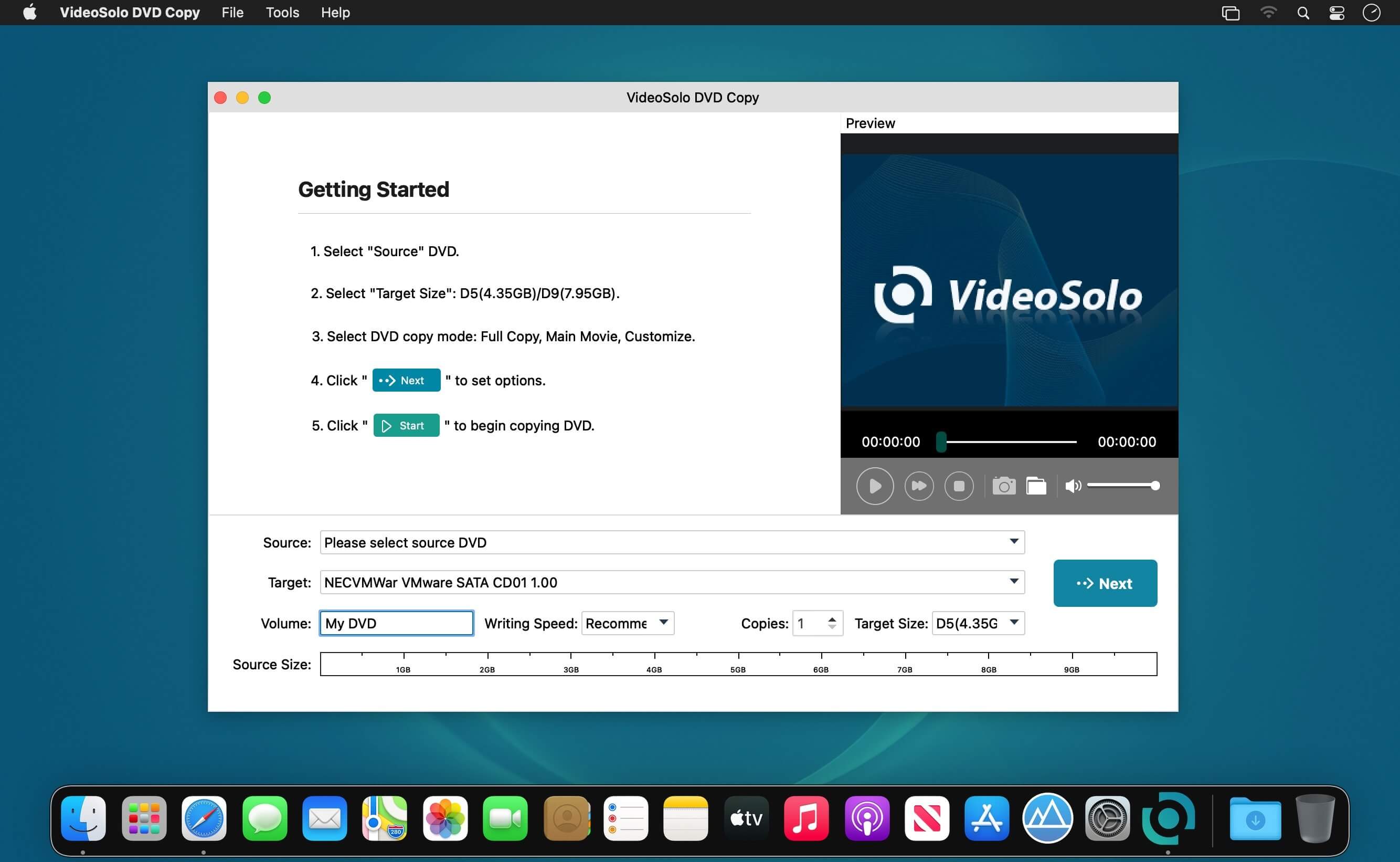
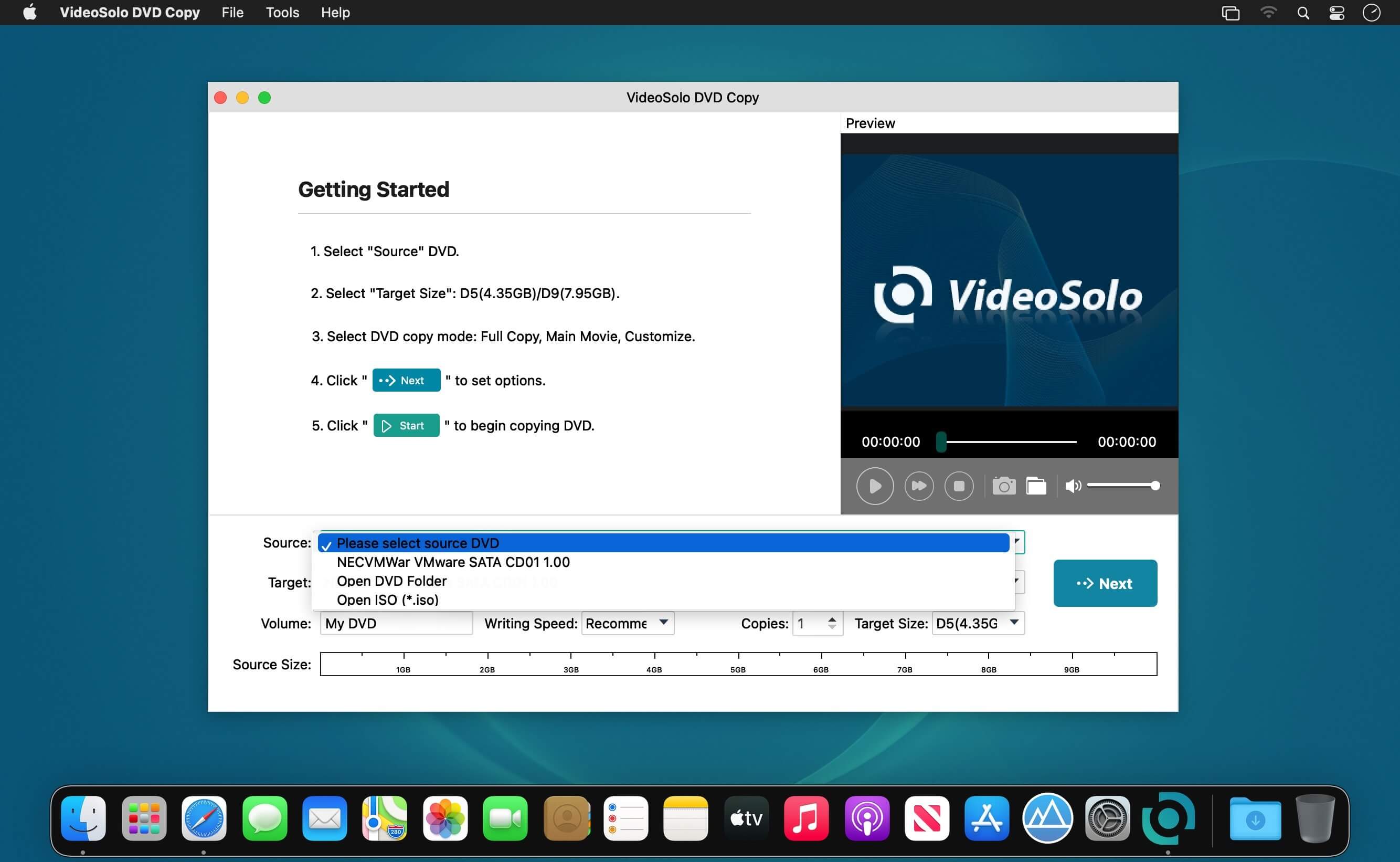
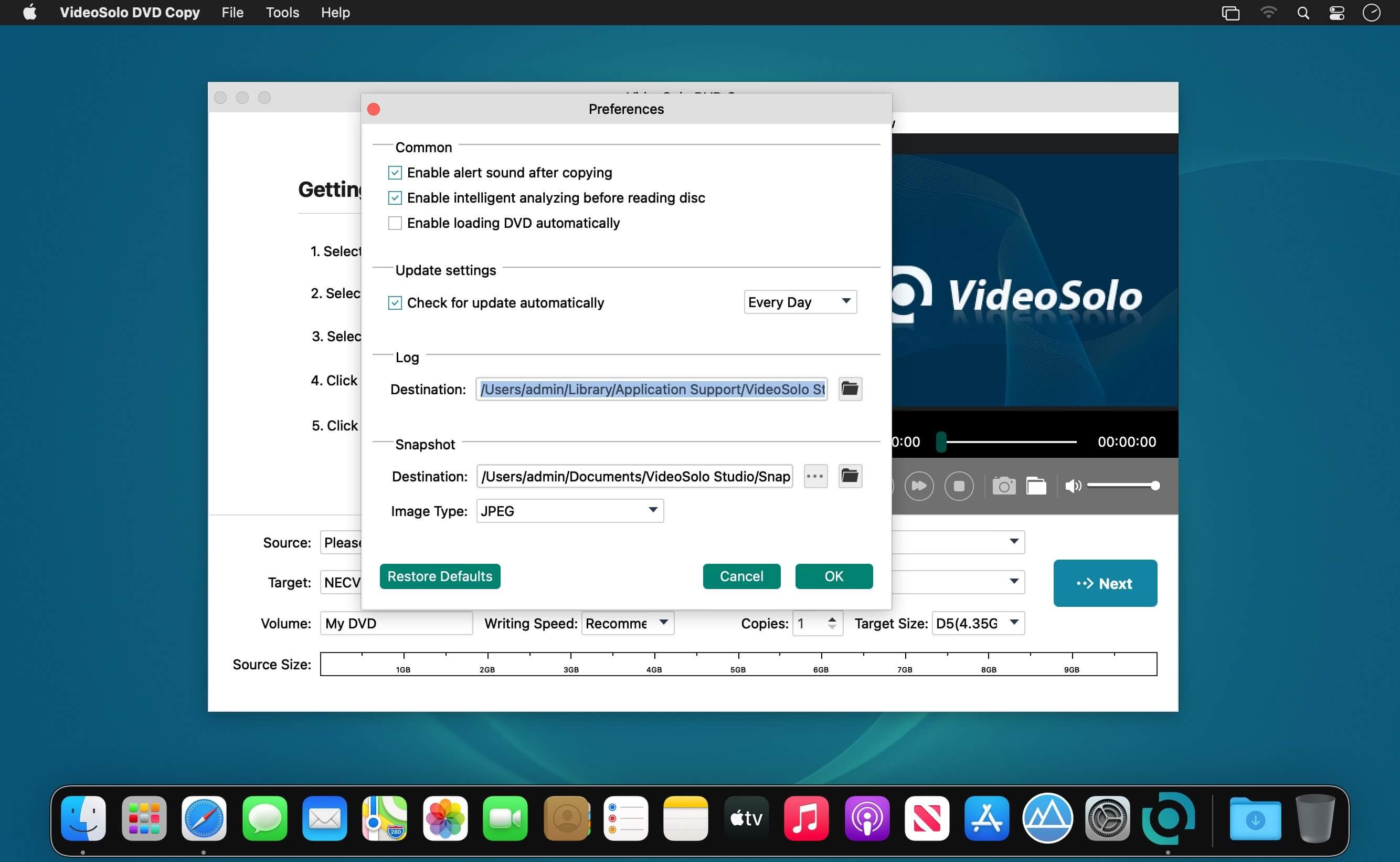
VideoSolo DVD Copy is the fast and easy to use DVD Copy software to copy DVD movie to DVD in 1:1 ratio, compress DVD-9 to DVD-5, copy DVD to DVD folder or ISO image file in perfect quality. Apart from the DVD backup function, it can also burn local DVD Folders or ISO image Files to DVD disk. In addition, You can choose full disc or main movie to copy, also choose any title(s) you want to copy.
- Clone DVD movie to another blank DVD disc in 1:1 Ratio
- Copy the DVD disc to DVD ISO Image/VIDEO_TS folder
- Burn the local DVD folder or ISO Image to DVD disc
Frequently asked questions
How do I install the app?
Mount the image, drag the app into the "Applications" folder and launch it. If the system blocks the launch, allow it in "System Settings → Privacy & Security".
The app is damaged or won't launch
Reinstalling from a fresh image usually helps. Make sure your macOS version matches the one listed in the compatibility specs.
How do I update?
Download the new version from the site and install it over the current one — your settings will be preserved.
The download link doesn't work
Try a mirror or a download manager. For large files the browser often drops the connection.
How do I completely remove the app?
Use an uninstaller utility — it cleans up the service files that remain after moving the app to the trash.




Choose a download source
VideoSolo DVD Copy 1.0.18 · 24.34 MB