
VideoSolo BD-DVD Ripper 2.0.12


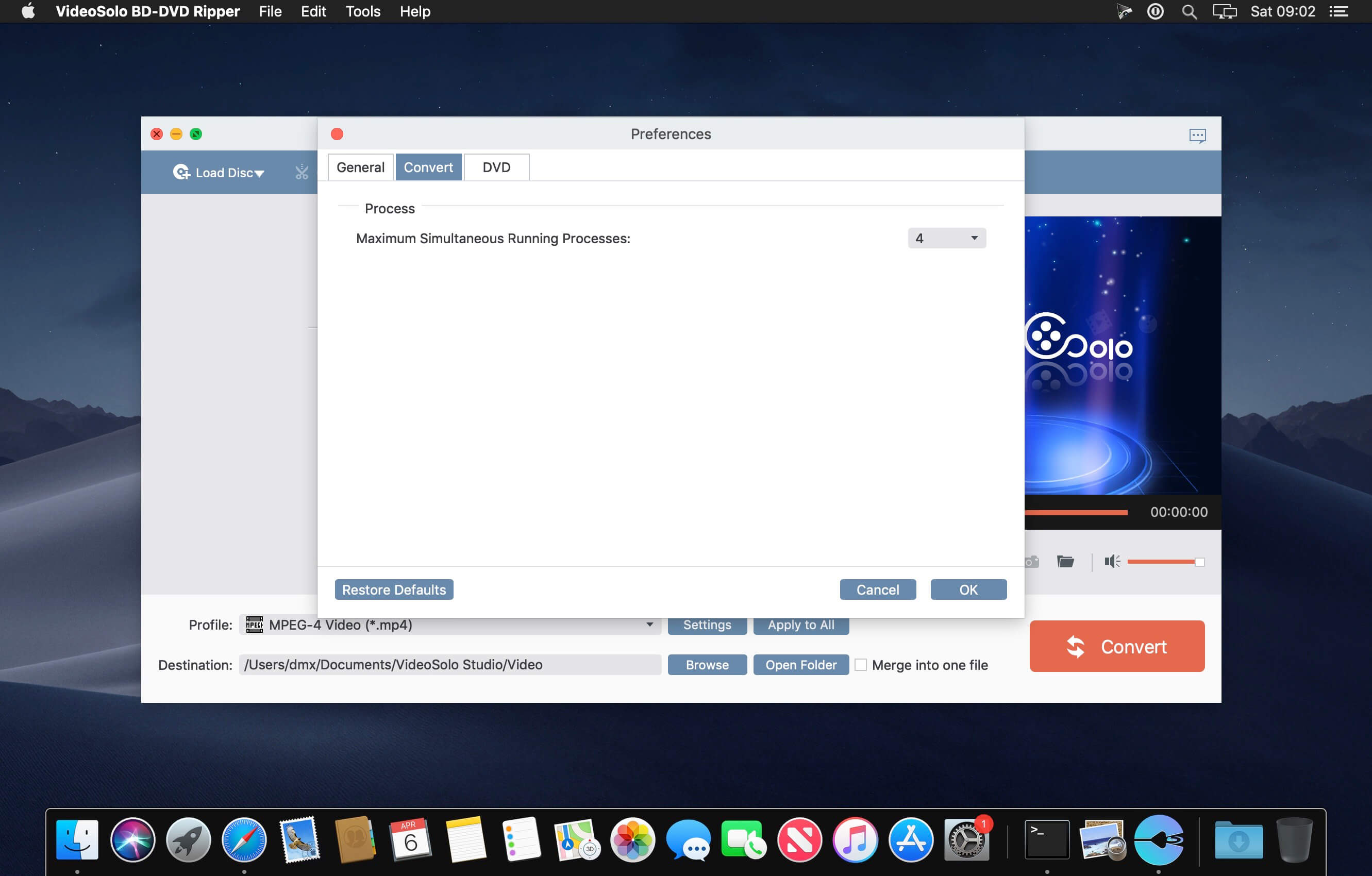
Quickly rip or convert Blu-ray disc or DVD to video/audio formats including MP4, MKV, AVI, WMV, M4V, MOV, FLV, MP3, WMA, AAC, M4A, etc. What's more, it supports to rip Blu-ray disc/folder/ISO image to 4K/1080p HD video with high quality. No worry to backup Blu-ray or DVD files to your computer anymore.
This software provides you with the best solution to watch any Blu-ray/DVD files on any devices with ease because it has predefined output profiles for popular digital devices such as Apple iPhone/iPad/iPod/TV, Samsung/Sony/LG/Huawei smart phones/tablets or PS3/PS4 game console, etc.
The professional Blu-ray Ripper is equipped with various functional editing features for you. Therefore, you can use this tool to personalize Blu-ray or DVD movies before converting them.
Frequently asked questions
How do I install the app?
Mount the image, drag the app into the "Applications" folder and launch it. If the system blocks the launch, allow it in "System Settings → Privacy & Security".
The app is damaged or won't launch
Reinstalling from a fresh image usually helps. Make sure your macOS version matches the one listed in the compatibility specs.
How do I update?
Download the new version from the site and install it over the current one — your settings will be preserved.
The download link doesn't work
Try a mirror or a download manager. For large files the browser often drops the connection.
How do I completely remove the app?
Use an uninstaller utility — it cleans up the service files that remain after moving the app to the trash.

Choose a download source
VideoSolo BD-DVD Ripper 2.0.12 · 113.27 MB