
Micro Snitch 1.6.1
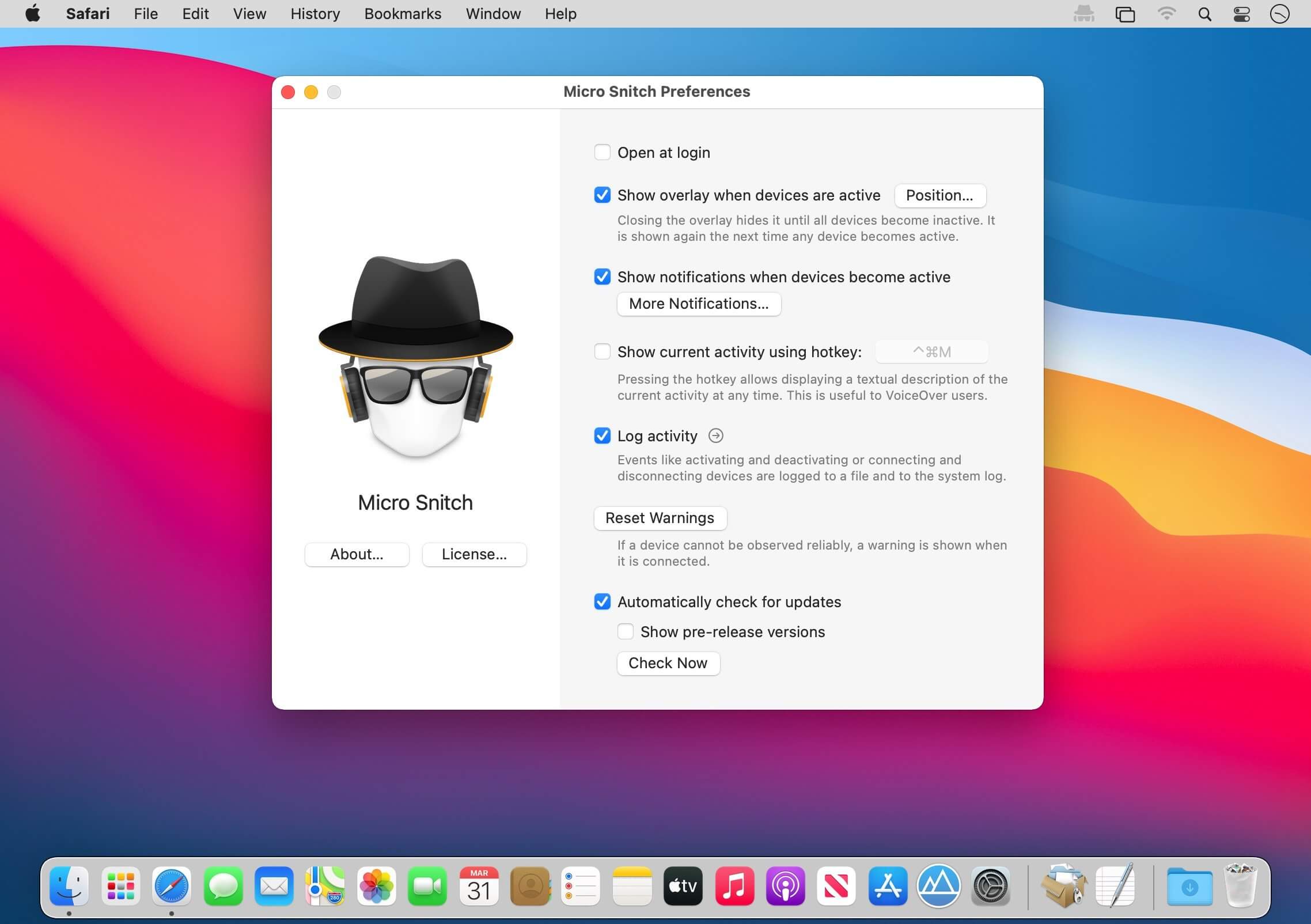
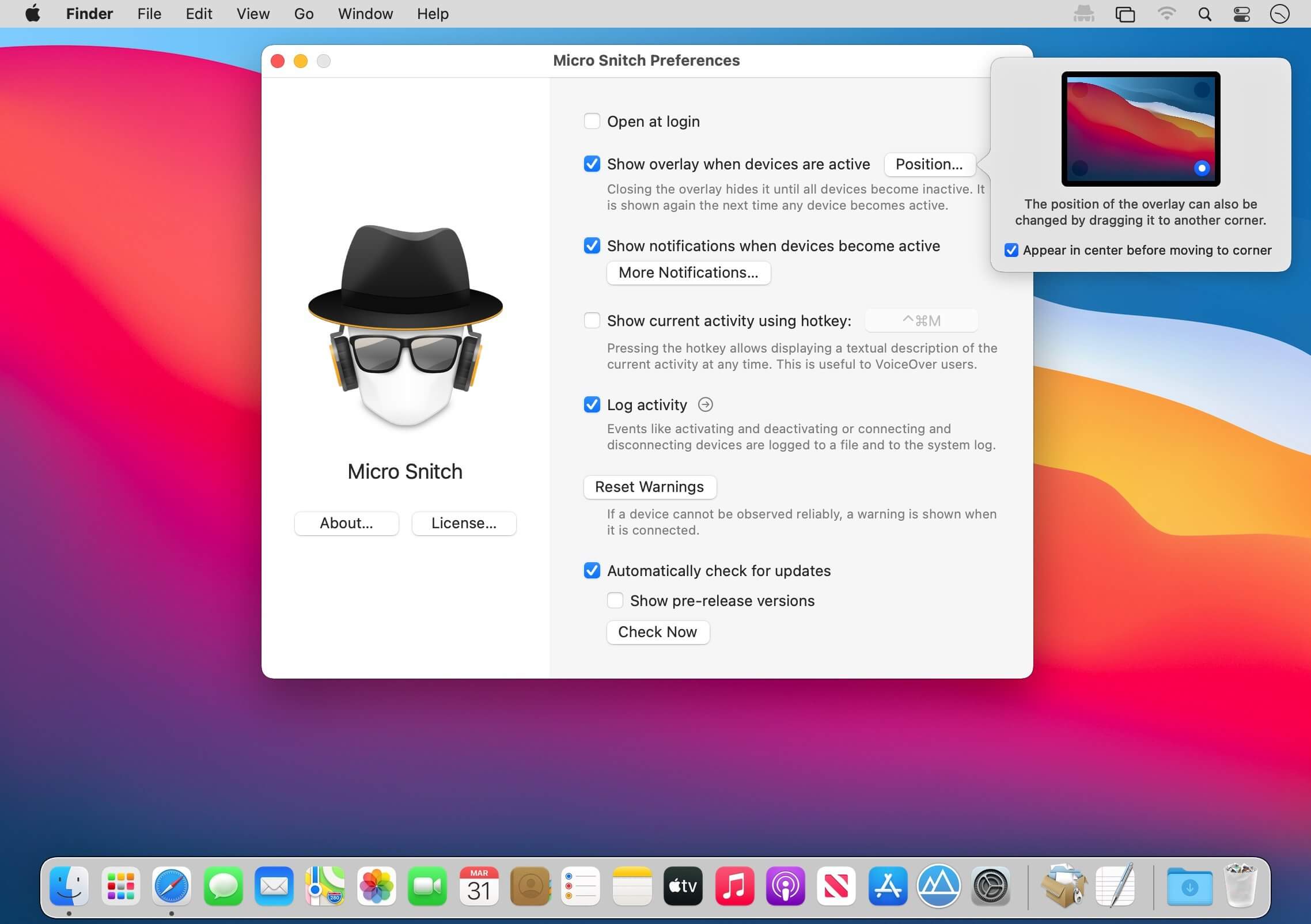
With Micro Snitch (was NOYB) there’s no doubt whether an application records audio through your Mac’s built-in microphone or if the camera captures video. This ultra-light menu-bar application operates inconspicuously in the background. It monitors and reports any microphone and camera activity to help you figure out if someone’s spying on you.
Fair enough, you might see the camera’s indicator light, but what if you are away from your computer? And for the microphone, there is no activity indication at all, so you won’t notice if the microphone is turned on even if you’re sitting right in front of your Mac.
With Micro Snitch you always know whether some app is currently using your microphone and its logging facilities allow you to reveal any suspicious activities later on.
- Menu Bar Icon -- Any current microphone or camera activity is displayed in the menu bar. The menu also shows a list of connected audio/video devices.
- Overlay -- An on-screen overlay is shown while the microphone or camera is turned on to make sure you won’t miss it even if the menu bar isn’t currently visible.
- Logging -- Never miss any microphone or camera activity, even in your absence. Every status change is logged to a file, so you can review it later to find suspicious activities.
Version 1.6.1:
- Using the term “Settings” instead of “Preferences” on macOS Ventura and later.
- Fixes a crash that could happen when connecting/disconnecting a USB hub.
Frequently asked questions
How do I install the app?
Mount the image, drag the app into the "Applications" folder and launch it. If the system blocks the launch, allow it in "System Settings → Privacy & Security".
The app is damaged or won't launch
Reinstalling from a fresh image usually helps. Make sure your macOS version matches the one listed in the compatibility specs.
How do I update?
Download the new version from the site and install it over the current one — your settings will be preserved.
The download link doesn't work
Try a mirror or a download manager. For large files the browser often drops the connection.
How do I completely remove the app?
Use an uninstaller utility — it cleans up the service files that remain after moving the app to the trash.



Choose a download source
Micro Snitch 1.6.1 · 1.8 MB
Previous versions
Micro Snitch 1.6.1
Previous versions are available to registered users.