
Clone Fighter 2.6.1
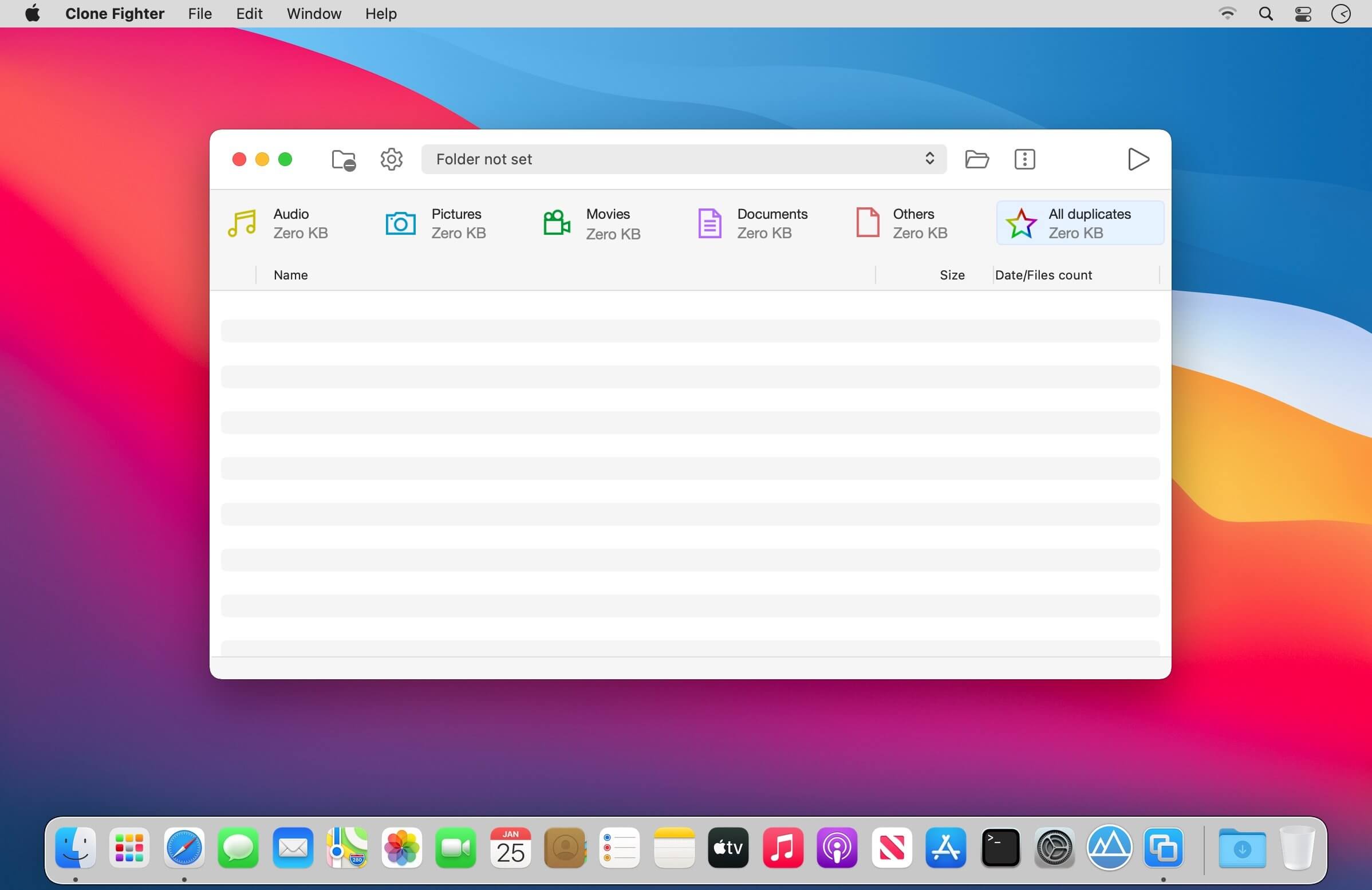
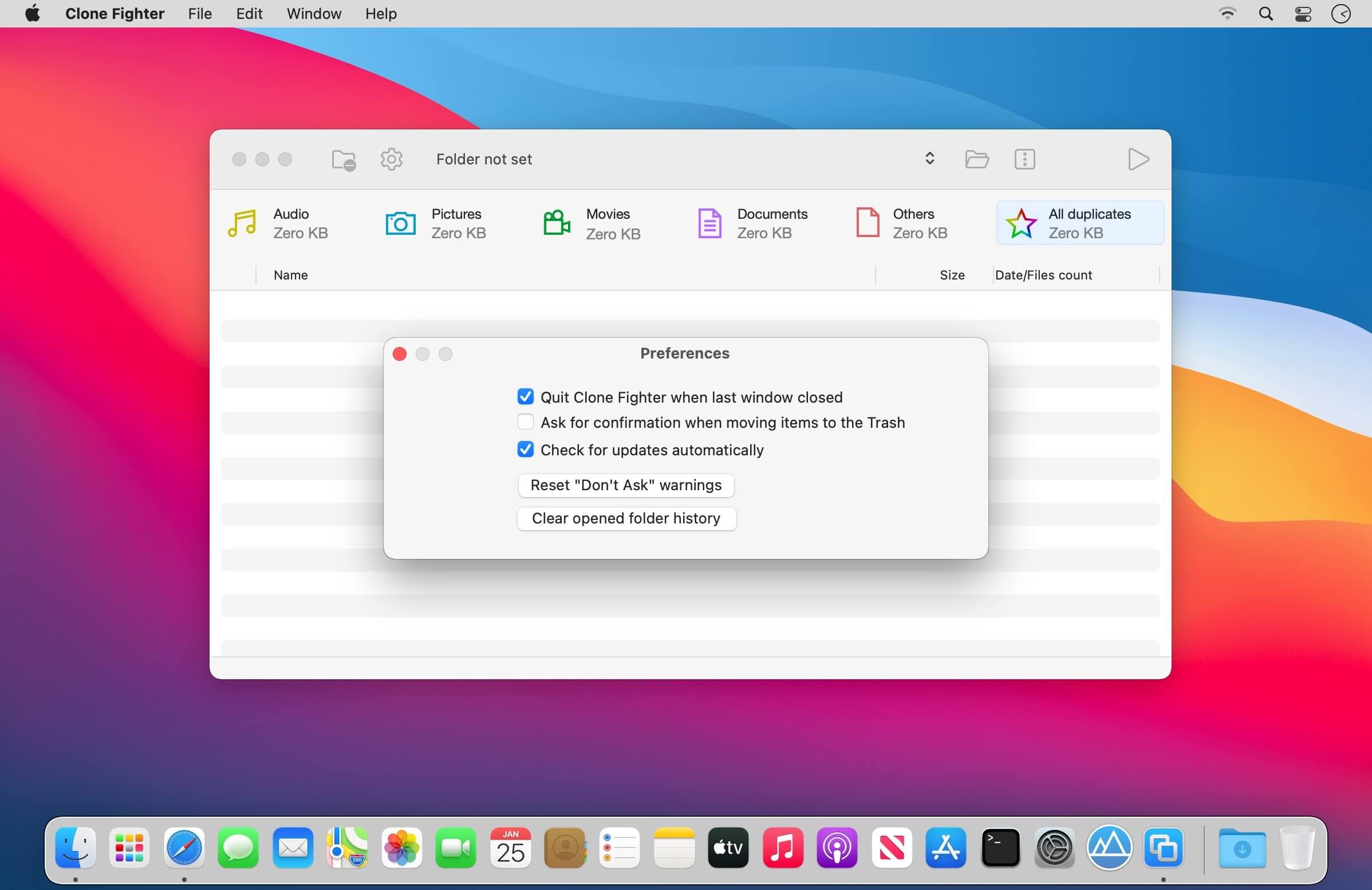
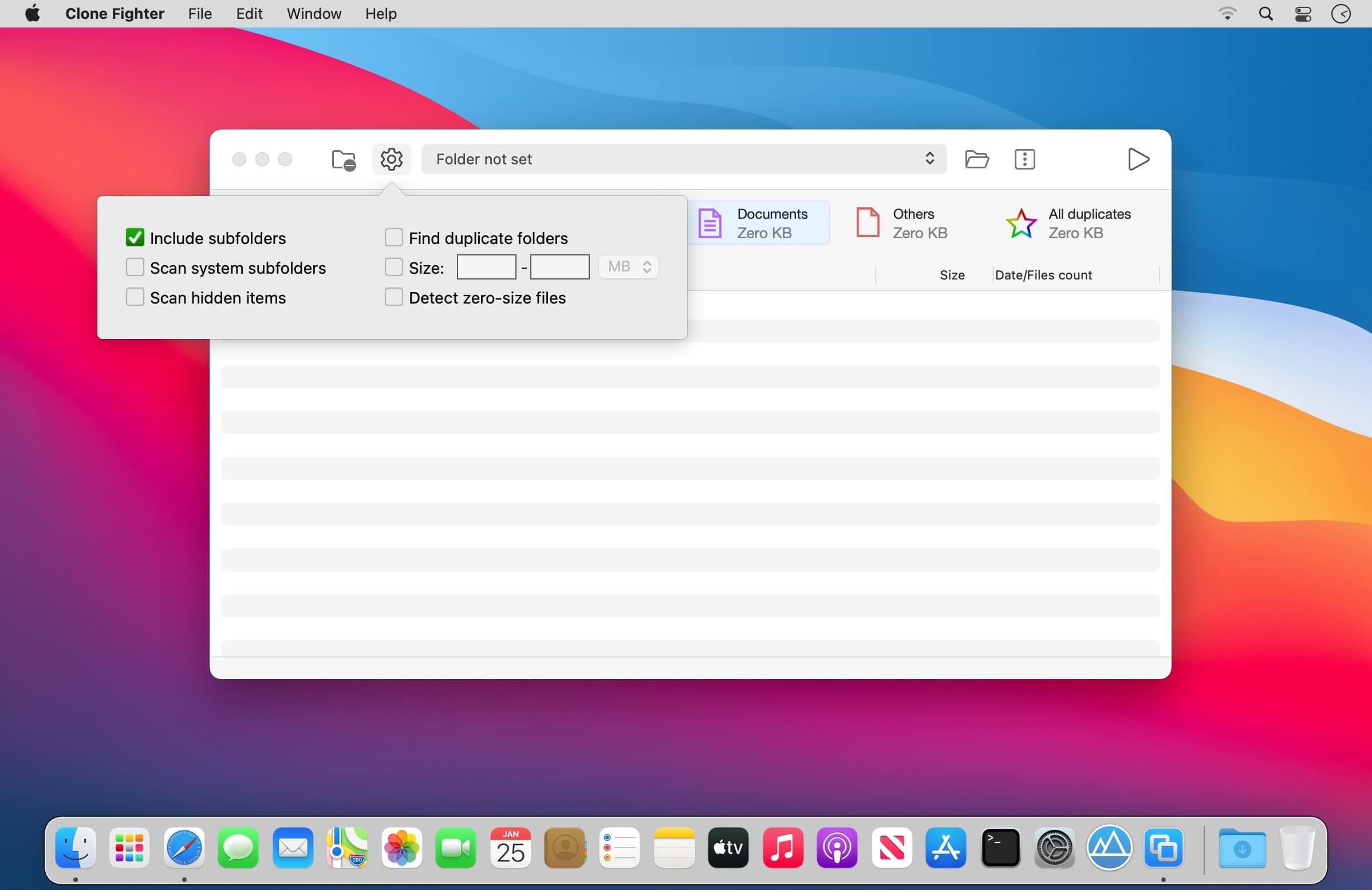
Find and Remove Duplicate Files and Folders.
Clone Fighter is a powerful and efficient tool designed to help you quickly find and eliminate duplicate files and folders on your Mac. Free up valuable disk space, keep your storage organized, and improve system performance with just a few clicks.
Whether it’s duplicate photos, documents, music files, or entire folders, Clone Fighter scans your drives with precision and presents you with a clear, easy-to-understand results list. You stay in full control—review, select, and delete duplicates safely and confidently.
Key Features
- Fast and accurate duplicate detection
- Scan individual folders or entire drives
- Smart comparison of content, not just file names
- Preview files before removal
- Clear visual reports and filters for quick review
- Safe deletion with optional backup
- Supports external and network drives
Designed with performance and simplicity in mind, Clone Fighter is the perfect solution for keeping your Mac clean and clutter-free.
Version 2.6.1:
- Compatibility with the newest macOS
- Bug fix
Frequently asked questions
How do I install the app?
Mount the image, drag the app into the "Applications" folder and launch it. If the system blocks the launch, allow it in "System Settings → Privacy & Security".
The app is damaged or won't launch
Reinstalling from a fresh image usually helps. Make sure your macOS version matches the one listed in the compatibility specs.
How do I update?
Download the new version from the site and install it over the current one — your settings will be preserved.
The download link doesn't work
Try a mirror or a download manager. For large files the browser often drops the connection.
How do I completely remove the app?
Use an uninstaller utility — it cleans up the service files that remain after moving the app to the trash.




Choose a download source
Clone Fighter 2.6.1 · 1.66 MB
Previous versions
Clone Fighter 2.6.1
Previous versions are available to registered users.