
CorelCAD 2023 v2022.5 Build 22.3.1.4090


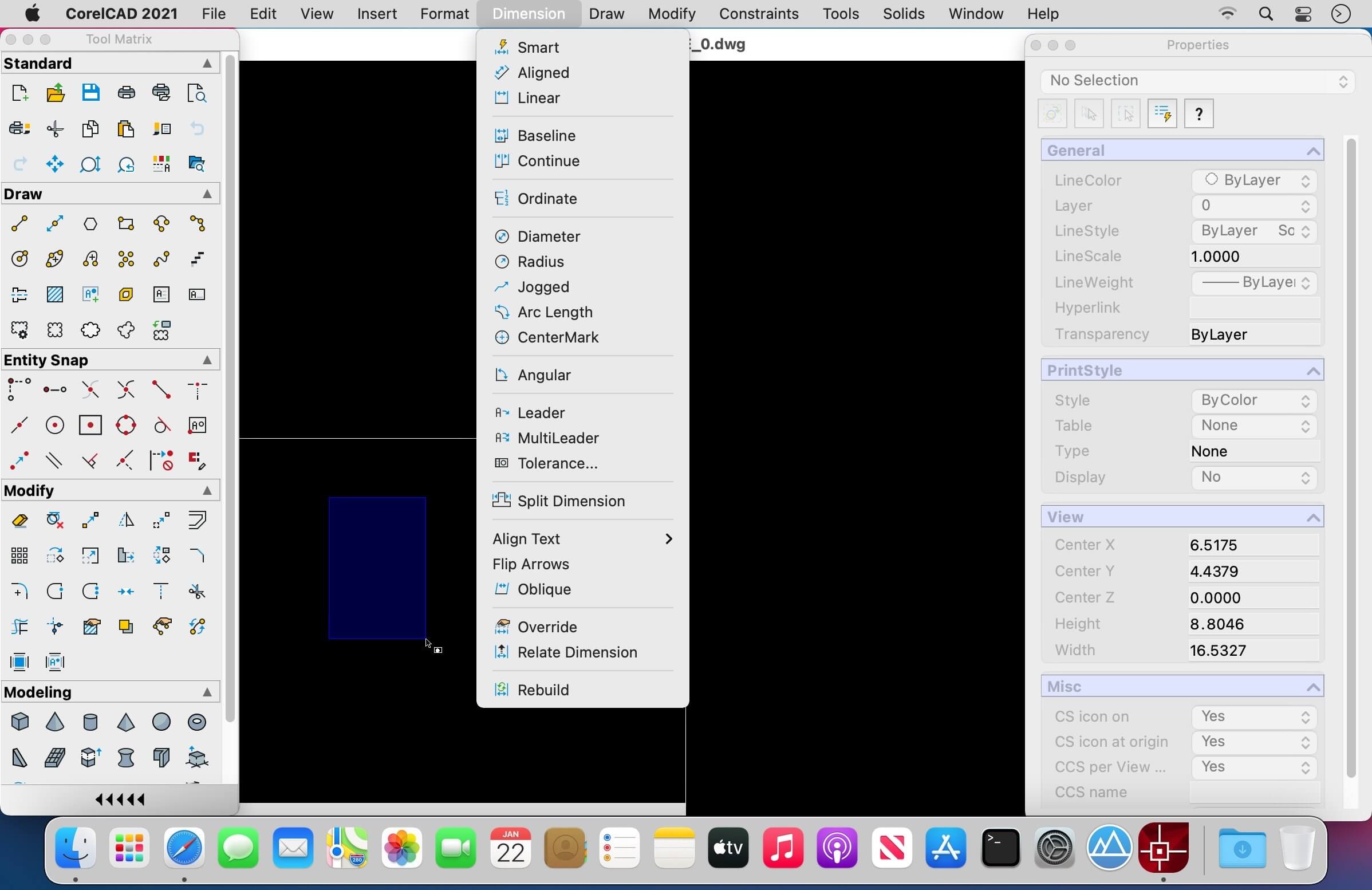
CorelCAD lets you discover the powerful and affordable CAD software that transforms 2D designs into 3D reality. It provides customizable 2D drafting tools and superior 3D design tools within an interactive workspace to achieve your CAD goals in all types of industries. Increase your workflow productivity with native .DWG file format support for worry-free collaboration with colleagues and business partners on CAD files. Work in a familiar environment with the ribbon UI, 3D print-ready features, and STL file output.
- Professional 2D drafting and 3D design tools
- Industry-standard file compatibility with .DWG, .STL, .PDF, and .CDR*
- Efficient project collaboration and sharing
- Optional automation and customization
Version 2023 Build 2022.0.1.1151:
- Release notes were unavailable when this listing was updated.
Frequently asked questions
How do I install the app?
Mount the image, drag the app into the "Applications" folder and launch it. If the system blocks the launch, allow it in "System Settings → Privacy & Security".
The app is damaged or won't launch
Reinstalling from a fresh image usually helps. Make sure your macOS version matches the one listed in the compatibility specs.
How do I update?
Download the new version from the site and install it over the current one — your settings will be preserved.
The download link doesn't work
Try a mirror or a download manager. For large files the browser often drops the connection.
How do I completely remove the app?
Use an uninstaller utility — it cleans up the service files that remain after moving the app to the trash.




Choose a download source
CorelCAD 2023 v2022.5 Build 22.3.1.4090 · 292.55 MB
Previous versions
CorelCAD 2023 v2022.5 Build 22.3.1.4090
Previous versions are available to registered users.