CorelCAD 2016 build 16.2.1.3056
With CorelCAD experience powerful and affordable CAD software with industry-standard features and 2D drafting and 3D design tools. Improve your design productivity and performance with interactive In-Place text editing, layout and table editing tools. Open, edit and share files in .DWG format for easy collaboration with colleagues and suppliers. Enjoy the benefits of full customization and automation capabilities that deliver impressive speed and 64-bit performance on Mac OS X.
Feature Highlights:
- Native .DWG file support, including latest AutoCAD® R2013 .DWG
- Precision 2D drafting tools, including drawing constraints for parametric drawing
- 3D design tools for advanced modeling
- Design Resources for accessing design components like blocks, styles, drawings and images
- Unique annotation capabilities with VoiceNotes recording in drawings
- Automation and custom enhancements with LISP interface and plug-in support
- Output to 3D printers (.STL export)
- Support for ESRI Shape (.SHP) GIS files
WHAT’S NEW
- NEW! Quick Input tools
- NEW! Head-up display toolbar
- NEW! Layer States Manager
- NEW! Multiline Block Attributes
- NEW! Annotative Scaling
- NEW! Dimension Offset Distances
- Mac OS X 10.11 compatible
- NEW! CorelCAD Mobile for Android Tablets
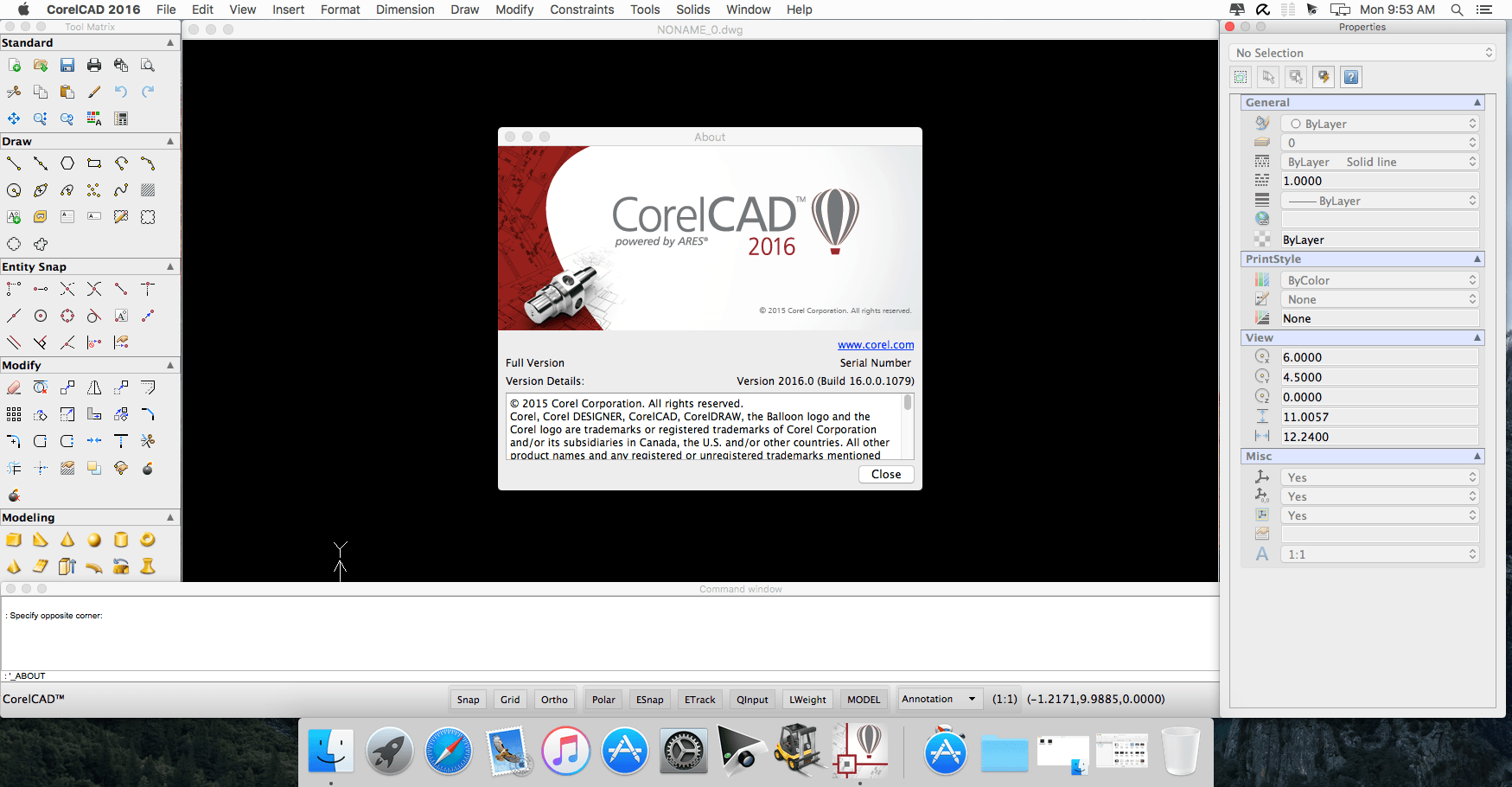
Screenshots
Frequently asked questions
How do I install the app?
Mount the image, drag the app into the "Applications" folder and launch it. If the system blocks the launch, allow it in "System Settings → Privacy & Security".
The app is damaged or won't launch
Reinstalling from a fresh image usually helps. Make sure your macOS version matches the one listed in the compatibility specs.
How do I update?
Download the new version from the site and install it over the current one — your settings will be preserved.
The download link doesn't work
Try a mirror or a download manager. For large files the browser often drops the connection.
How do I completely remove the app?
Use an uninstaller utility — it cleans up the service files that remain after moving the app to the trash.
VersionCorelCAD 2016 build 16.0.0.1100
DeveloperCorel
CompatibilityOS X 10.7 or later, 64-bit processor
LanguageEnglish
IncludesK



Information
Visitors in the group Guests cannot leave comments on this publication.
Choose a download source
CorelCAD 2016 build 16.2.1.3056 · 180.32 MB