CorelCAD 2020.5 Build 20.1.1.2024
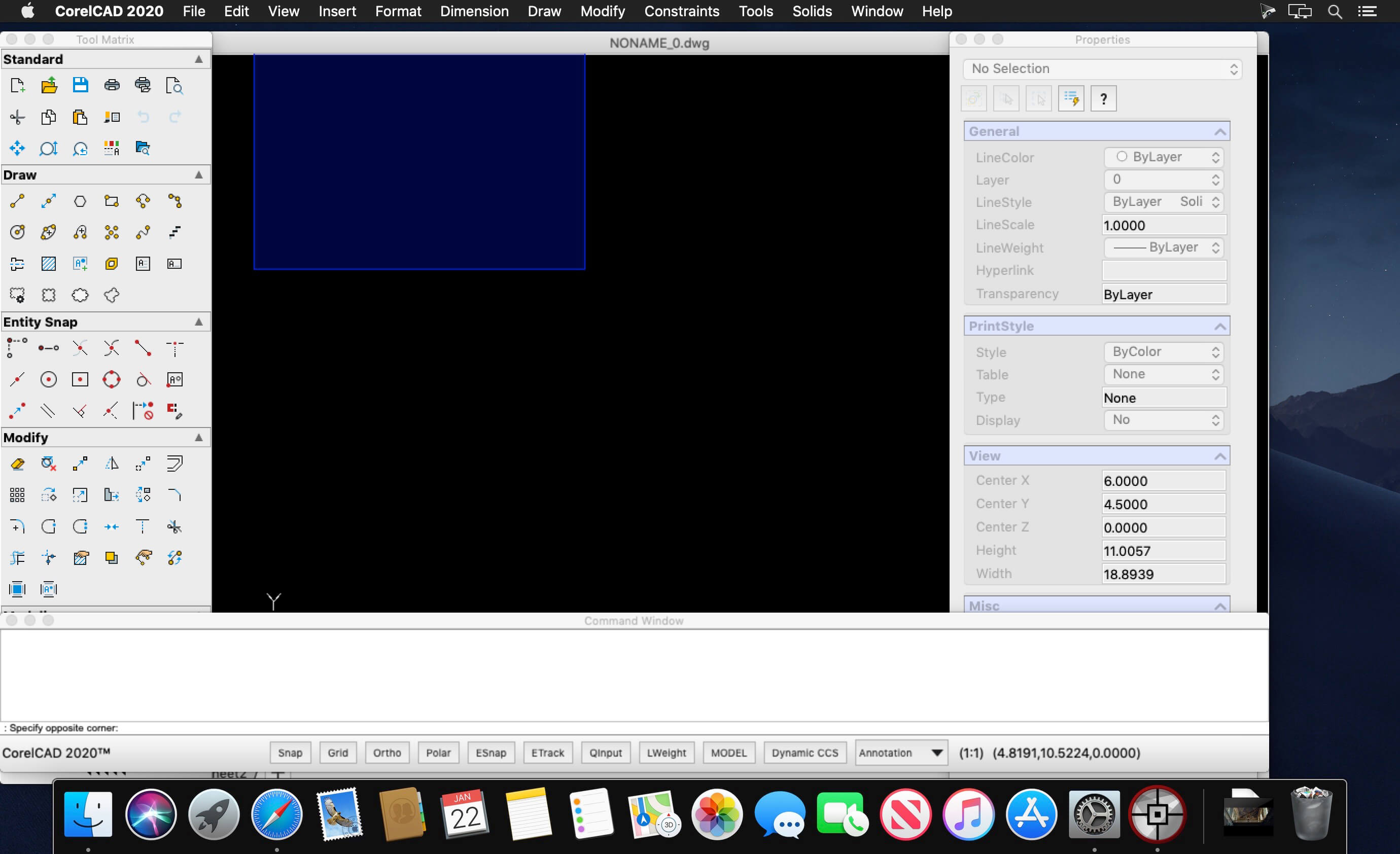
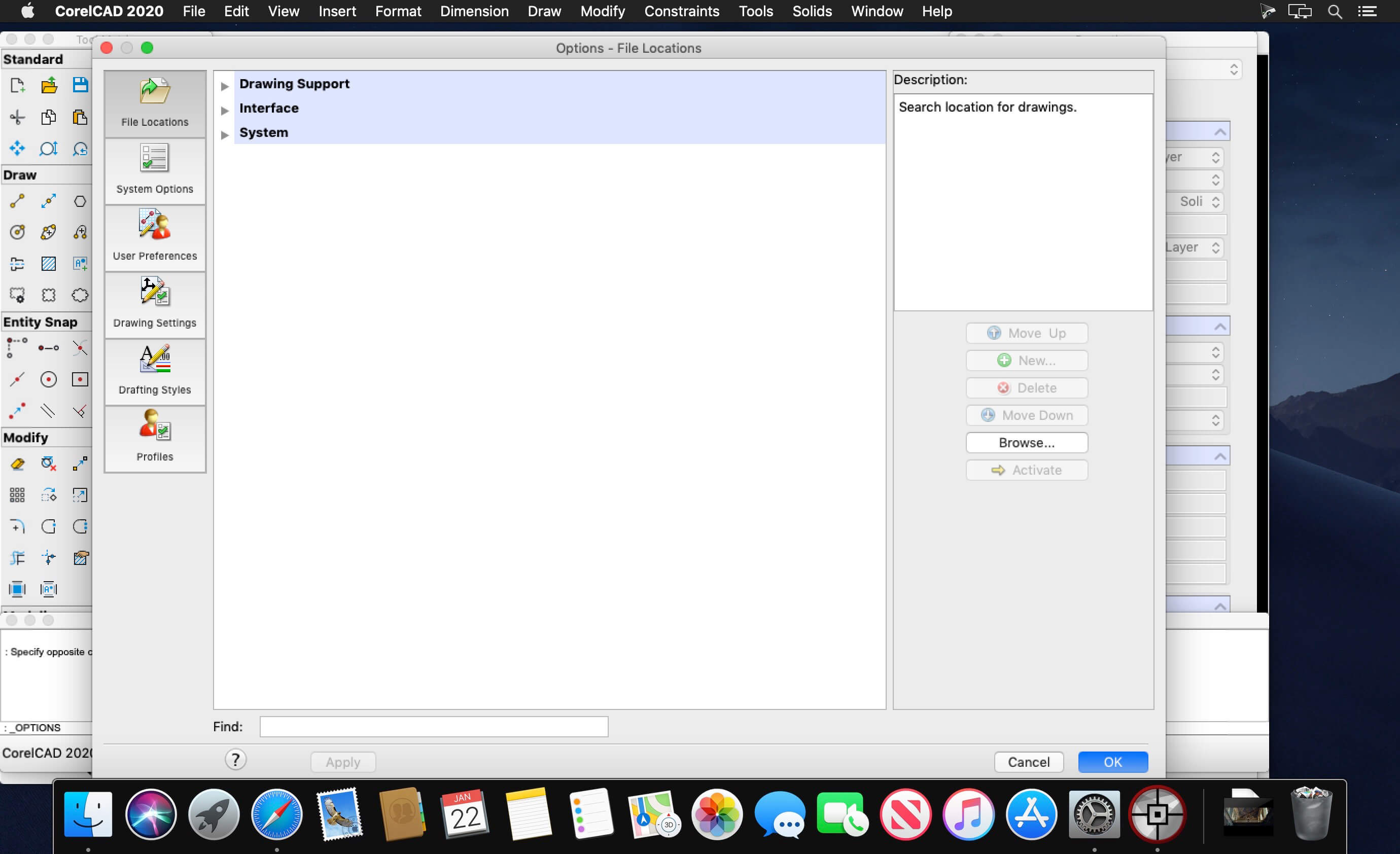
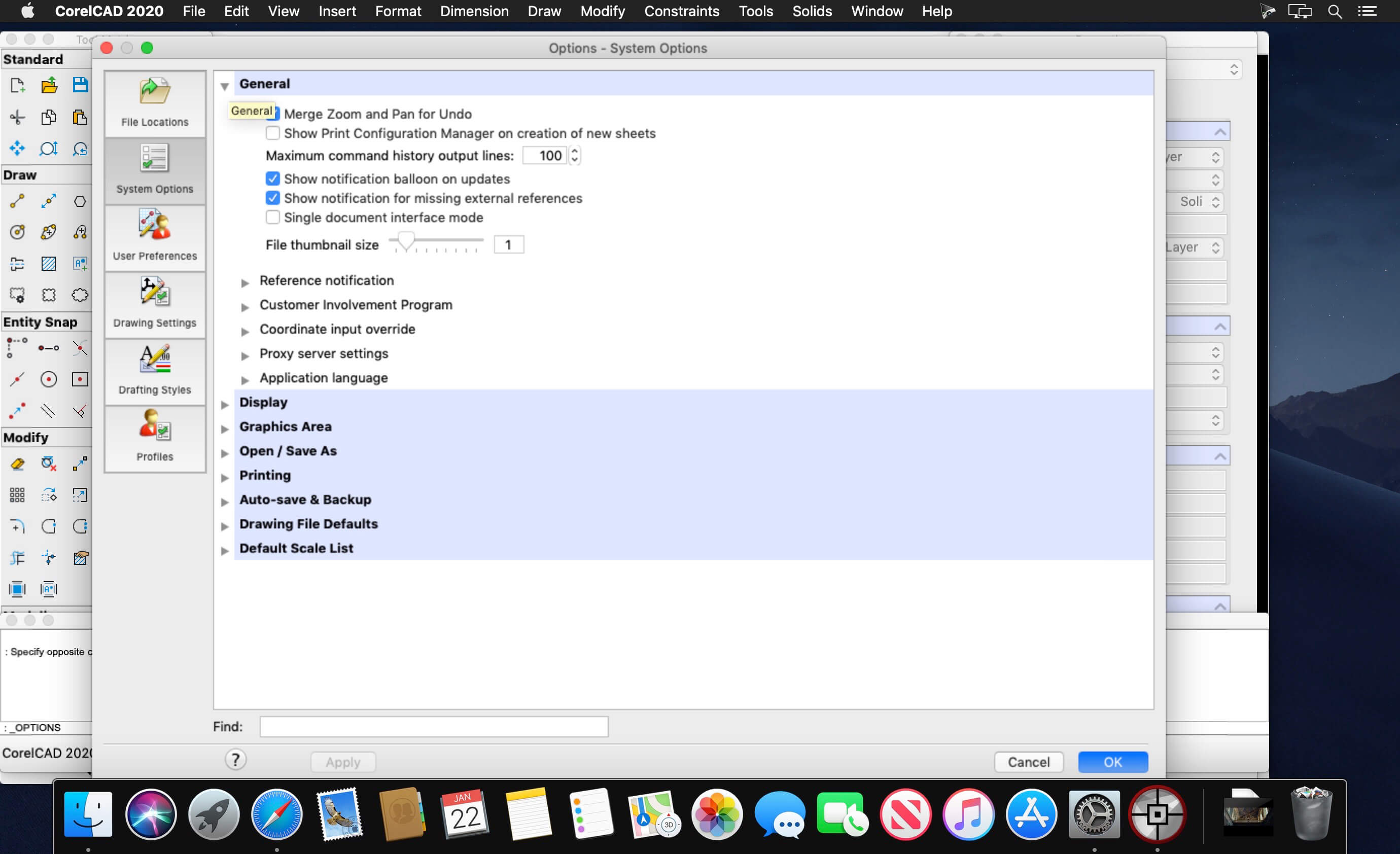
CorelCAD lets you discover the powerful and affordable CAD software that transforms 2D designs into 3D reality. It provides customizable 2D drafting tools and superior 3D design tools within an interactive workspace to achieve your CAD goals in all types of industries. Increase your workflow productivity with native .DWG file format support for worry-free collaboration with colleagues and business partners on CAD files. Work in a familiar environment with the ribbon UI, 3D print-ready features, and STL file output.
- Professional 2D drafting and 3D design tools
- Industry-standard file compatibility with .DWG, .STL, .PDF, and .CDR*
- Efficient project collaboration and sharing
- Optional automation and customization
Version 2020.5 Build 20.1.1.2024:
CorelCAD 2020.5 Update includes the following improvements and enhancements.
Improved commands and features
CorelCAD 2020.5 Update includes the following improvements and enhancements.
Improved commands and features
- SPLINE command has a new option to select 2D polylines and convert them into splines.
- The drawing scale factor can now be set in the View Tiles toolbar.
- Fillet command now includes functionality to select objects by window selection.
- The Gravel hatch pattern display of large coordinate values has been improved.
- TRIM command has improved functionality to support operations in large (X, Y or Z) coordinate ranges.
- SWEEP command now supports more shape types as sweeping path.
- Display quality of drawings on Retina displays is improved.
Frequently asked questions
How do I install the app?
Mount the image, drag the app into the "Applications" folder and launch it. If the system blocks the launch, allow it in "System Settings → Privacy & Security".
The app is damaged or won't launch
Reinstalling from a fresh image usually helps. Make sure your macOS version matches the one listed in the compatibility specs.
How do I update?
Download the new version from the site and install it over the current one — your settings will be preserved.
The download link doesn't work
Try a mirror or a download manager. For large files the browser often drops the connection.
How do I completely remove the app?
Use an uninstaller utility — it cleans up the service files that remain after moving the app to the trash.
VersionCorelCAD 2020.5 Build 20.1.1.2024
DeveloperCorel Corporation
CompatibilitymacOS 10.12 or later, 64-bit processor
LanguageMultilingual
IncludesK'ed by TNT



Information
Visitors in the group Guests cannot leave comments on this publication.
Choose a download source
CorelCAD 2020.5 Build 20.1.1.2024 · 390.44 MB
Previous versions
CorelCAD 2020.5 Build 20.1.1.2024
Previous versions are available to registered users.