
Dynaper - Dynamic Wallpapers 1.5.6
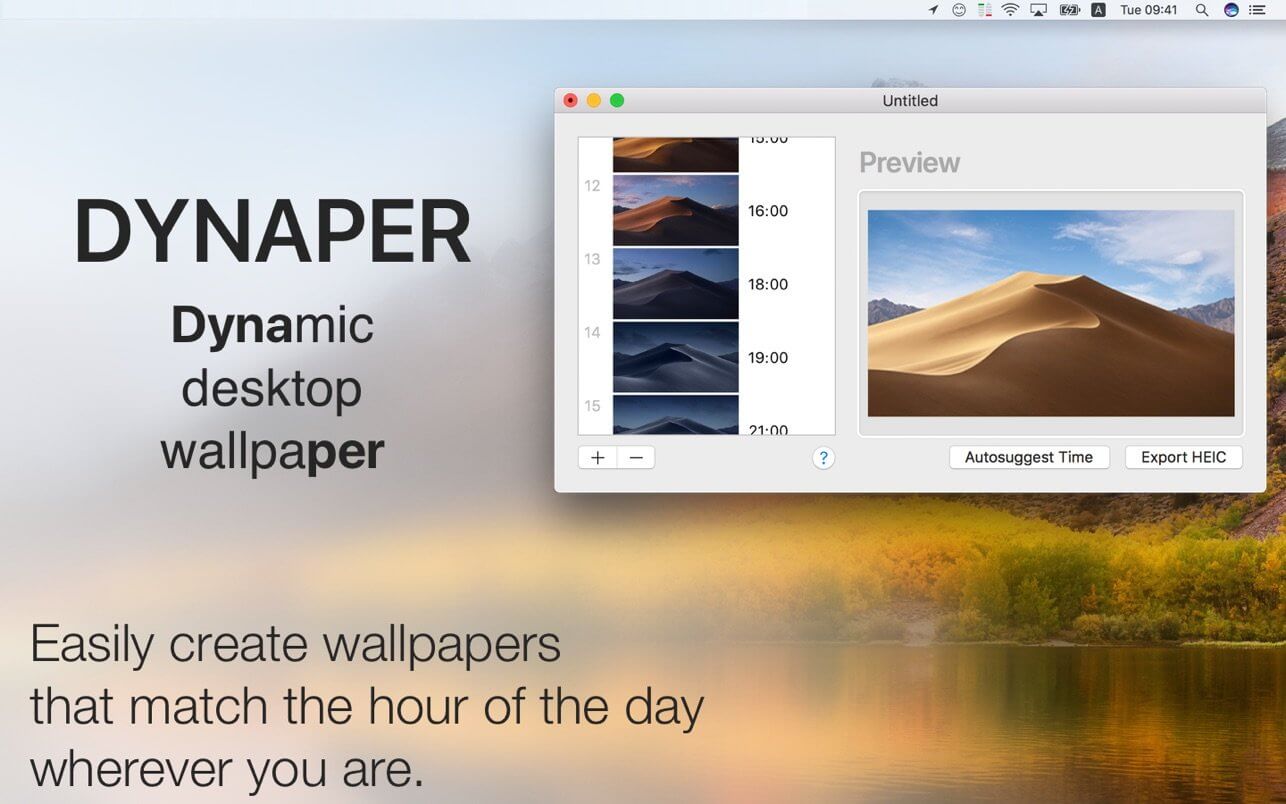
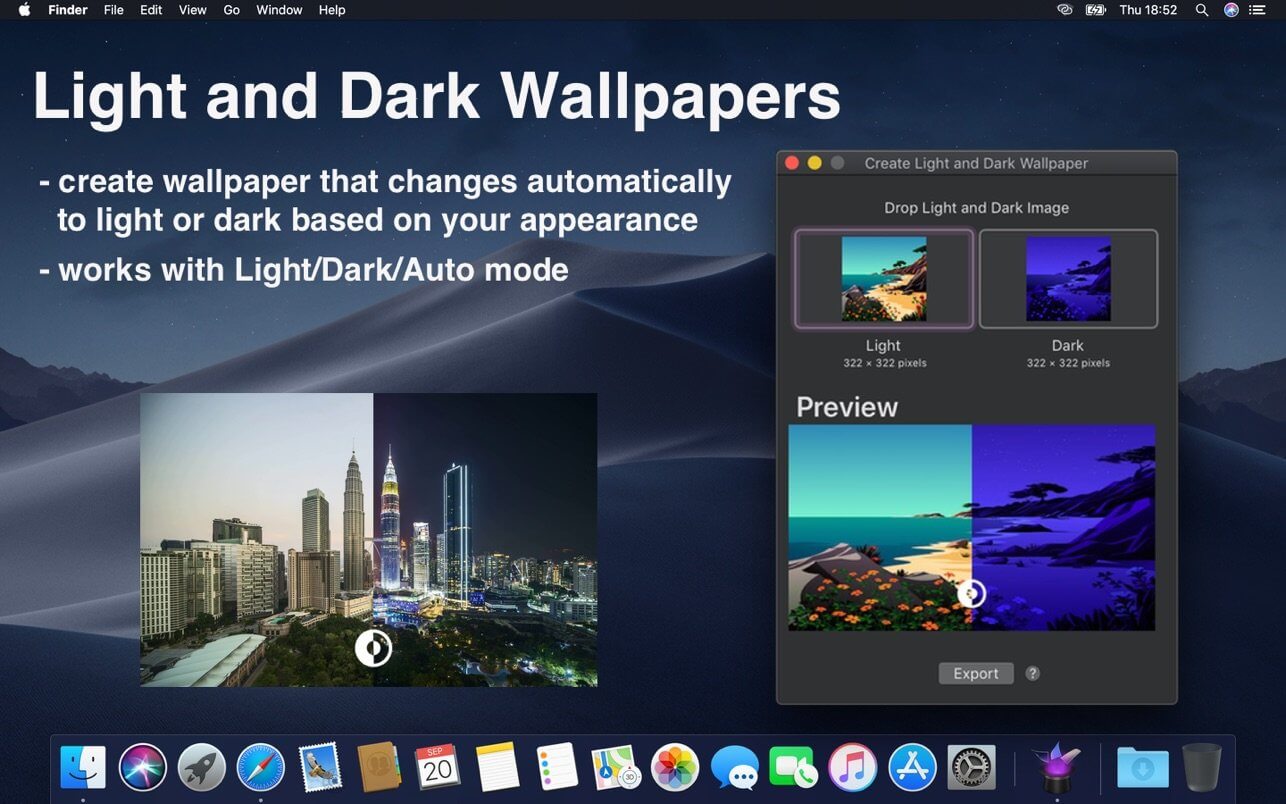
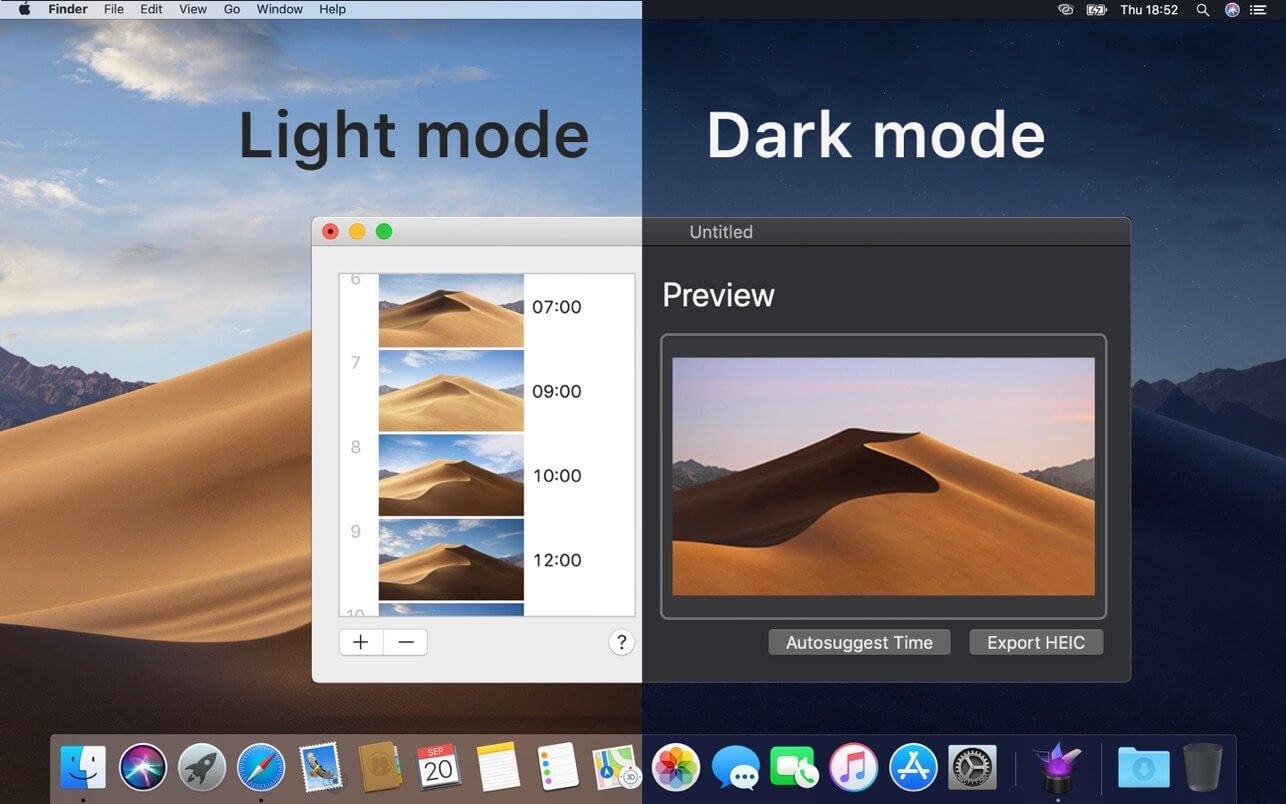
Create your own dynamic desktop wallpaper (time-shifting/solar-shifting/light&dark) on macOS Mojave & Catalina & Big Sur. Full-support of wide-gamut colors for photographers.
Dynaper makes it easy to create a native time/solar-shifting/light&dark HEIC wallpaper that changes throughout the day. Wallpapers made by Dynaper are supported by macOS Mojave & Catalina & Big Sur and can be set as wallpaper in System Preferences.
Simply drag & drop your images and change the display time for each image. Dynaper will change time automatically if the image contains EXIF metadata or contains a time suffix in the filename. For a quick time change using the autosuggest feature. For solar-shifting wallpaper run Solar Wizard where you can export it.
Dragging an image out of Dynaper will create a time-shifting text that contains normalized time and parameters that one can use for manual HEIC creation.
Helper tools:
- time helper (convert time to normalized time)
- solar helper (convert location to solar dаta: altitude and azimuth)
- solar wizard (convert many locations to solar dаta: altitude and azimuth)
- HEIC metadata (view HEIC metadata used for wallpaper display)
- Create Light and Dark Wallpaper (wallpaper that automatically adapts to appearance change)
- strip still images helper (removes Dark/Light appearance metadata from dynamic wallpaper image)
Version 1.5.6
- updated icon design for macOS Big Sur/Monterey/Ventura
- create light and dark wallpaper window will now always open on launch (can be disabled in preferences)
- added quick troubleshooting wallpapers option in the help menu
Frequently asked questions
How do I install the app?
Mount the image, drag the app into the "Applications" folder and launch it. If the system blocks the launch, allow it in "System Settings → Privacy & Security".
The app is damaged or won't launch
Reinstalling from a fresh image usually helps. Make sure your macOS version matches the one listed in the compatibility specs.
How do I update?
Download the new version from the site and install it over the current one — your settings will be preserved.
The download link doesn't work
Try a mirror or a download manager. For large files the browser often drops the connection.
How do I completely remove the app?
Use an uninstaller utility — it cleans up the service files that remain after moving the app to the trash.


Choose a download source
Dynaper - Dynamic Wallpapers 1.5.6 · 26.94 MB
Previous versions
Dynaper - Dynamic Wallpapers 1.5.6
Previous versions are available to registered users.