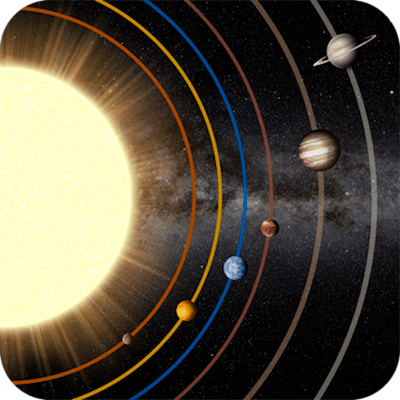
Planets - Live Wallpaper 1.1
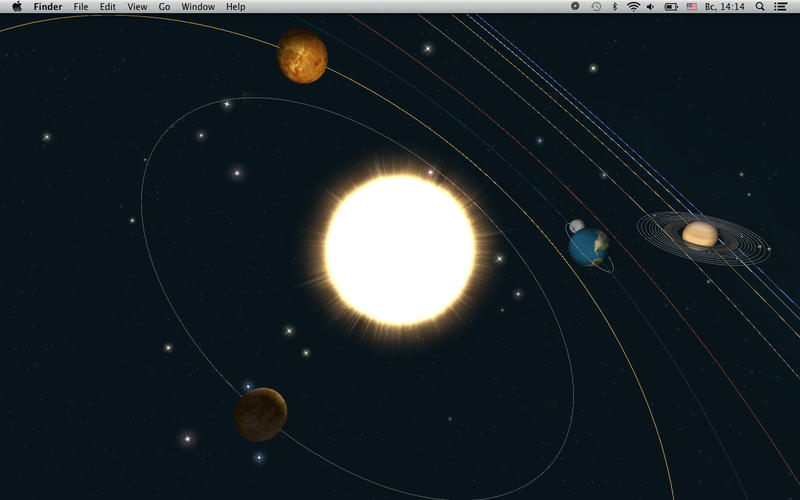
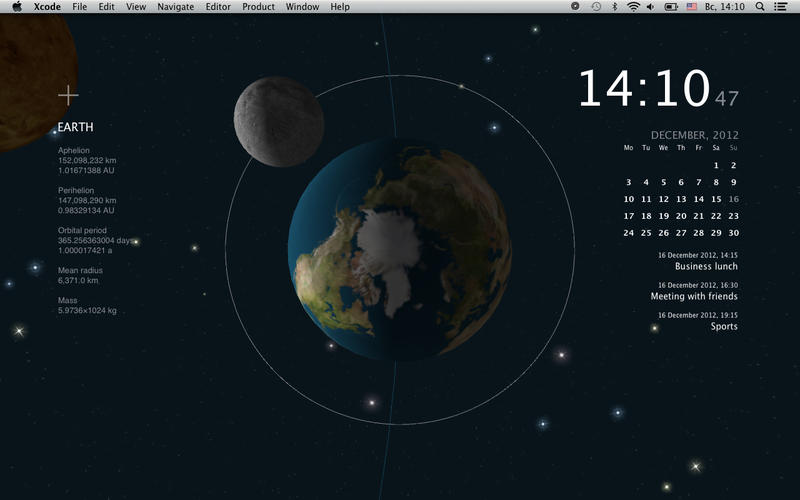
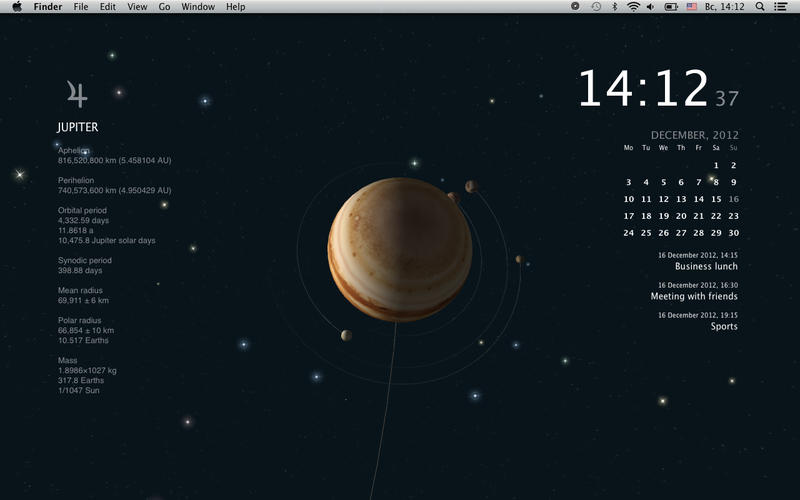
Place all planets from our Solar System right on your desktop and enjoy an amazing interactive Solar System with a calendar, clock and iCal task list.
Can you imagine what it looks like to look at the Solar System from Mars or Uranus? Pick and place a planet at the center of the system (use Options) and look at our Solar System from absolutely new point of view - right on your desktop!
Features:
- Beautiful 3D Solar System live wallpaper for your Mac.
- Soundtrack with ambient sounds of deep space.
- Calendar and Clock.
- 3 closest tasks for today taken from iCal.
- Change the view - click on the desktop.
- Change rotation speed and angle.
- Place a planet or its satellite at the center of the system.
- Zoom in on a planet or one of its moons.
- Show planet moons and their orbits.
- 4GB of memory recommended
- Requires Mac OS 10.7 or higher.
WHAT’S NEW
Version 1.1
- Perseids added
- Performance improved
- Stars bug fixed
- Orbit pulsation bug fixed
- New asteroid belt
Screenshots
Frequently asked questions
How do I install the app?
Mount the image, drag the app into the "Applications" folder and launch it. If the system blocks the launch, allow it in "System Settings → Privacy & Security".
The app is damaged or won't launch
Reinstalling from a fresh image usually helps. Make sure your macOS version matches the one listed in the compatibility specs.
How do I update?
Download the new version from the site and install it over the current one — your settings will be preserved.
The download link doesn't work
Try a mirror or a download manager. For large files the browser often drops the connection.
How do I completely remove the app?
Use an uninstaller utility — it cleans up the service files that remain after moving the app to the trash.
VersionPlanets - Live Wallpaper 1.1
DeveloperSergey Vdovenko © Lifeware Solutions
CompatibilityOS X 10.7 or later, 64-bit processor
LanguageEnglish, Russian
IncludesPre-K'ed

Information
Visitors in the group Guests cannot leave comments on this publication.
Choose a download source
Planets - Live Wallpaper 1.1 · 65.89 MB