
Classic Color Meter 2.1.1
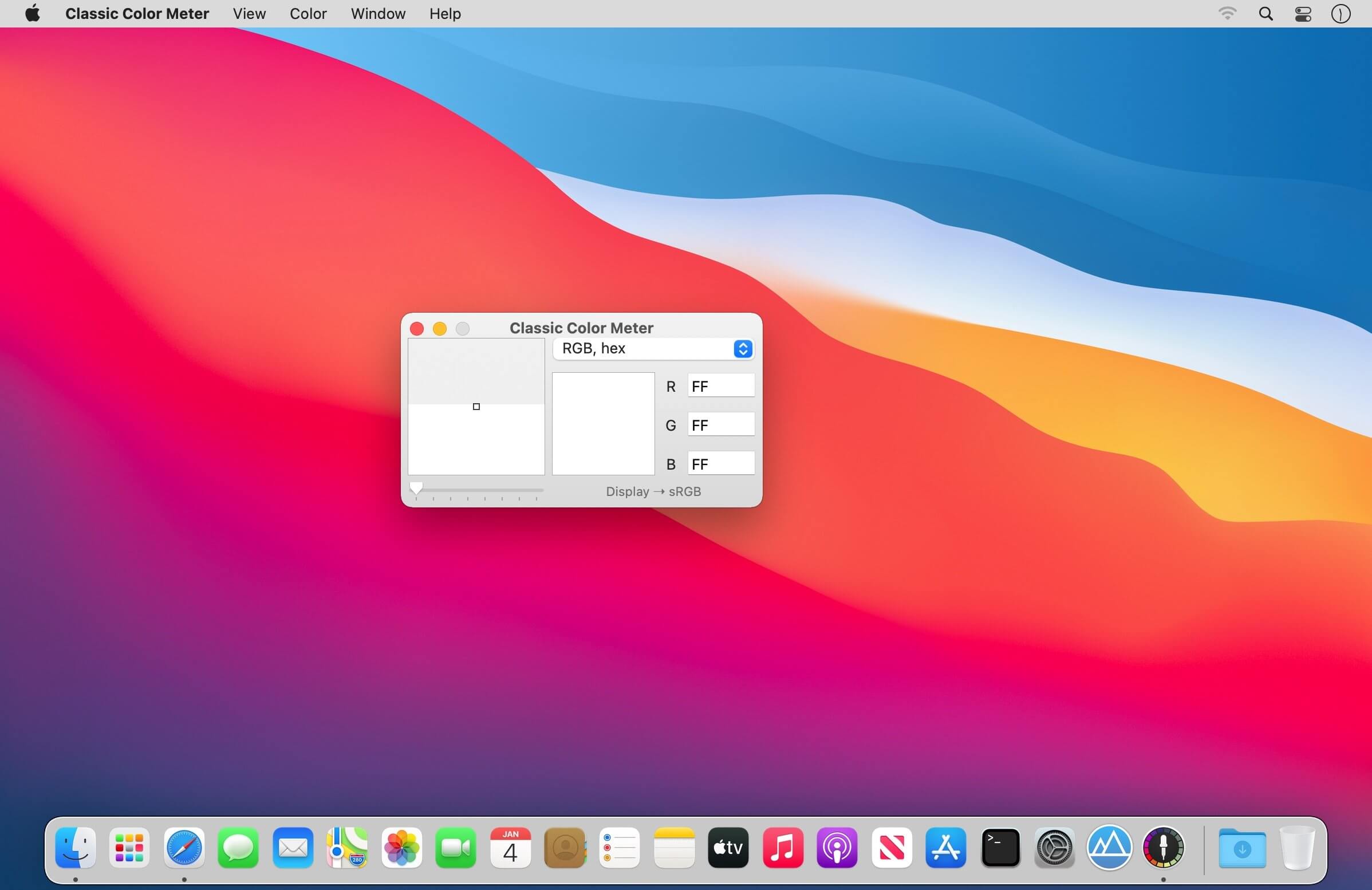
Classic Color Meter is a enhanced color meter replacement with added functionality:
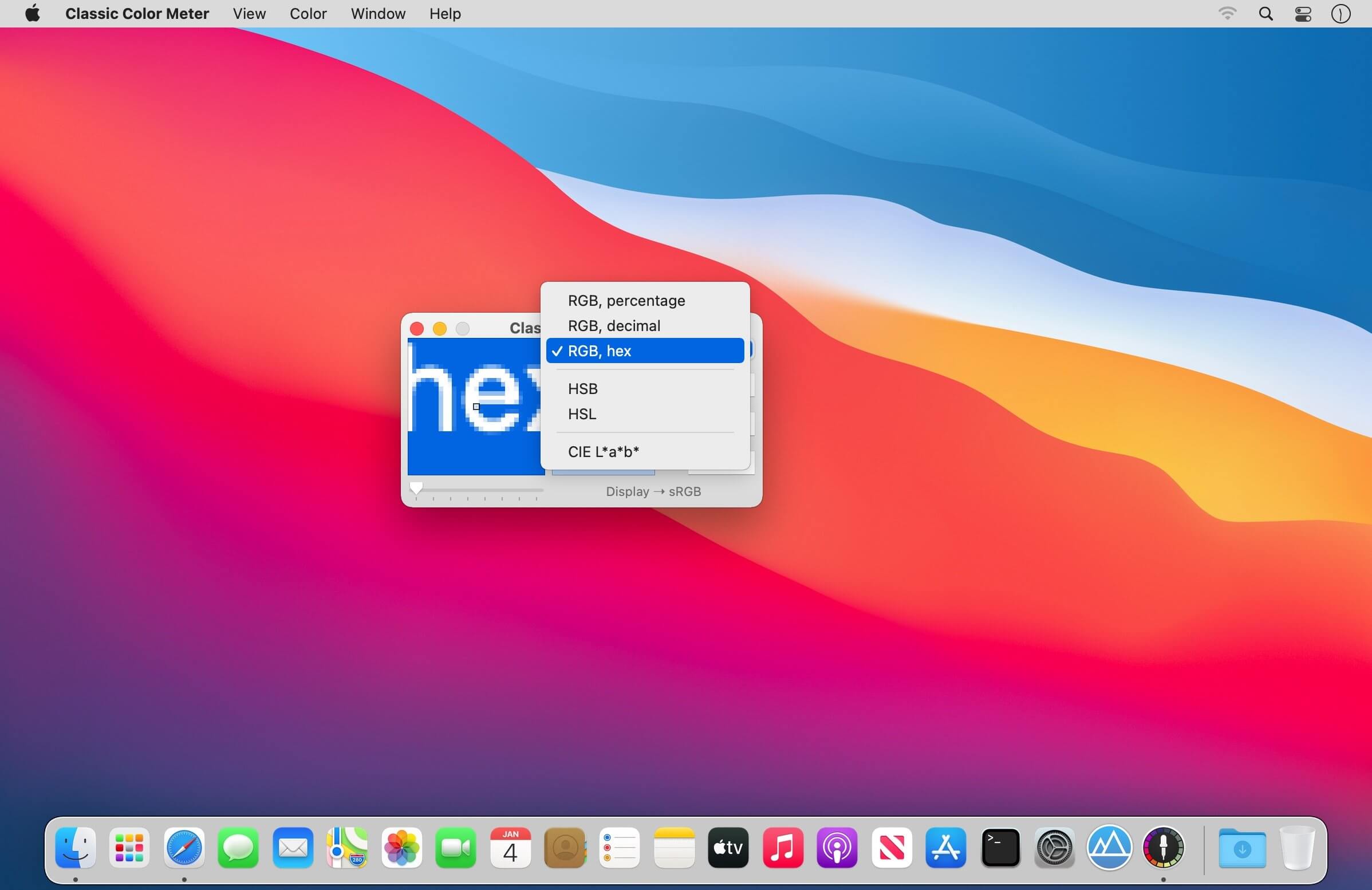
Display modes
- RGB percentage
- RGB decimal
- RGB hexadecimal
- Hue/Saturation/Brightness (HSB)
- Hue/Saturation/Lightness (HSL)
- Y'PbPr and Y'CbCr
- CIE 1931, CIE 1976, CIE LAB, and Tristimulus values
Commands
- Lock cursor position / X axis / Y axis
- Adjust magnification (1x/2x/4x/8x)
- Adjust aperture size
- Show/hide cursor coordinates
- Update preview continuously
- Hold Color (allows editing of color in RGB and HSB modes)
- Save/Copy preview image
- Copy Color as Text, Image, or as a NSColor/UIColor/HTML/CSS code snippet
- Paste Text as color
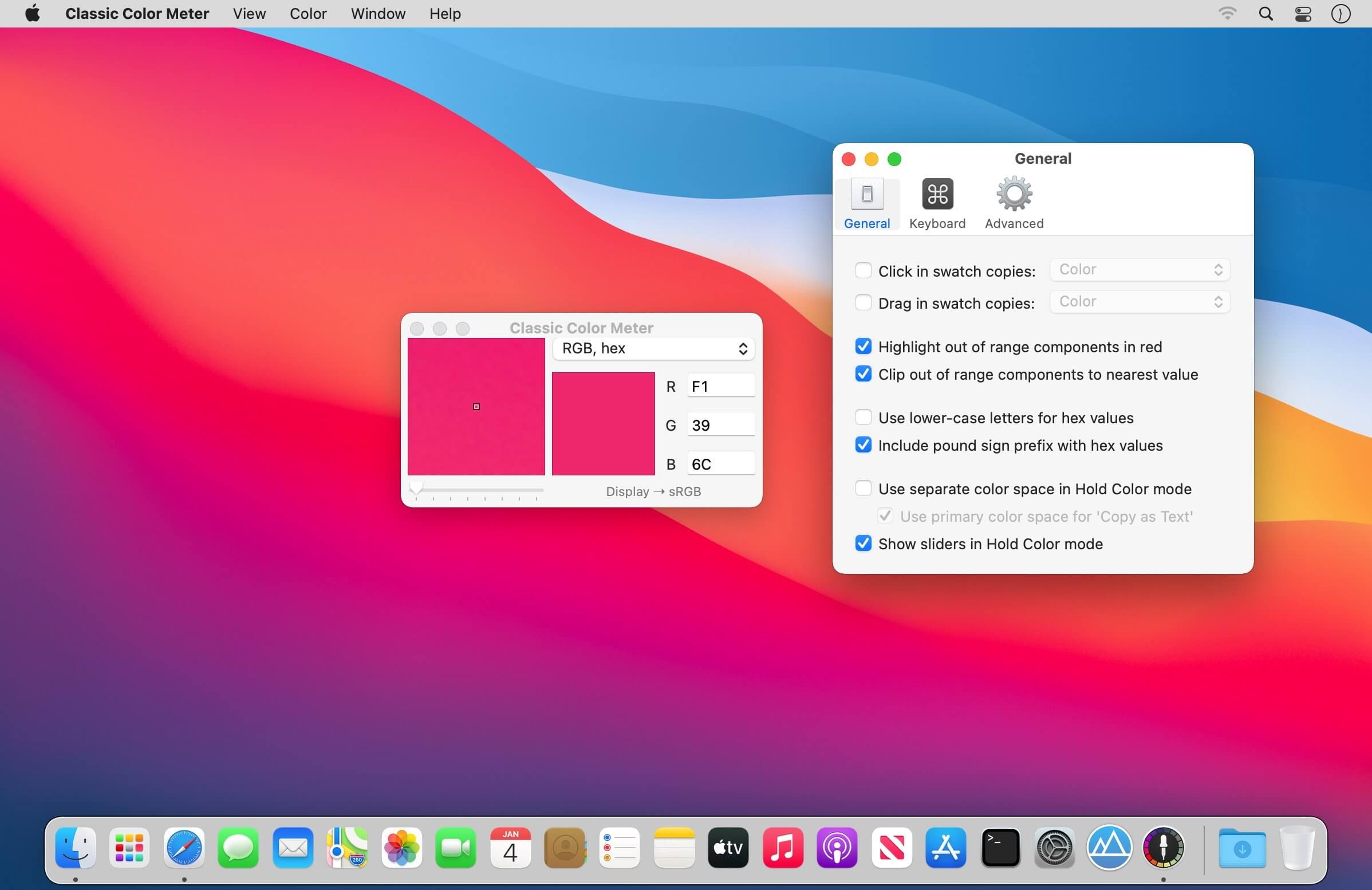
Preferences
- Adjust aperture color
- Assign actions for clicking/dragging the color swatch
- Use lower-case letters for hex values
- Include pound sign prefix for hex values
- Show visual guides when locking cursor position
- Show component sliders when in Hold Color mode
- Assign global keyboard shortcuts
- Move mouse cursor with arrow keys
Version 2.1
- Appearance updates for macOS Big Sur.
- Native support for Apple Silicon.
- Better error messages to explain Screen Recording access.
Frequently asked questions
How do I install the app?
Mount the image, drag the app into the "Applications" folder and launch it. If the system blocks the launch, allow it in "System Settings → Privacy & Security".
The app is damaged or won't launch
Reinstalling from a fresh image usually helps. Make sure your macOS version matches the one listed in the compatibility specs.
How do I update?
Download the new version from the site and install it over the current one — your settings will be preserved.
The download link doesn't work
Try a mirror or a download manager. For large files the browser often drops the connection.
How do I completely remove the app?
Use an uninstaller utility — it cleans up the service files that remain after moving the app to the trash.




Choose a download source
Classic Color Meter 2.1.1 · 2.87 MB
Previous versions
Classic Color Meter 2.1.1
Previous versions are available to registered users.