
Byword 2.9.6

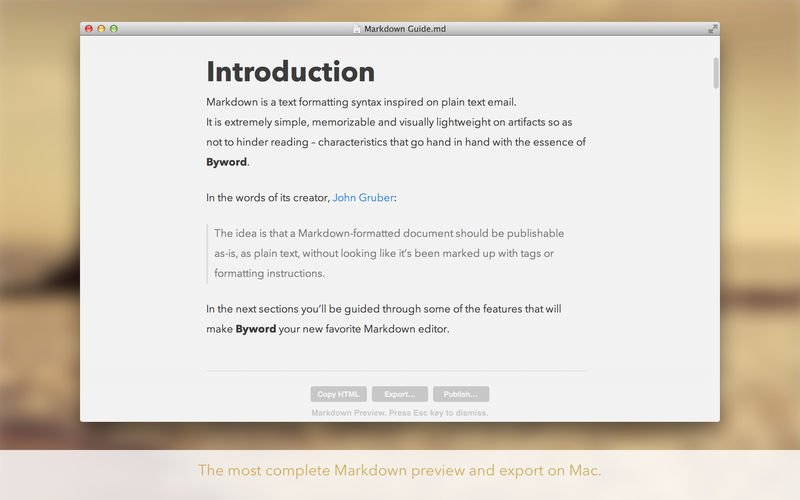

Byword is designed to make writing more enjoyable with Markdown on your Mac.
Key features of Byword
- Designed to make writing more enjoyable using Markdown
- Sync text documents across all your Mac, iPhone, iPad devices
- Comprehensive keyboard shortcuts for extra efficiency
- Alternate dark theme for extra comfort in low-light situations
- The most complete Markdown support including footnotes, tables and cross-references
- Export documents to PDF and HTML documents
- Premium feature: Publish to WordPress, Tumblr, Blogger, Scriptogram and Evernote
Blog publishing — Premium only
Publish to Medium, WordPress, Tumblr, Blogger and Evernote from Byword. Posting to your blog with Byword is as simples as:
- Write something in Byword
- Open File menu and select Publish
- Confirm metadata
- Publish
More features
- List continuations
- Typewriter scrolling mode
- Great text manipulation helpers
- Word and character counters with live update
- Spell and Grammar checking and Dictionary lookup
- Extensive VoiceOver API support for visual impaired users
Here are some ways to use Byword in your life:
- For posting to your blog without using clunky web interfaces
- For research, meeting and class notes
- To write that important email without being distracted
- To capture ideas and notes and have them available in all devices
Version 2.9.6
- Byword has been updated for macOS 14 Sonoma.
Frequently asked questions
How do I install the app?
Mount the image, drag the app into the "Applications" folder and launch it. If the system blocks the launch, allow it in "System Settings → Privacy & Security".
The app is damaged or won't launch
Reinstalling from a fresh image usually helps. Make sure your macOS version matches the one listed in the compatibility specs.
How do I update?
Download the new version from the site and install it over the current one — your settings will be preserved.
The download link doesn't work
Try a mirror or a download manager. For large files the browser often drops the connection.
How do I completely remove the app?
Use an uninstaller utility — it cleans up the service files that remain after moving the app to the trash.




Choose a download source
Byword 2.9.6 · 6.01 MB
Previous versions
Byword 2.9.6
Previous versions are available to registered users.