
NanoBrowser 1.5.1
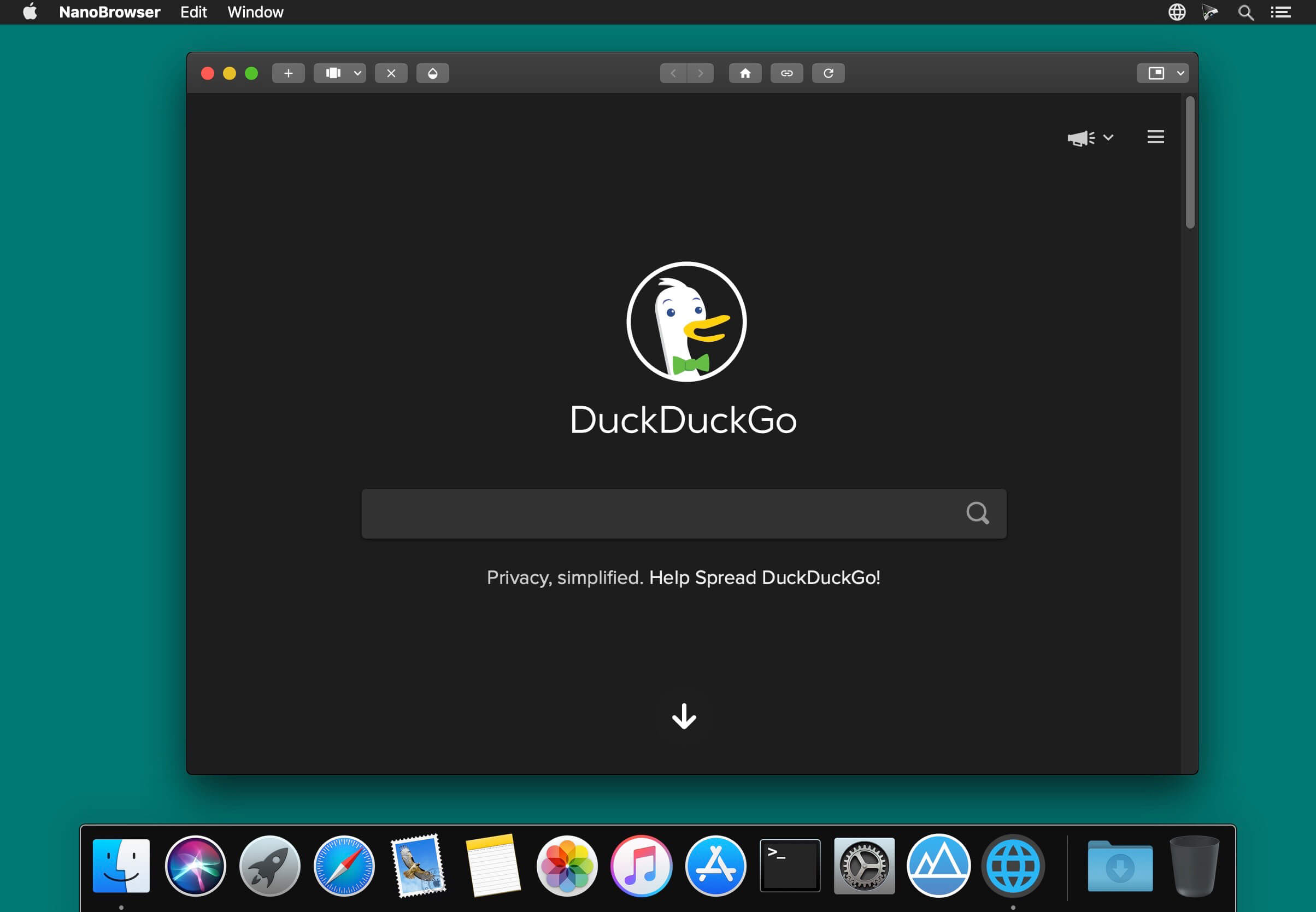

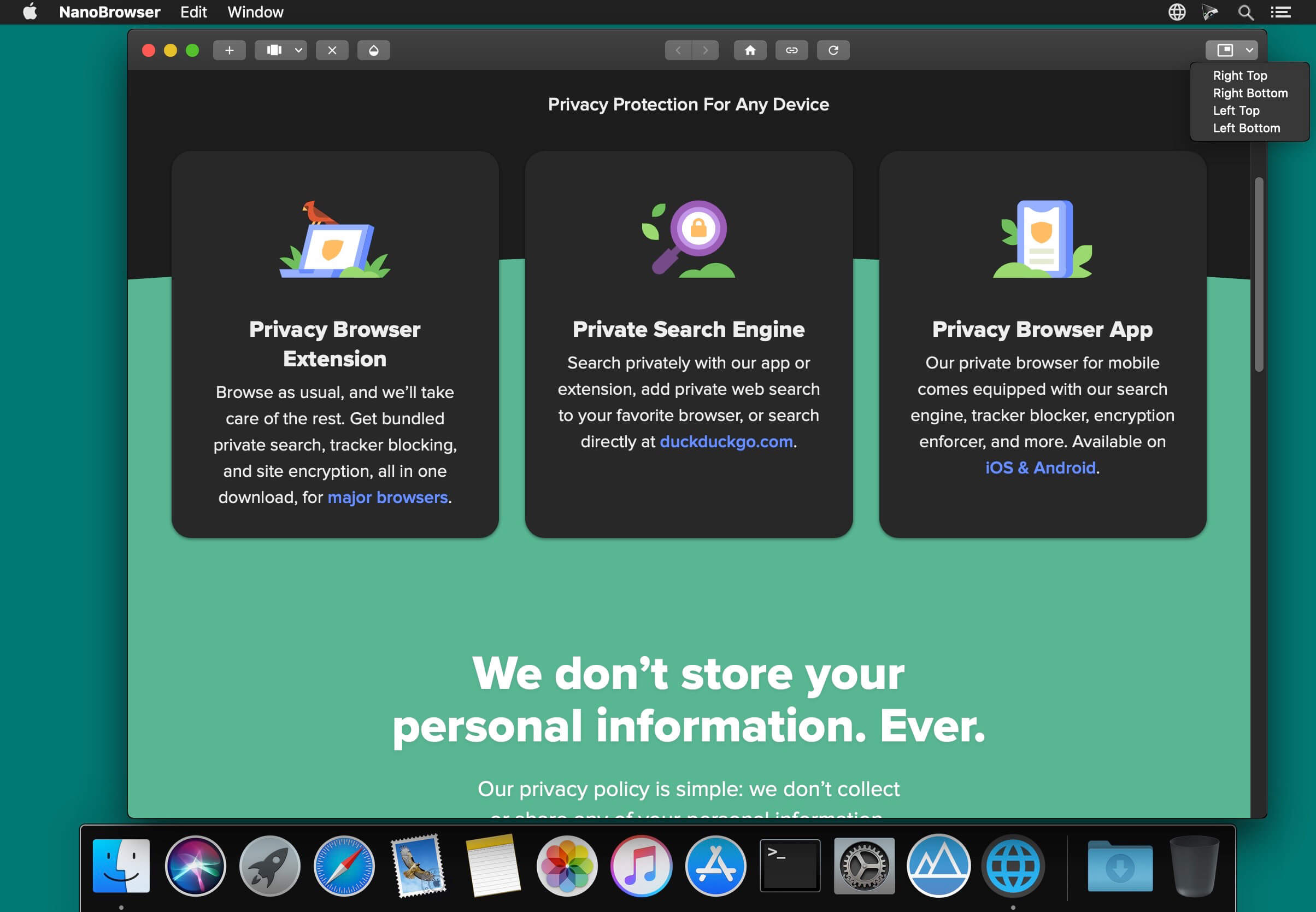
NanoBrowser is a small browser that resides at the forefront of the screen.
You can also display it on the maximized application screen.
You can switch translucent or non-transparent from the application icon on the status bar at any time.
In order to memorize the last open tab of this application,
You can resume your work at any time.
In addition, you can make it start at login with the following setting.
- Right click on dock icon -> Options -> Open at login
It can be used for the following usage.
- Working with enjoying favorite music, movies, radio etc
- Working with watching explanation movies
- Working with using Google Translate
- Working with displaying Twitter
- Working with other web applications
Version 1.5
- Added display function for image and video files
Frequently asked questions
How do I install the app?
Mount the image, drag the app into the "Applications" folder and launch it. If the system blocks the launch, allow it in "System Settings → Privacy & Security".
The app is damaged or won't launch
Reinstalling from a fresh image usually helps. Make sure your macOS version matches the one listed in the compatibility specs.
How do I update?
Download the new version from the site and install it over the current one — your settings will be preserved.
The download link doesn't work
Try a mirror or a download manager. For large files the browser often drops the connection.
How do I completely remove the app?
Use an uninstaller utility — it cleans up the service files that remain after moving the app to the trash.



Choose a download source
NanoBrowser 1.5.1 · 9.08 MB