
SyncSettings 1.2.4

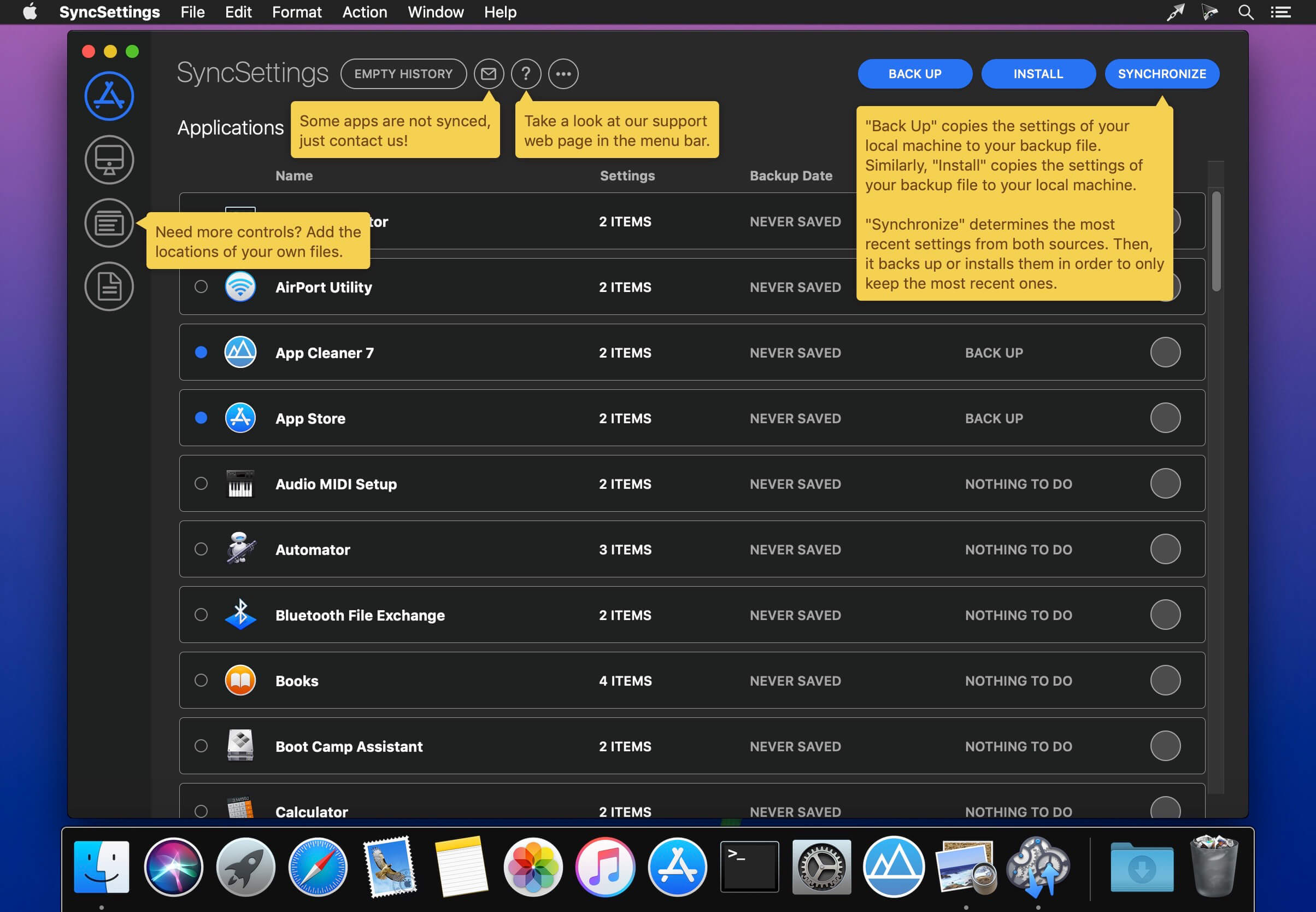
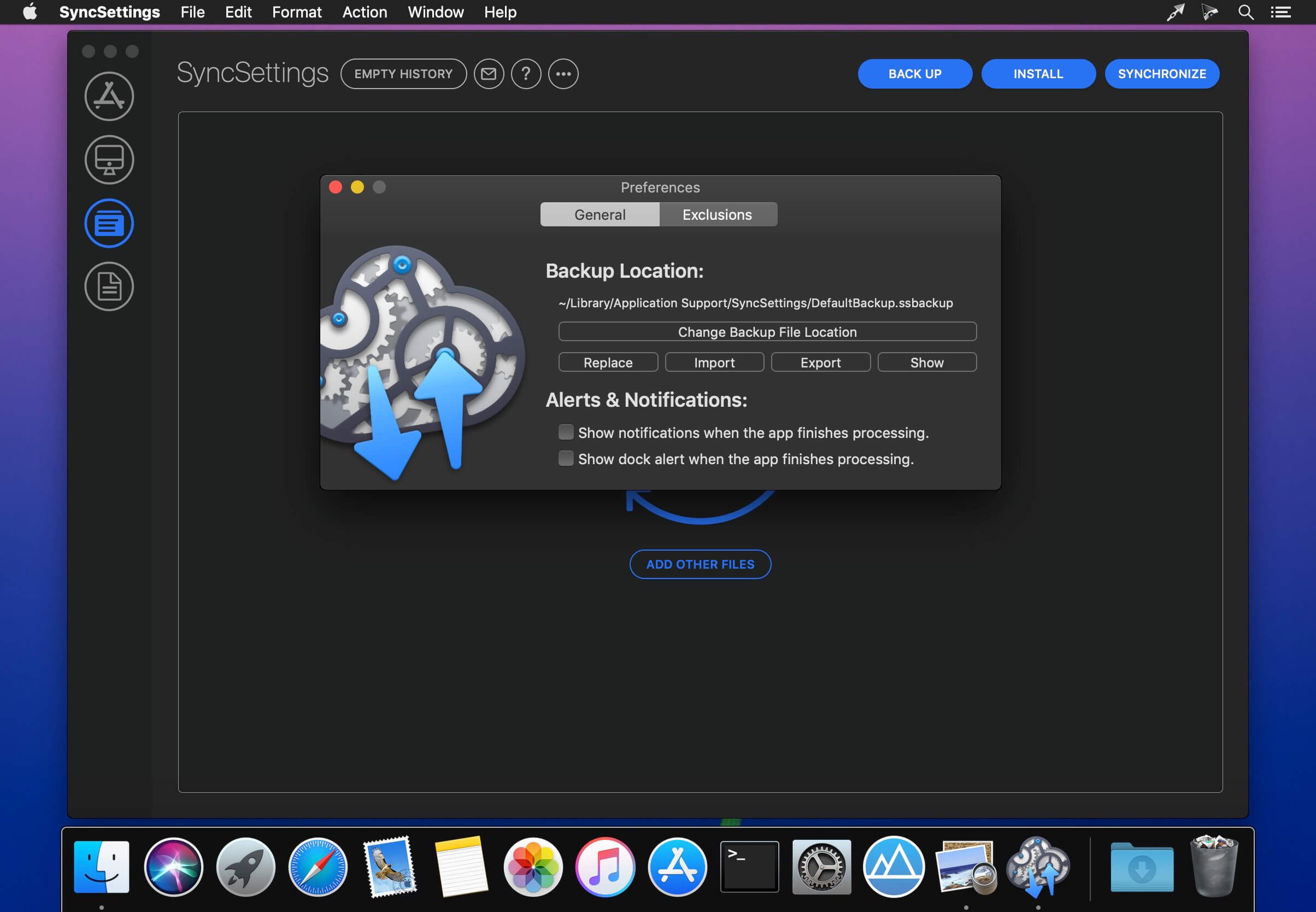
SyncSettings is the first application able to back up and sync the preferences of your mac apps. Tired of settling all your apps after a new macOS install or manually keeping the same settings across several macs? SyncSettings will do it for you.
SyncSettings packages your preferences into a single ssbackup file. So, you can then keep your data locally or store them in the cloud. In this way, all your computers will always have access to the same data. All cloud providers are compatible such as iCloud, Google Drive, One Drive and even GitHub.
The project has been under construction for several months to support the largest number of apps. Almost all the applications of the Mac App Store are already supported by SyncSettings. In addition, a special list of more than 400 non-standard applications and executables has been integrated too.
We thought about developers and designers. Your favorite tools are already integrated: Adobe Photoshop, Adobe Lightroom, Adobe Illustrator, Atom, IntellijIdea, Omnigraffle, PHP Storm, PyCharm, Tower 3, Transmit, WebStorm, Xcode, Bash, Bundler, Git, Docker, Emacs, Heroku, Maven, MySQL, Perl, PostgreSQL, Vim, Zsh and much more.
We know that many users use SyncSettings to set up new computers or new versions of macOS. That is why we included a note editor. It allows you to write your own notes of what to do. Morover, the app is not limited to preferences files. You can define your own files and it will back up and sync them seamlessly.
If you need more features or if some of your apps are not synced by the applications, we can help you. Feedbacks can be sent directly from the application. In this way, you can contact us for any kind of suggestions and improvements in few clics.
This version has been optimized for macOS High Sierra and later. Moreover the application is available in 7 languages (English, French, German, Spanish, Italian, Japanese and Chinese).
Feedback can be sent directly from the application. In this way, you can contact us for any kind of suggestions and improvements in a few clics.
Version 1.2.2 (1.2.4):
Note: The downloadable demo is version 1.2.4; the version available for purchase on the Mac App Store is version 1.2.2.
Note: The downloadable demo is version 1.2.4; the version available for purchase on the Mac App Store is version 1.2.2.
- Add special support for over 40 new apps.
- Fix many minor issues.
Frequently asked questions
How do I install the app?
Mount the image, drag the app into the "Applications" folder and launch it. If the system blocks the launch, allow it in "System Settings → Privacy & Security".
The app is damaged or won't launch
Reinstalling from a fresh image usually helps. Make sure your macOS version matches the one listed in the compatibility specs.
How do I update?
Download the new version from the site and install it over the current one — your settings will be preserved.
The download link doesn't work
Try a mirror or a download manager. For large files the browser often drops the connection.
How do I completely remove the app?
Use an uninstaller utility — it cleans up the service files that remain after moving the app to the trash.
VersionSyncSettings 1.2.4
DeveloperJeremy Vizzini
CompatibilitymacOS 10.13 or later, 64-bit processor
LanguageEnglish, French, German, Italian, Japanese, Simplified Chinese, Spanish
IncludesK'ed by TNT




Information
Visitors in the group Guests cannot leave comments on this publication.
Choose a download source
SyncSettings 1.2.4 · 17.95 MB
Previous versions
SyncSettings 1.2.4
Previous versions are available to registered users.