
All Video Converter Pro 2.1.2
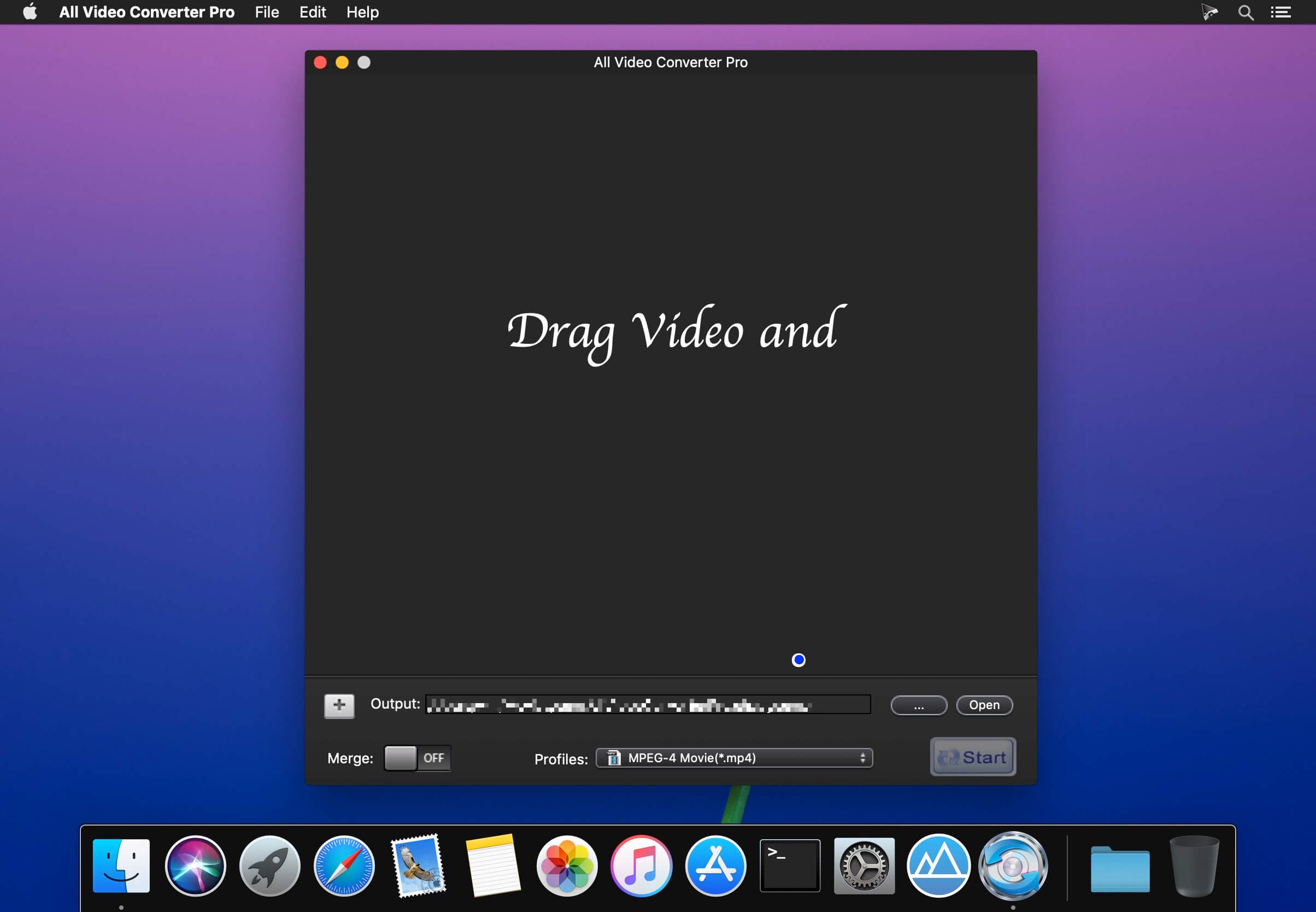
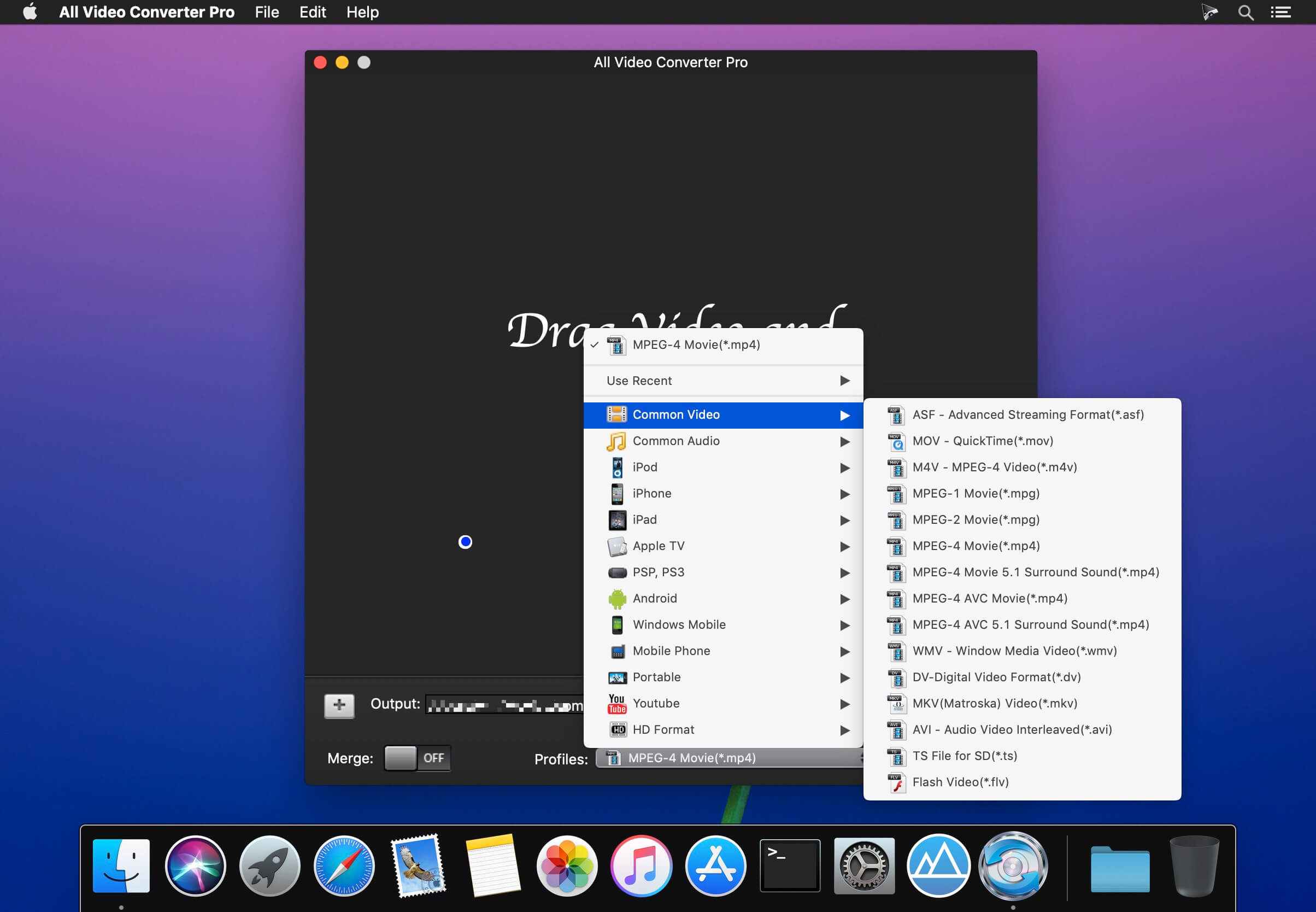
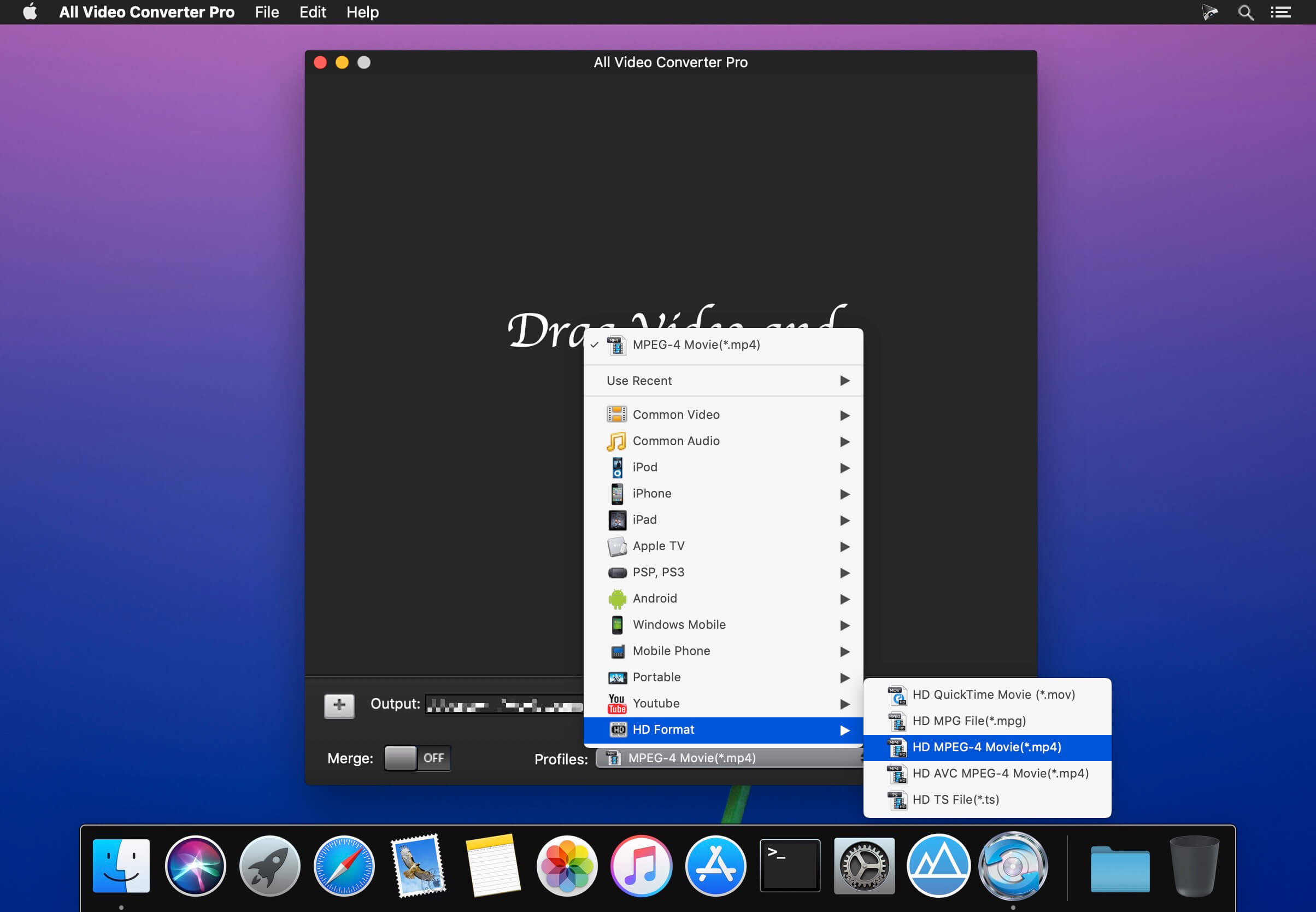
All Video Converter Pro lets you quickly and simply convert your video and audio files to all popular formats. lets you apply advanced custom settings (bit rate, sample rate, etc.) and you can even create and manage your own presets, you can merge multiple files into one.
All Video Converter Pro can convert different video (Common Video, HD video, camera video, web video) and audio files for importing to sorts of portable device, applications and website, such as iPad, iPod, iPhone, Apple TV, PSP, iTunes(mp4, mov), iMovie(mp4, mov), YouTube , etc.It’s the easy way to make your Mac friendly with all audio and video formats.
Feature
- Support almost all video and audio format
- Convert video and audio very fast.
- Extract audio from videos in many formats.
- crop video, clip any segments, merge multiple files into one.
- Add watermark on your video.
- Suit your player screen resolution, including 16:9, 4:3, or full screen.
- Rotate and horizontal or vertical flip your video.
Frequently asked questions
How do I install the app?
Mount the image, drag the app into the "Applications" folder and launch it. If the system blocks the launch, allow it in "System Settings → Privacy & Security".
The app is damaged or won't launch
Reinstalling from a fresh image usually helps. Make sure your macOS version matches the one listed in the compatibility specs.
How do I update?
Download the new version from the site and install it over the current one — your settings will be preserved.
The download link doesn't work
Try a mirror or a download manager. For large files the browser often drops the connection.
How do I completely remove the app?
Use an uninstaller utility — it cleans up the service files that remain after moving the app to the trash.
VersionAll Video Converter Pro 2.1.2
DeveloperUT Team Inc.
CompatibilityOS X 10.10 or later 64-bit
LanguageEnglish
IncludesK'ed by TNT





Information
Visitors in the group Guests cannot leave comments on this publication.
Choose a download source
All Video Converter Pro 2.1.2 · 8.76 MB