
MP3 Encoder 2.20.1
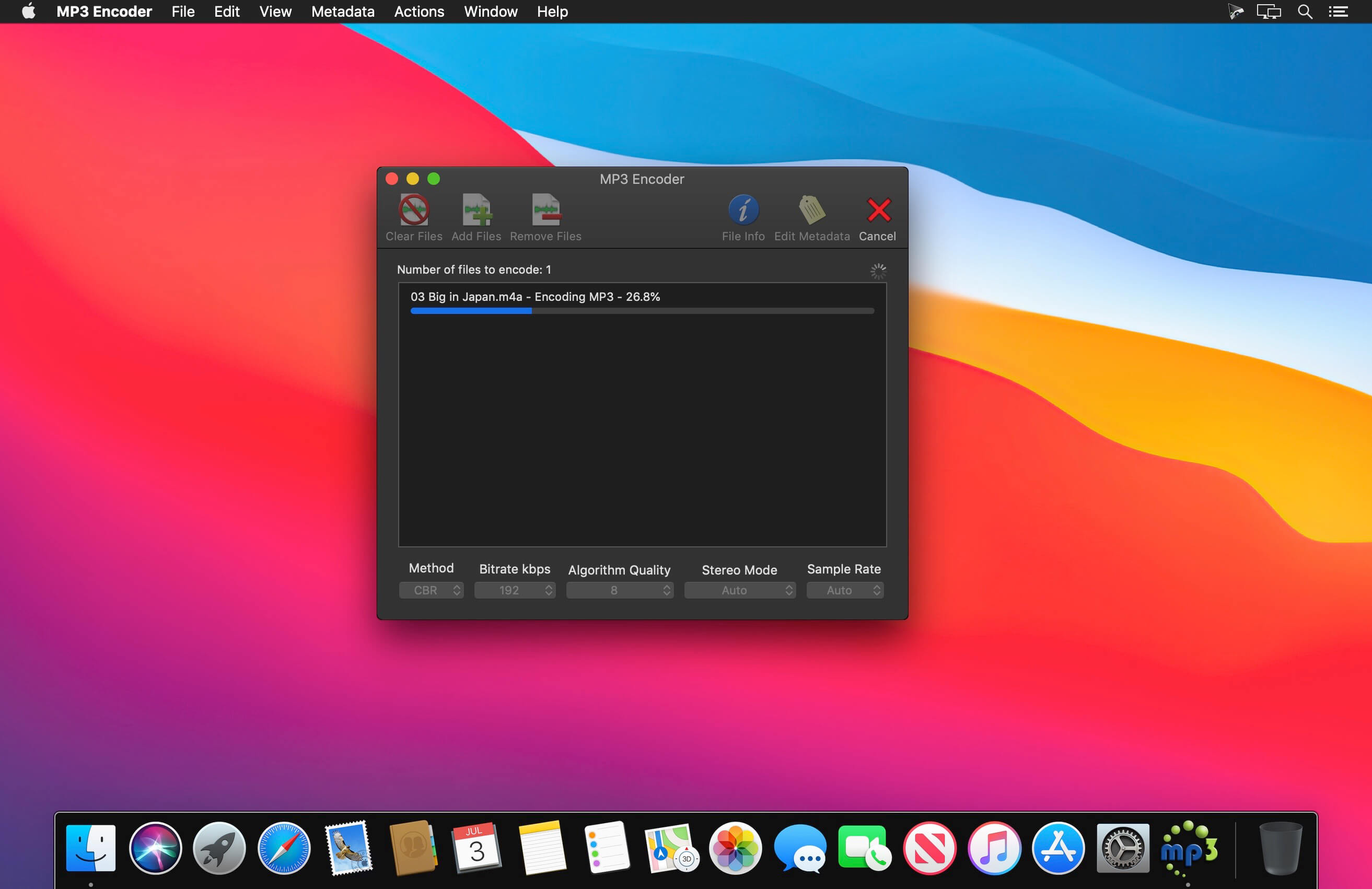
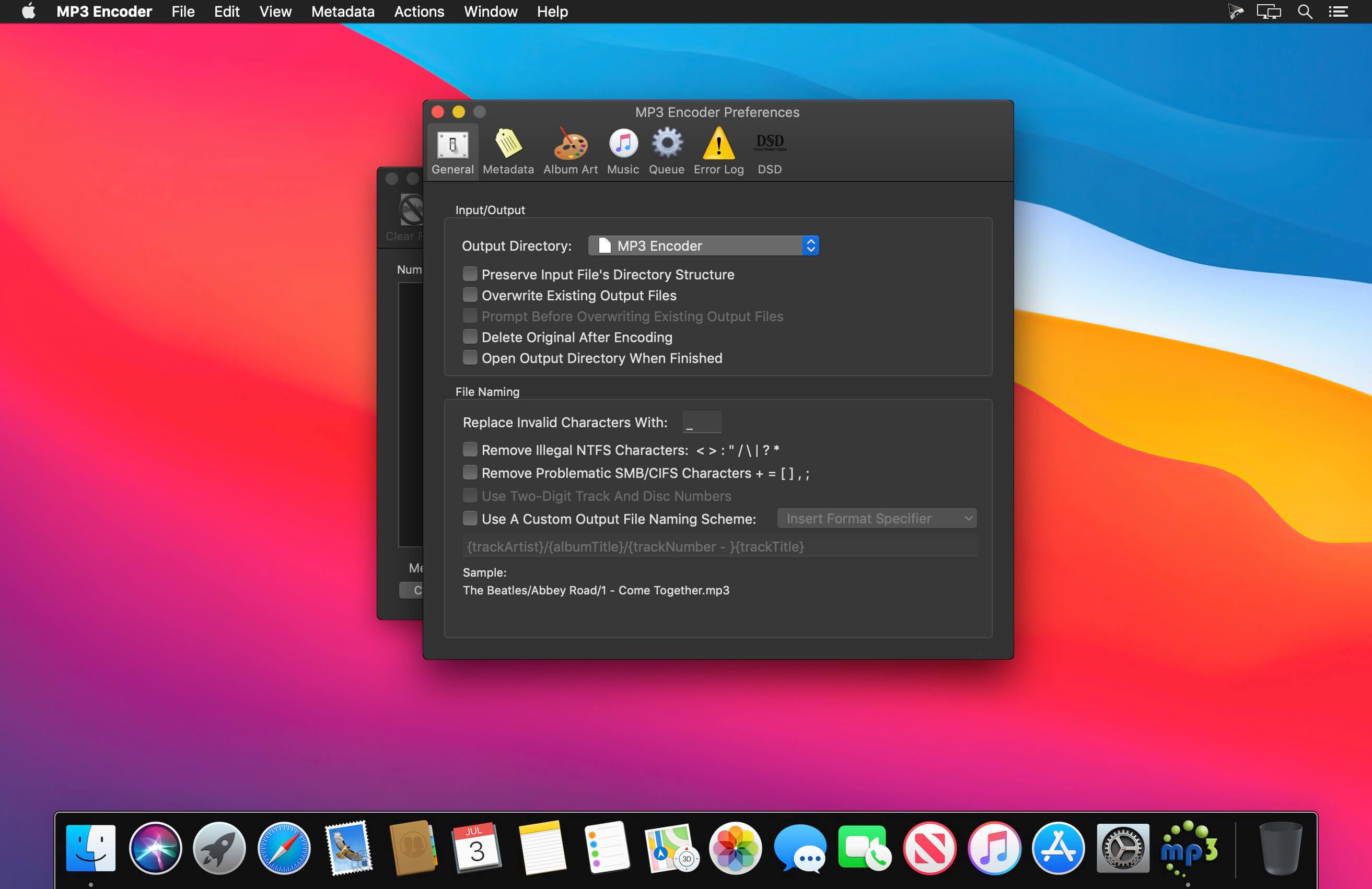
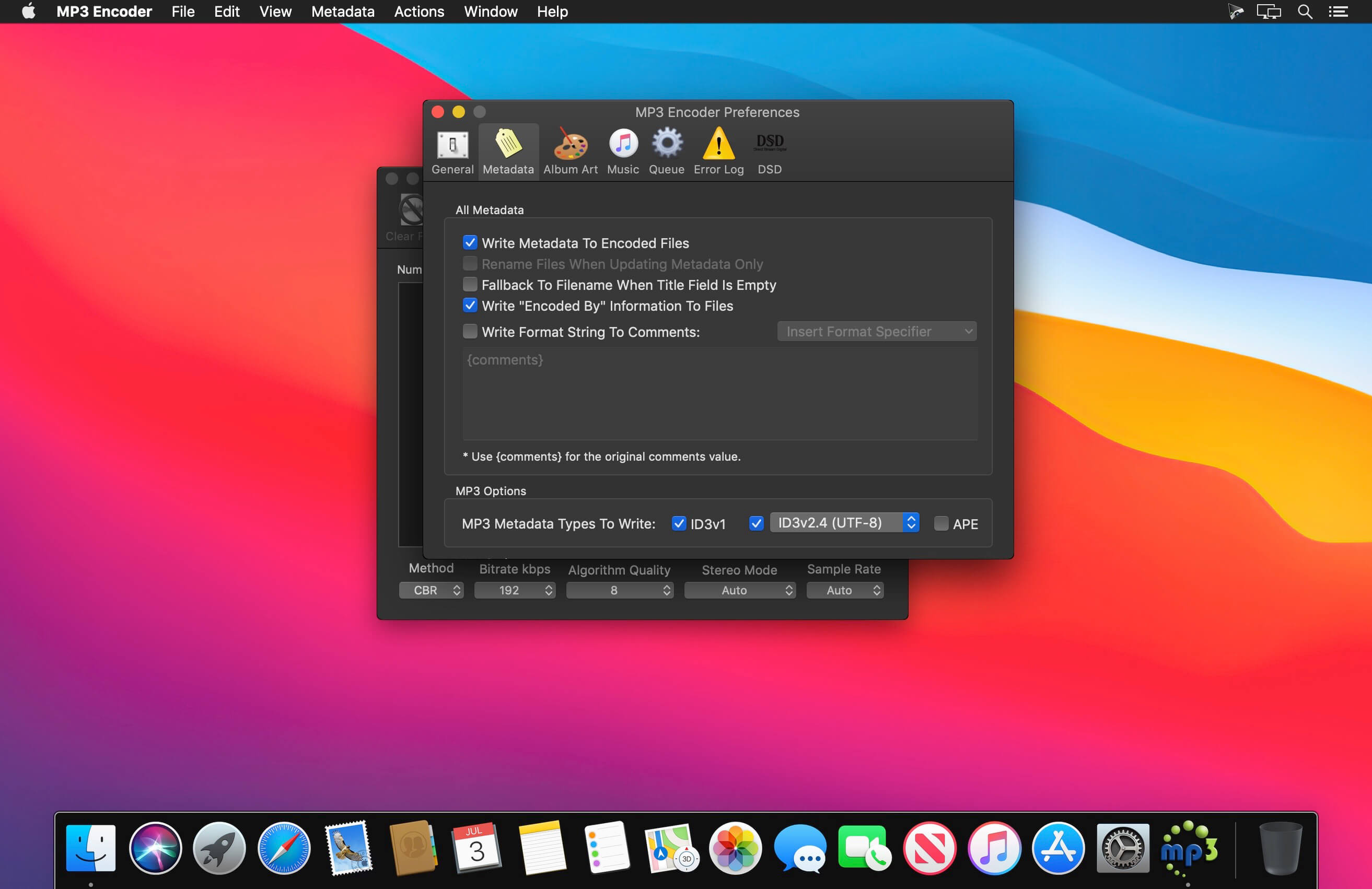
MP3 Encoder enables you to convert a variety of audio formats to MP3 using a simple front-end to the high-quality LAME encoder. MP3 Encoder can also be used as a simple MP3 tag editor!
Features
- Supports Multi-Threading! Encode multiple MP3s at once, up to the number of processor cores your system has.
- Reads and Writes Meta-data! Reads meta-data from the source file and writes it to the MP3 file. You can also enter your own meta-data via a pull-out drawer.
- Converts songs bought on iTunes to MP3 and retains the metadata.
- Edit metadata of existing MP3 files without re-encoding.
- Also supports re-encoding exsting MP3 files.
- MP3s are written to the same folder as the source file by default, but you can specify an alternate output folder in the preferences.
Currently supported source formats
- AIF
- WAV
- FLAC
- MP3
- M4A - Apple Lossless
- M4A - AAC
- MP4 - AAC
- WMA
- RA - Real Audio
- RM - Real Media
Note: WMA Lossless and DRM Protected files are not supported.
Version 2.20.1
- Fix an issue when clearing or reverting metadata.
Frequently asked questions
How do I install the app?
Mount the image, drag the app into the "Applications" folder and launch it. If the system blocks the launch, allow it in "System Settings → Privacy & Security".
The app is damaged or won't launch
Reinstalling from a fresh image usually helps. Make sure your macOS version matches the one listed in the compatibility specs.
How do I update?
Download the new version from the site and install it over the current one — your settings will be preserved.
The download link doesn't work
Try a mirror or a download manager. For large files the browser often drops the connection.
How do I completely remove the app?
Use an uninstaller utility — it cleans up the service files that remain after moving the app to the trash.





Choose a download source
MP3 Encoder 2.20.1 · 18.75 MB
Previous versions
MP3 Encoder 2.20.1
Previous versions are available to registered users.