Pro Audio Converter 1.11.1
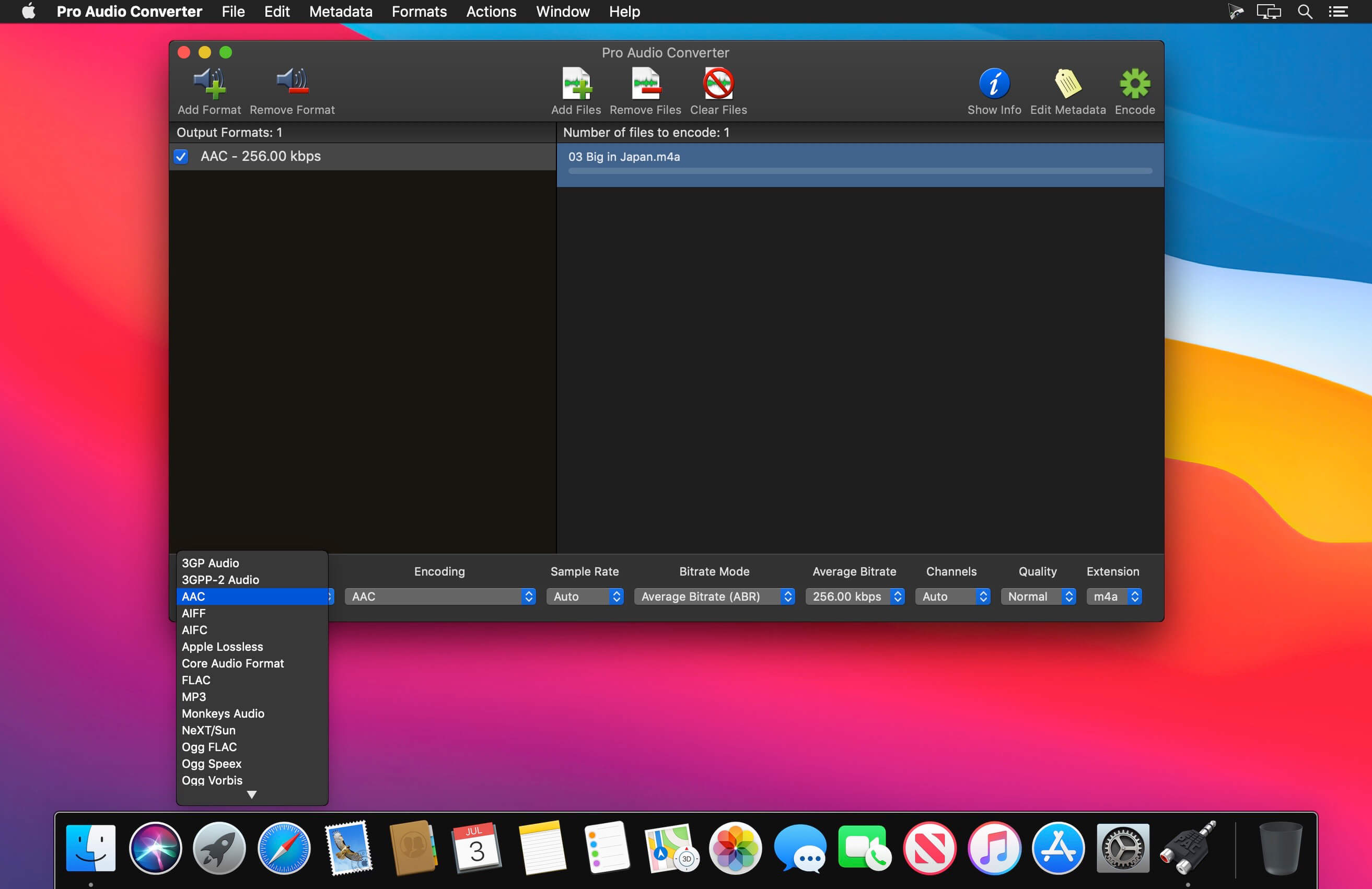
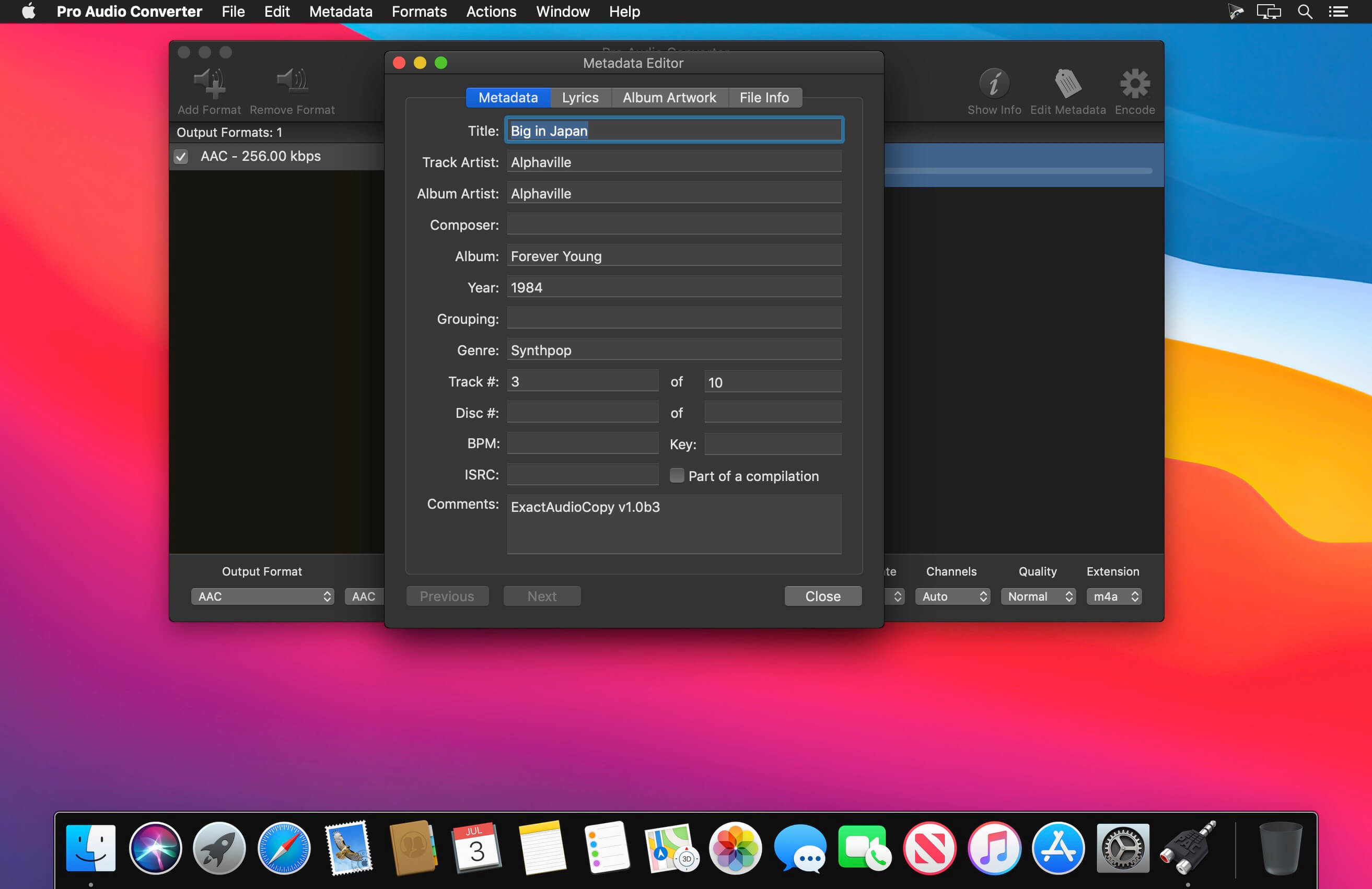
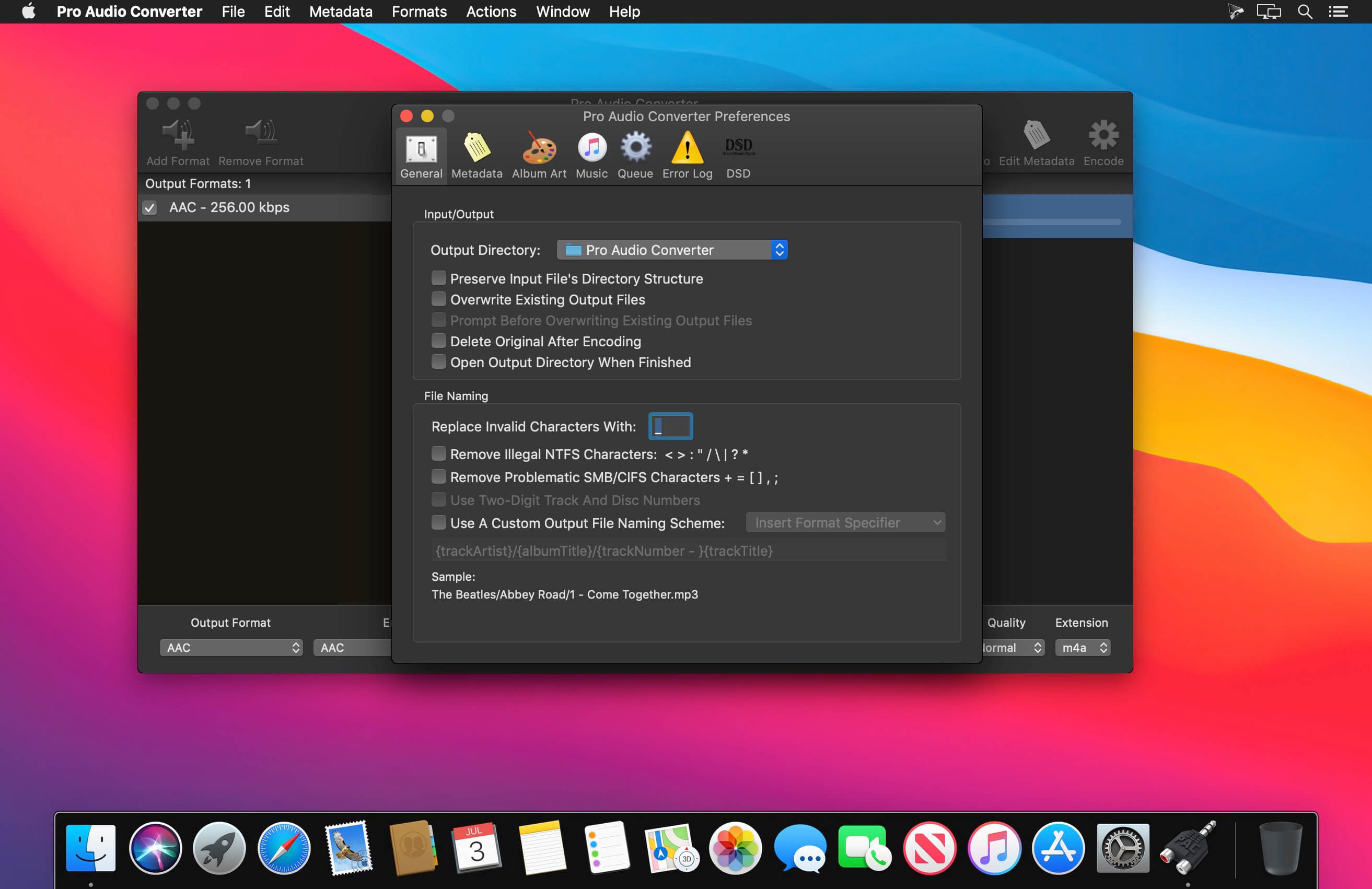
Pro Audio Converter is an application for converting between a variety of audio file formats. It is multi-threaded and will batch convert multiple files at once to multiple formats at once. It supports reading and writing metadata and can create custom output file paths based on the metadata. It can also edit the metadata of existing audio files without the need to re-encode, functioning as a basic tag editor. Pro Audio Converter also gives you the option to add your converted files to iTunes.
Pro Audio Converter currently can read and write the following formats:
- 3GP Audio
- 3GPP-2 Audio
- AAC
- AIFF
- AIFC
- Apple Lossless
- Core Audio Format
- FLAC
- Monkey's Audio
- MP3
- NeXT/Sun
- Ogg Vorbis
- Ogg Flac
- Ogg Speex
- Opus
- Sound Designer II
- True Audio
- WAVE
Pro Audio Converter can also read (but not write) the following formats:
- DSD/DSF
- DSD/DFF
- WavPack
- Musepack
- Module Files
- Real Audio
- Real Media
- Windows Media Audio
*DRM protected files of any kind are not supported.
Version 1.11.1:
- Now recognizes recovered Sound Designer II files that arrive with a ".sd2f" extension.
- WAV files now use a standard header that older hardware samplers can read.
- Damaged or partially downloaded files now stop with a clear error instead of quietly producing a near-empty file.
- A failed save no longer deletes the existing file at the destination without putting a new one in its place.
- When a save replaces an existing file, the old version now reliably goes to the Trash, even when its name contains spaces.
- Interrupted conversions no longer leave large temporary files behind, and any leftovers from an earlier crash are cleared at the next launch.
- Fix an issue where certain files could fail to encode to MP3 on older versions of macOS.
Frequently asked questions
How do I install the app?
Mount the image, drag the app into the "Applications" folder and launch it. If the system blocks the launch, allow it in "System Settings → Privacy & Security".
The app is damaged or won't launch
Reinstalling from a fresh image usually helps. Make sure your macOS version matches the one listed in the compatibility specs.
How do I update?
Download the new version from the site and install it over the current one — your settings will be preserved.
The download link doesn't work
Try a mirror or a download manager. For large files the browser often drops the connection.
How do I completely remove the app?
Use an uninstaller utility — it cleans up the service files that remain after moving the app to the trash.

Choose a download source
Pro Audio Converter 1.11.1 · 19.37 MB
Previous versions
Pro Audio Converter 1.11.1
Previous versions are available to registered users.