
Picture Instruments Smart GPS Sync Pro 2.0.10
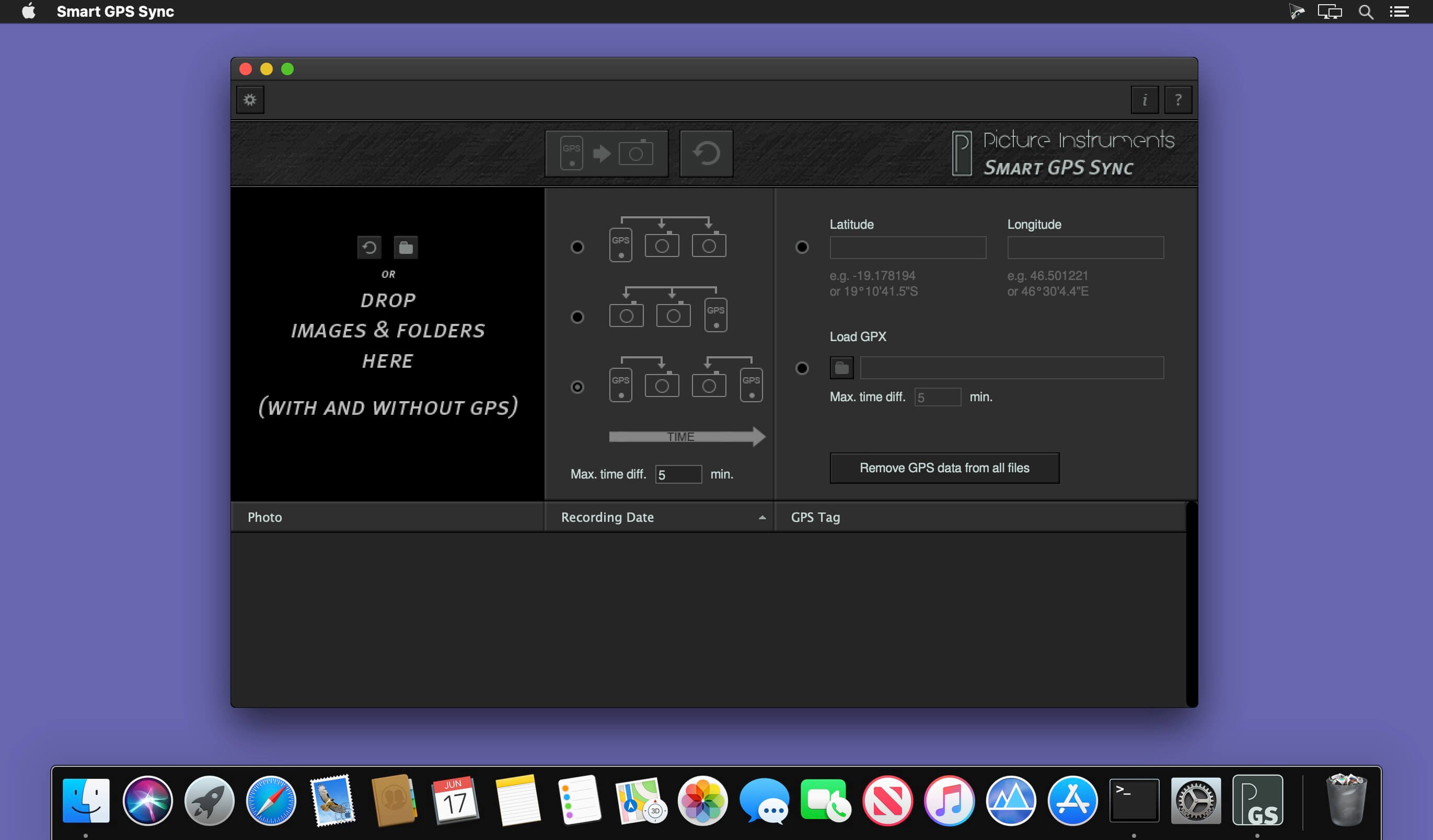
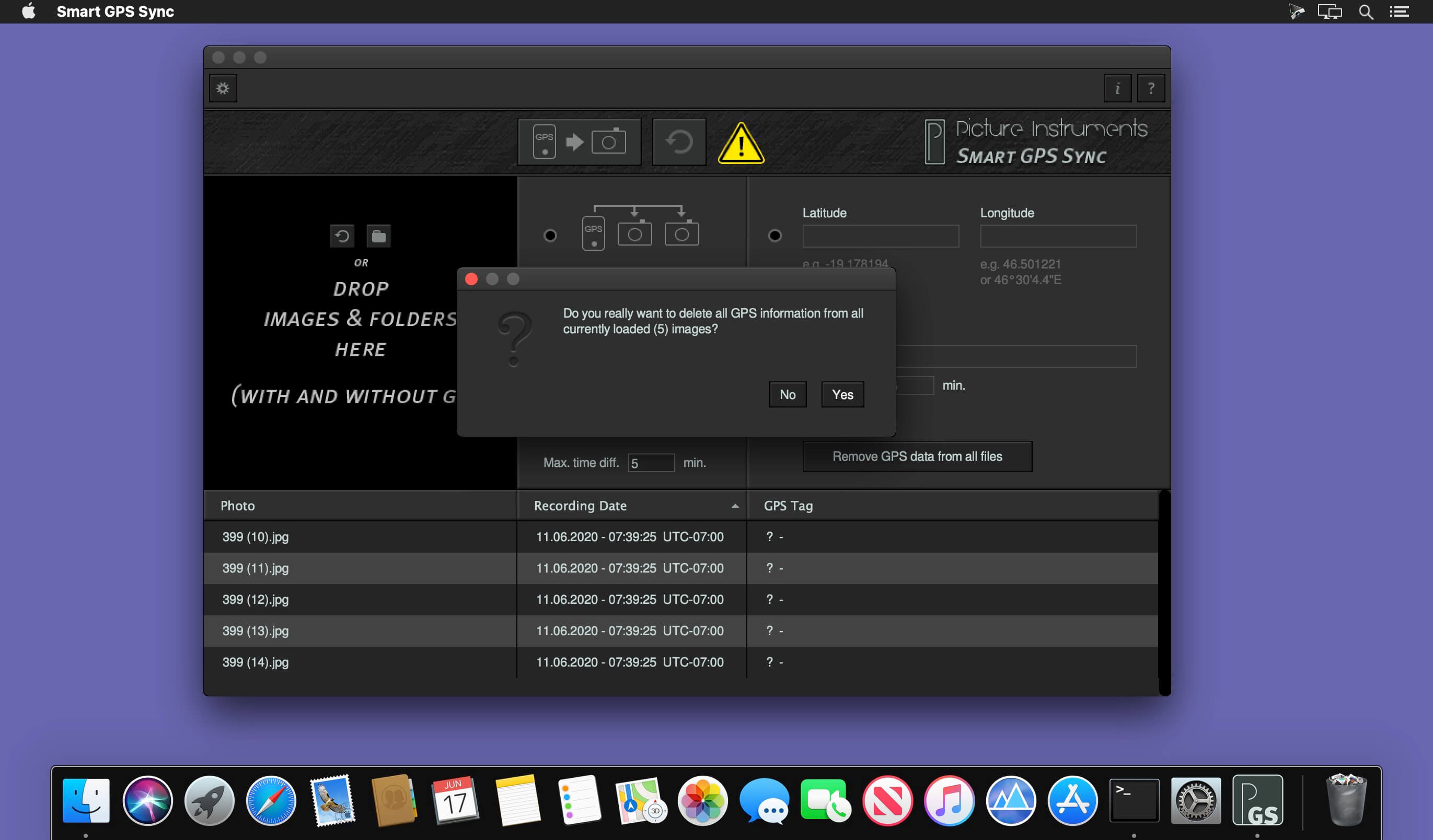
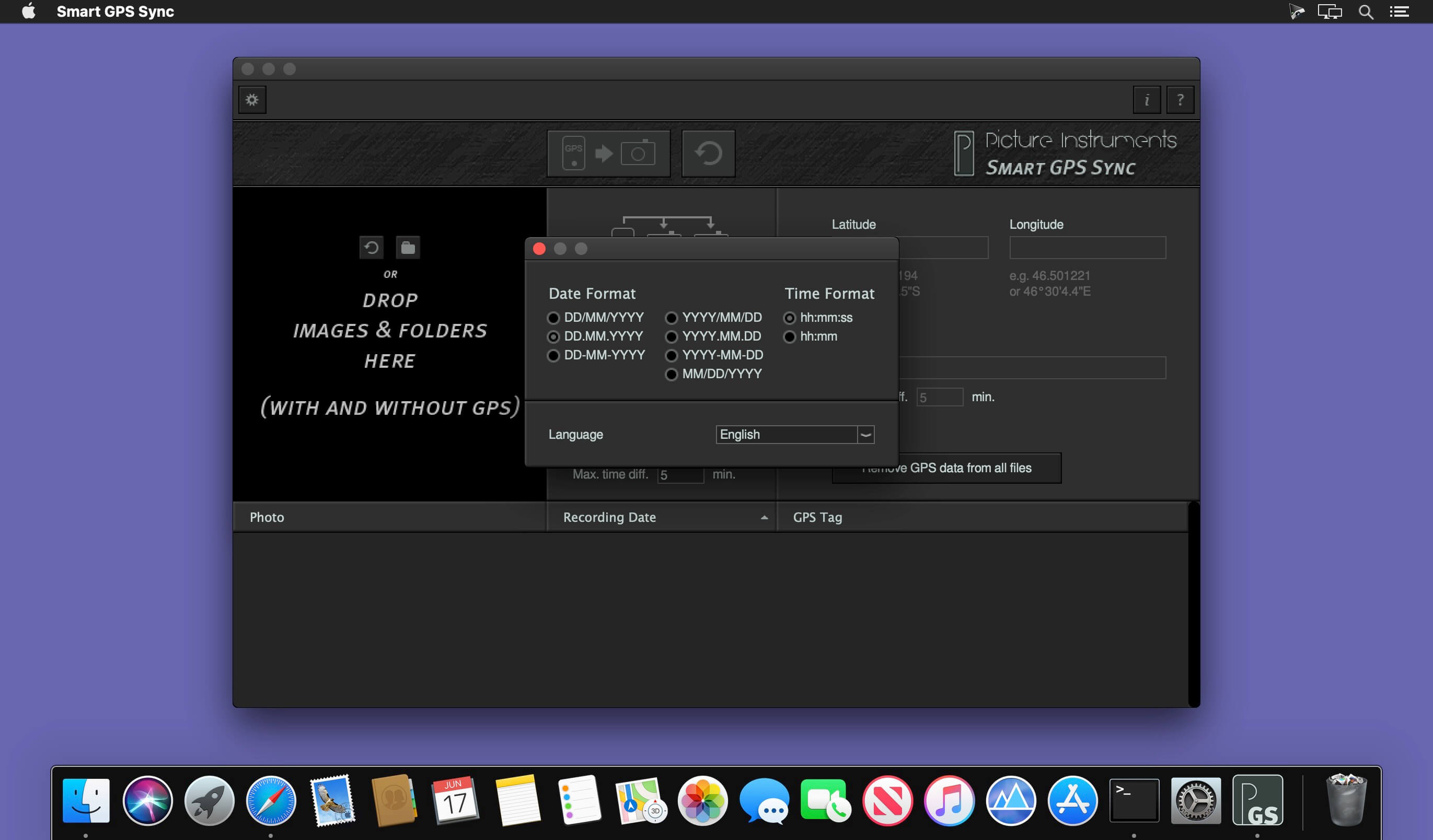
You don't want to do without GPS-tags in your photos but you also don't want to run a GPS-logger all the time? If you take just one single photo containing GPS data with your smartphone you can use "Smart GPS Sync" to transfer that GPS information to all other photos in your camera at a later point in time.
Frequently asked questions
How do I install the app?
Mount the image, drag the app into the "Applications" folder and launch it. If the system blocks the launch, allow it in "System Settings → Privacy & Security".
The app is damaged or won't launch
Reinstalling from a fresh image usually helps. Make sure your macOS version matches the one listed in the compatibility specs.
How do I update?
Download the new version from the site and install it over the current one — your settings will be preserved.
The download link doesn't work
Try a mirror or a download manager. For large files the browser often drops the connection.
How do I completely remove the app?
Use an uninstaller utility — it cleans up the service files that remain after moving the app to the trash.





Choose a download source
Picture Instruments Smart GPS Sync Pro 2.0.10 · 18.82 MB