
Perfectly Clear Essentials 3.8.0.1684
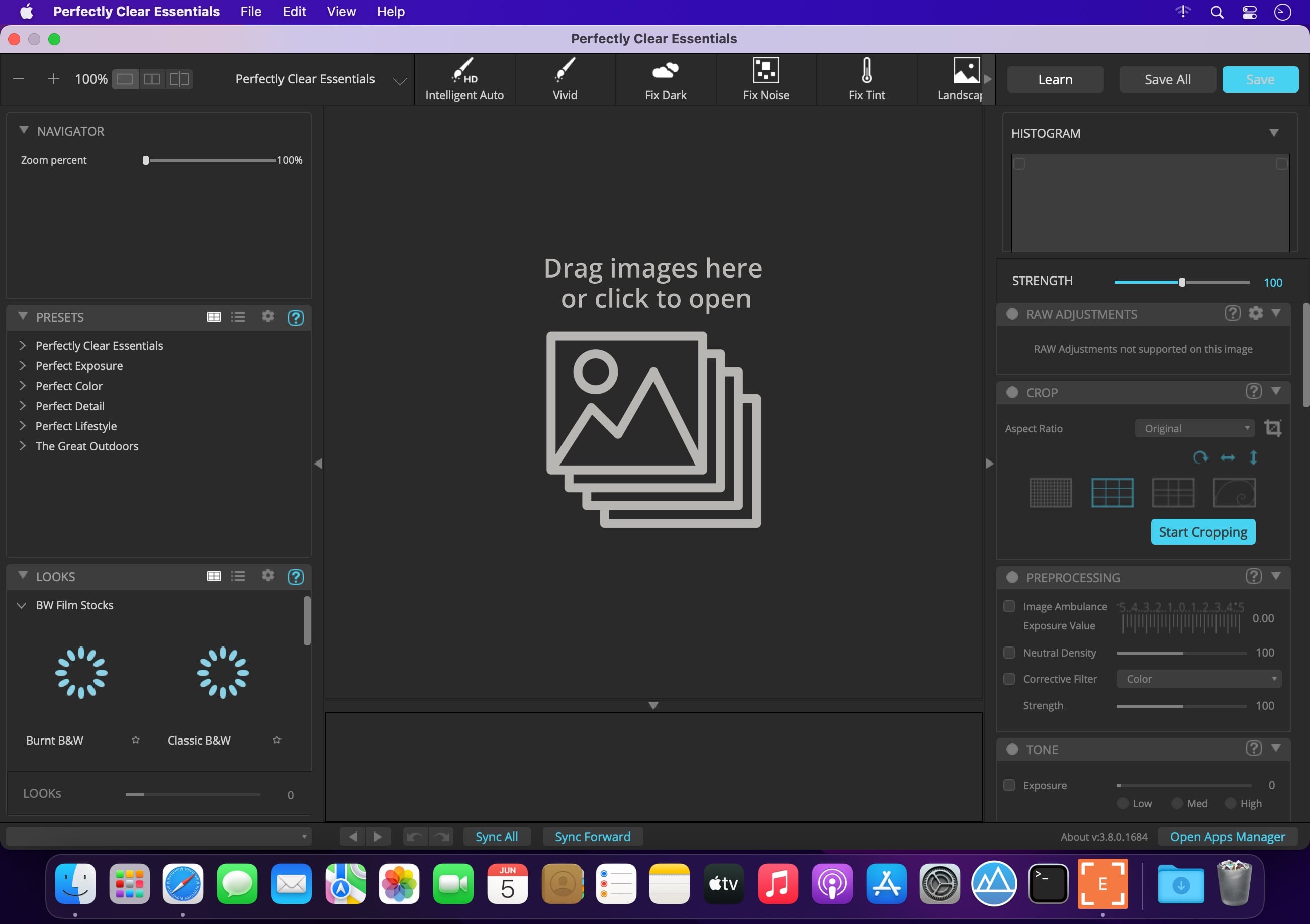

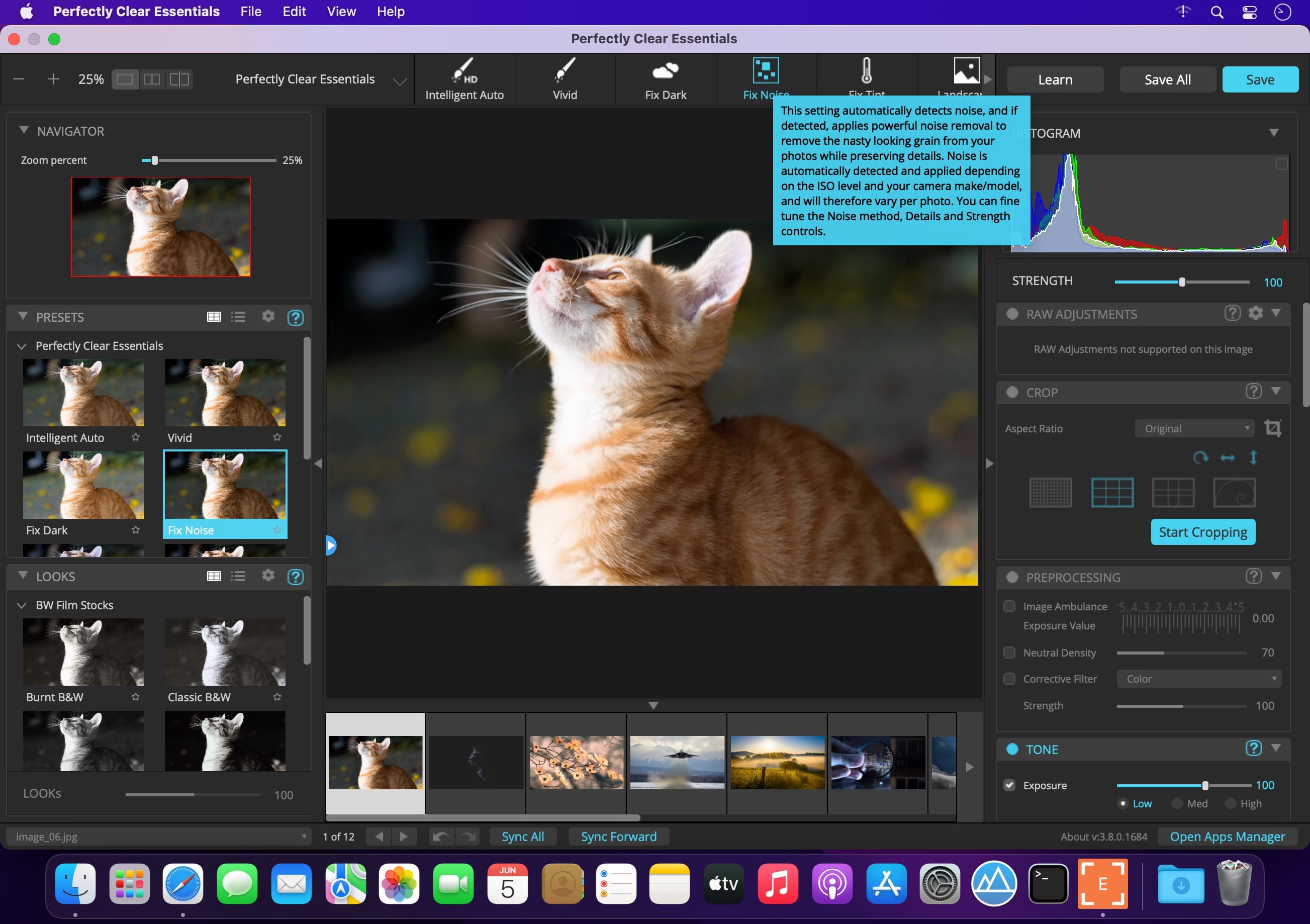
Athentech has released a new product called Perfectly Clear Essentials. This product contains all of the Tone, Color, and Details controls that can give you perfect exposure, great color, and sharp photos with no noise. All of the preset functionality, as well as Creative LOOKs and Corrective Filters, are also unlocked.
- 40+ useful adjustments for perfect exposure, color, and details
- Includes 32 Useful Presets for fixing most photographic challenges
- Includes 42 Creative LOOKs to stylize your images
- Unlock more features your favorite presets or LOOKs
- Create your own presets and share with others
It is virtually identical to Perfectly Clear Complete except in two ways.
It removes controls for all of the Beautify technology. These adjustments are helpful for portrait and wedding photographers, but not really useful to landscape and travel folks.
It removed the batch export module from Lightroom.
While both of the above are useful, they are designed for pros who need the most time-saving options for processing portraits. If you do need portrait adjustments, you can easily add the Kristina Sherk preset packs or a new forthcoming one from Matthew Jordan Smith.
You can also create your own presets and exchange your favorite settings with other users. This is a great deal if you want the time-saving features as well as advanced technology to unlock perfect exposure and sharper images.
Version 3.8.0.1684 :
- Release notes were unavailable when this listing was updated.
Frequently asked questions
How do I install the app?
Mount the image, drag the app into the "Applications" folder and launch it. If the system blocks the launch, allow it in "System Settings → Privacy & Security".
The app is damaged or won't launch
Reinstalling from a fresh image usually helps. Make sure your macOS version matches the one listed in the compatibility specs.
How do I update?
Download the new version from the site and install it over the current one — your settings will be preserved.
The download link doesn't work
Try a mirror or a download manager. For large files the browser often drops the connection.
How do I completely remove the app?
Use an uninstaller utility — it cleans up the service files that remain after moving the app to the trash.
Related posts
-
 Athentech Perfectly Clear Essentials 3.6.3.1417
Photography87.44 MB
Athentech Perfectly Clear Essentials 3.6.3.1417
Photography87.44 MB
-
 Perfectly Clear Complete 3.11.3.1980
Photography108.37 MB
Perfectly Clear Complete 3.11.3.1980
Photography108.37 MB
-
 Perfectly Clear Plugin for Photoshop and Lightroom 2.2.4
Graphic Design120.15 MB
Perfectly Clear Plugin for Photoshop and Lightroom 2.2.4
Graphic Design120.15 MB
-
 Perfectly Clear QuickDesk + QuickServer 4.4.0.2485
Photography244.79 MB
Perfectly Clear QuickDesk + QuickServer 4.4.0.2485
Photography244.79 MB
-
 Perfectly Clear WorkBench 4.8.0.2871
Photography201.2 MB
Perfectly Clear WorkBench 4.8.0.2871
Photography201.2 MB
Choose a download source
Perfectly Clear Essentials 3.8.0.1684 · 91.28 MB