

Re:AMP 1.6.2
Screenshots
Click to enlarge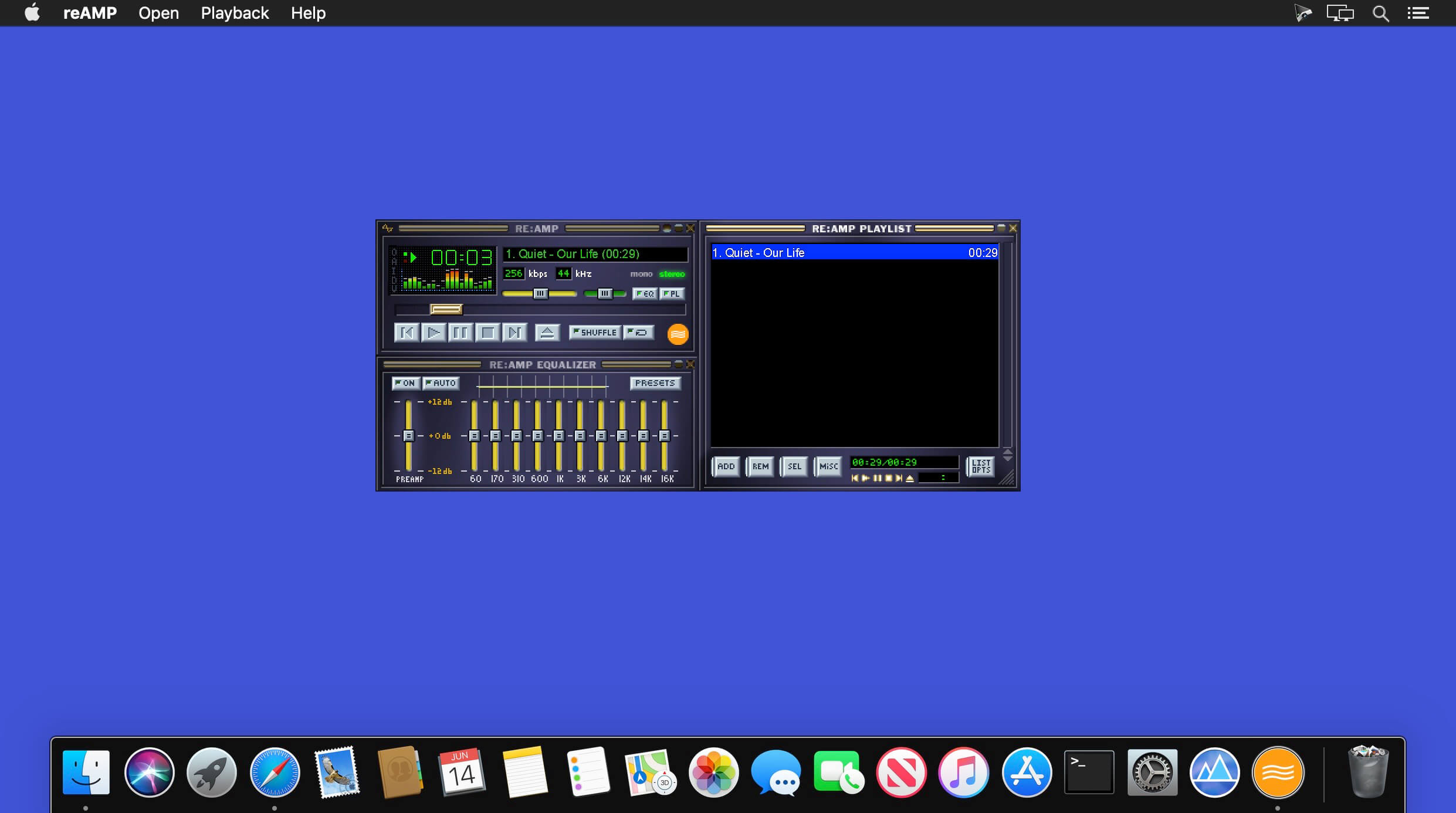
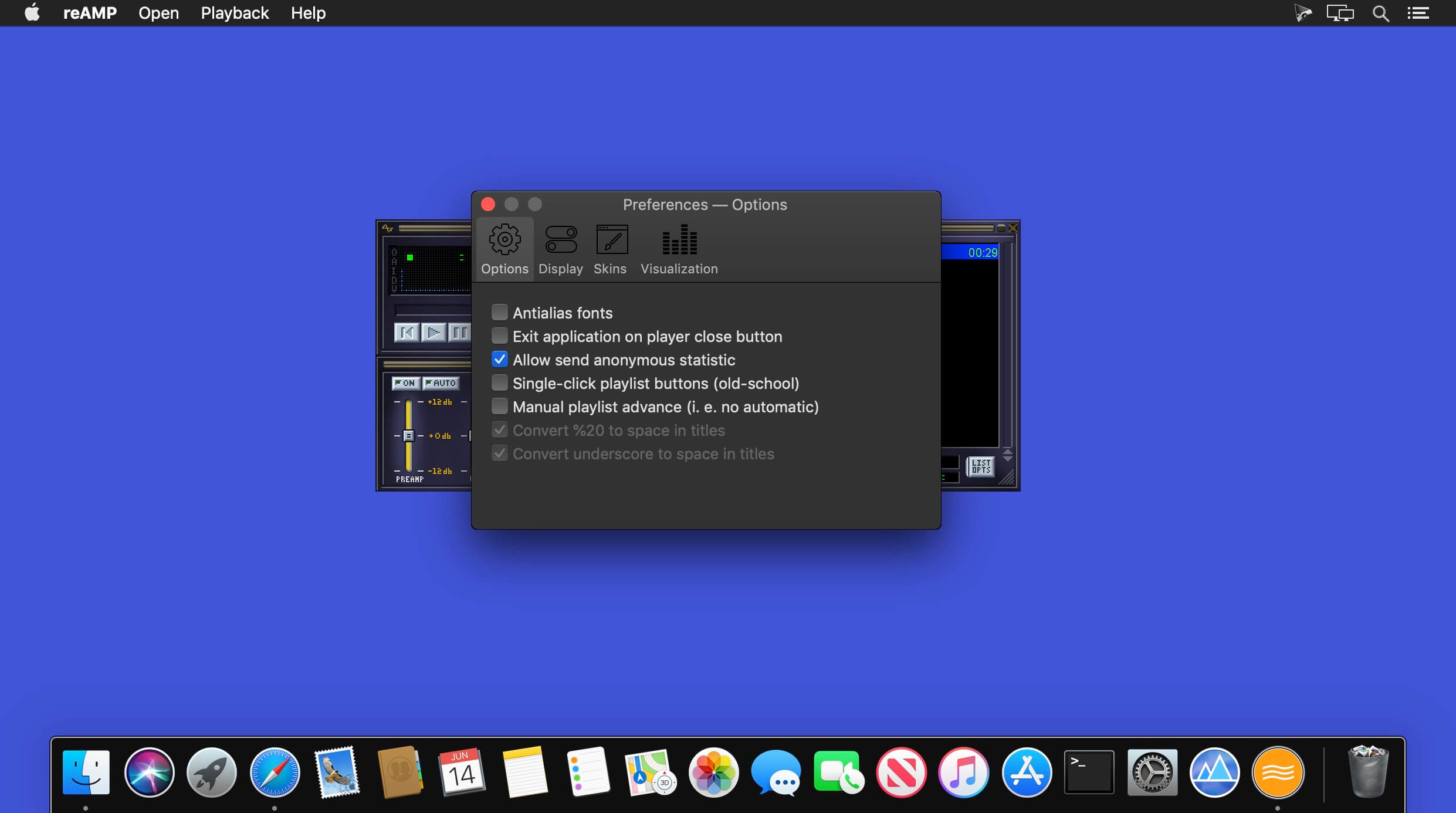
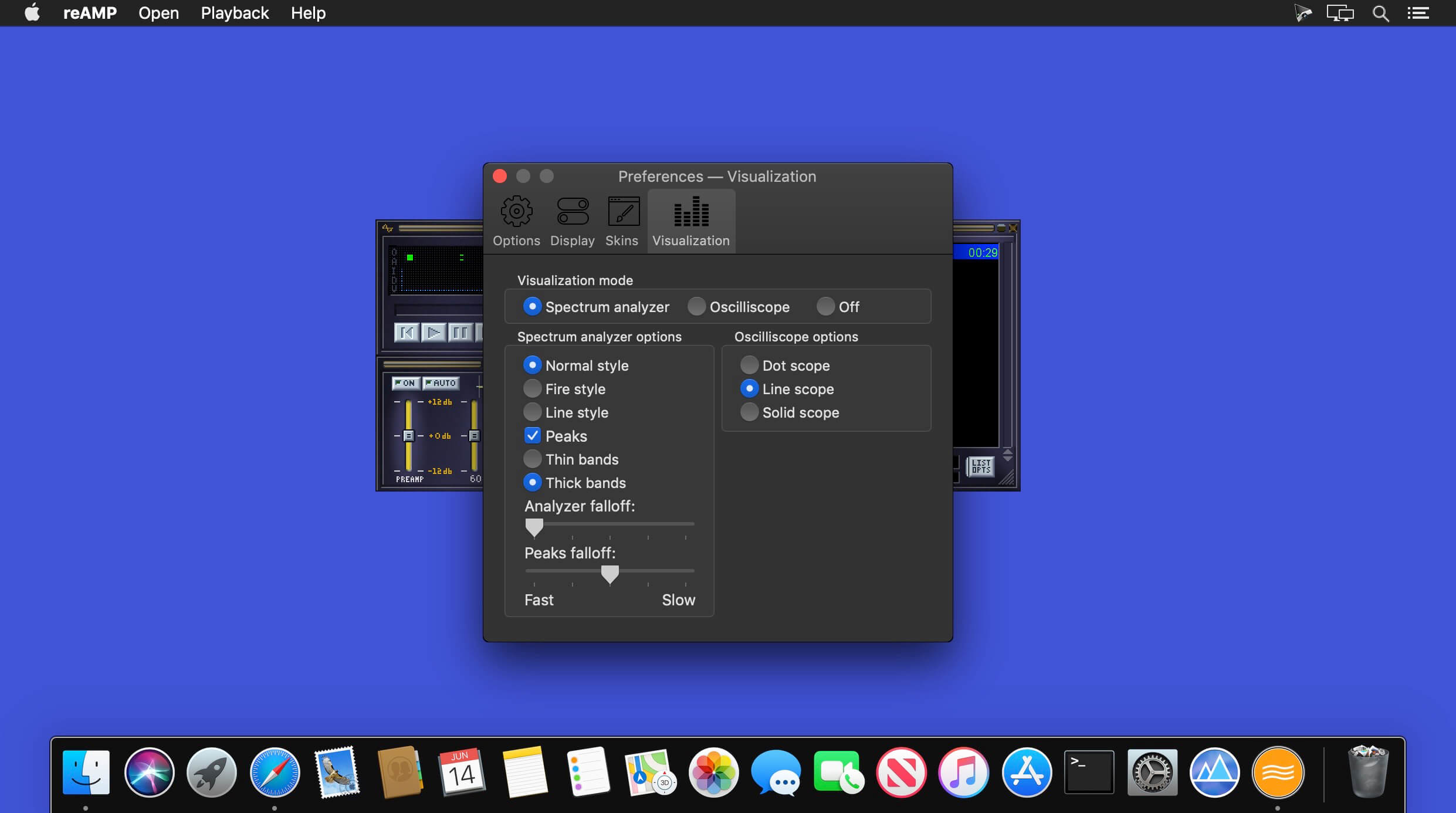
Re:AMP is a fast, flexible, high-fidelity music player for macOS X, fully written in Swift.
Re:Amp supports a lot of audio formats, custom interfaces called skins from classic Winamp.
Version 1.6.2:
A lot of work and coffee were put into this update - and it was worth it as i'm have a number of very exciting features for you.
In this version:
A lot of work and coffee were put into this update - and it was worth it as i'm have a number of very exciting features for you.
In this version:
- New beautiful icon by Lucia Lovelace
- QuickLook support for skins on 10.15+
- New audioformats: MIDI (Chorium soundfont), OPUS, Musepack, WavPac
- Fixed M4A and FLAC playback
- Fixed non-working timer on some online-radios
- And, of course, lots of code improvements
Comments
No comments yet. Be the first.
Information
Visitors in the group Guests cannot leave comments on this publication.