Audio Playr 2.3.1
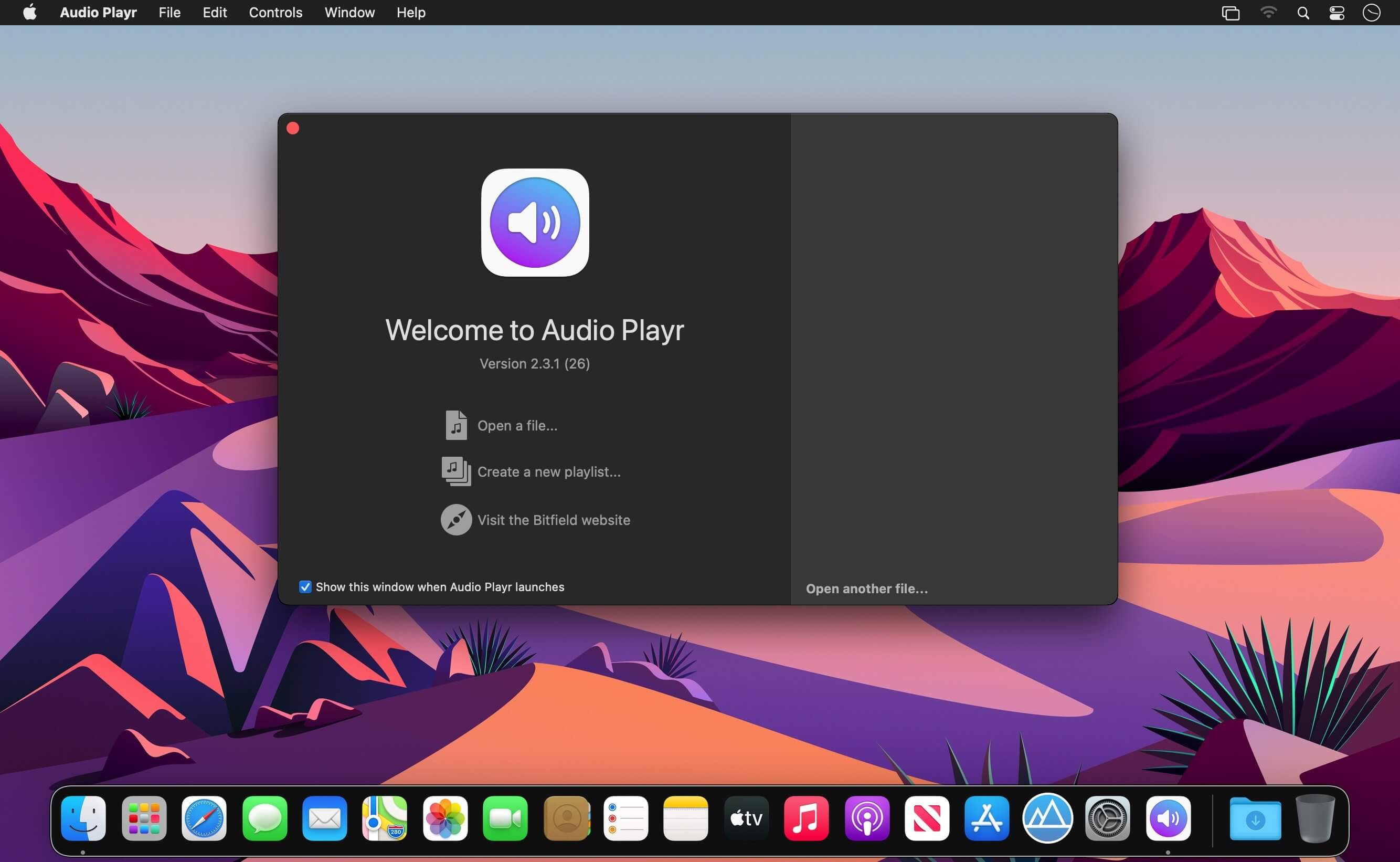
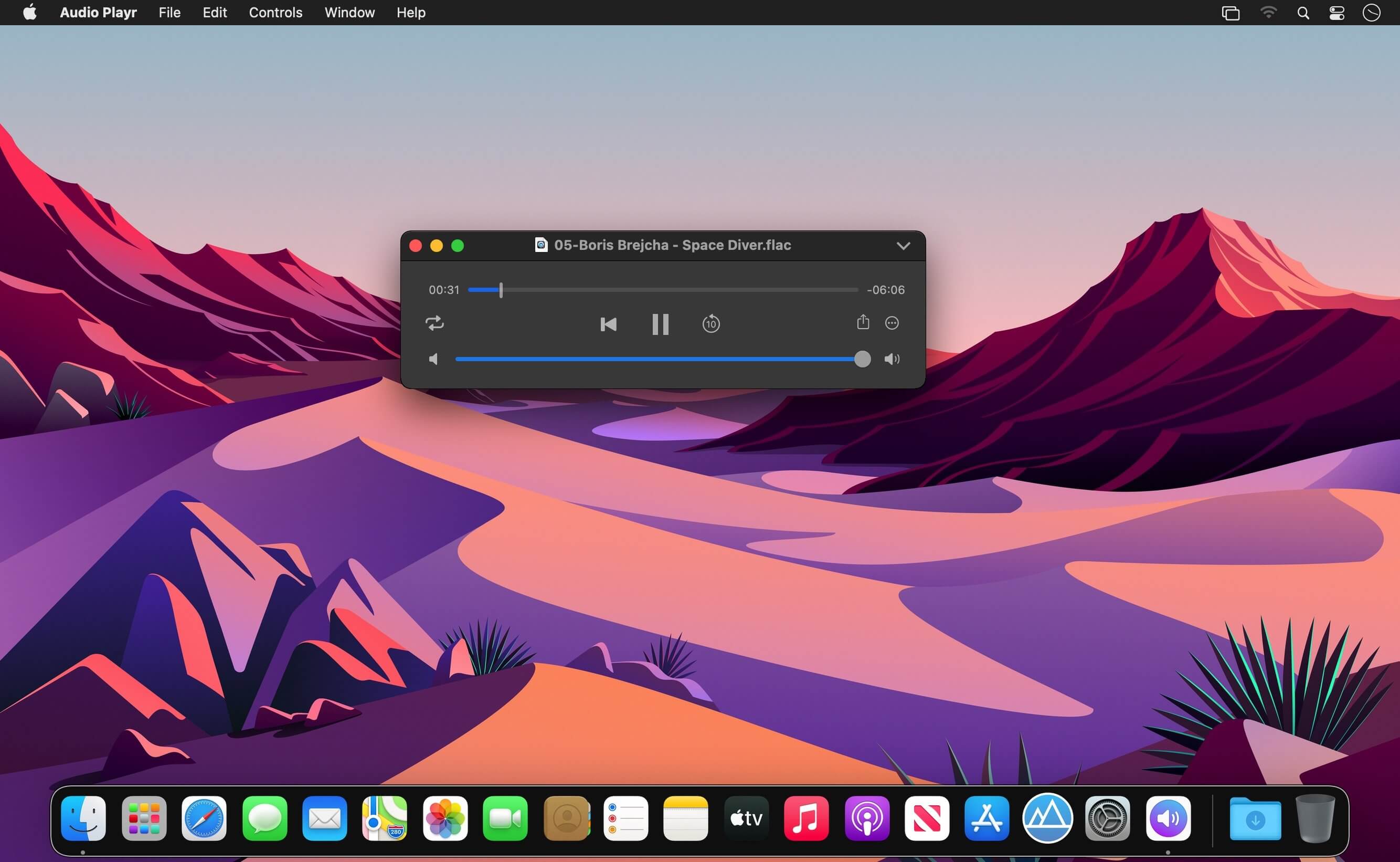
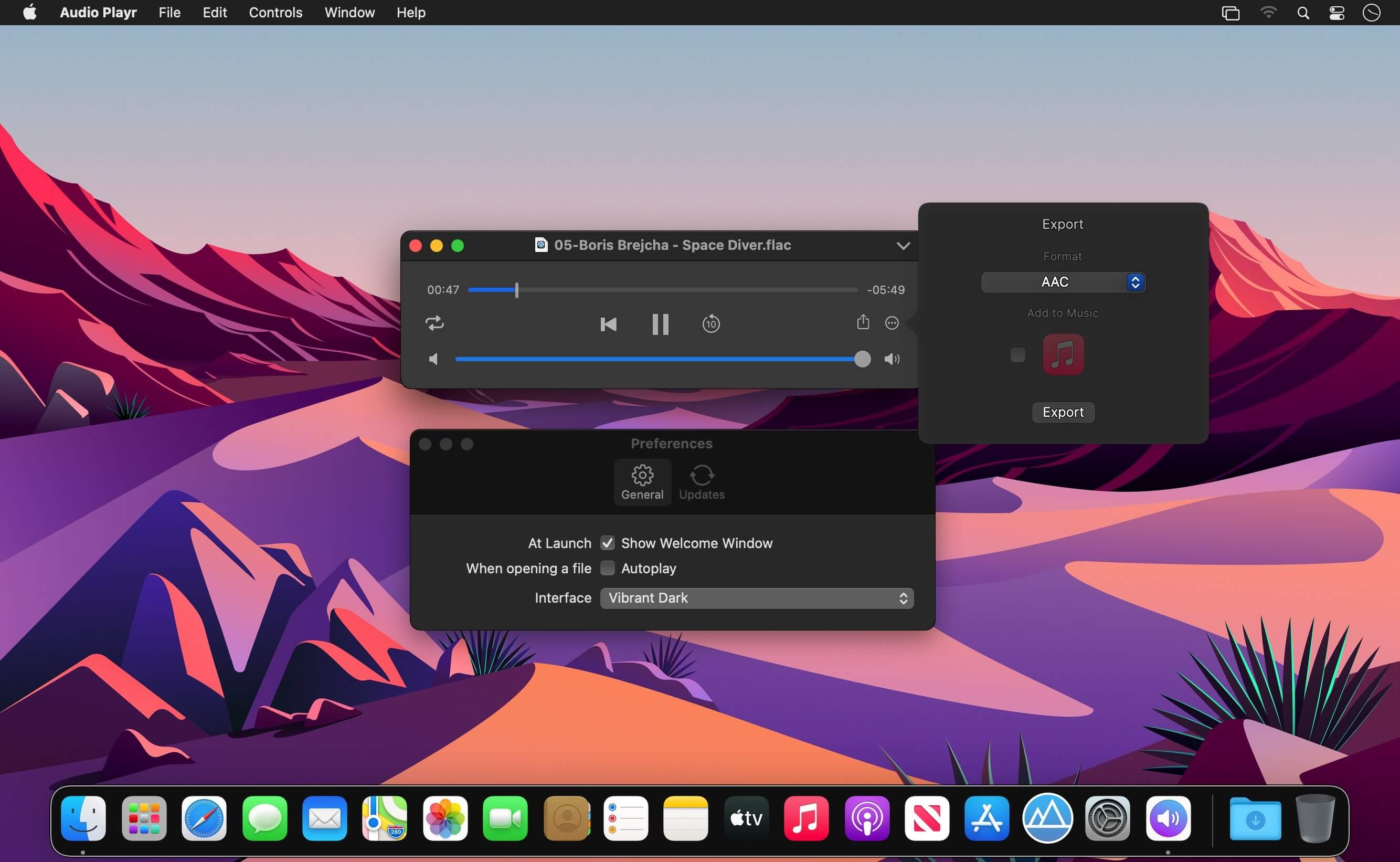
Audio Playr (was Little Audio) is a handy tool to play and export almost any file that contains audio. It can handle almost anything you throw at it, as long as the file contains audio in some form. Everything from odd audio formats to movie file containers and you can export everything back to AAC or Apple Lossless. Some of the file formats/containers supported are AIF, MP3, FLAC, M4A, M4R, CAF, MOV, MP4, AVI, MKV, WMV, ASF, FLV, MPG and many, many more.
Features
- Open and play/export audio from any file that contains audio
- Supports a vast array of formats
- Export to AAC or Apple Lossless
- Automatically add to iTunes
- Written in Swift for optimal performance and security
- Little Audio App can't read DRM-protected files from the iTunes Store.
Version 2.3:
- Ready for macOS Big Sur.
- New icon.
- FFmpeg version 4.3.1.
- Support for adding exported files to the Music app.
- Other minor fixes and UI tweaks.
Frequently asked questions
How do I install the app?
Mount the image, drag the app into the "Applications" folder and launch it. If the system blocks the launch, allow it in "System Settings → Privacy & Security".
The app is damaged or won't launch
Reinstalling from a fresh image usually helps. Make sure your macOS version matches the one listed in the compatibility specs.
How do I update?
Download the new version from the site and install it over the current one — your settings will be preserved.
The download link doesn't work
Try a mirror or a download manager. For large files the browser often drops the connection.
How do I completely remove the app?
Use an uninstaller utility — it cleans up the service files that remain after moving the app to the trash.
VersionAudio Playr 2.3.1
DeveloperBitfield AB
CompatibilityOS X 10.10 or later, 64-bit processor
LanguageEnglish
IncludesK'ed by TNT




Information
Visitors in the group Guests cannot leave comments on this publication.
Choose a download source
Audio Playr 2.3.1 · 28.08 MB