JixiPix Hallows Eve 1.13
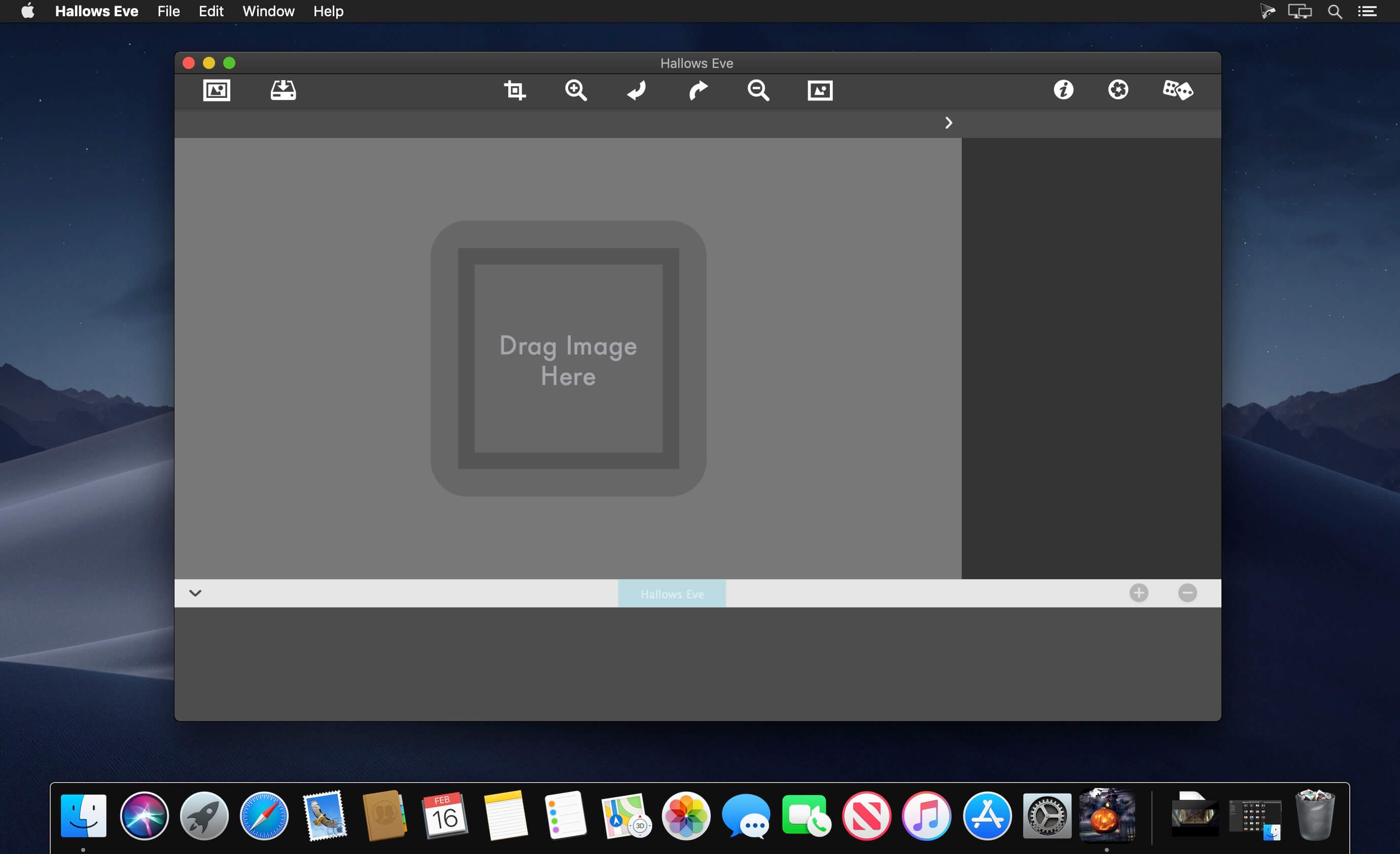
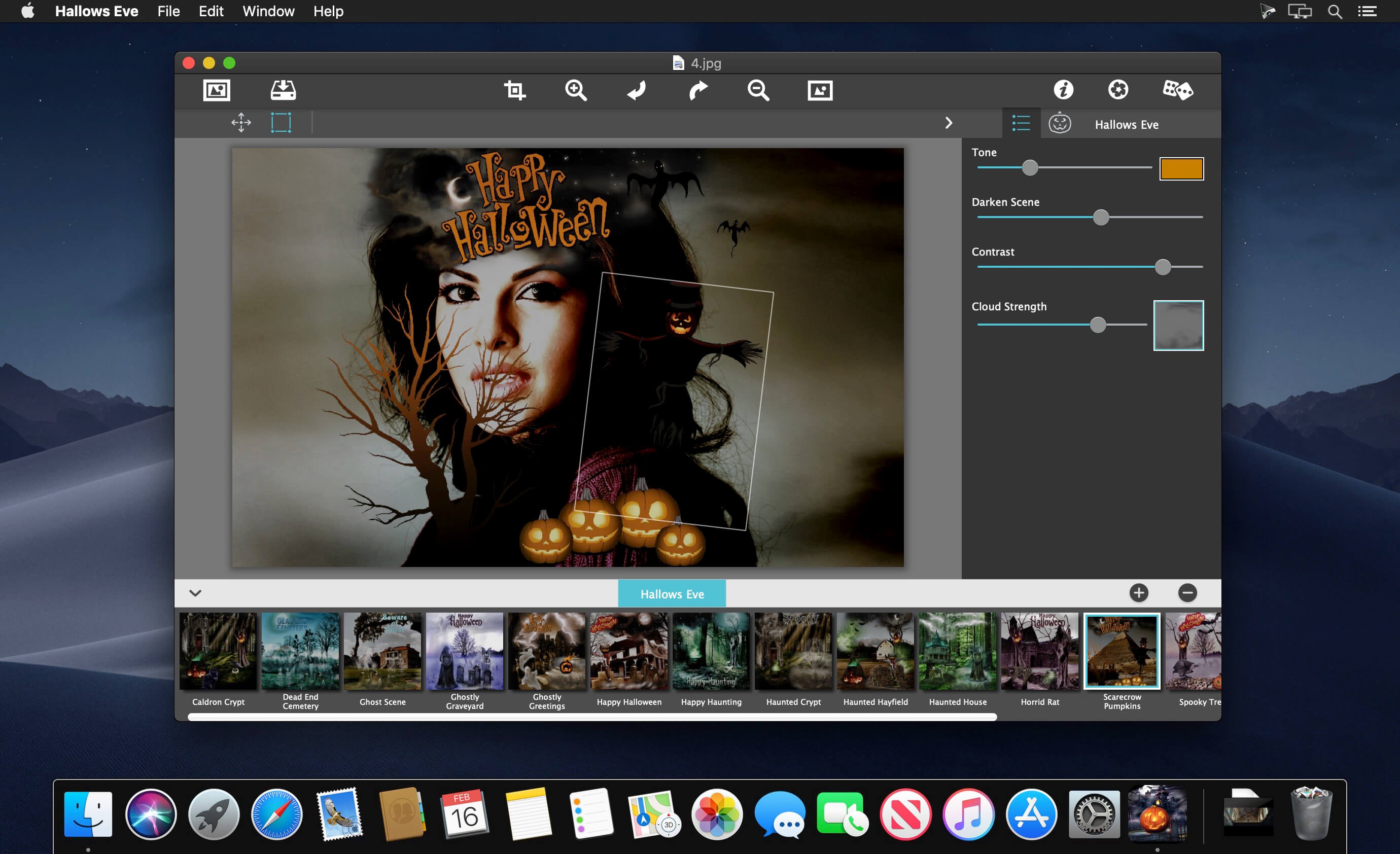
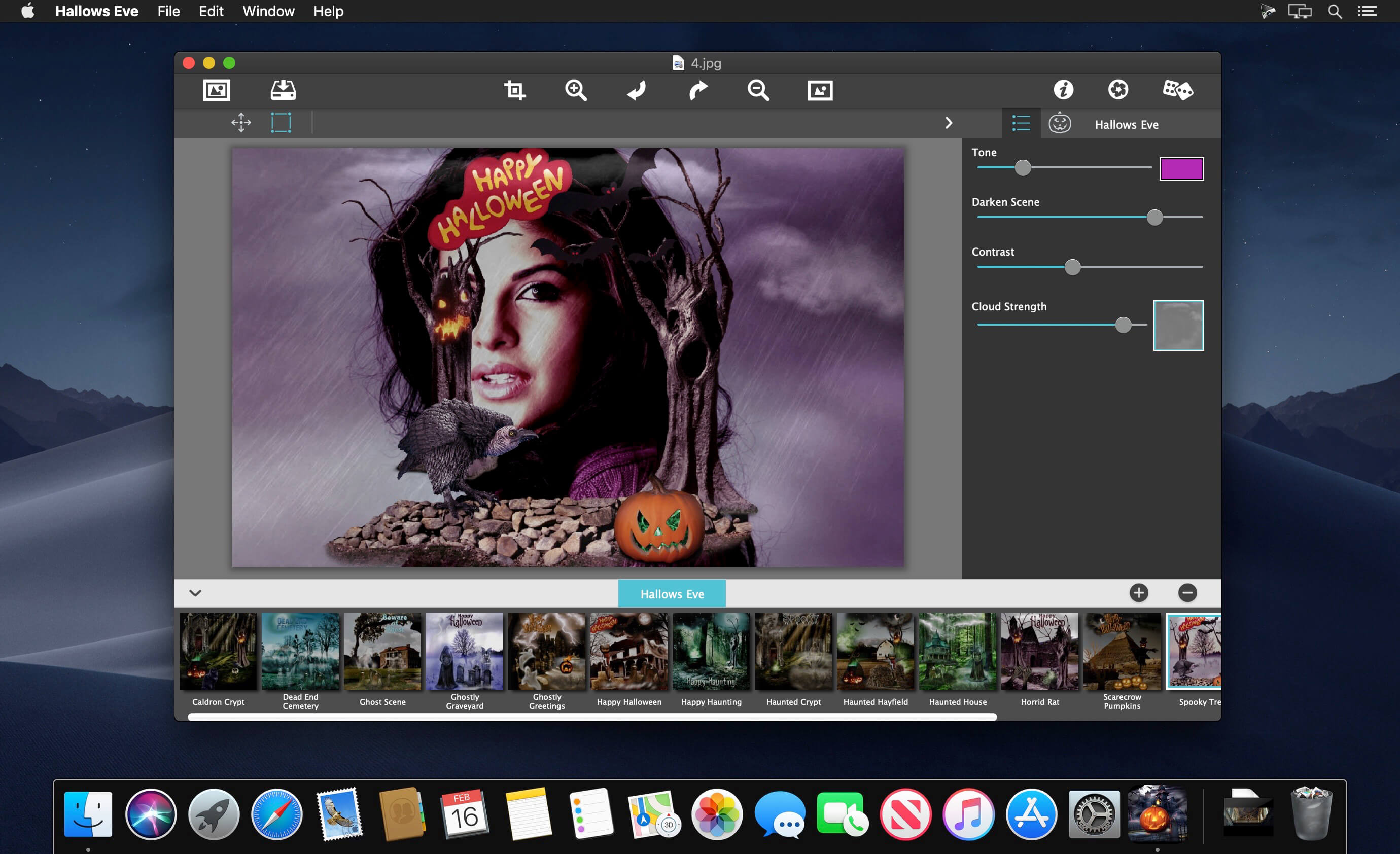
With a heaping library of haunted things, Hallows Eve conjures up creepy scenes. A graveyard makes for a scary sight, Ghosts and ghouls will give a fright, Jack o' lanterns flicker with doom, Bats and fog scenes packed with gloom. A full moon dropped in the sky above, will bring you close to the one you love! So before Halloween sweets are no more, Celebrate with Hallows Eve at the JixiPix Store. Happy Halloween!
HALLOWS EVE INCLUDES
- Thrilling photo toning effect
- 20 Soft cloud and mist photo effects
- 137 Halloween objects
- 18 One touch pre-arrranged Halloween scenes. Once they have been placed on your photo go ahead and resize, move or replace them to create your own custom scene
Version 1.12:
- Release notes were unavailable when this listing was updated.
Frequently asked questions
How do I install the app?
Mount the image, drag the app into the "Applications" folder and launch it. If the system blocks the launch, allow it in "System Settings → Privacy & Security".
The app is damaged or won't launch
Reinstalling from a fresh image usually helps. Make sure your macOS version matches the one listed in the compatibility specs.
How do I update?
Download the new version from the site and install it over the current one — your settings will be preserved.
The download link doesn't work
Try a mirror or a download manager. For large files the browser often drops the connection.
How do I completely remove the app?
Use an uninstaller utility — it cleans up the service files that remain after moving the app to the trash.
VersionJixiPix Hallows Eve 1.13
DeveloperJixiPix Software, LLC
CompatibilityOS X 10.9 or later, 64-bit processor
LanguageEnglish
IncludesK'ed by TNT




Information
Visitors in the group Guests cannot leave comments on this publication.
Choose a download source
JixiPix Hallows Eve 1.13 · 116.11 MB