ON1 Effects 2026.5.2 v20.5.2.19304
ON1 Effects: photo effects, filters, LUTs, and presets
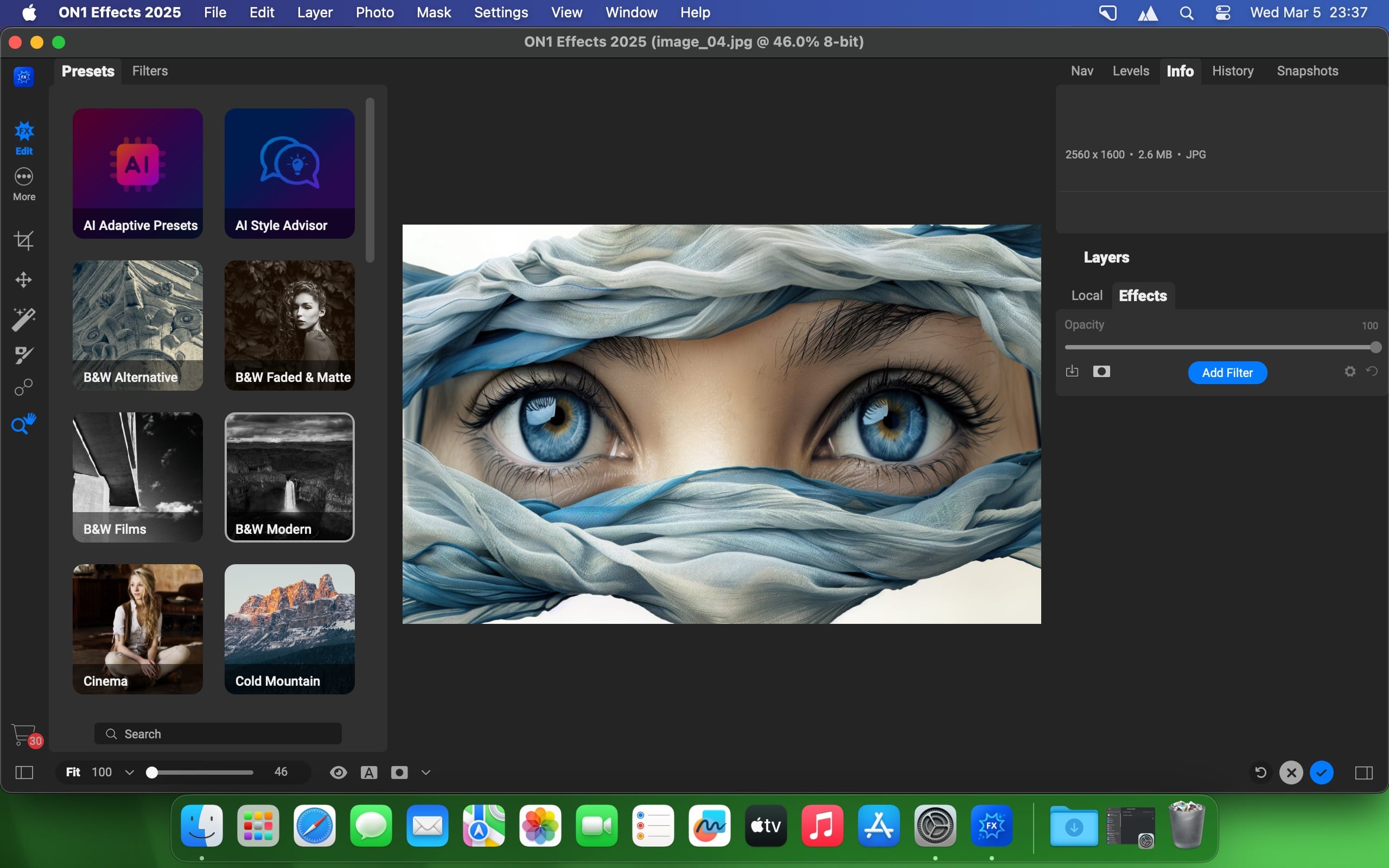
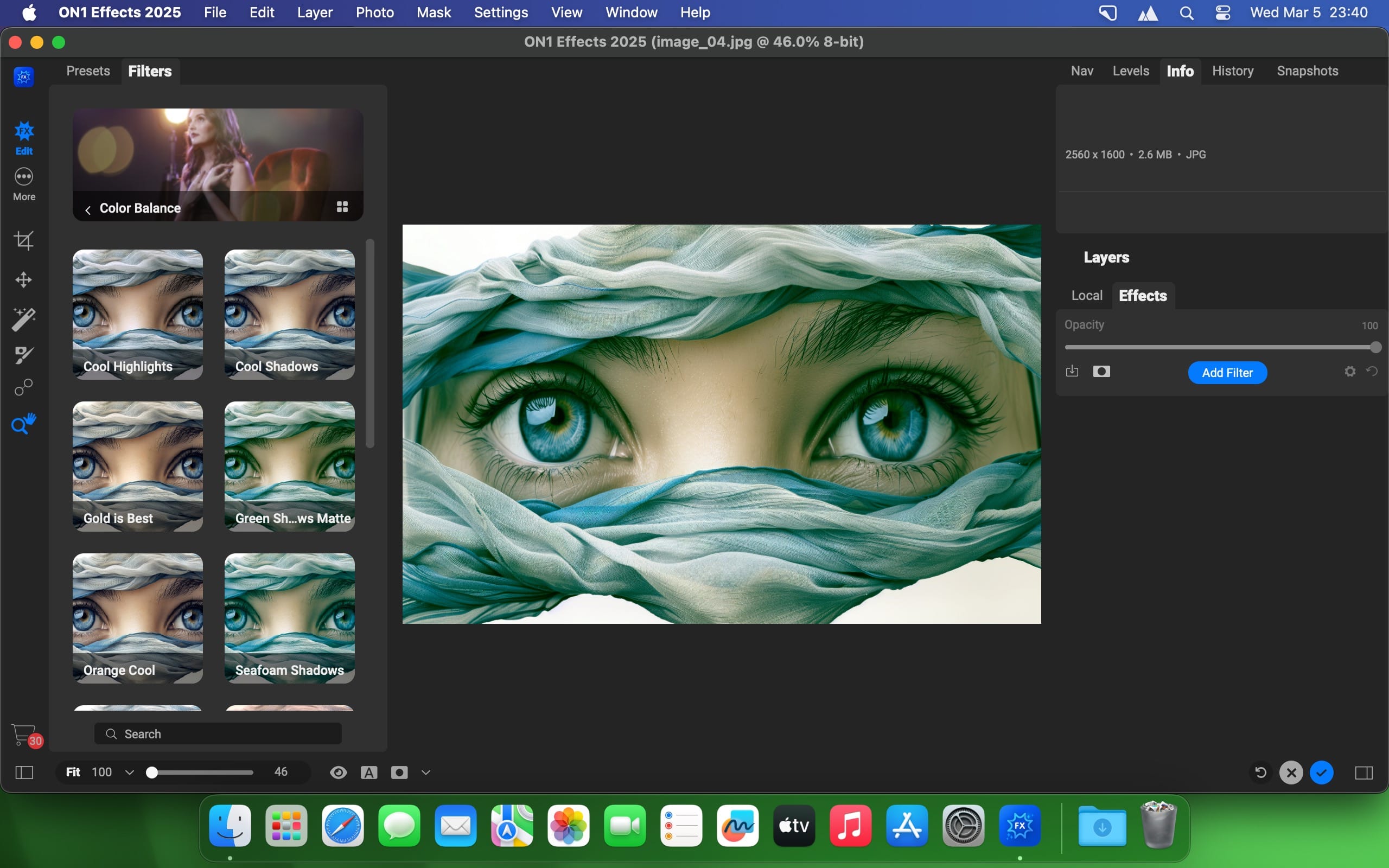
Start with the photo effects you already have in mind: a Film Look for warmth, a Split Tone, a soft Glow. In ON1 Effects 2026, you stack those filters, blend them, and adjust each one until the image matches what you pictured. Then you save the result as your own preset and reuse it on the next photo.
The built-in library holds hundreds of filters, LUTs, textures, borders, and presets. The most popular include HDR Look, B&W, Lens Blur for a tilt-shift effect, Color Enhancer, Tone Enhancer, and Split Tone. From there you can color grade a portrait, build a moody cinematic grade, add a vintage film effect, or push an image into bold pop-art colors. If you want an elegant black and white look, the B&W filter is a starting point you tune, not a fixed result.
Nothing in the library is locked. Every effect is customizable, so you can change a preset, layer a texture or border on top, and keep only what works for your style.
New in 2026 are additional creative filters and smarter AI masking. One click selects the subject or the background, so you can grade the background without touching the person in front of it, or apply an effect to the subject alone.
ON1 Effects 2026
- ON1 Effects 2026 adds powerful new creative filters, smarter AI masking for one-click subject and background selections, and more tools to bring your photos to life. FIx activated for some OS versions
Frequently asked questions
How do I install the app?
Mount the image, drag the app into the "Applications" folder and launch it. If the system blocks the launch, allow it in "System Settings → Privacy & Security".
The app is damaged or won't launch
Reinstalling from a fresh image usually helps. Make sure your macOS version matches the one listed in the compatibility specs.
How do I update?
Download the new version from the site and install it over the current one — your settings will be preserved.
The download link doesn't work
Try a mirror or a download manager. For large files the browser often drops the connection.
How do I completely remove the app?
Use an uninstaller utility — it cleans up the service files that remain after moving the app to the trash.



Choose a download source
ON1 Effects 2026.5.2 v20.5.2.19304 · 718.87 MB
Previous versions
ON1 Effects 2026.5.2 v20.5.2.19304
Previous versions are available to registered users.