
windOCD 1.6
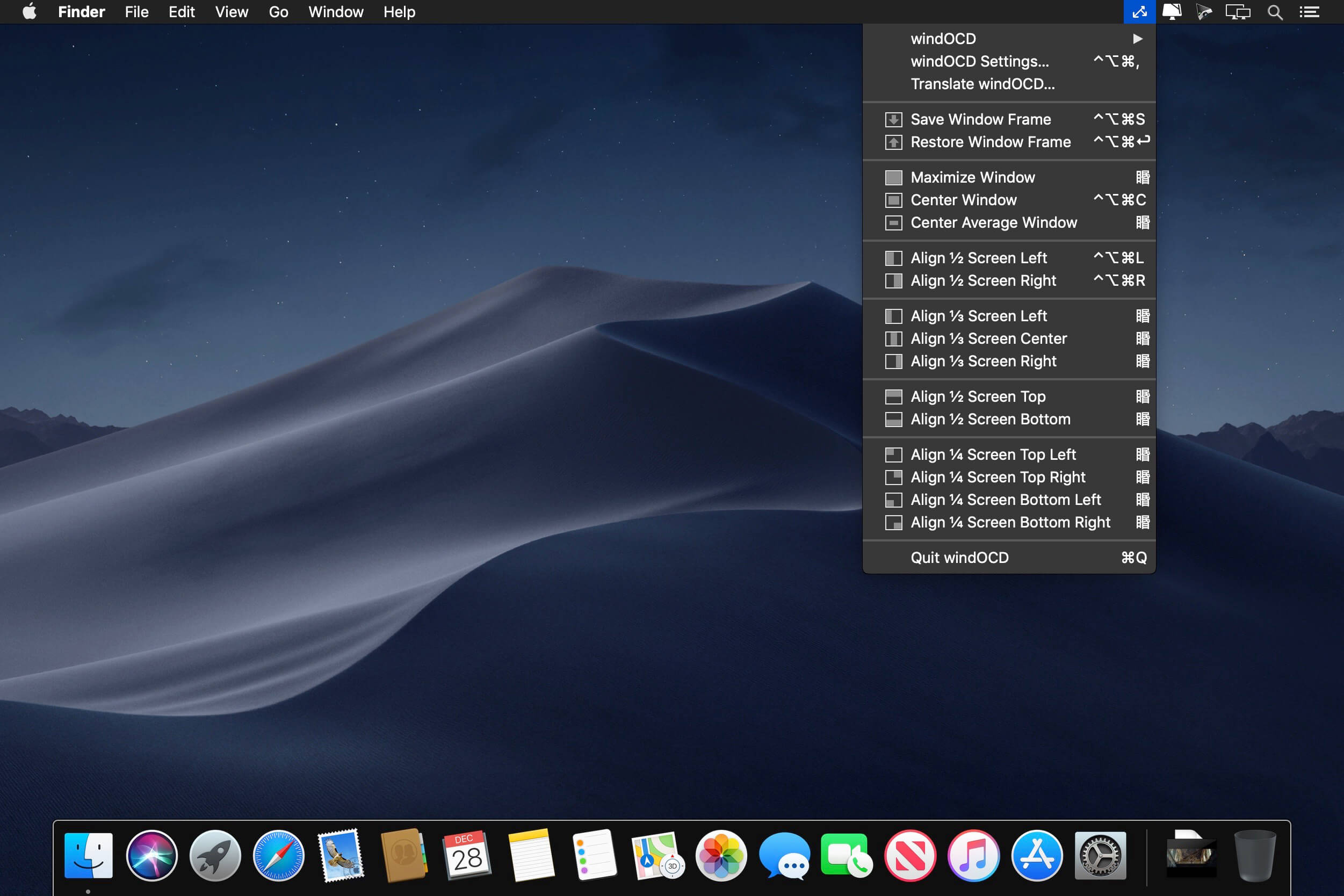
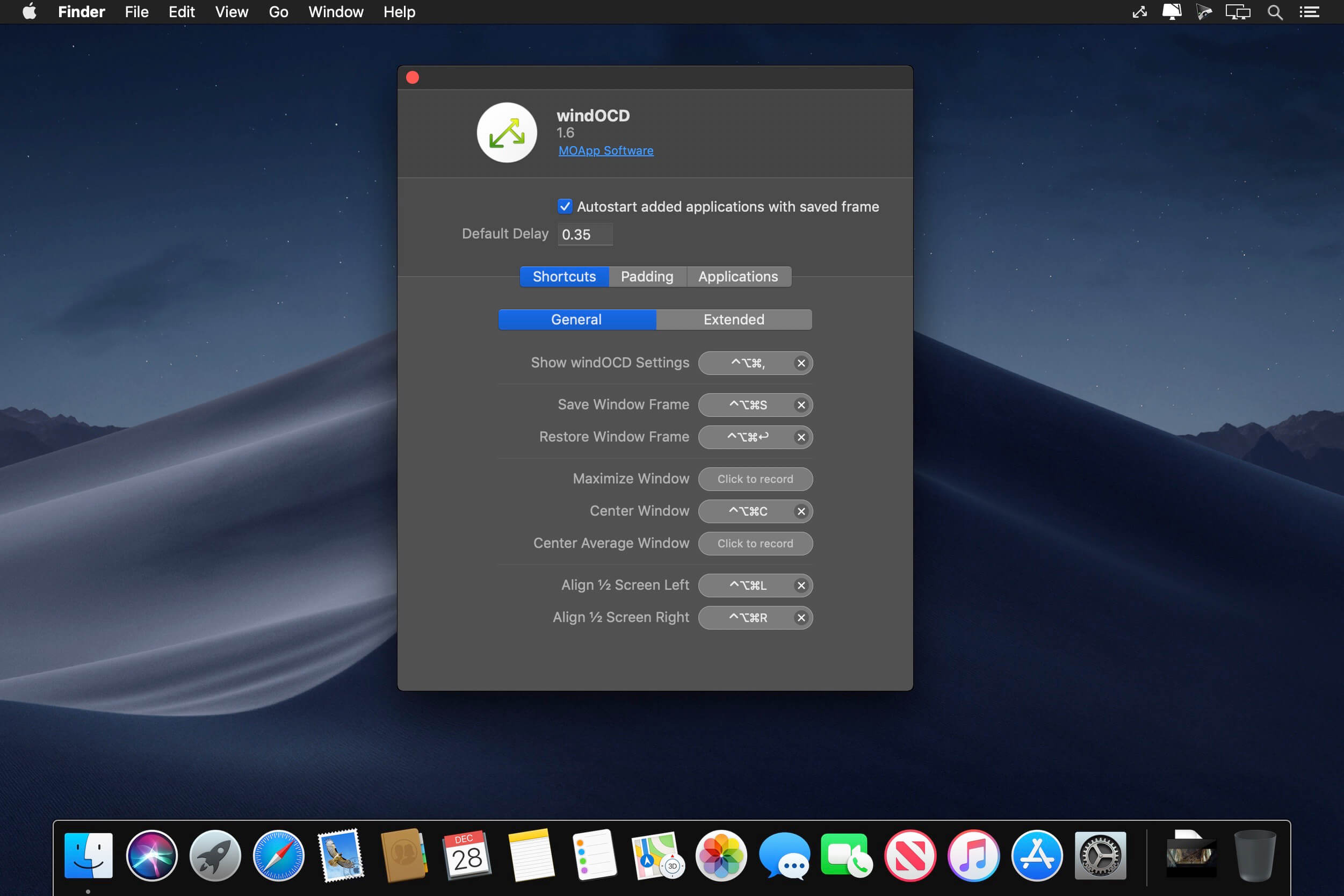
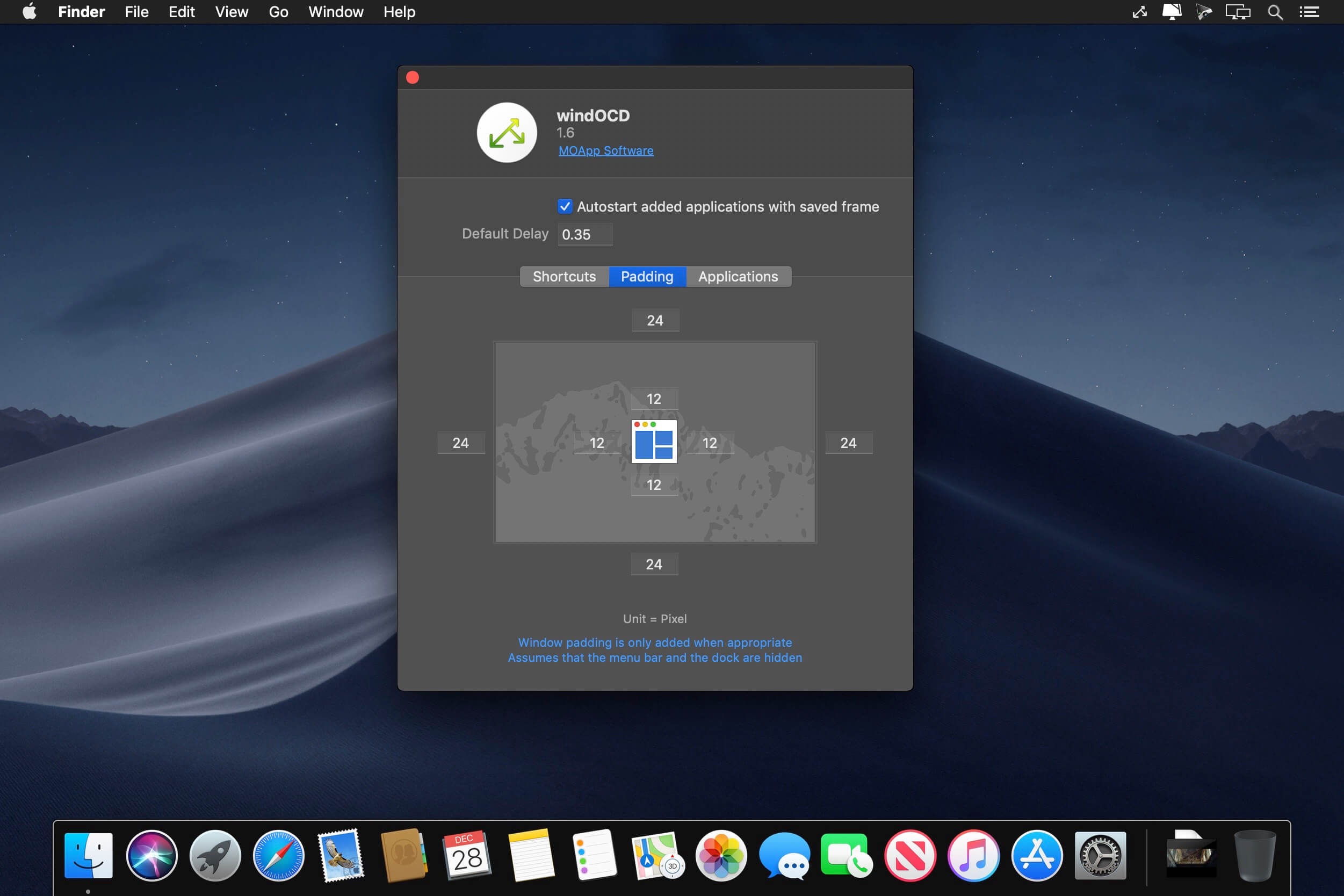
Let windOCD put windows in their places! One Tool to find them - Arrange, align, and move all your windows with a snap of the fingers. No need for a mouse or to open yet another window first. One Tool to bring them all - Clutter is the enemy of any productive work and creativity. With windOCD you can bind all your windows closely; directly from the start.
Features
- Menu bar application
- Does not show up in your dock
- Native standalone macOS application
- No hack, no tweak, no plugins required
- Keep your system integrity protection intact
- Align, arrange, move any window to your needs
- Save default window frames for unlimited applications
- Restore those positions/sizes at any time by shortcut or menu
- Saved applications can restore those positions/sizes automatically when they start
- Use customisable global shortcuts for the alignment, save, and restore actions
- Small footprint, works for non-native applications like Photoshop or Word too
Version 1.6:
- Release notes were unavailable when this listing was updated.
Frequently asked questions
How do I install the app?
Mount the image, drag the app into the "Applications" folder and launch it. If the system blocks the launch, allow it in "System Settings → Privacy & Security".
The app is damaged or won't launch
Reinstalling from a fresh image usually helps. Make sure your macOS version matches the one listed in the compatibility specs.
How do I update?
Download the new version from the site and install it over the current one — your settings will be preserved.
The download link doesn't work
Try a mirror or a download manager. For large files the browser often drops the connection.
How do I completely remove the app?
Use an uninstaller utility — it cleans up the service files that remain after moving the app to the trash.
VersionwindOCD 1.6
DeveloperMOApp Software
CompatibilityOS X 10.11 or later 64-bit
LanguageEnglish
IncludesK'ed by TNT





Information
Visitors in the group Guests cannot leave comments on this publication.
Choose a download source
windOCD 1.6 · 7.05 MB