Eon Timer 2.9.11
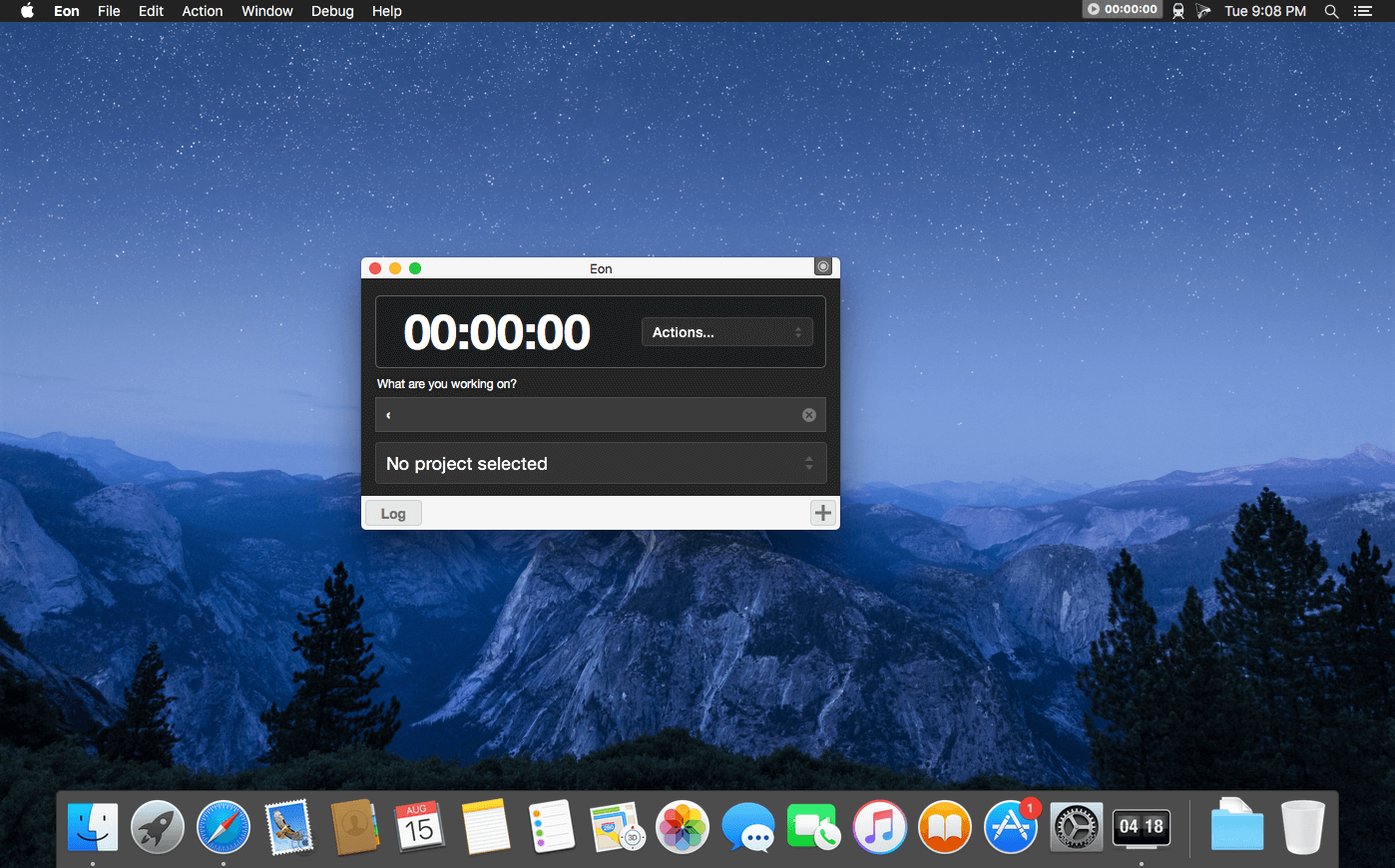
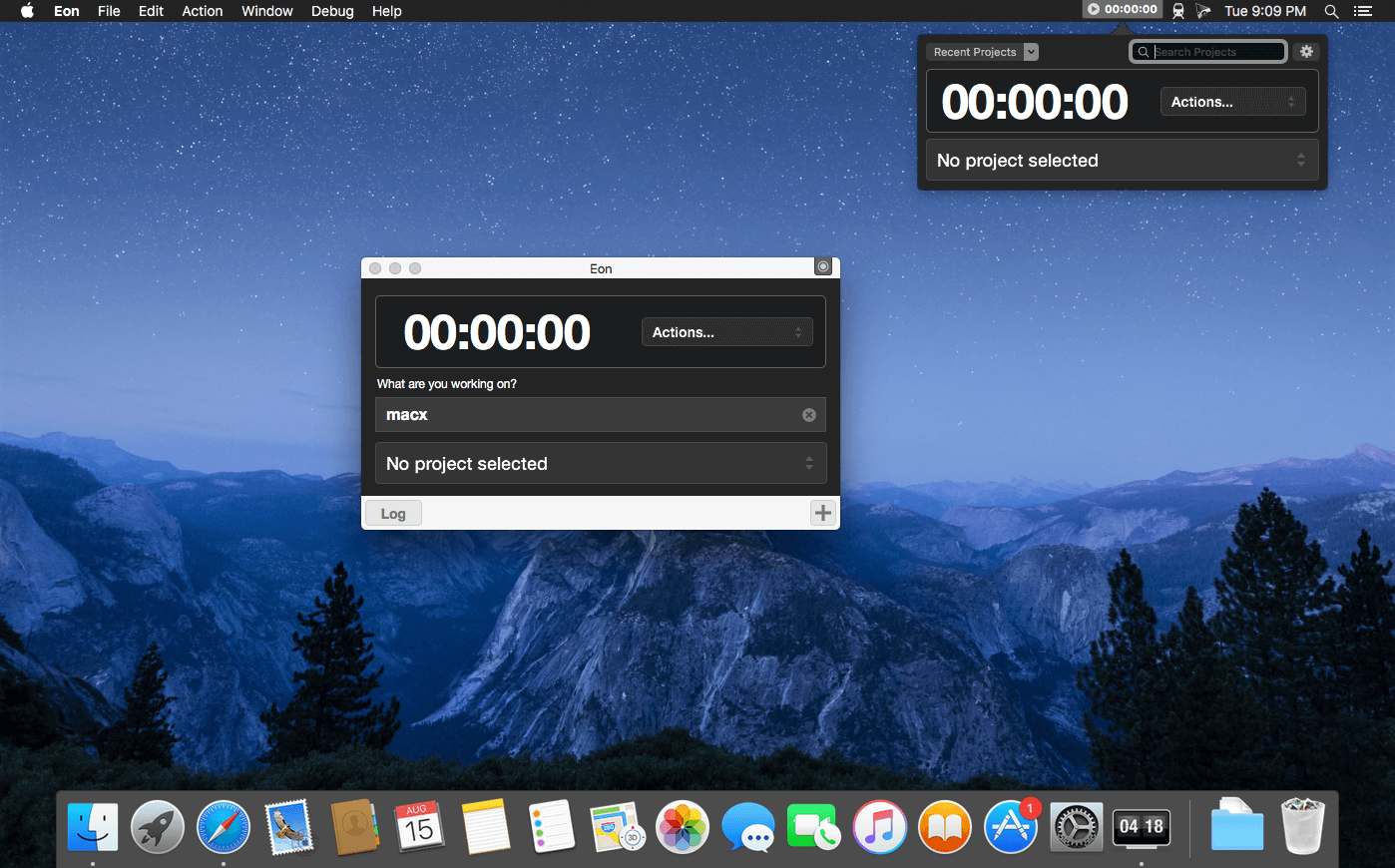
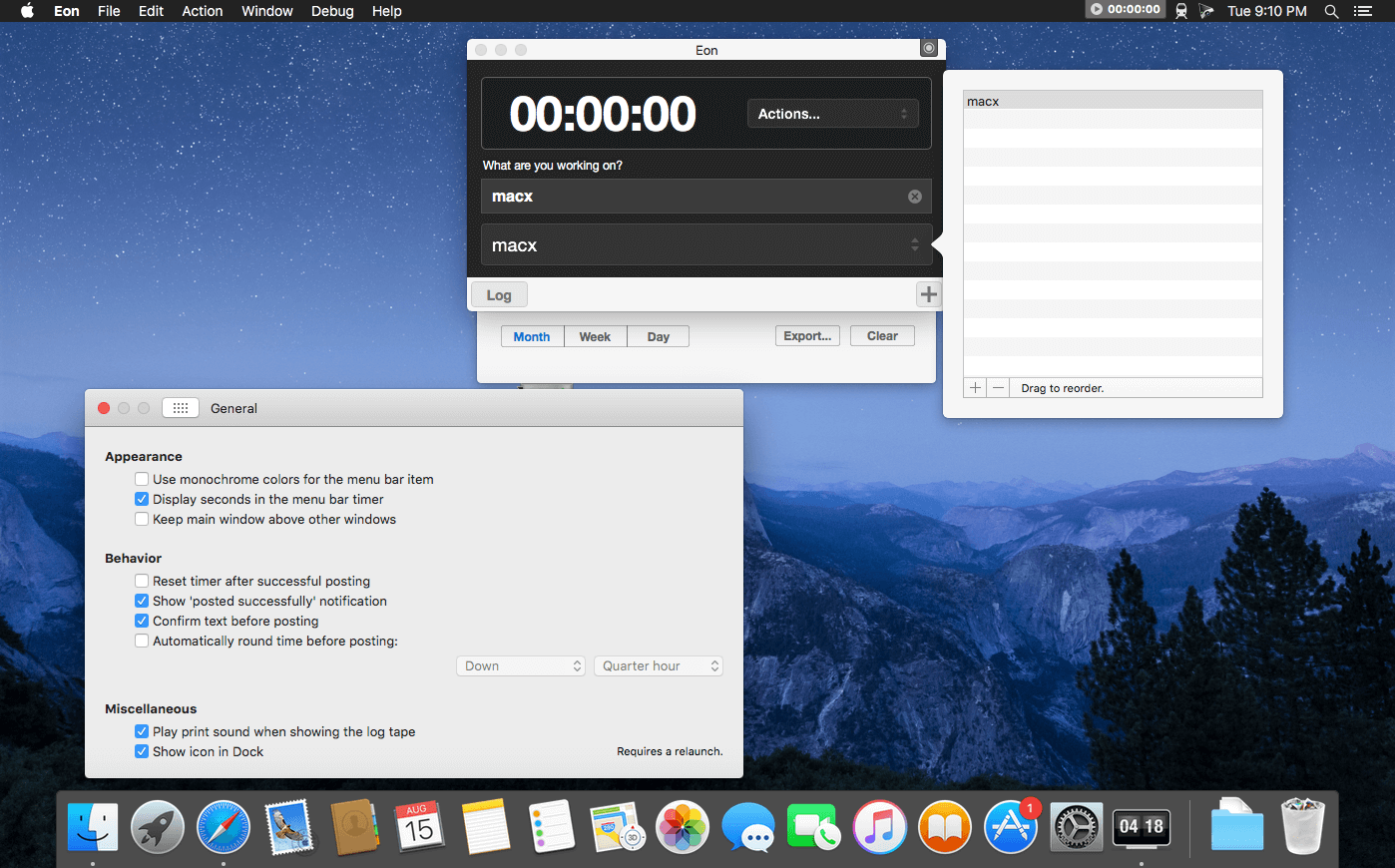
Eon helps you easily track time on your Mac. Eon allows you to easily post time to several services to make invoicing as painless as possible.
- ActiveCollab
- Apollo
- Assembla
- AtTask
- Blinksale
- Cashboard
- Celoxis
- Codebase
- Ding
- fixx
- FogBugz
- Freckle
- FreeAgent
- FreshBooks
- Harvest
- Intervals
- Invoice Machine
- Invoicera
- JIRA
- KashFlow
- LessAccounting
- Mavenlink
- MinuteDock
- mite
- Paymo
- Project Bubble
- Redmine
- Ronin
- ScrumDo
- SUBERNOVA
- TargetProcess
- Teambox
- TeamLab
- TeamworkPM
- Tick
- Toggl
- TriggerApp
- TSheets
- Unfuddle
- WorkflowMax
- YouTrack
- Zoho Invoice
Version 2.9.11:
- Fixed: Posting time with YouTrack.
- Fixed: Menu bar button.
Frequently asked questions
How do I install the app?
Mount the image, drag the app into the "Applications" folder and launch it. If the system blocks the launch, allow it in "System Settings → Privacy & Security".
The app is damaged or won't launch
Reinstalling from a fresh image usually helps. Make sure your macOS version matches the one listed in the compatibility specs.
How do I update?
Download the new version from the site and install it over the current one — your settings will be preserved.
The download link doesn't work
Try a mirror or a download manager. For large files the browser often drops the connection.
How do I completely remove the app?
Use an uninstaller utility — it cleans up the service files that remain after moving the app to the trash.





Choose a download source
Eon Timer 2.9.11 · 17.1 MB
Previous versions
Eon Timer 2.9.11
Previous versions are available to registered users.