
Cinema Grade Pro v1.1.3 (486)
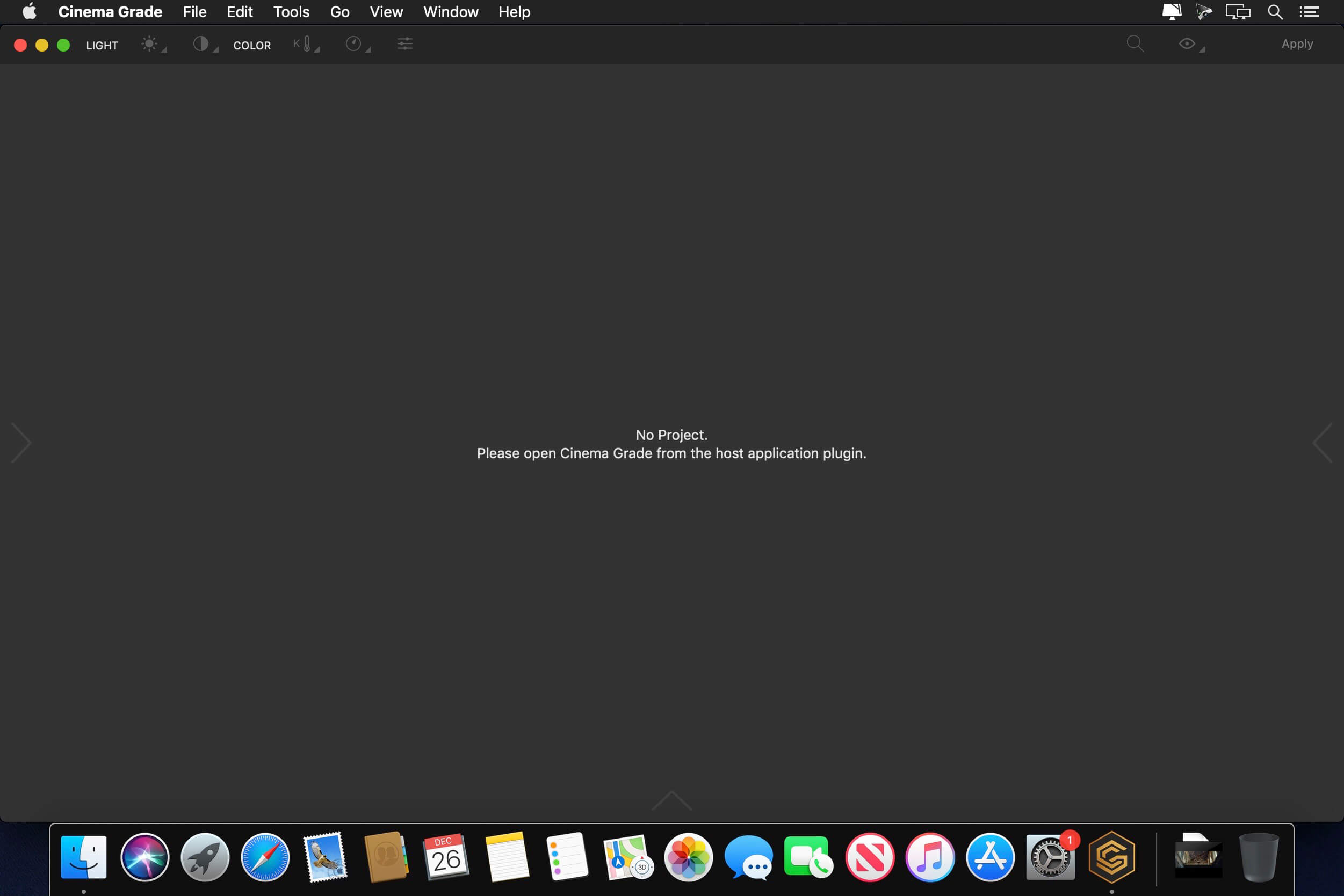
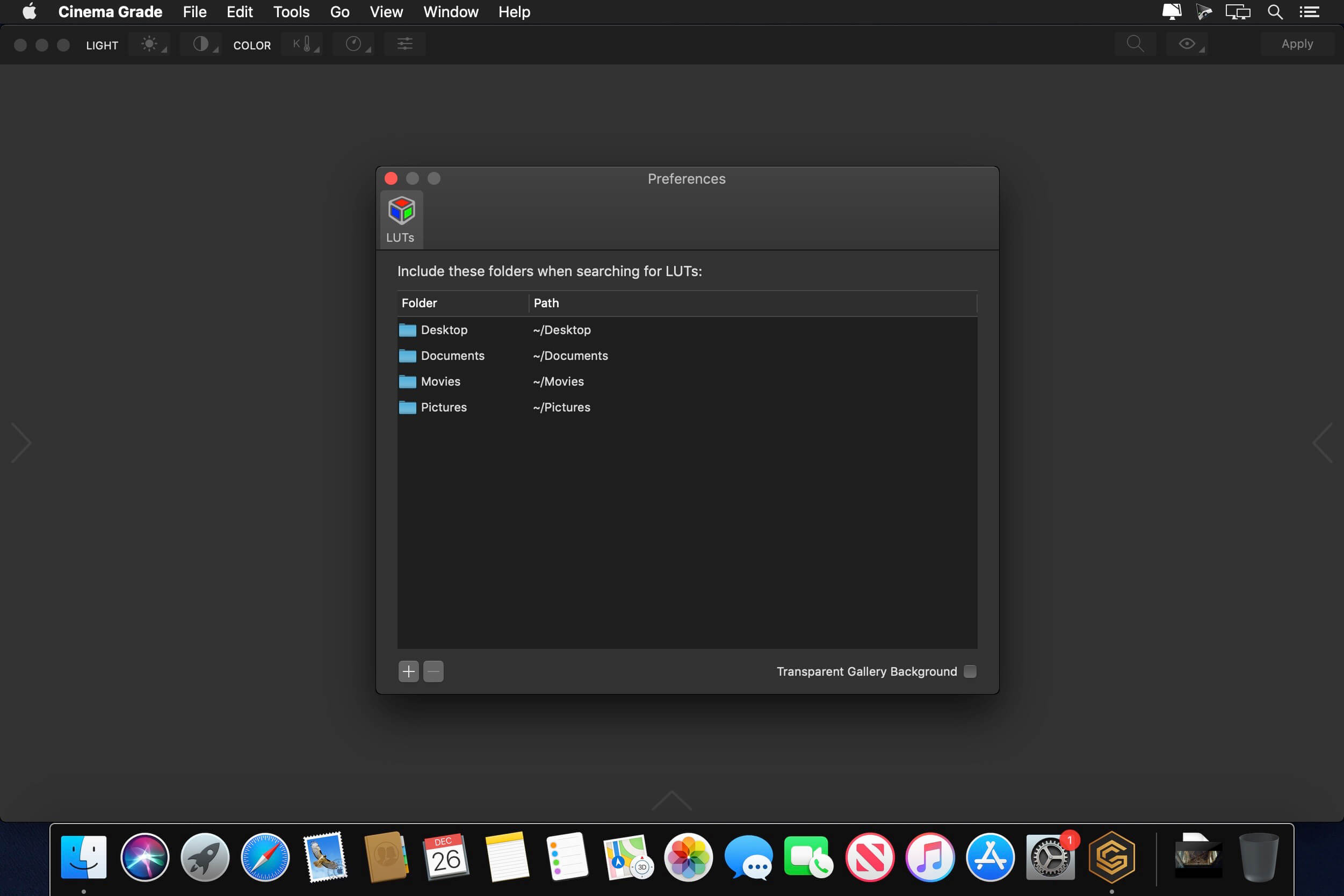
Cinema Grade is a modern color grading software built from the ground up that runs as a plugin inside of Premiere Pro, DaVinci Resolve and Final Cut Pro X on the Mac. With Cinema Grade color grading at once becomes easier and faster by enabling direct on screen color grading, professionally guided colorist’s workflow and over 90 built-in Hollywood style color looks with realtime preview of your favorite LUTs.
What are the minimum system requirements?
- Apple Mac 2011+
- macOS High Sierra 10.13.x and later
- OpenCL 1.2
- * DaVinci Resolve 15 (NO SUPPORT for Mac App Store version)
- Final Cut Pro X 10.4.x and later
- Adobe Premiere Pro 12.1.x and later
Frequently asked questions
How do I install the app?
Mount the image, drag the app into the "Applications" folder and launch it. If the system blocks the launch, allow it in "System Settings → Privacy & Security".
The app is damaged or won't launch
Reinstalling from a fresh image usually helps. Make sure your macOS version matches the one listed in the compatibility specs.
How do I update?
Download the new version from the site and install it over the current one — your settings will be preserved.
The download link doesn't work
Try a mirror or a download manager. For large files the browser often drops the connection.
How do I completely remove the app?
Use an uninstaller utility — it cleans up the service files that remain after moving the app to the trash.
VersionCinema Grade Pro v1.1.3 (486)
DeveloperColor Grading LLC
CompatibilityOS X 10.11 or later, 64-bit processor
LanguageEnglish
IncludesK'ed by TNT




Choose a download source
Cinema Grade Pro v1.1.3 (486) · 18.91 MB
Comments 2