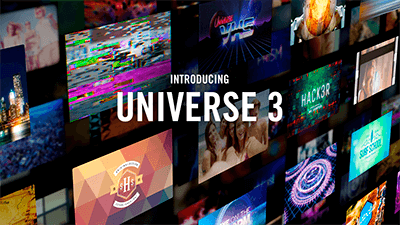
Red Giant Universe 3.1.5

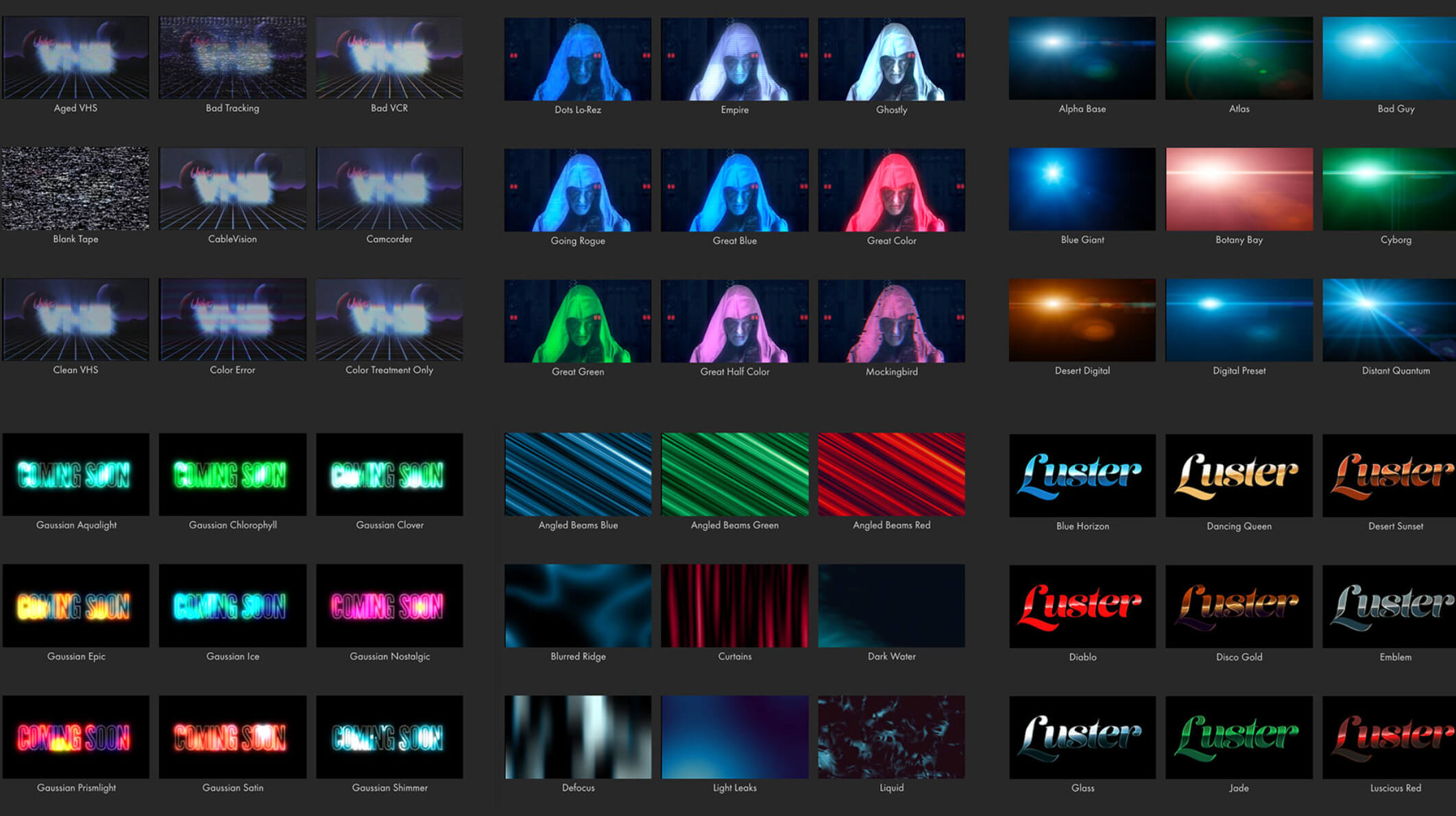
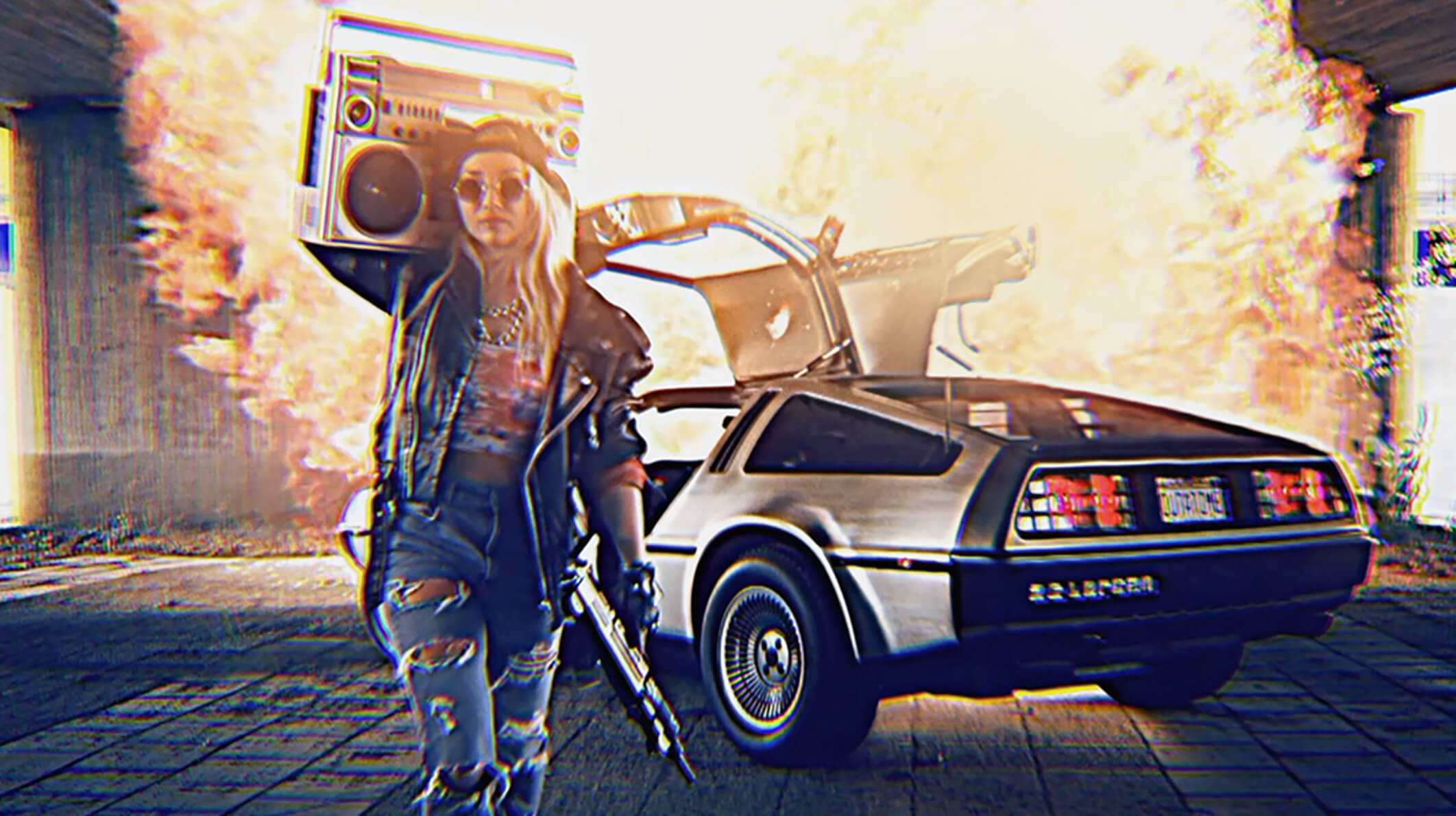
Video transition and effects plugins for editors and motion graphics artists. Give your footage authentic retro and modern day looks using tools like VHS, Retrograde Carousel, Glitch, Holomatrix II, and more.
Stylize Your Footage
Give your footage authentic retro and modern day looks using tools like VHS, Retrograde Carousel, Glitch, Holomatrix II, and more.
Motion Graphics
Create beautiful looping backgrounds and motion graphics elements with tools like HUD components, Line, Knoll Light Factory EZ, Fractal Background, and more.
Transitions & Effects
Build fast, unique transitions with little or no work. Add glows and other effects that give you better results and more shortcuts, options and control than anything in your host app.
Text Generators
Quickly generate animations that bring your text to life, or fill your screen with dynamic data for user interfaces. Go retro with old school computer type on effects, or easily create hacker style reveals for modern titles.
Presets
Every tool in Universe includes presets to help get you started and give instant professional results.
The Universe 3.0 release introduces our new Universe Dashboard for browsing and applying effects and presets, 5 brand-new text generation tools, and presets for every plug-in, to help get you started.
Dashboard
Working with Universe in Premiere Pro and After Effects has never been easier. The new dockable Universe Dashboard brings all of the Universe tools into one place, making it simple to explore and apply the entire library of effects and presets.
Tools
Universe is a collection of 79 GPU-accelerated plugins for editors and motion graphics artists.
Host Applications:
Dashboard
Working with Universe in Premiere Pro and After Effects has never been easier. The new dockable Universe Dashboard brings all of the Universe tools into one place, making it simple to explore and apply the entire library of effects and presets.
Tools
Universe is a collection of 79 GPU-accelerated plugins for editors and motion graphics artists.
Host Applications:
- Adobe After Effects CC 2017 or later
- Adobe Premiere Pro CC 2017 or later
- Apple Final Cut Pro X 10.2.3 or later
- Apple Motion 5.3.2 or later
- Avid Media Composer 8.2 or later*
- Magix VEGAS Pro 14 or later
- Davinci Resolve 14 or later
- HitFilm Pro 6.0 and later
- * Prism Displacement, Compound Blur, and Picture in Picture are not supported in Avid Media Composer.
Frequently asked questions
How do I install the app?
Mount the image, drag the app into the "Applications" folder and launch it. If the system blocks the launch, allow it in "System Settings → Privacy & Security".
The app is damaged or won't launch
Reinstalling from a fresh image usually helps. Make sure your macOS version matches the one listed in the compatibility specs.
How do I update?
Download the new version from the site and install it over the current one — your settings will be preserved.
The download link doesn't work
Try a mirror or a download manager. For large files the browser often drops the connection.
How do I completely remove the app?
Use an uninstaller utility — it cleans up the service files that remain after moving the app to the trash.
VersionRed Giant Universe 3.1.5
DeveloperRed Giant LLC
CompatibilityOS X 10.9 or later, 64-bit processor
LanguageEnglish
IncludesK


Information
Visitors in the group Guests cannot leave comments on this publication.
Choose a download source
Red Giant Universe 3.1.5 · 1.61 GB
Previous versions
Red Giant Universe 3.1.5
Previous versions are available to registered users.